


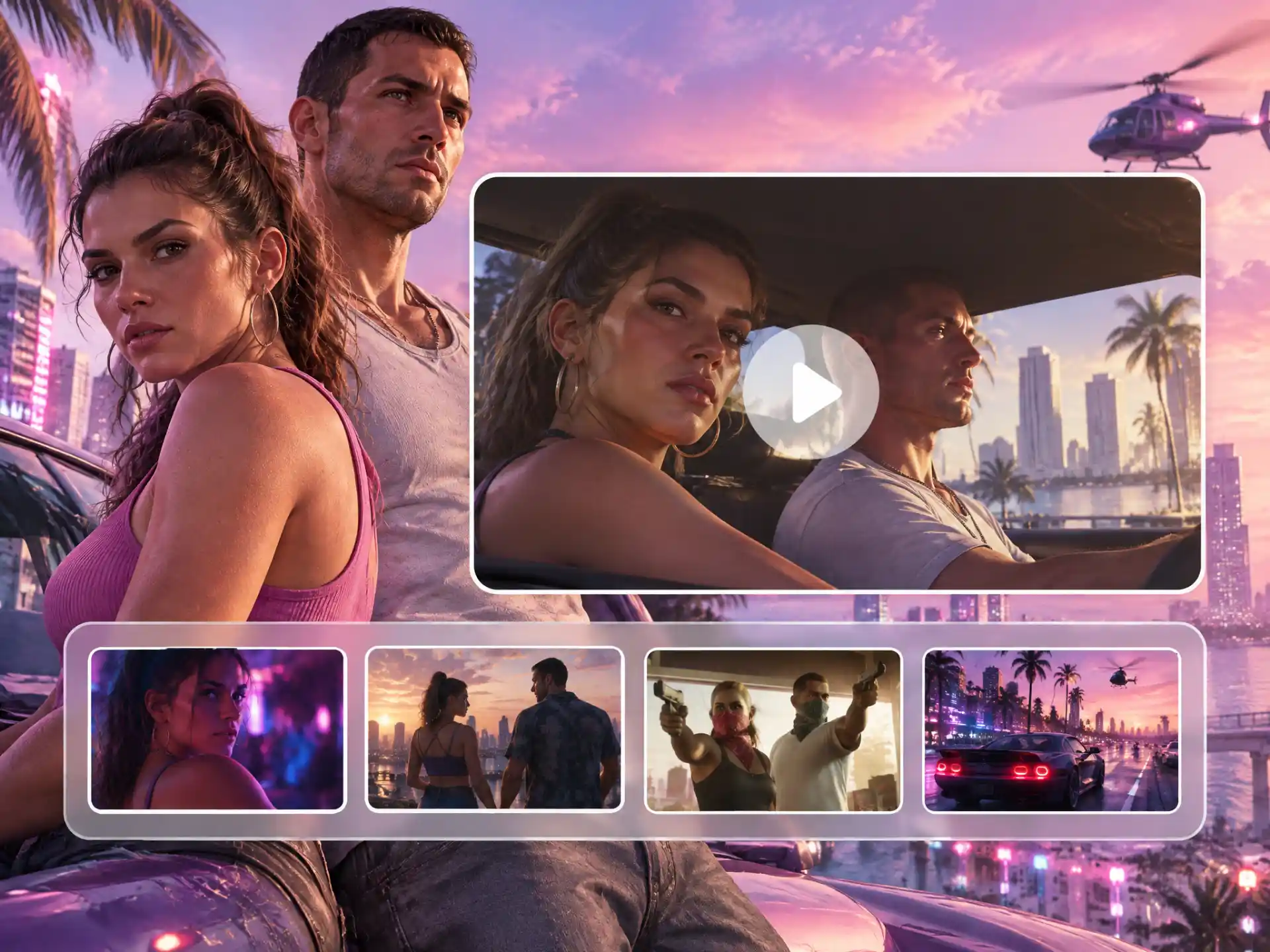

Visual Understanding
WayinVideo analyzes video content as well as transcript information, providing more context when finding GTA VI clips.
Turn your GTA 6 gameplay or streams from YouTube, Twitch, Kick, Rumble, or Medal into multiple clips with facecam and captions. Find standout moments faster, then share your GTA 6 highlights on TikTok, YouTube Shorts, and Reels to reach more viewers and attract likes.
Trusted by professionals at












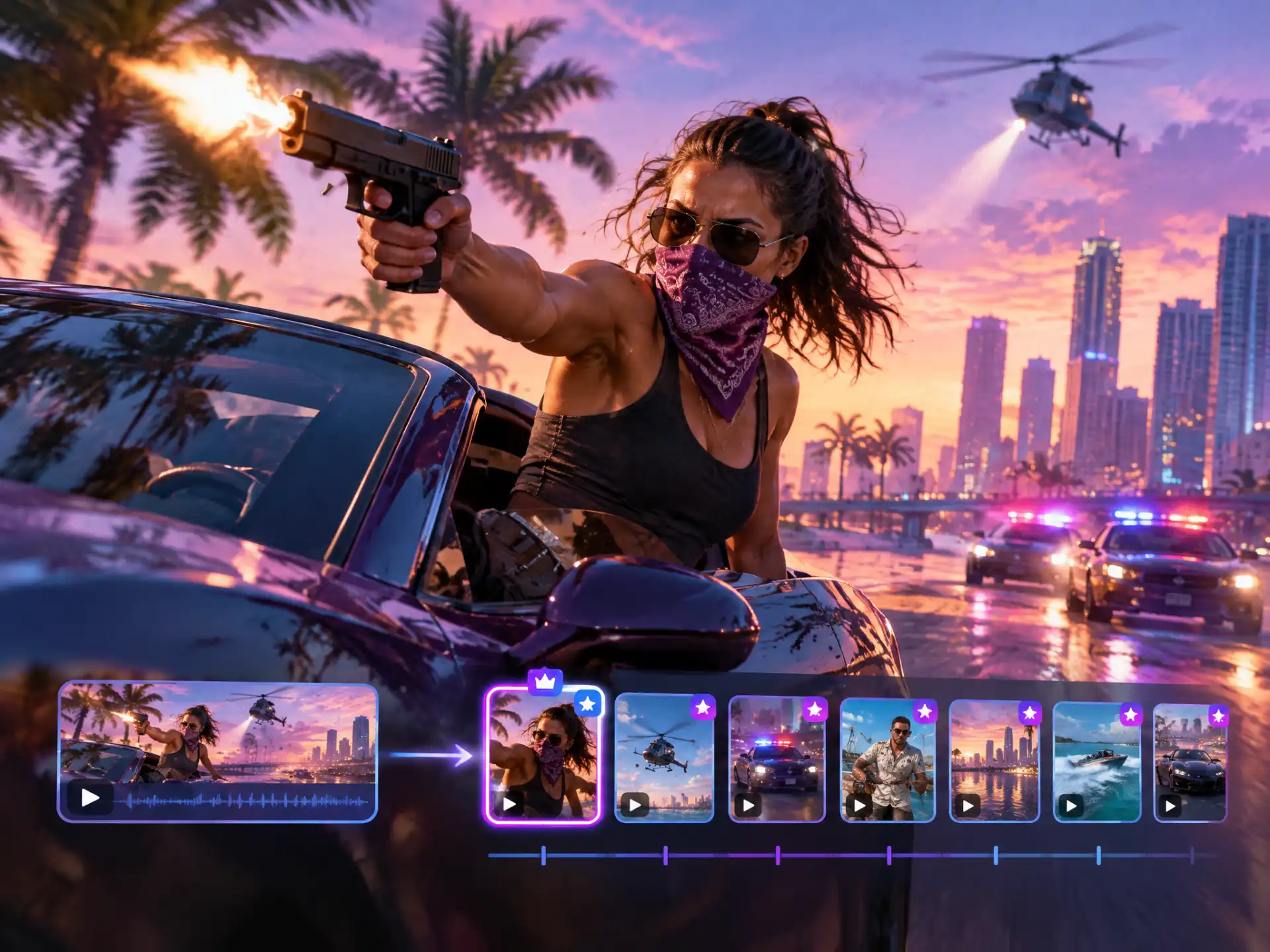
WayinVideo's clip maker can generate 30+ short clips and rank them by virality score, helping you decide which GTA 6 moments to review and share. The number of clips depends on your video's length and content.

Skip repetitive setup with ready-made gaming templates for your GTA 6 clips. Apply a layout and caption style in one click, then adjust the clip length and appearance to match your stream and get your highlights ready to share.

Describe a police chase, an explosion, or a GTA RP conversation in your own words. Find Moments analyzes gameplay visuals and audio to find relevant scenes—even without commentary—so you can review and clip the moments you want.
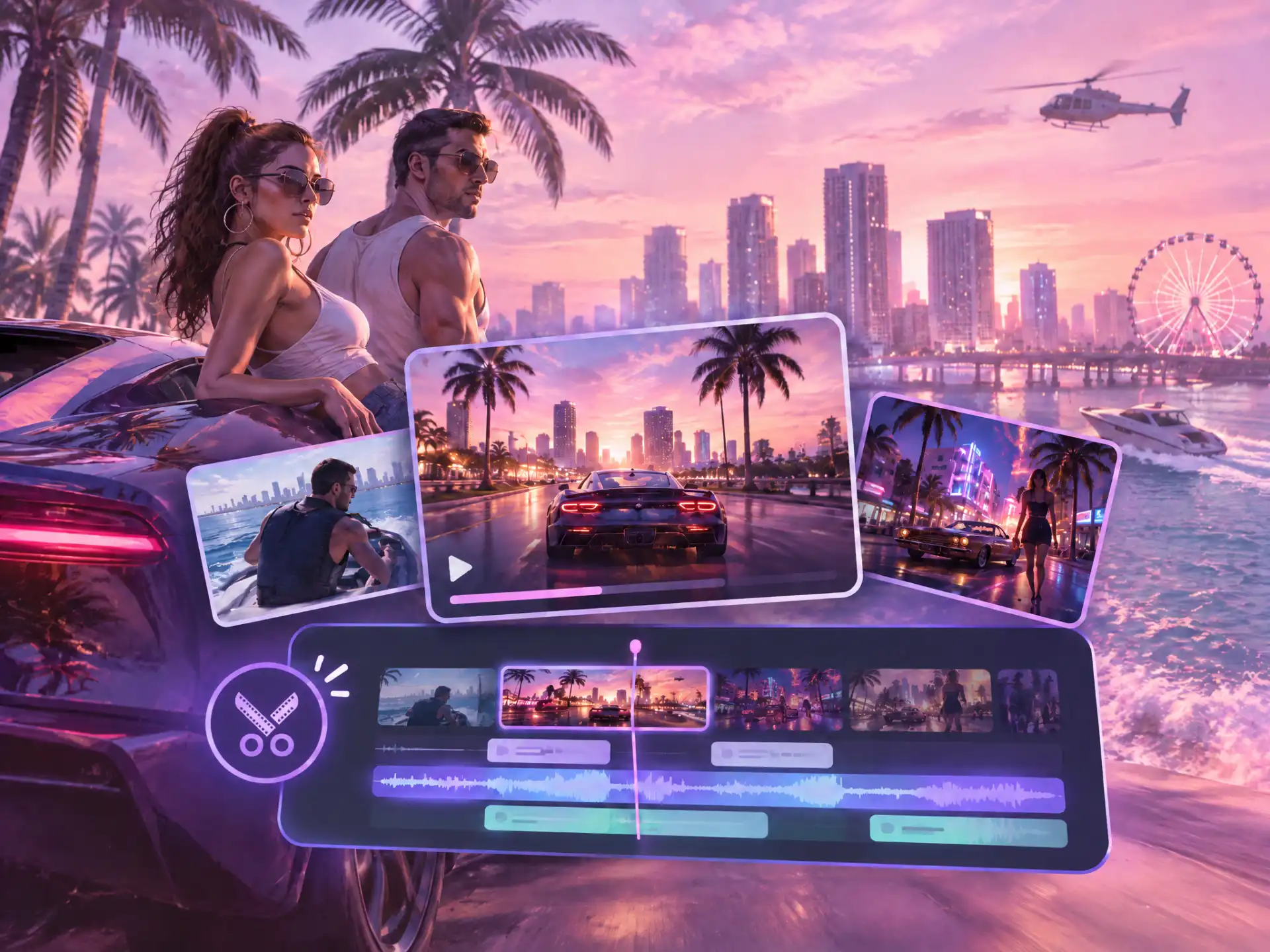
Trim footage around the moment, refine spoken sections with text-based editing, and arrange selected GTA 6 highlights into a montage. Keep the context viewers need to understand the story.

AI Reframe places your facecam above the gameplay in a vertical layout and tracks the main subject as the action unfolds. Create GTA 6 shorts ready for TikTok, YouTube Shorts, and Reels without manually rebuilding the frame.
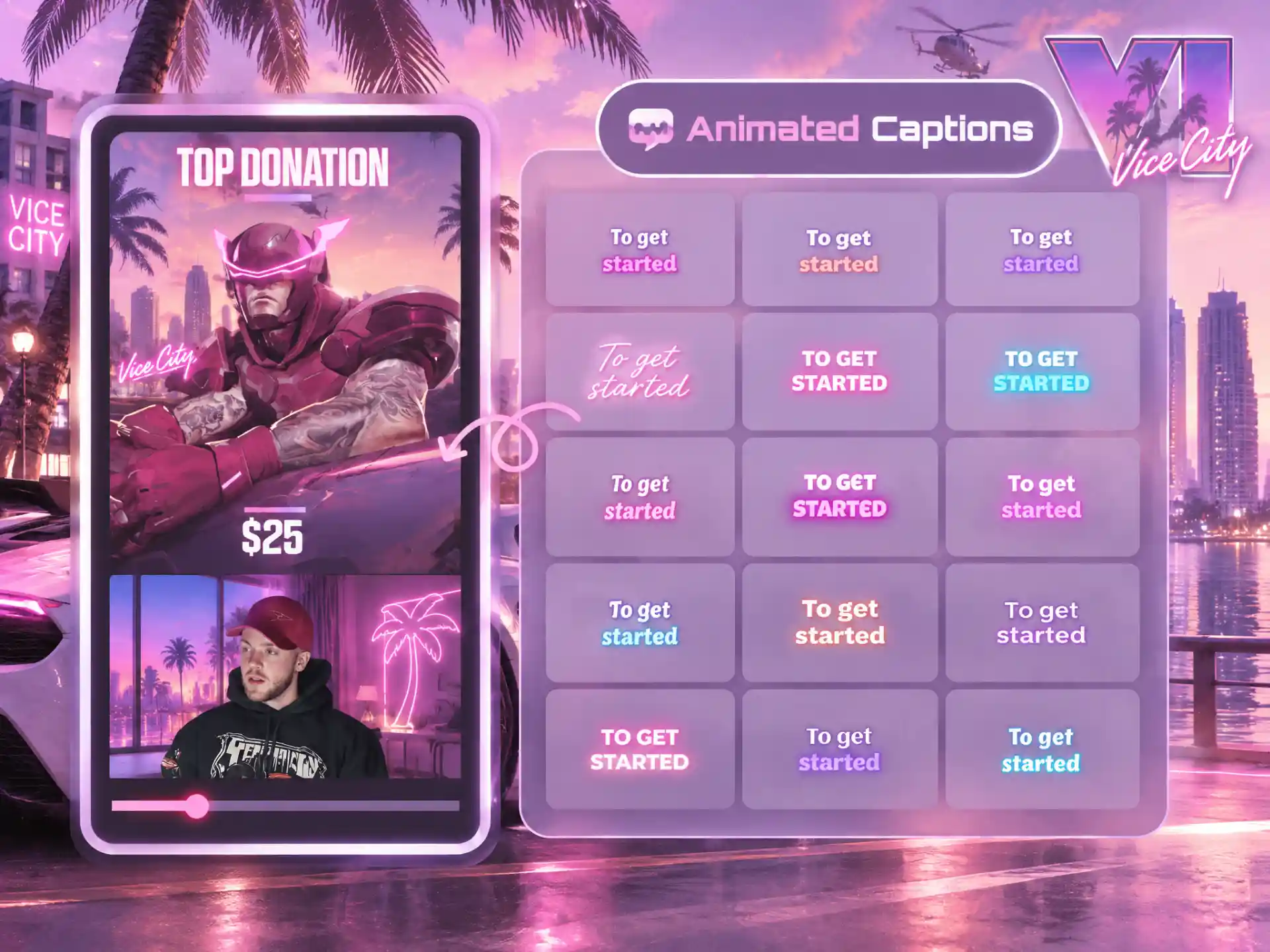
Generate captions for your commentary and reactions, then choose a style that fits your video. Viewers can follow the conversation even when they’re watching your GTA 6 clips without sound.
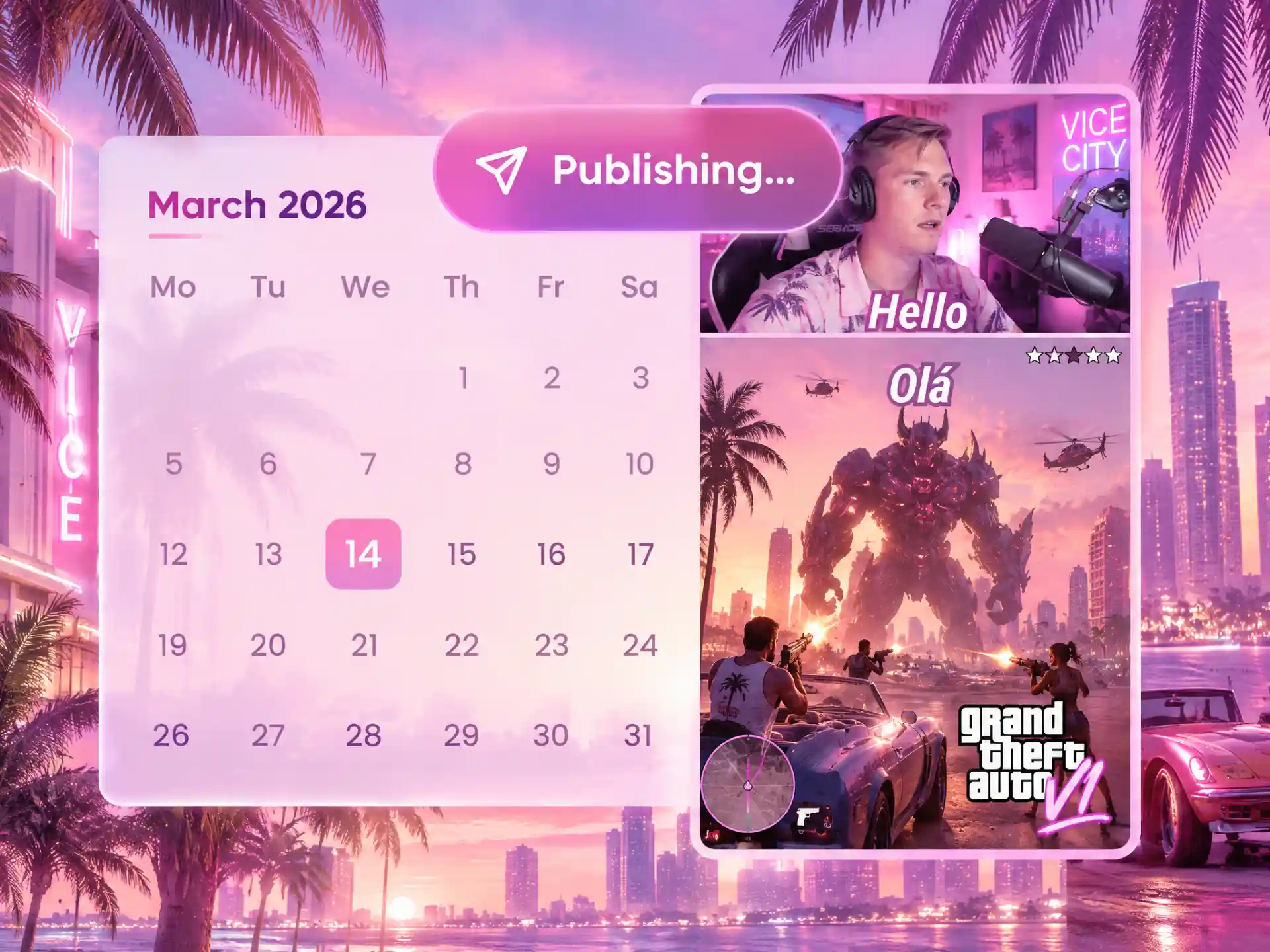
Keep your GTA 6 content moving while you focus on streaming. Schedule multiple clips from one dashboard and automatically publish them to TikTok, YouTube Shorts, and Instagram Reels, giving your audience fresh highlights between gaming sessions.
Use our AI Gaming Clip Generator to create GTA 6 clips from heists, police chases, Vice City adventures, and the story of Lucia and Jason.

Bring your GTA 6 heist highlights together in one click. Combine the setup, action, and getaway into a montage that gives viewers the full story.
Create Heist ClipsWayinVideo analyzes video content as well as transcript information, providing more context when finding GTA VI clips.
Describe the GTA 6 highlights you're looking for in everyday language, without relying on a known timestamp.
Work with longer recordings when creating GTA 6 gameplay clips, so you can find highlights across an entire gaming session.
Process multiple videos in the background while working on GTA 6 clipping projects, so you can spend more time creating and less time waiting.
Speech processing supports a range of languages, giving creators more options for GTA 6 shorts with commentary.
Open WayinVideo in a browser to work with your clips, without installing a separate video editing application.
Paste an accessible video or recording link from YouTube, Twitch, Kick, Rumble, or Medal, or upload your own GTA 6 gameplay
Find the moments you want to keep and create GTA 6 clips from your gameplay recordings and streams.
Start creating with 100 free credits.


