

AI Video Processing
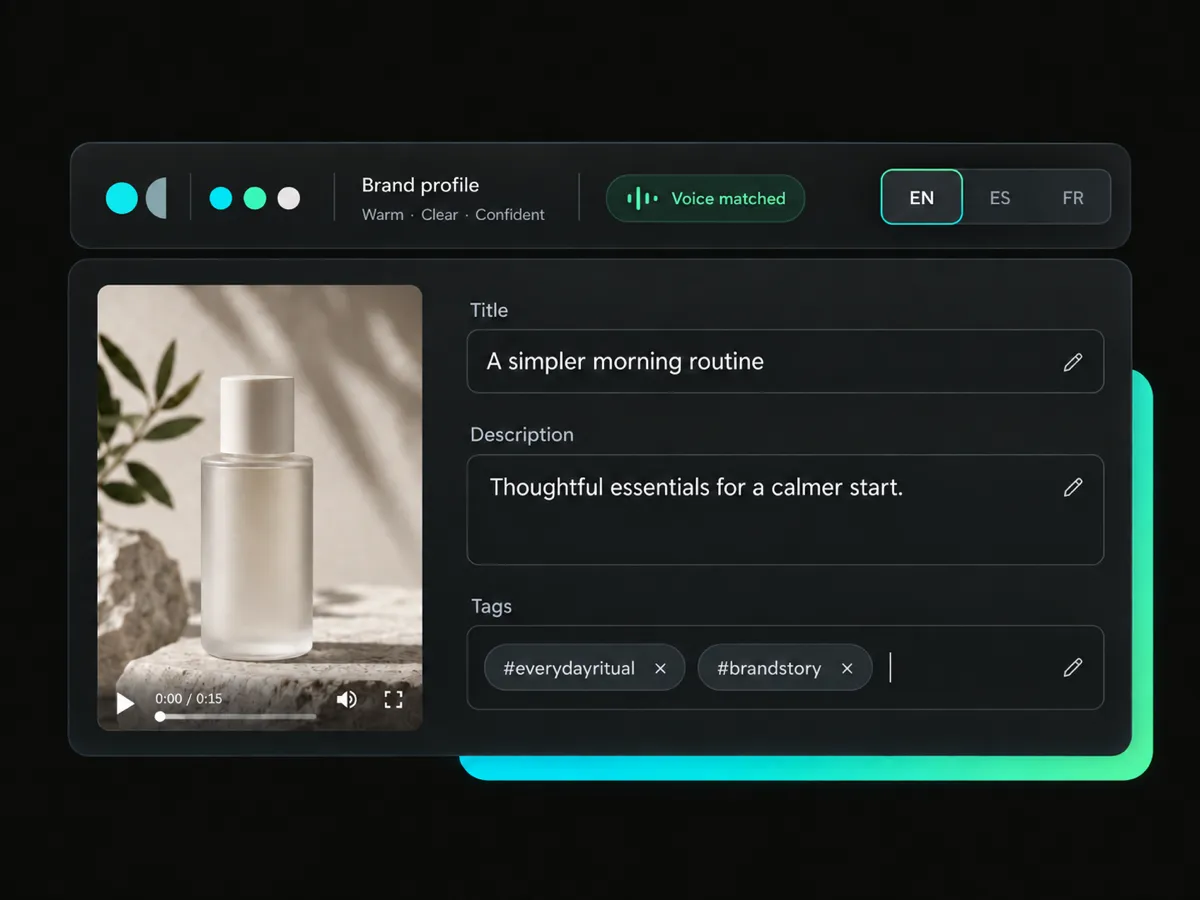
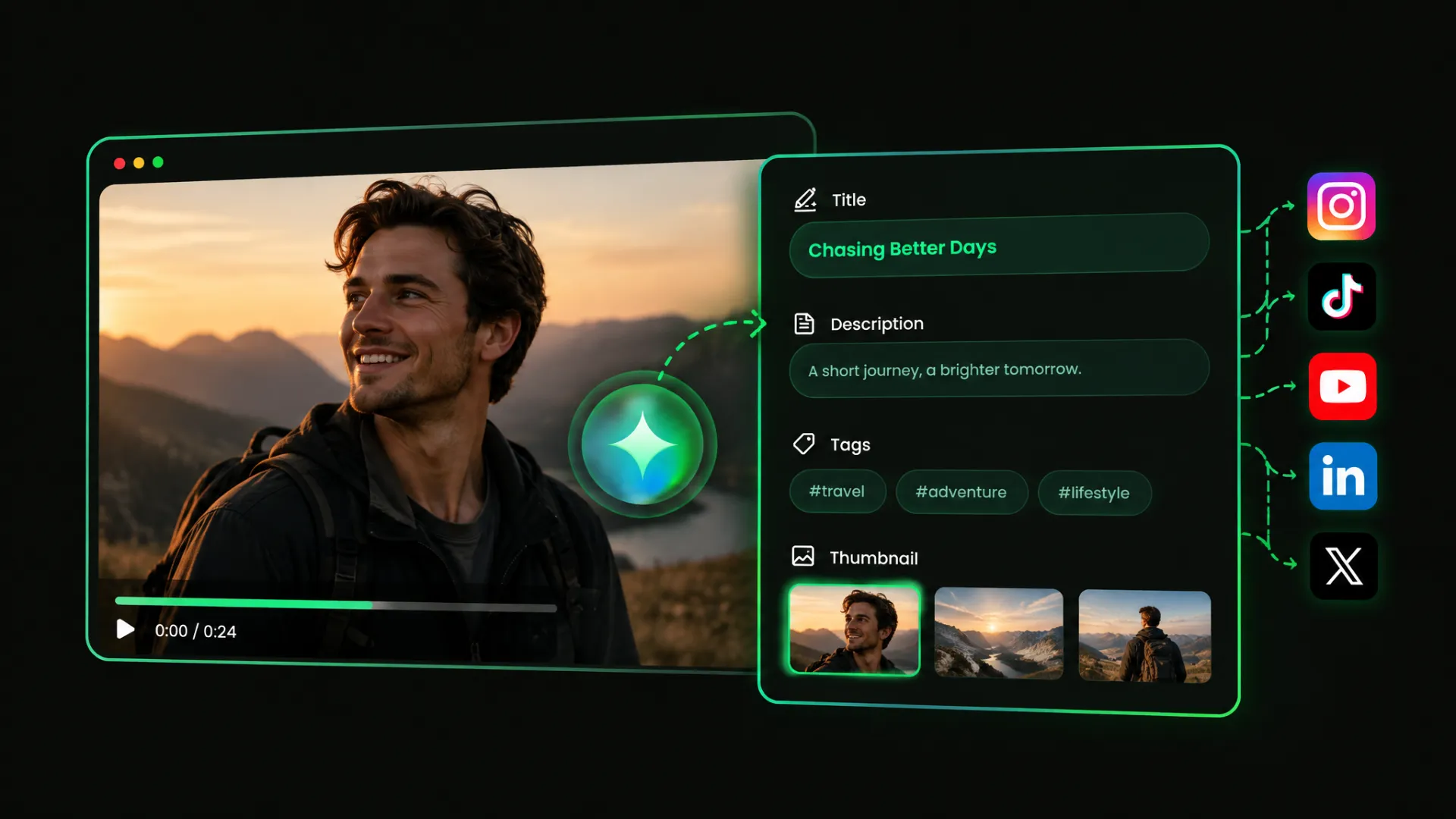
An AI TikTok caption generator reads your video's visuals, speech, and context to understand what it's about, then creates a title, description, and tags for you to review and edit.
Need a catchy caption for a TikTok video? Let AI generate a title, description, and tags. Make some edits, add a thumbnail and prepare your post to publish or schedule.
Trusted by professionals at












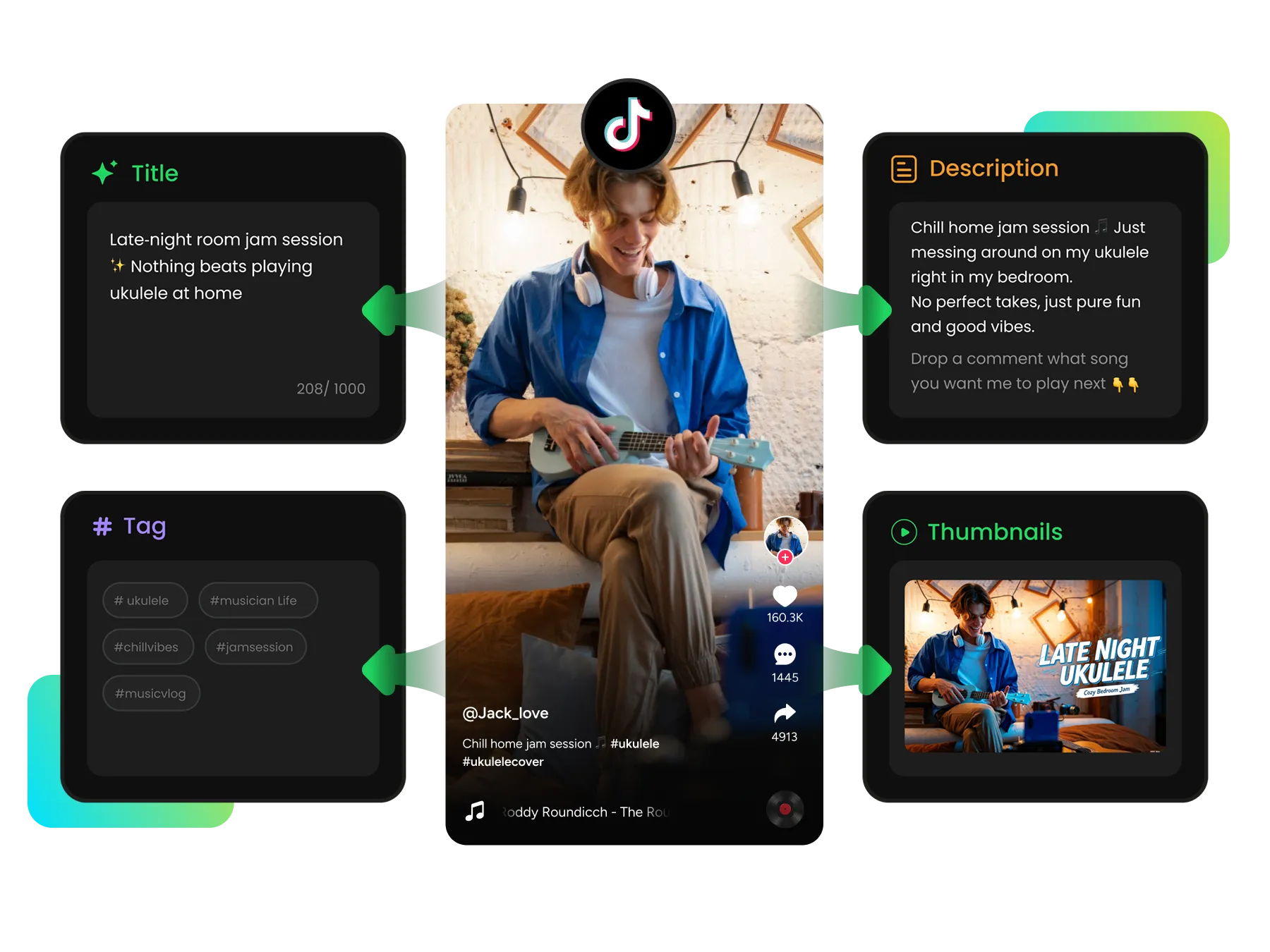
AI automatically analyzes your TikTok video to generate a caption. Review the suggestions, edit the wording, and add a thumbnail to shape your post. This tool can turn what's in your video into copy you can refine.
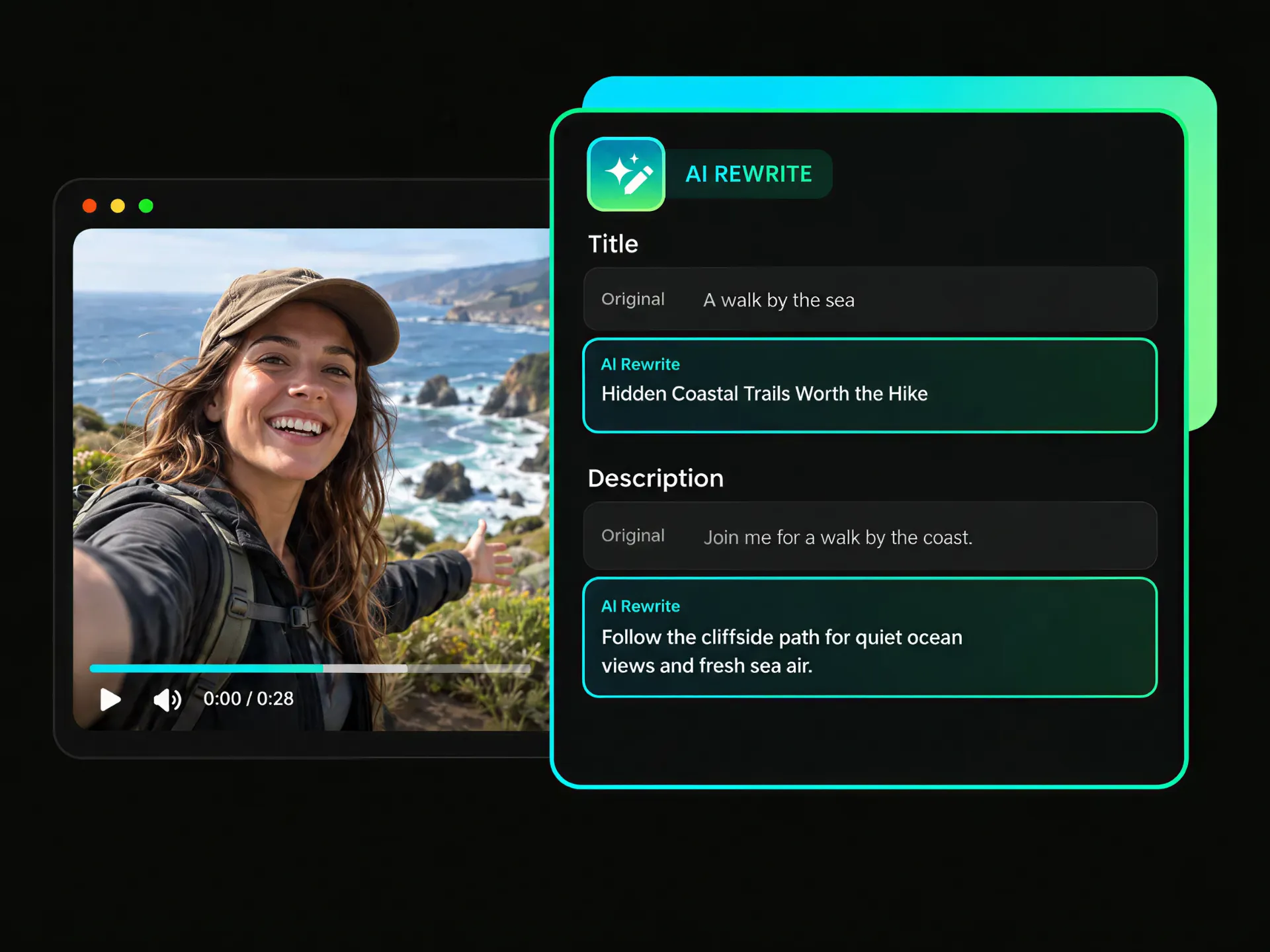
The first version may not sound quite like your channel. Use AI to rewrite your TikTok title or description, review each suggestion, and keep refining the wording until it feels right for your video style and audience.
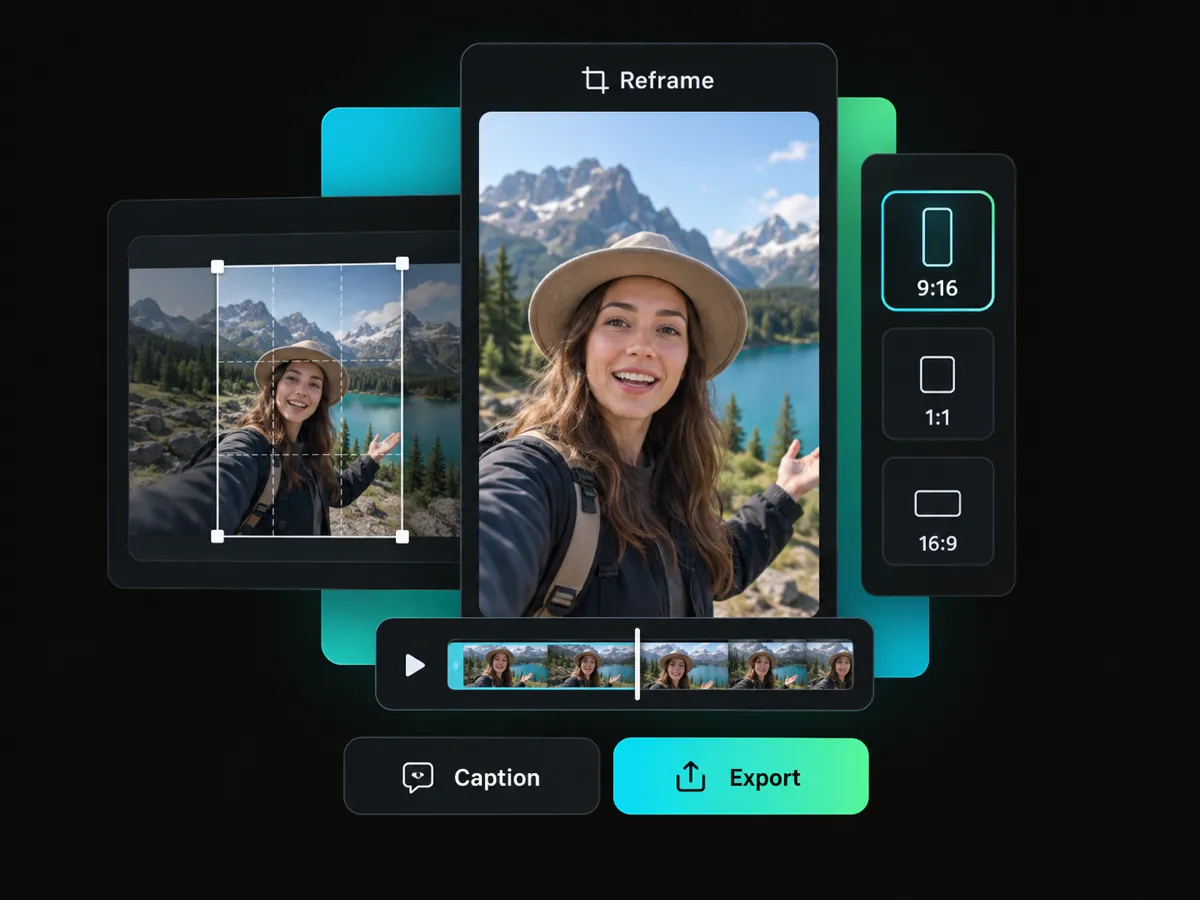
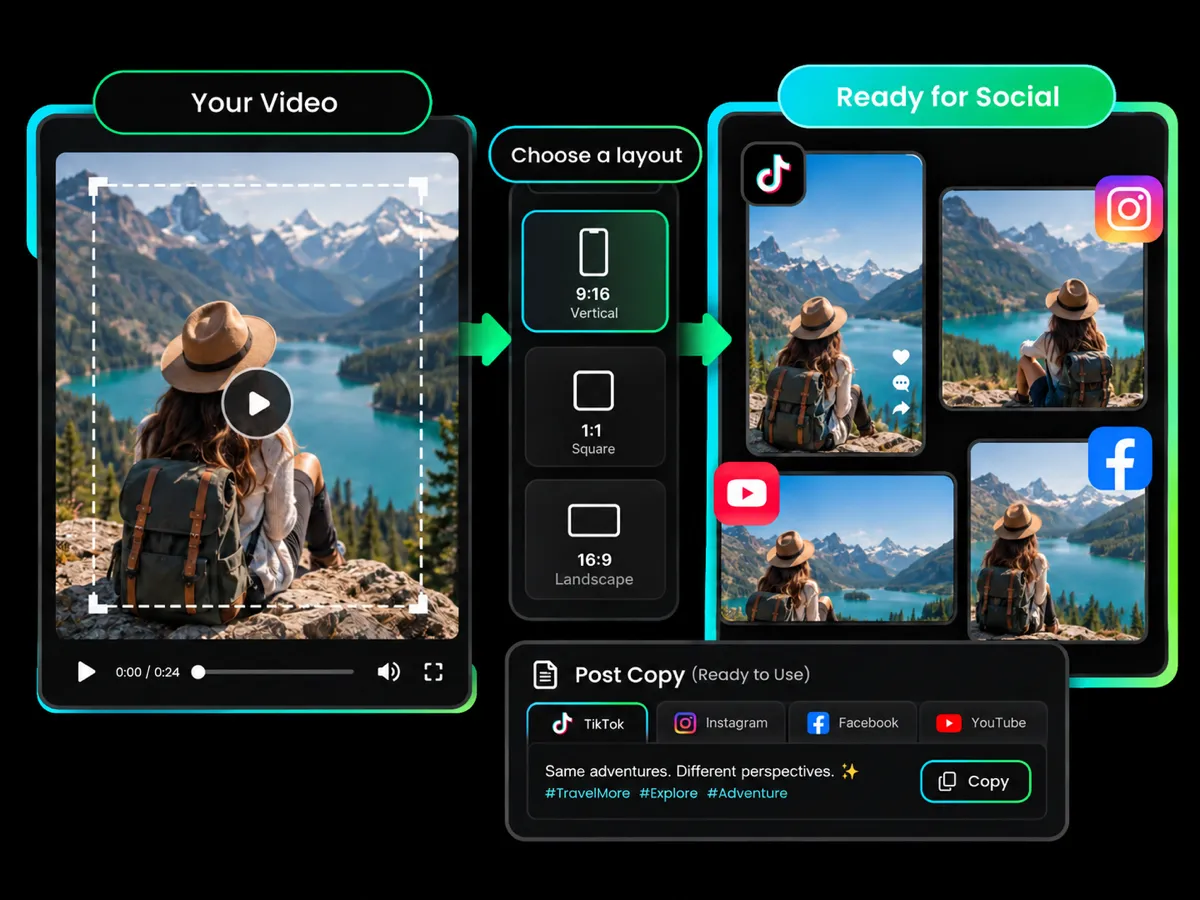
Reframe your video to fit different social media layouts. Preview how it looks for a TikTok post, then keep working on your caption or export the video when it's ready to share. You can prepare your video for more than one platform at once.
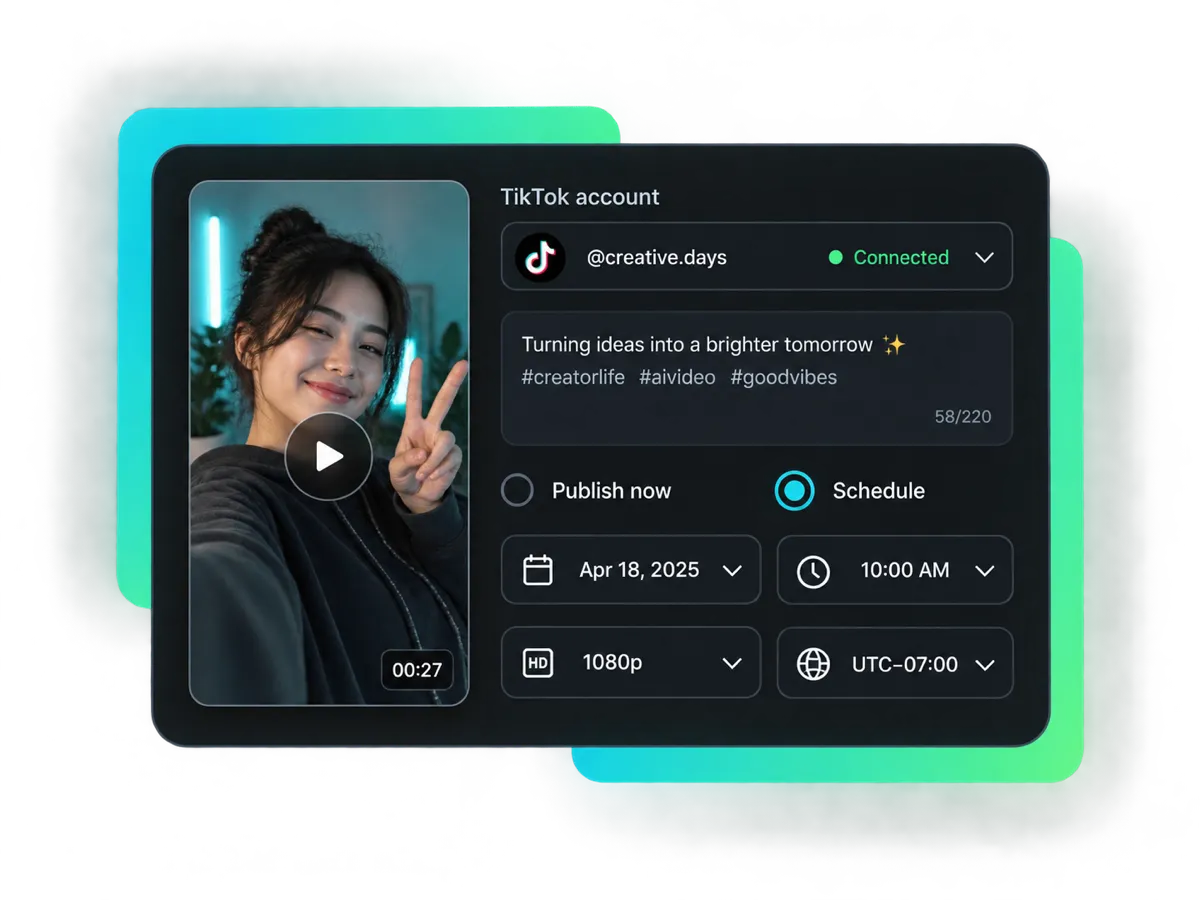
Your TikTok video caption is ready to share. Choose a connected TikTok account, review the post details, then publish now or schedule your post for a later date and time. Set the video resolution and time zone with our scheduler.
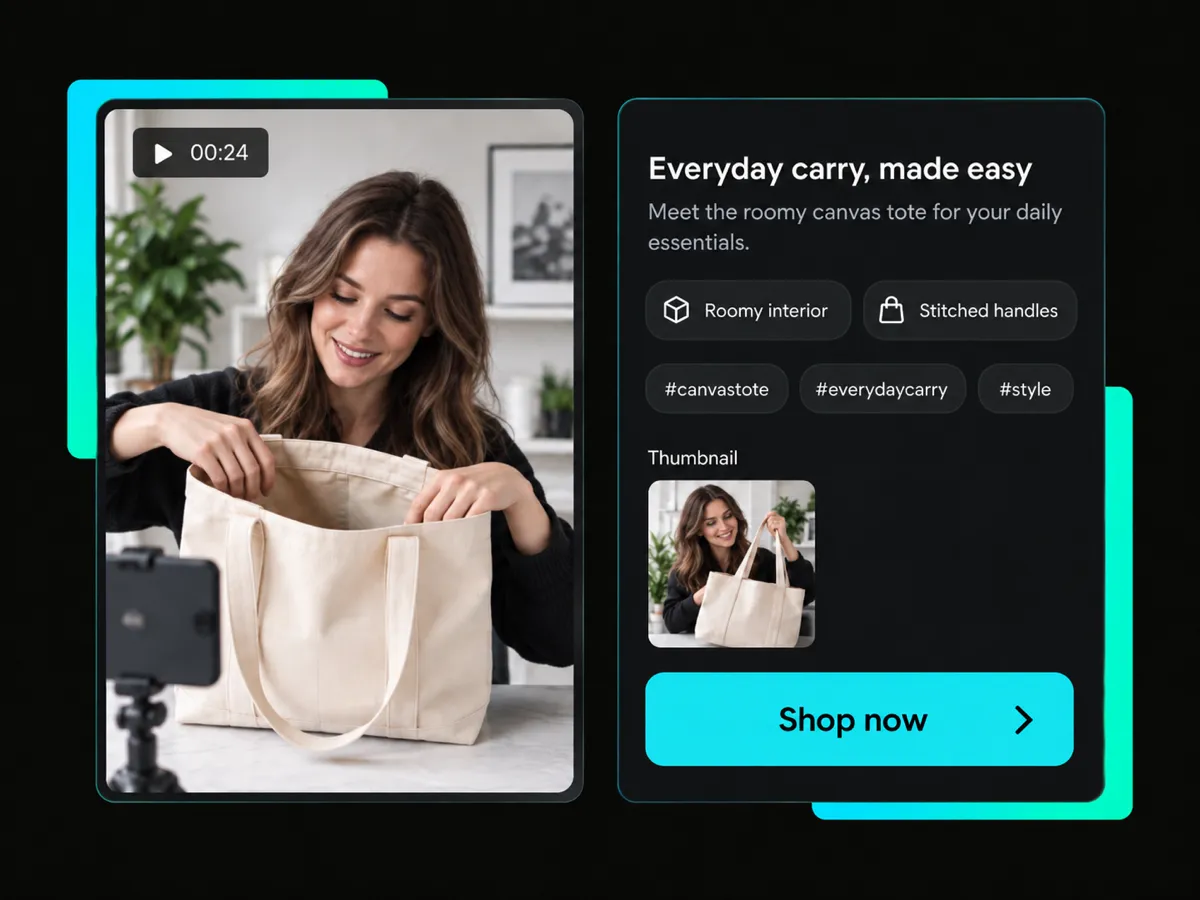
From everyday TikTok videos to product posts, create a title, description, and tags from your video. Review and edit the wording, then add a thumbnail or reframe your video before publishing.
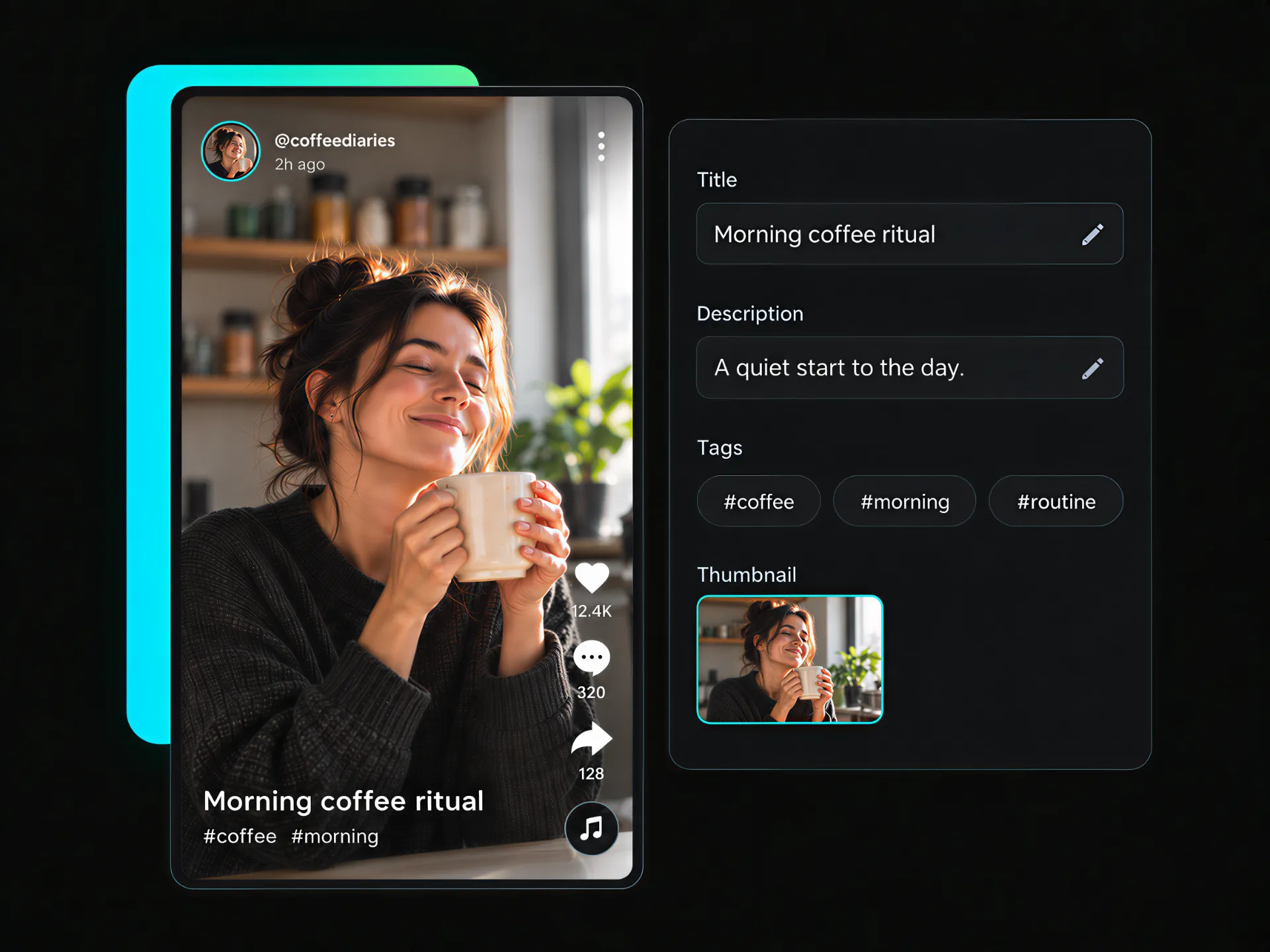
Posting often? Turn a video into a TikTok title, description, and tags with our TikTok caption generator. Check the suggested copy, change anything that doesn't sound like you, and add a thumbnail to finish your TikTok post.
Create Your CaptionAn AI TikTok caption generator reads your video's visuals, speech, and context to understand what it's about, then creates a title, description, and tags for you to review and edit.
AI identifies topics and key points in your video and generates relevant hashtags in the description. Keep the ones you want, or remove any that don't fit your TikTok post.
Create TikTok captions in multiple languages for different audiences. Edit the wording before adding it to your post, so your TikTok video caption says what you want it to say.
Prepare your video for publishing at up to 4K resolution. Add or edit your TikTok video caption and post details, then publish now or schedule your post for a later date and time.
Start with a link to make captions for TikTok videos online, with no software download needed. Generate a title, description, and tags, then add a thumbnail for your final post.
Bring caption writing and post preparation together in one workflow. Generate and rewrite captions, then prepare your video to publish or schedule without tool switching.
Upload a video or paste a TikTok video link to get started. The TikTok caption generator uses your video as a starting point for creating your post.
Your caption is one part of the post. Add a thumbnail, reframe your video, then publish to a connected social account or schedule it for later. Keep your post details close at hand as you get ready to share.
Start with 100 free credits when you sign up.


