

Save Time on Transcription
Skip repeated listening and manual typing. Let AI turn your English recordings into text, so you can spend less time transcribing and more time reviewing important information.
Transcribe English audio to text with WayinVideo. Get editable transcripts with speaker labels and clickable timestamps. Find and review key details with ease.
Trusted by professionals at












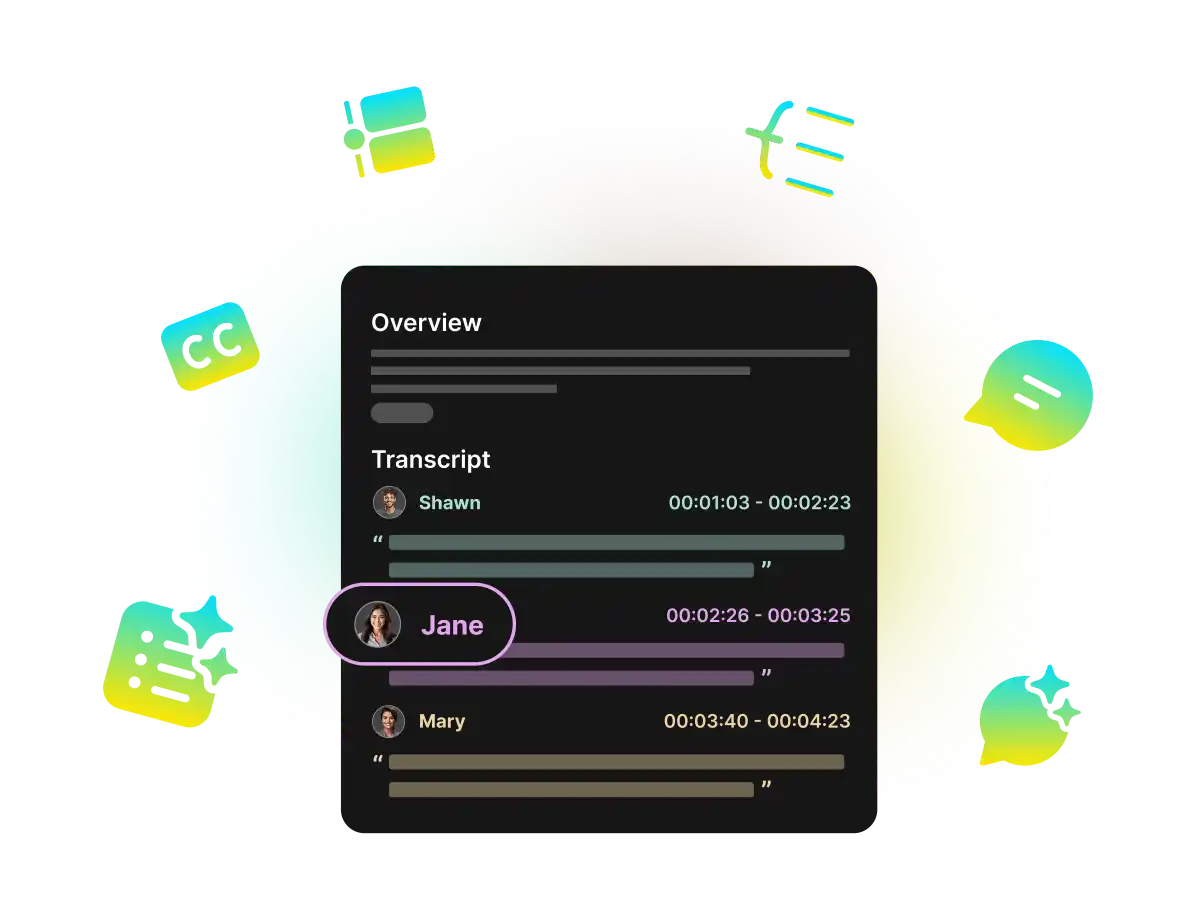
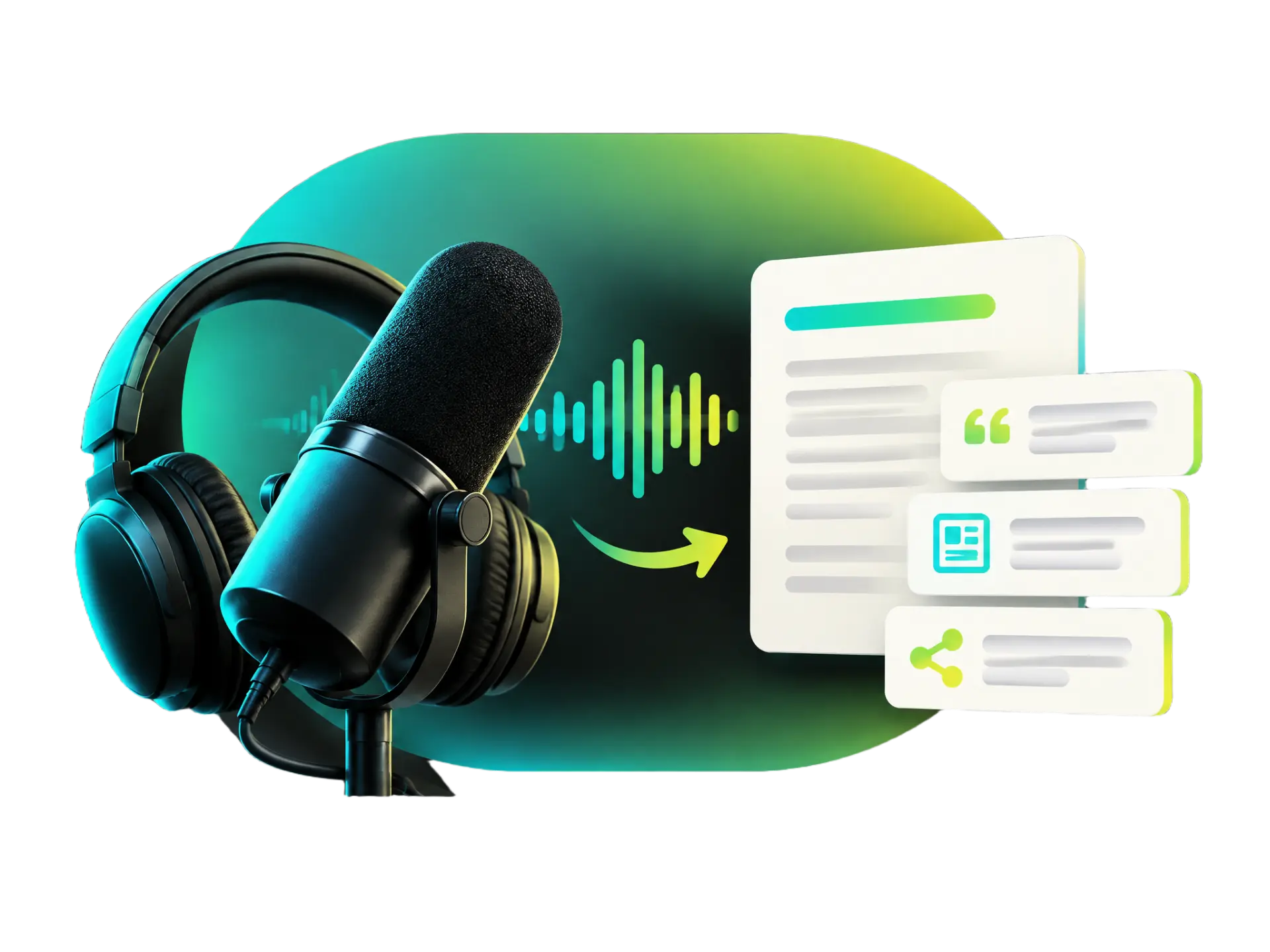
Turn spoken English into written text with WayinVideo's AI audio to text converter. Generate transcripts from lectures, meetings, and podcasts, even when recordings contain different English accents, fast speech, or technical terms. Review and correct the results without manually typing every word.
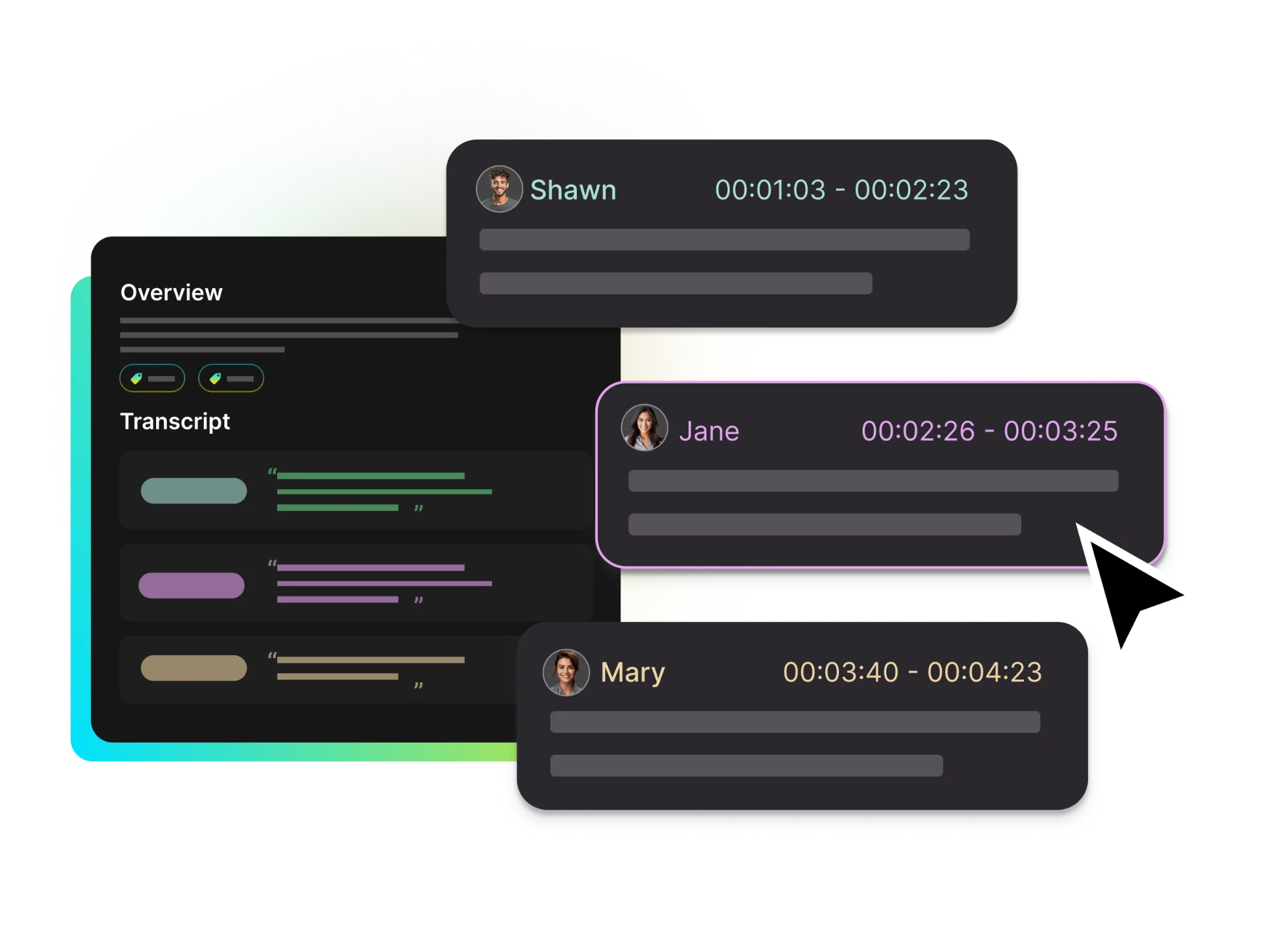
Automatically label different speakers in English meetings, interviews, and podcast recordings. WayinVideo helps you see who said what, making multi-speaker conversations easier to follow and organize without manually separating each person's dialogue.
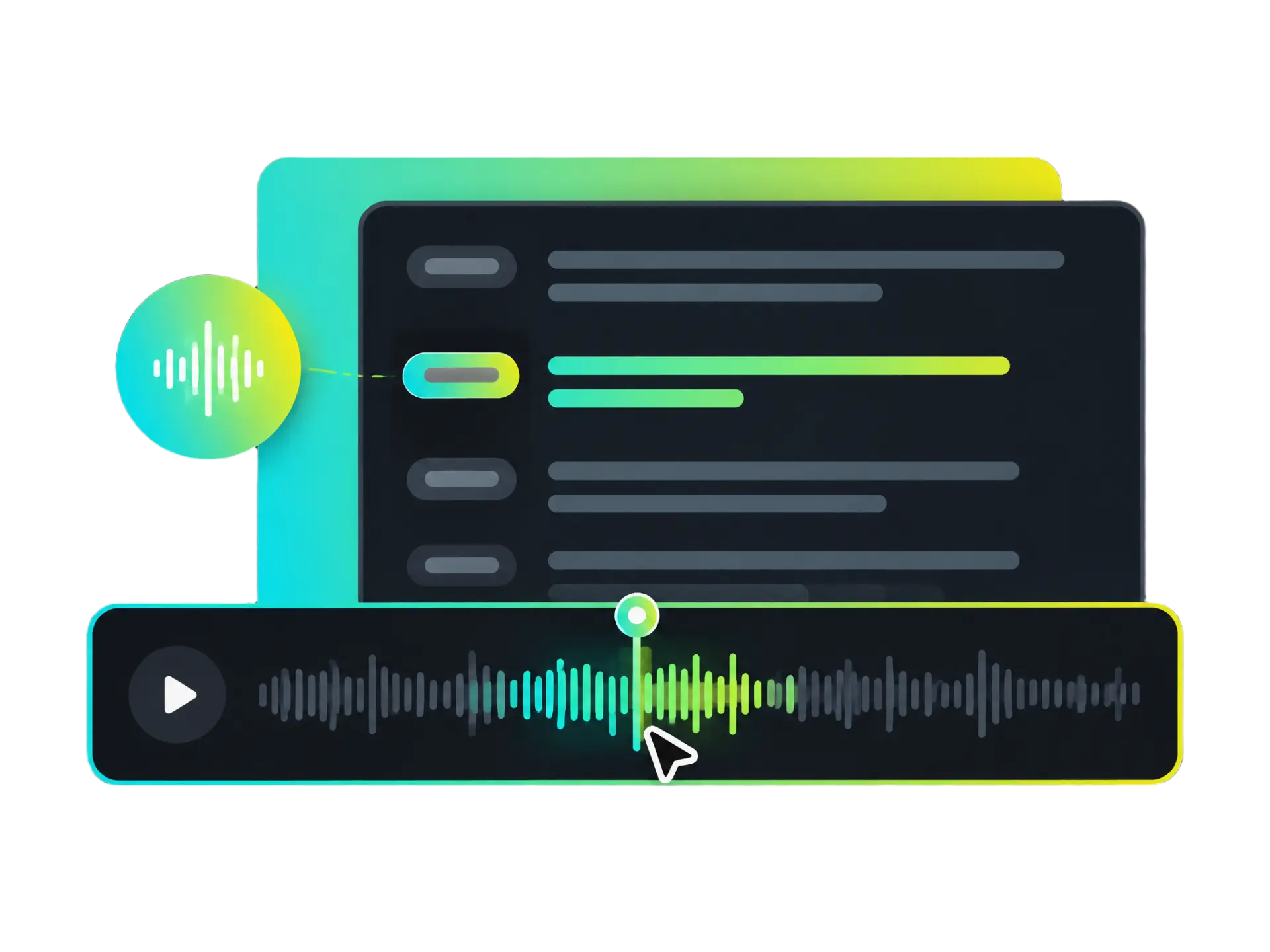
Find specific statements in long English recordings with clickable timestamps. Click to jump directly to the corresponding moment in the original audio, so you can review key explanations, verify quotes, and check important details without replaying the entire recording.
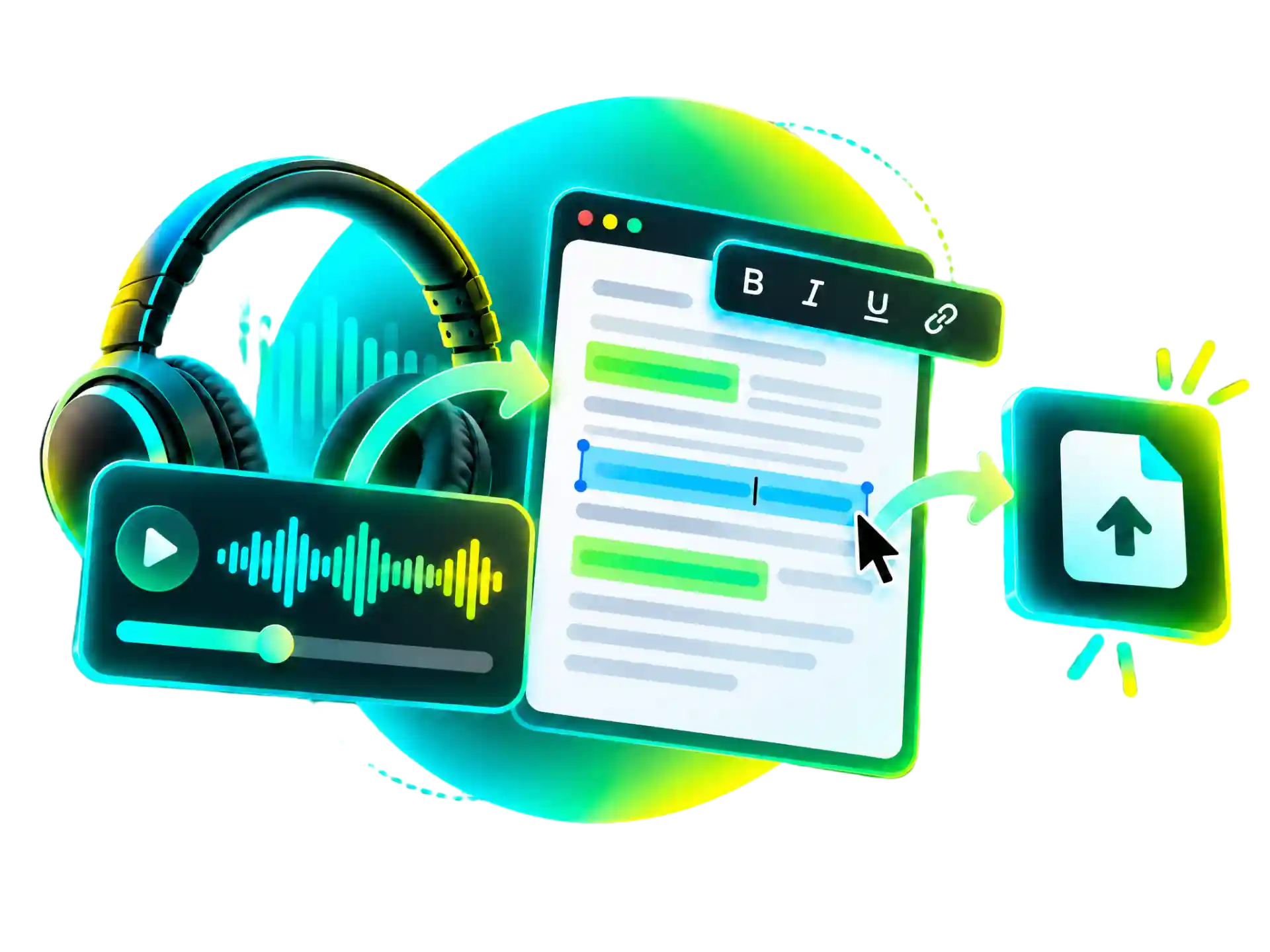
Review your AI-generated English transcript and correct names, technical terms, or other transcription errors. Export your transcript as a TXT file for notes and documentation, or as an SRT file with timestamps for subtitles and other projects.
Whether you're studying, documenting conversations, or creating content, WayinVideo helps turn English recordings into text you can easily review, search, and reuse.
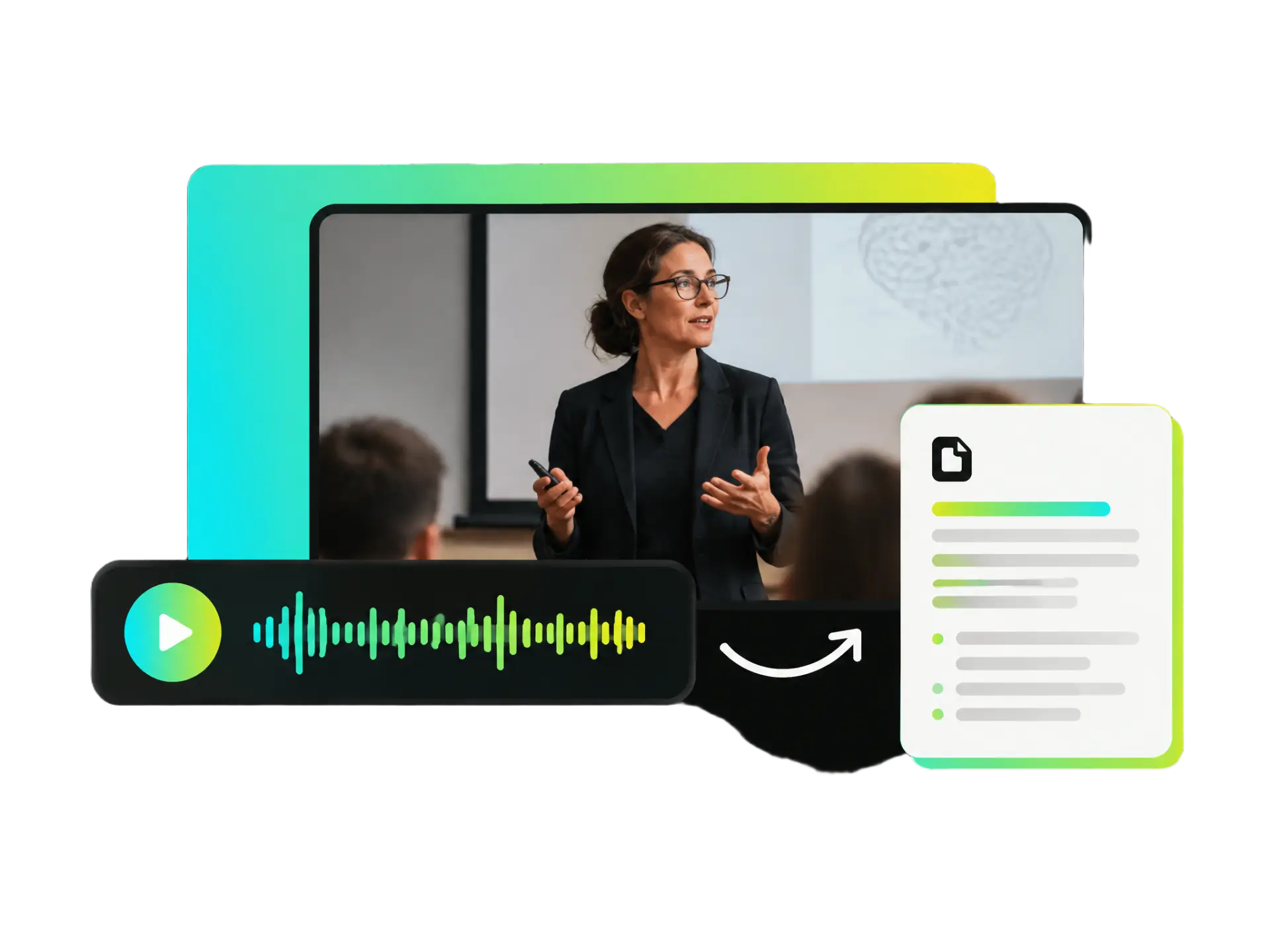
Transcribe English lectures, lessons, and study recordings into readable text without listening to the entire audio again. Search for important concepts, revisit specific explanations with timestamps, and organize your notes more easily.
Transcribe My LecturesSkip repeated listening and manual typing. Let AI turn your English recordings into text, so you can spend less time transcribing and more time reviewing important information.
No transcription experience or complicated software needed. Upload your English recording, let AI generate the text, and review the results in one place.
Work with English audio from lectures, meetings, interviews, and podcasts, including recordings with different accents, speaking speeds, or technical terms.
Search through English transcripts to locate important information, revisit specific moments, and check details without listening to the entire recording.
Review AI-generated text, correct recognition errors, and refine your transcript before saving it for your own needs.
Save your English transcripts for study notes, meeting records, research materials, subtitles, or future content projects without starting from scratch.
Upload your English audio recording to WayinVideo to get started. Add a lecture, meeting, interview, or podcast recording in MP3, WAV, or M4A format.
Turn your English recordings into editable transcripts with WayinVideo. Save time on manual transcription, review important details with timestamps, and export your results for later use.
No credit card required.


