
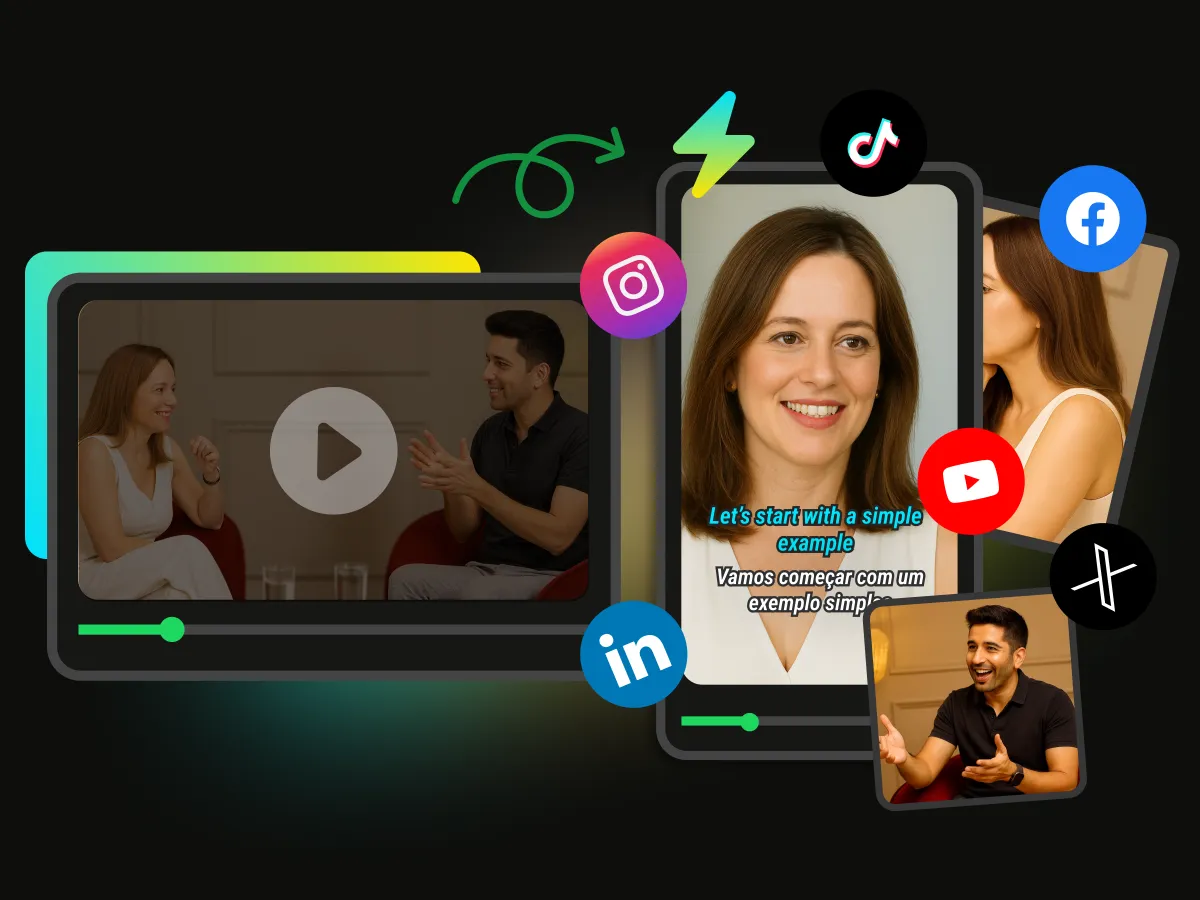
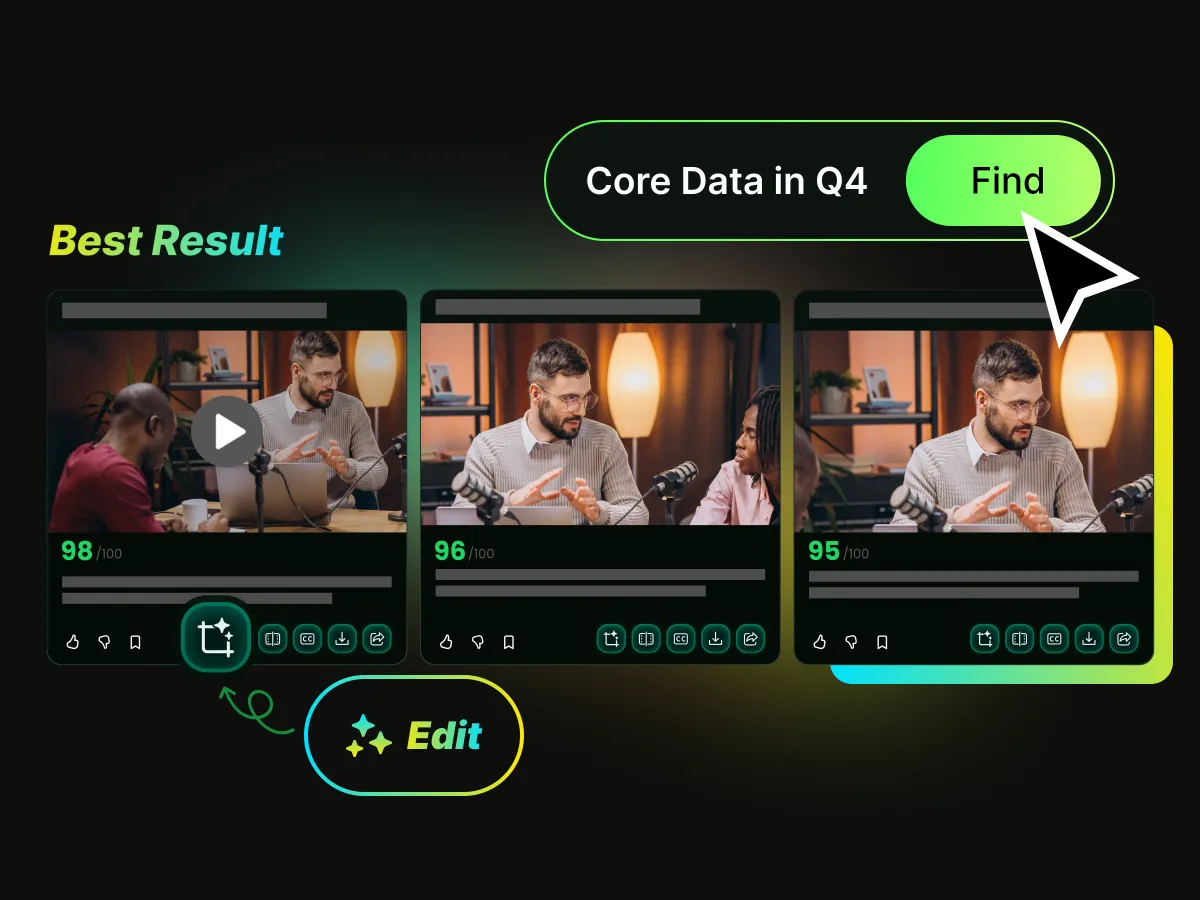

Built for Streamers
Designed as an AI video editor for streamers, WayinVideo helps creators edit livestreams, generate clips, and repurpose content faster. It helps simplify the process of turning livestream recordings into engaging content.
Turn long livestreams into engaging clips with WayinVideo's AI video editor for streamers. Automatically find highlights and transform your streams into viral TikTok, Instagram Reels, and YouTube Shorts content.
Upload your livestream recordings or paste a video link from platforms like YouTube or Twitch. WayinVideo analyzes your content and prepares it for AI-powered stream editing.
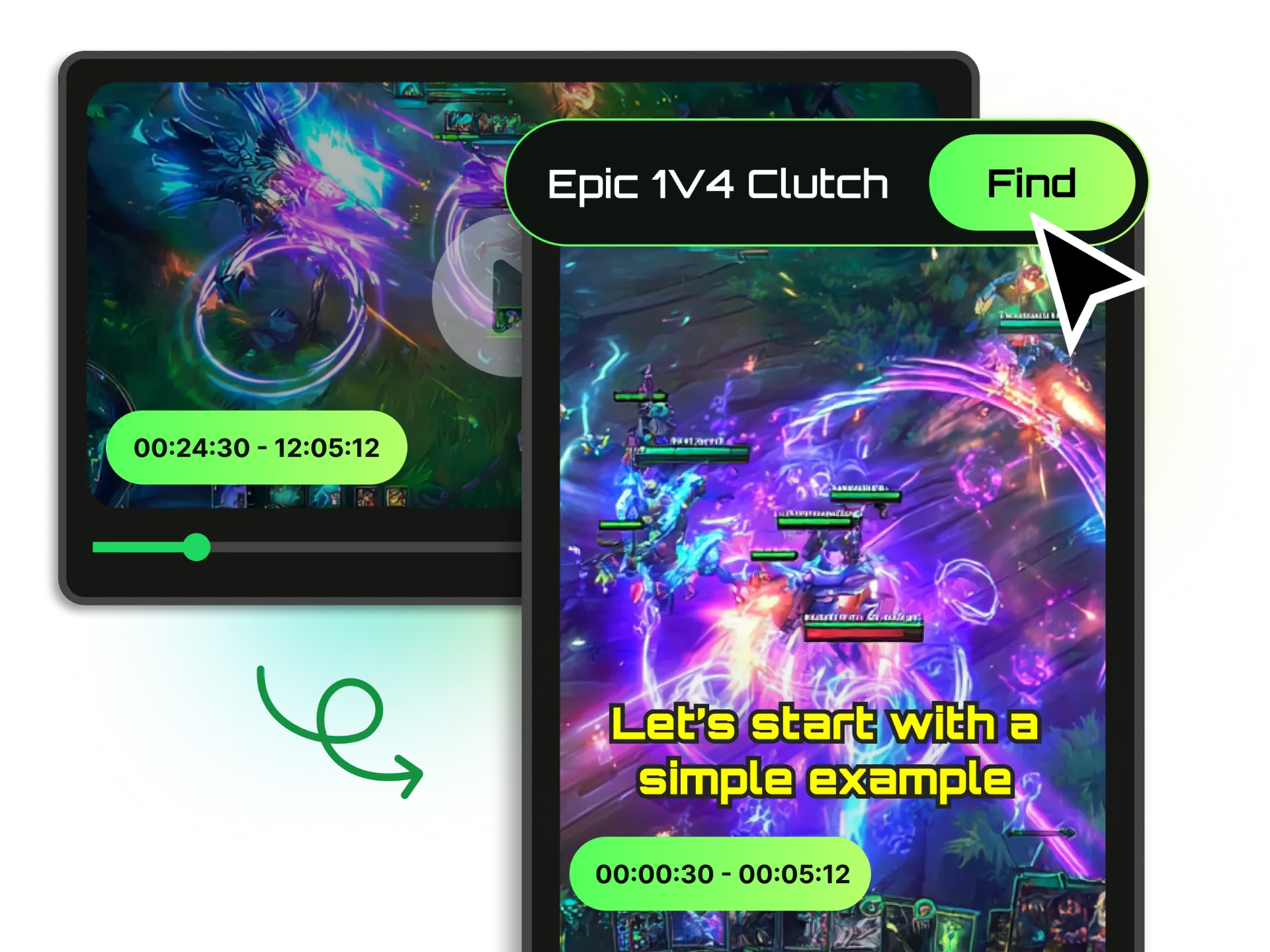
WayinVideo's AI video editor that analyzes livestream recordings and detects moments most likely to capture audience attention. By understanding gameplay changes, reactions, conversations, and viewer-worthy scenes, it helps creators quickly find valuable highlights from hours of content.

Transform your selected stream highlights into polished short-form videos with AI editing. WayinVideo automatically trims unnecessary parts, improves pacing, and prepares clips optimized for TikTok, YouTube Shorts, and Instagram Reels — the perfect AI tool for editing streamer content.
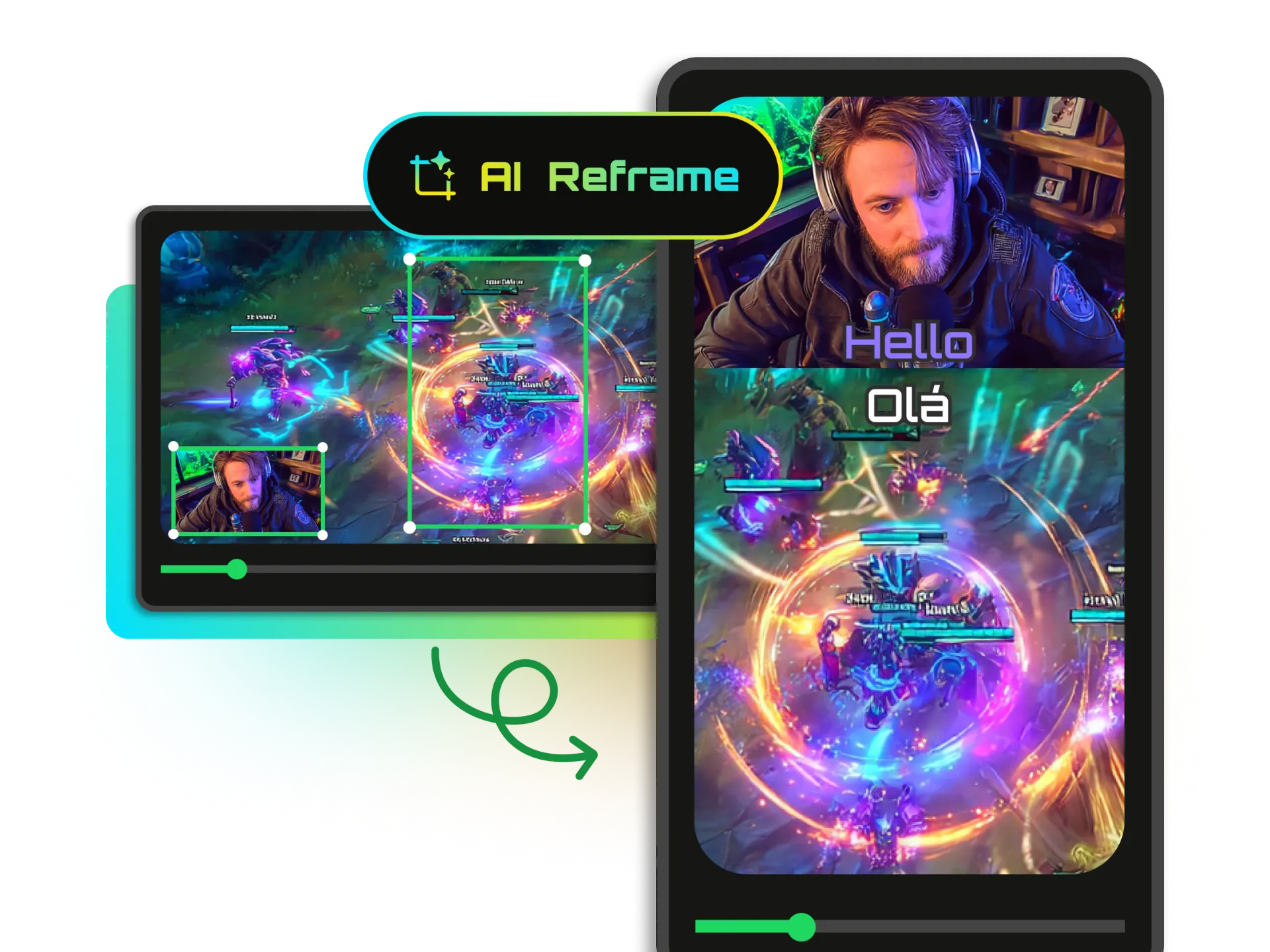
Convert horizontal stream recordings into vertical videos with AI-powered reframing and face tracking. WayinVideo's AI game video editor keeps your webcam, gameplay, and important content properly positioned for mobile platforms and social media sharing.
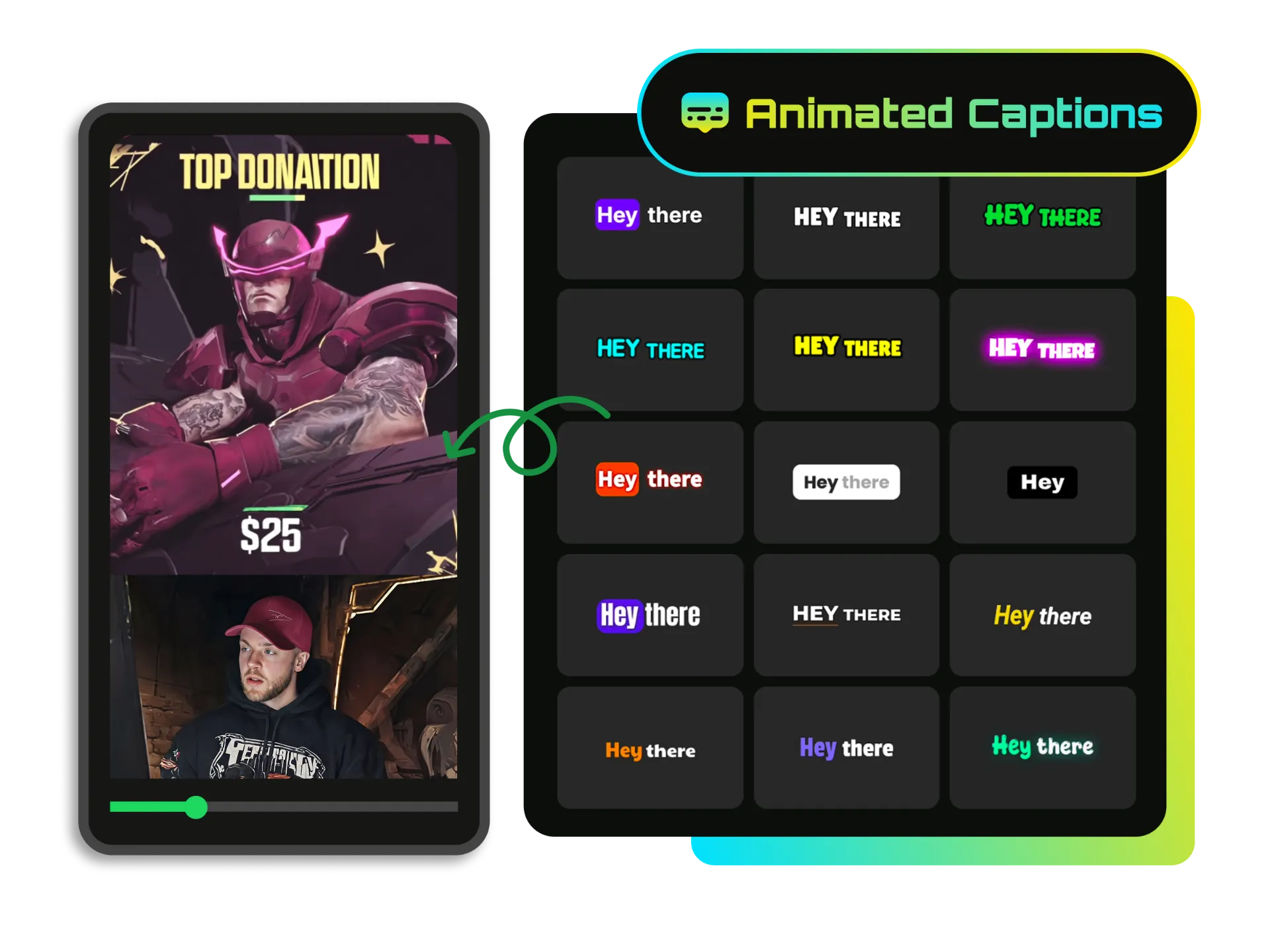
Create engaging stream clips with AI-generated captions and animated subtitles. WayinVideo automatically transcribes your videos, highlights important words, and helps streamers make more accessible and attention-grabbing content for social media.
From gaming highlights to community updates, WayinVideo's AI helps streamers edit livestreams with AI into multiple pieces of content. Whether you create gaming videos, podcasts, or educational streams, this AI video editing software for streamers helps you publish faster.
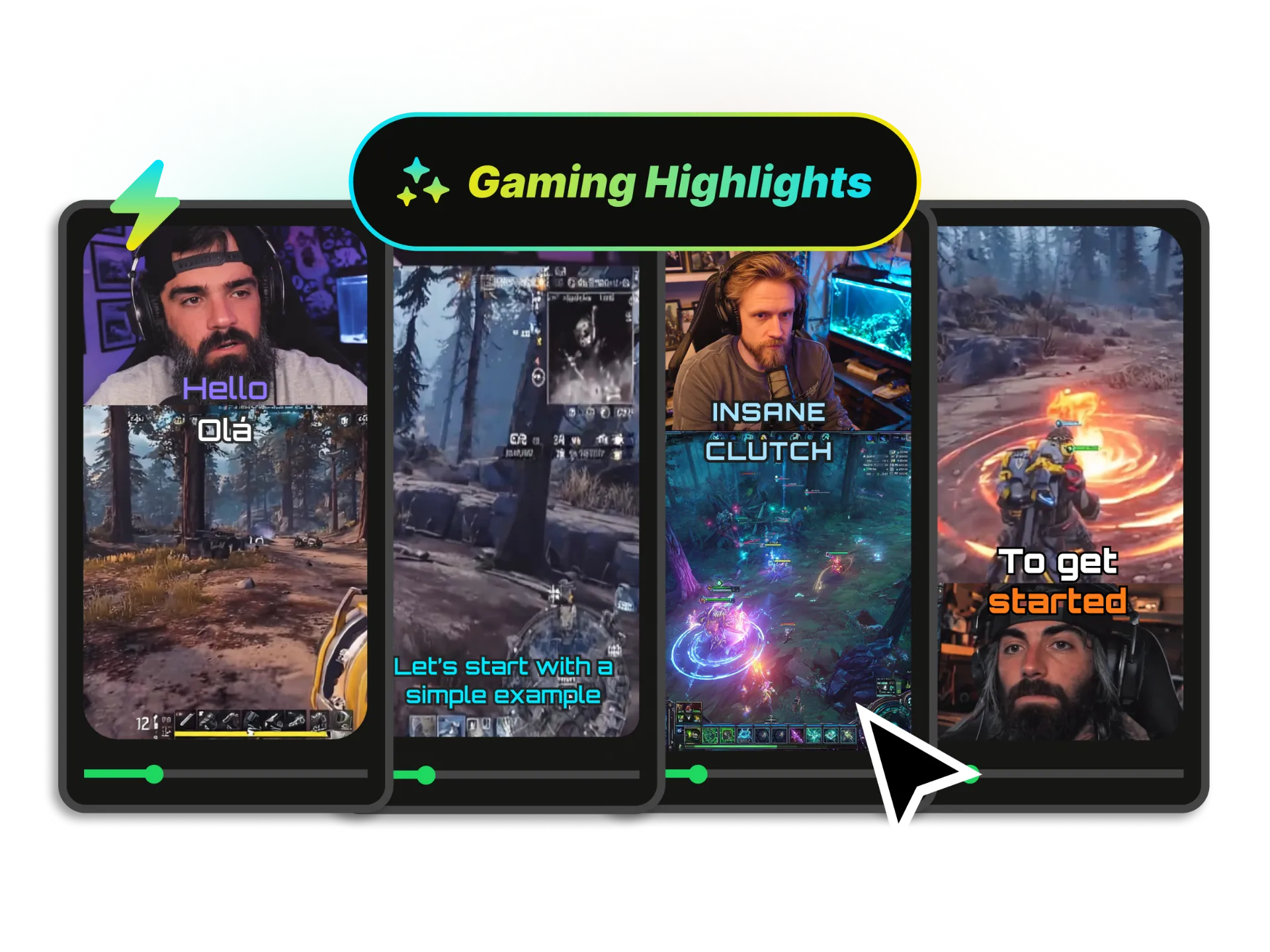
Automatically find epic plays, wins, reactions, and exciting moments from your gaming streams. WayinVideo works as an AI gaming video editor that helps creators turn gameplay recordings into highlight videos without watching hours of footage.
Create Gaming HighlightsDesigned as an AI video editor for streamers, WayinVideo helps creators edit livestreams, generate clips, and repurpose content faster. It helps simplify the process of turning livestream recordings into engaging content.
Automatically turn long stream recordings into short clips ready for TikTok, YouTube Shorts, and Instagram Reels. WayinVideo helps streamers create engaging content faster.
Create stream clips with AI-generated captions, animated subtitles, and customizable video styles. WayinVideo works as an AI auto caption generator for streams, helping streamers create accessible content.
Spend less time reviewing hours of livestream footage and making repetitive edits. WayinVideo uses AI-powered automation to detect highlights, generate clips, and speed up the stream editing workflow for creators.
Skip the learning curve of traditional editing software. WayinVideo provides an easy AI video editing online experience that helps streamers create content faster without spending hours mastering complicated tools.
Turn a single live stream into multiple platform-ready videos with one click. WayinVideo's AI stream editor automatically resizes, reframes, and creates aspect-optimized vertical clips for TikTok, YouTube Shorts, and Instagram Reels directly from a single stream recording.
Use WayinVideo's AI video editor for streamers to create clips, highlights, and social content faster.


