

Save Time on Editing
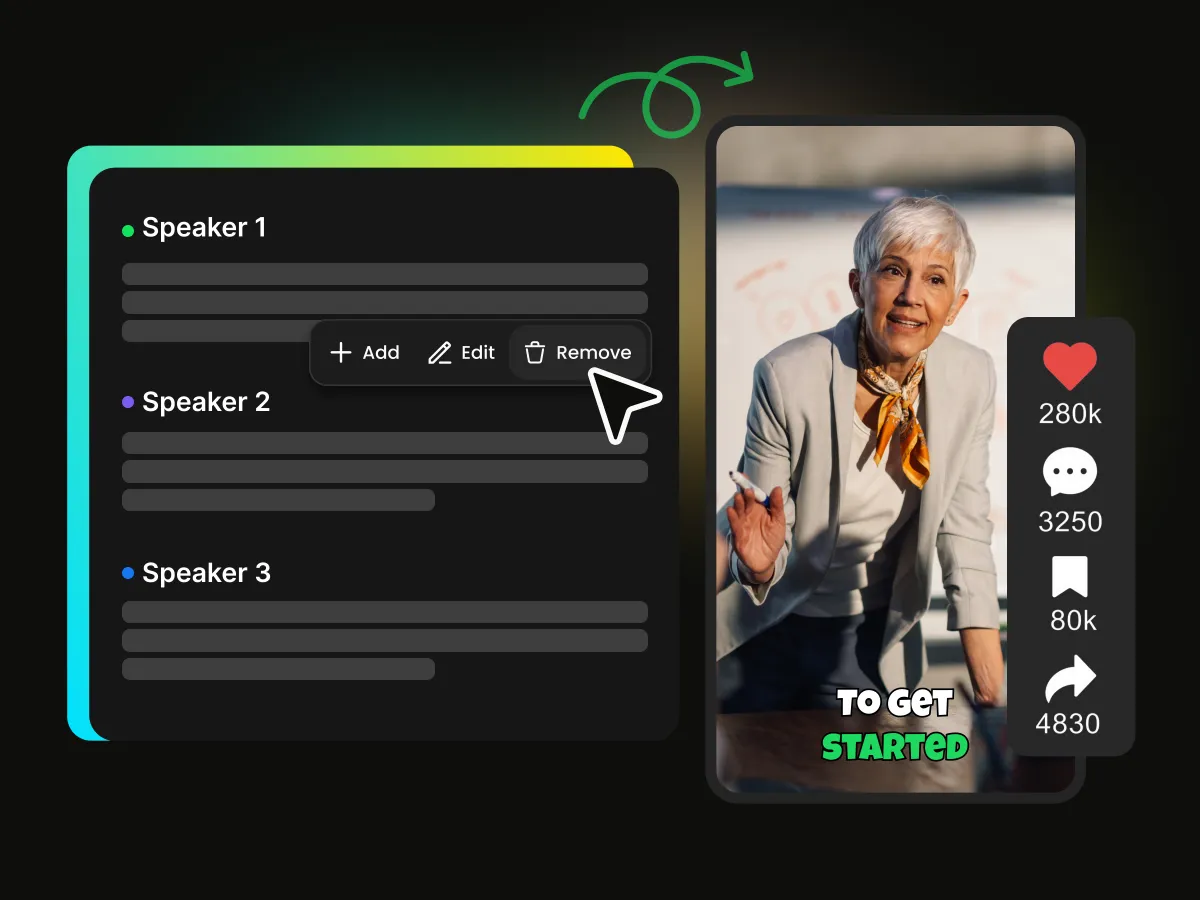
Cut unwanted clips, remove pauses, and edit videos through text. Spend less time on repetitive tasks and more time creating.
Create polished Instagram Reels with WayinVideo. This AI video editor for Reels can trim clips, remove pauses, add dynamic captions, and reframe videos—all without complicated manual editing.
Trusted by professionals at












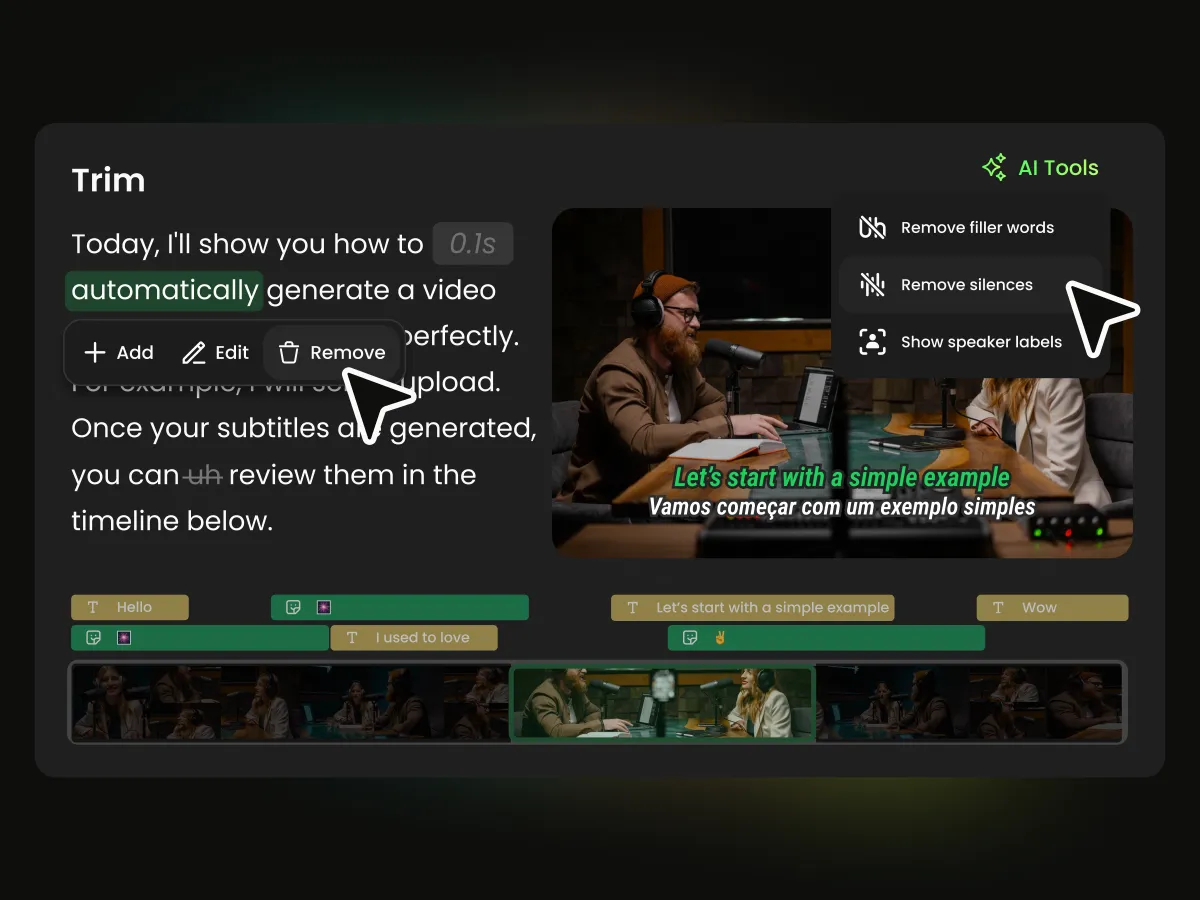
Edit your video through its transcript. With text-based video editing, WayinVideo lets you remove unwanted sections by deleting the corresponding text—particularly useful for interviews, talking-head videos, and podcast video editing.
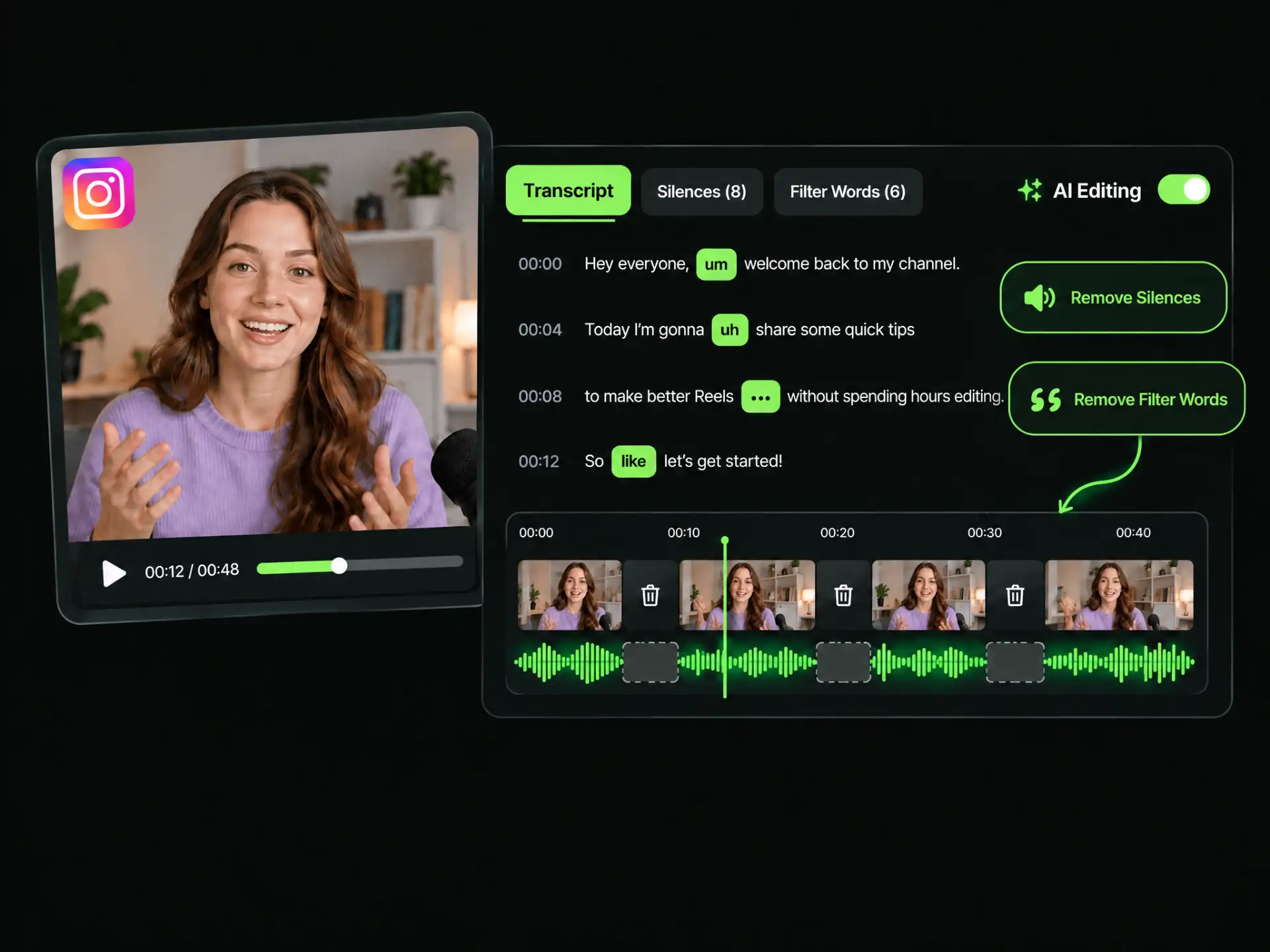
Keep your Reels clear and engaging. AI video trimming helps remove unnecessary pauses and filler words, creating smoother videos with less manual editing.
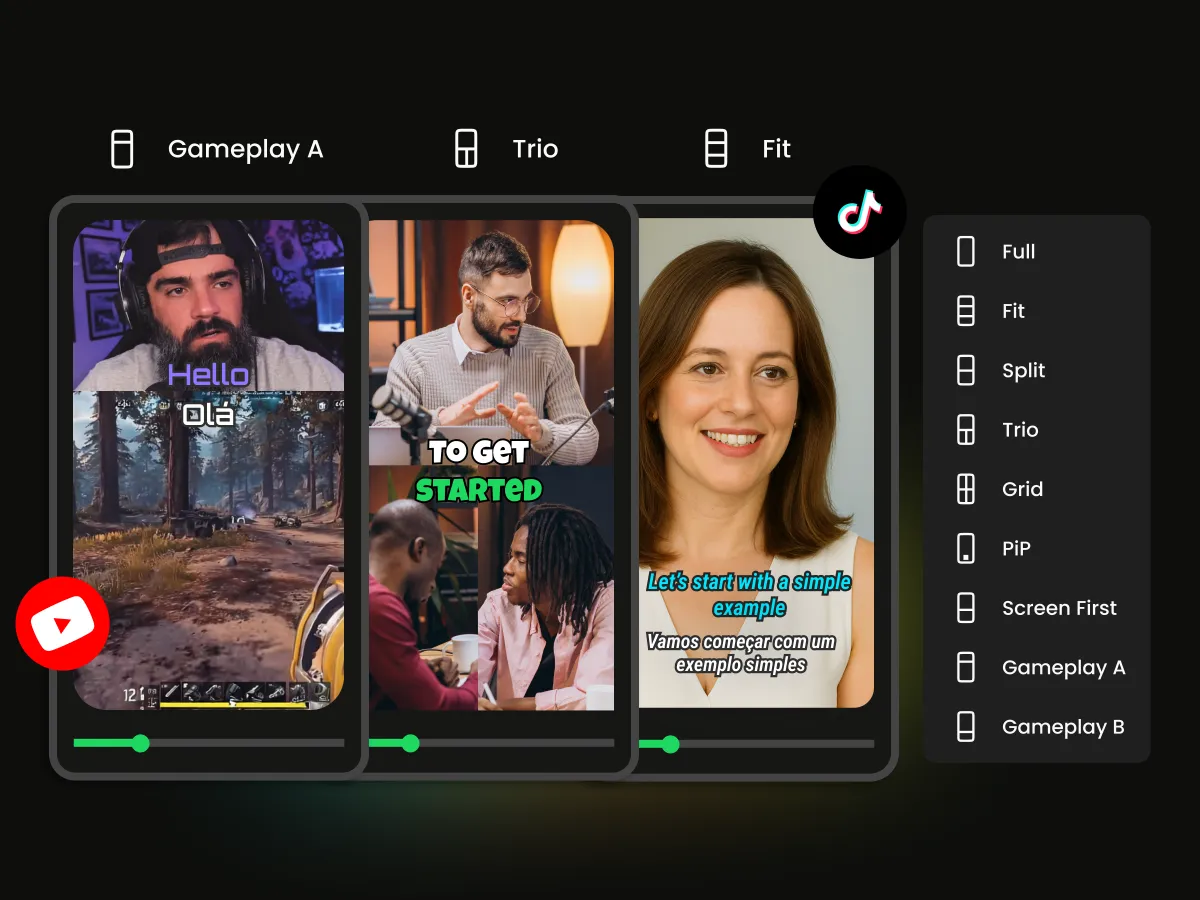
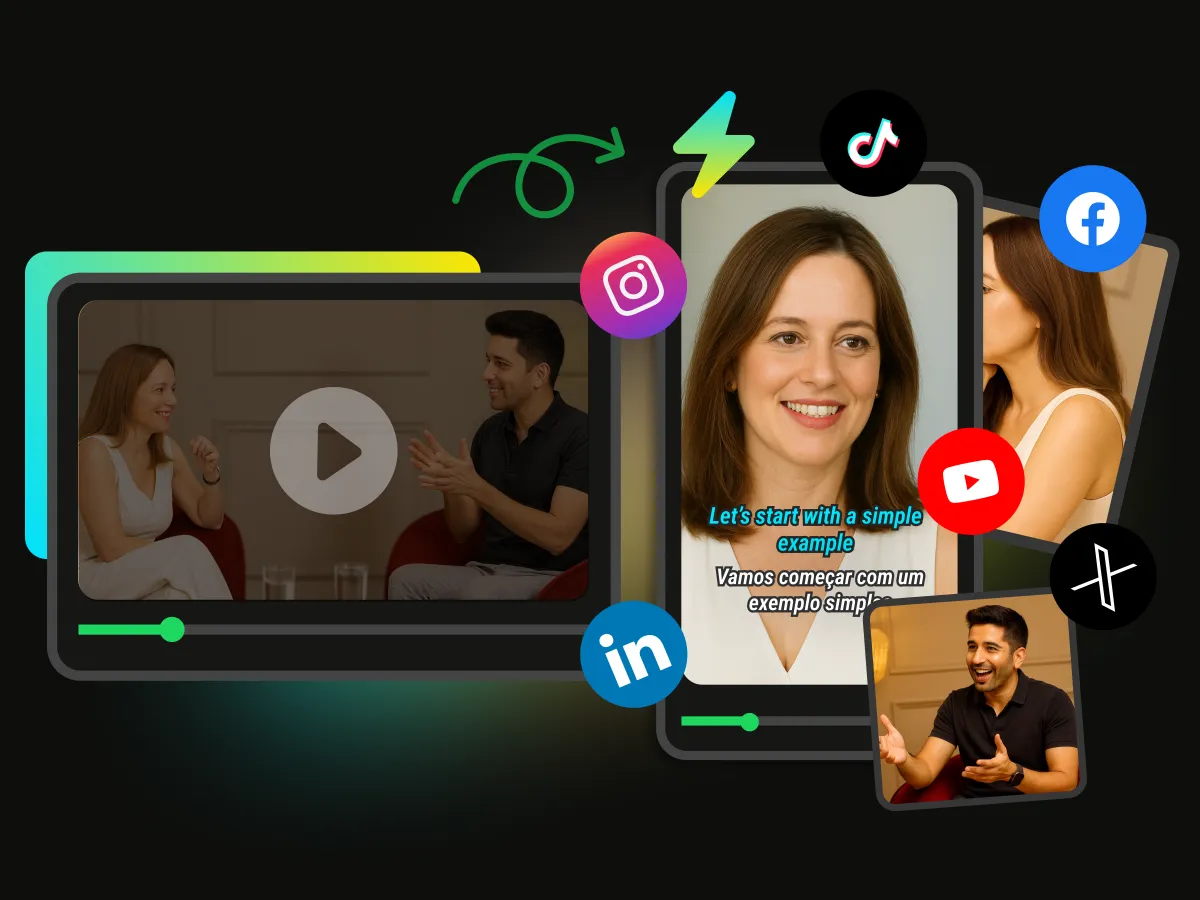
Easily adapt horizontal footage for Instagram Reels with AI video reframing. Keep speakers and key subjects in focus without manually cropping and adjusting every shot.
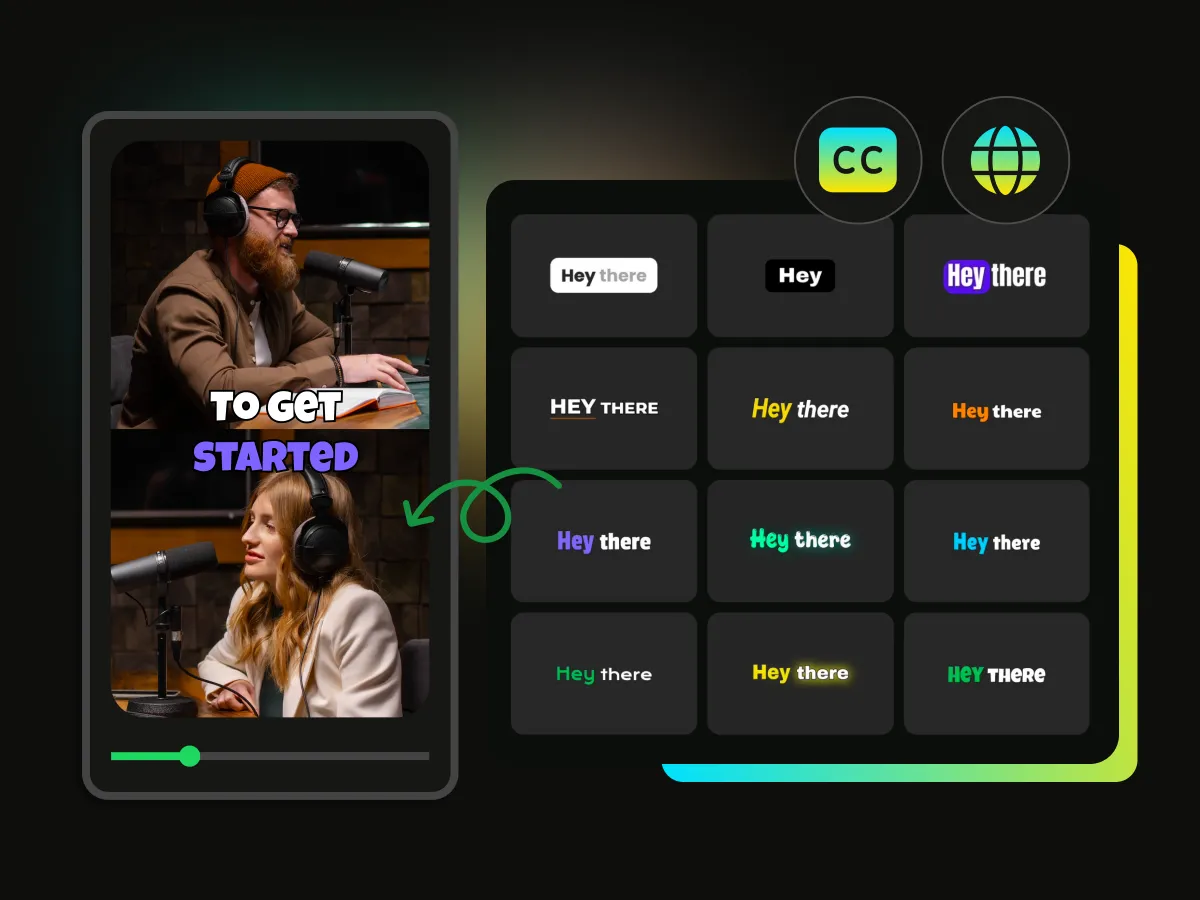
Generate automatic subtitles for Reels with WayinVideo. Customize text, styles, and animations to make your videos easier to follow, even without sound.
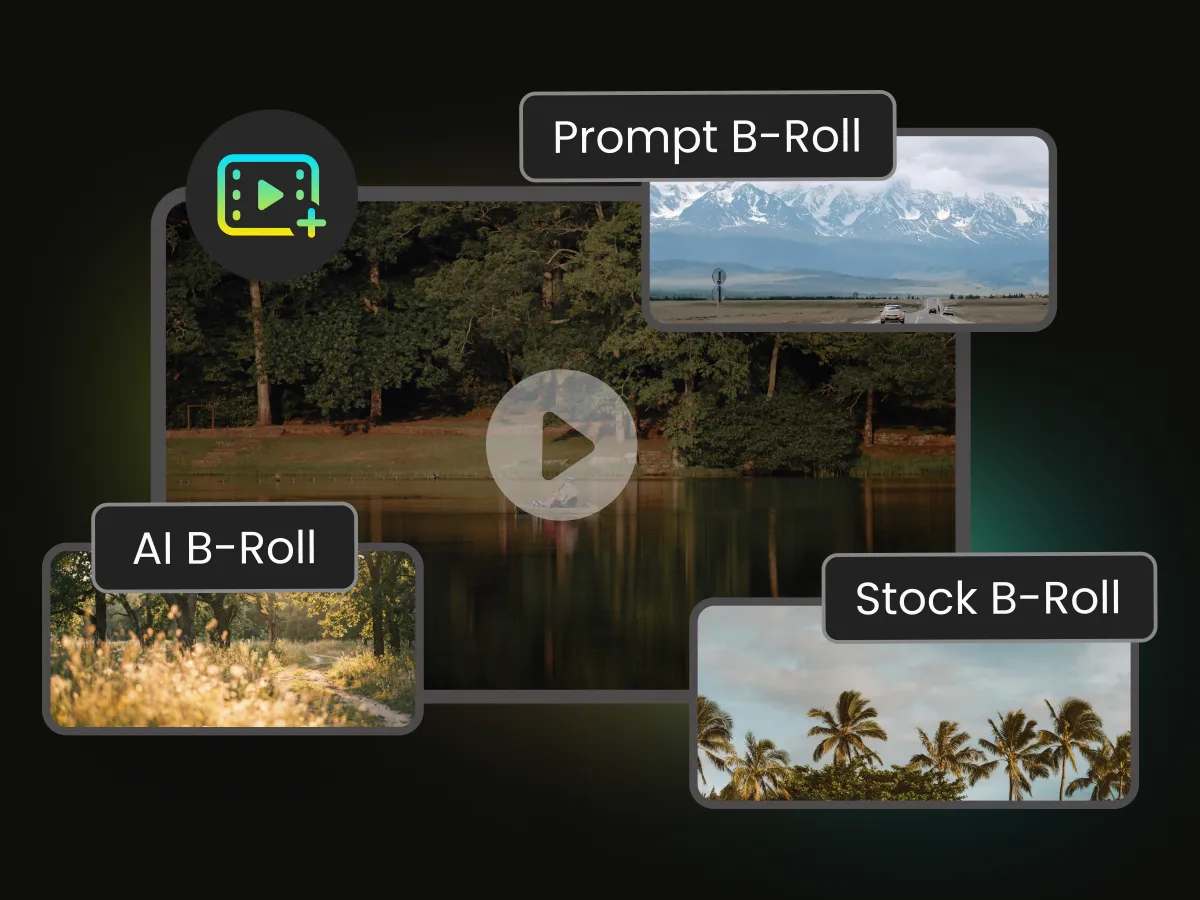
Make your Reels more engaging with AI B-roll, attention-grabbing hooks, background music, and smooth transitions—all without complicated editing.
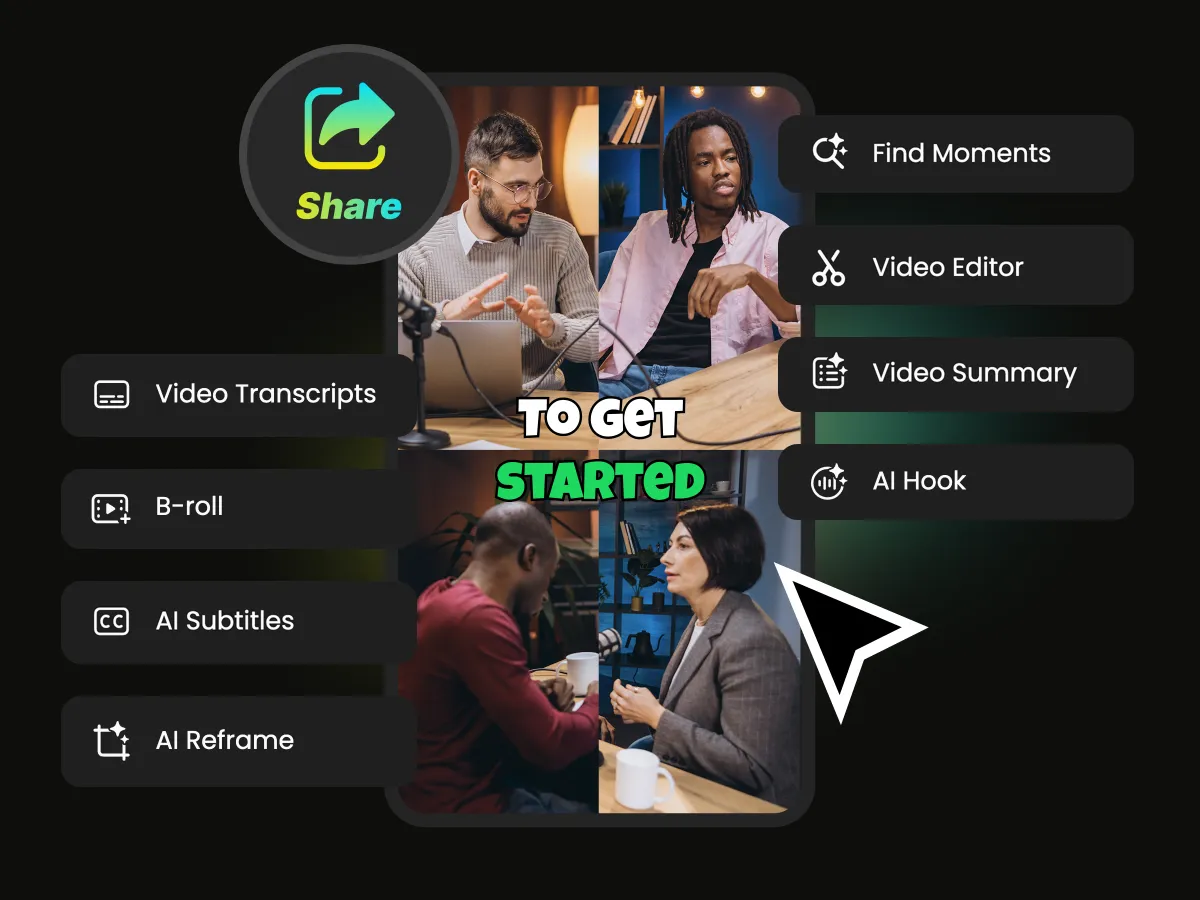
Review AI-generated edits in WayinVideo's AI Video Editor, adjusting clips, captions, framing, and visual effects as needed. Preview your Reel before exporting it for Instagram.
Whether you're creating everyday content, building your personal brand, or promoting a business, WayinVideo makes Instagram Reels easier to edit.
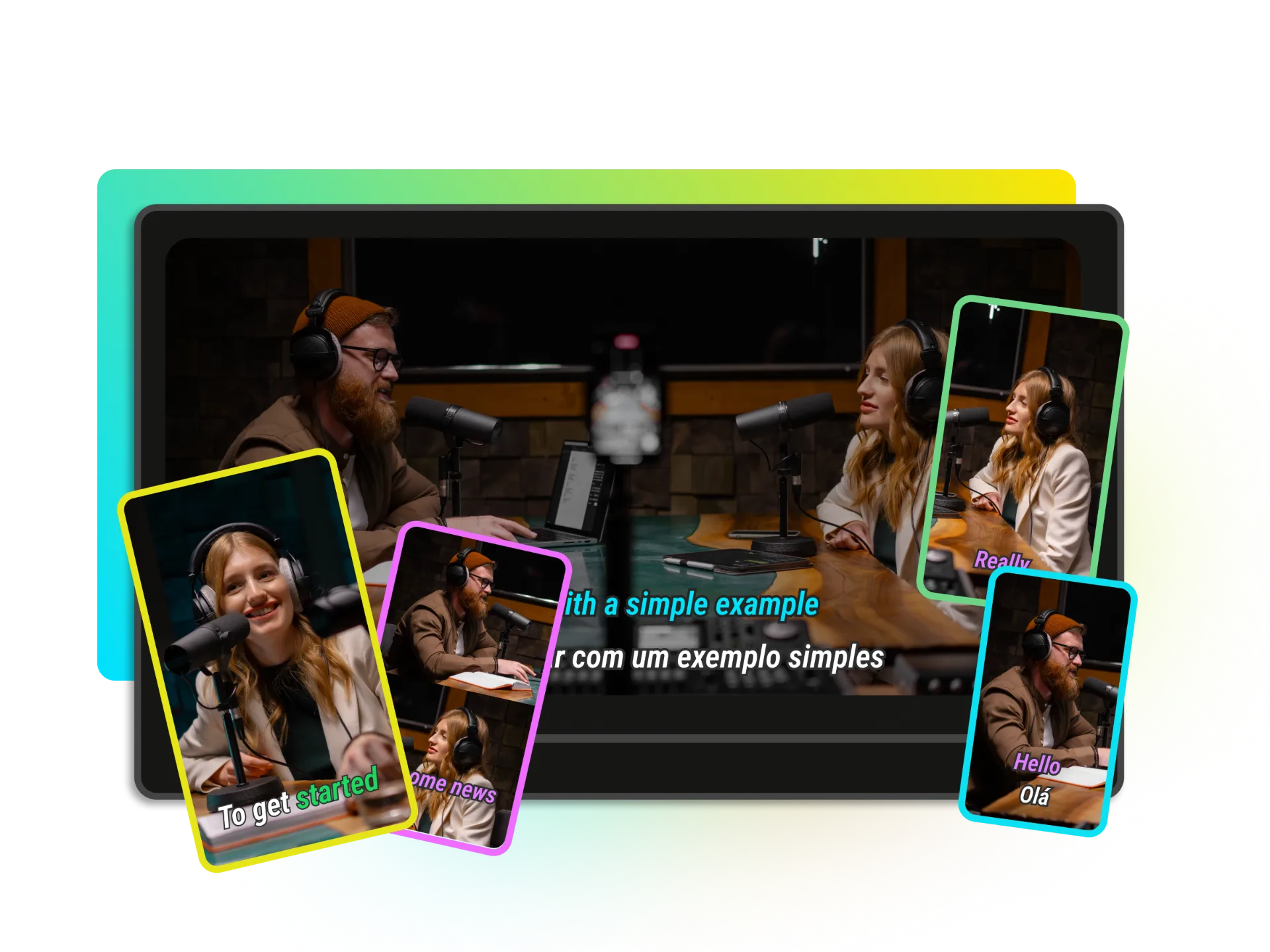
Turn tutorials, vlogs, and talking-head recordings into Instagram Reels or TikTok videos. Use text-based editing, silence removal, and captions to reduce repetitive work.
Edit My ReelsCut unwanted clips, remove pauses, and edit videos through text. Spend less time on repetitive tasks and more time creating.
Adapt horizontal footage for Instagram Reels with AI video reframing that keeps important subjects in view.
Add captions, music, B-roll, and transitions without mastering complicated editing software.
Fine-tune clips, captions, and visual effects after AI editing to match your creative style.
Trim, caption, reframe, enhance, and export your Reels in one place—without switching between tools.
Maintain a cohesive look across your Reels with customizable captions, layouts, and visual effects.
Upload your footage or paste a supported video link into WayinVideo to get started.
Create polished Instagram Reels with WayinVideo, an AI video editor for Instagram Reels. Trim clips, remove pauses, add captions, and reframe videos with less manual editing. Start with free credits.
No advanced editing skills required.


