01
Generate Music with AI
Don't know what music to use? Describe the mood, style, or energy you want, and Wayin generates a custom track, making it easy to add music to video without spending hours searching.
Add music to video free with AI-generated tracks, your own audio, or royalty-free music. Match the mood, adjust the sound, and make every scene feel right.
Trusted by professionals at












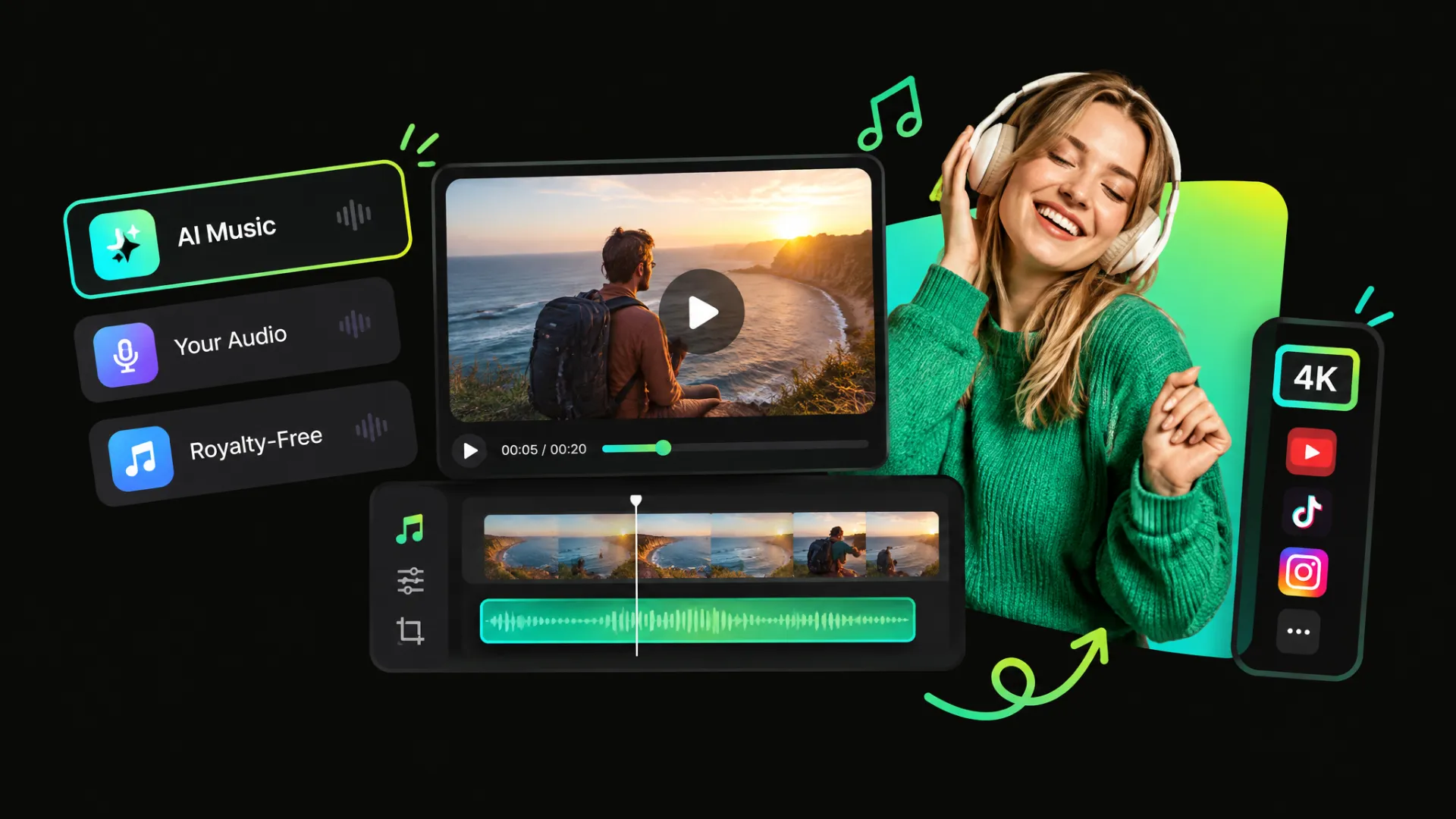
Choose the music that fits your video. Generate a track with a prompt, upload your own audio, or select music from Wayin's library to quickly add a soundtrack to your video.
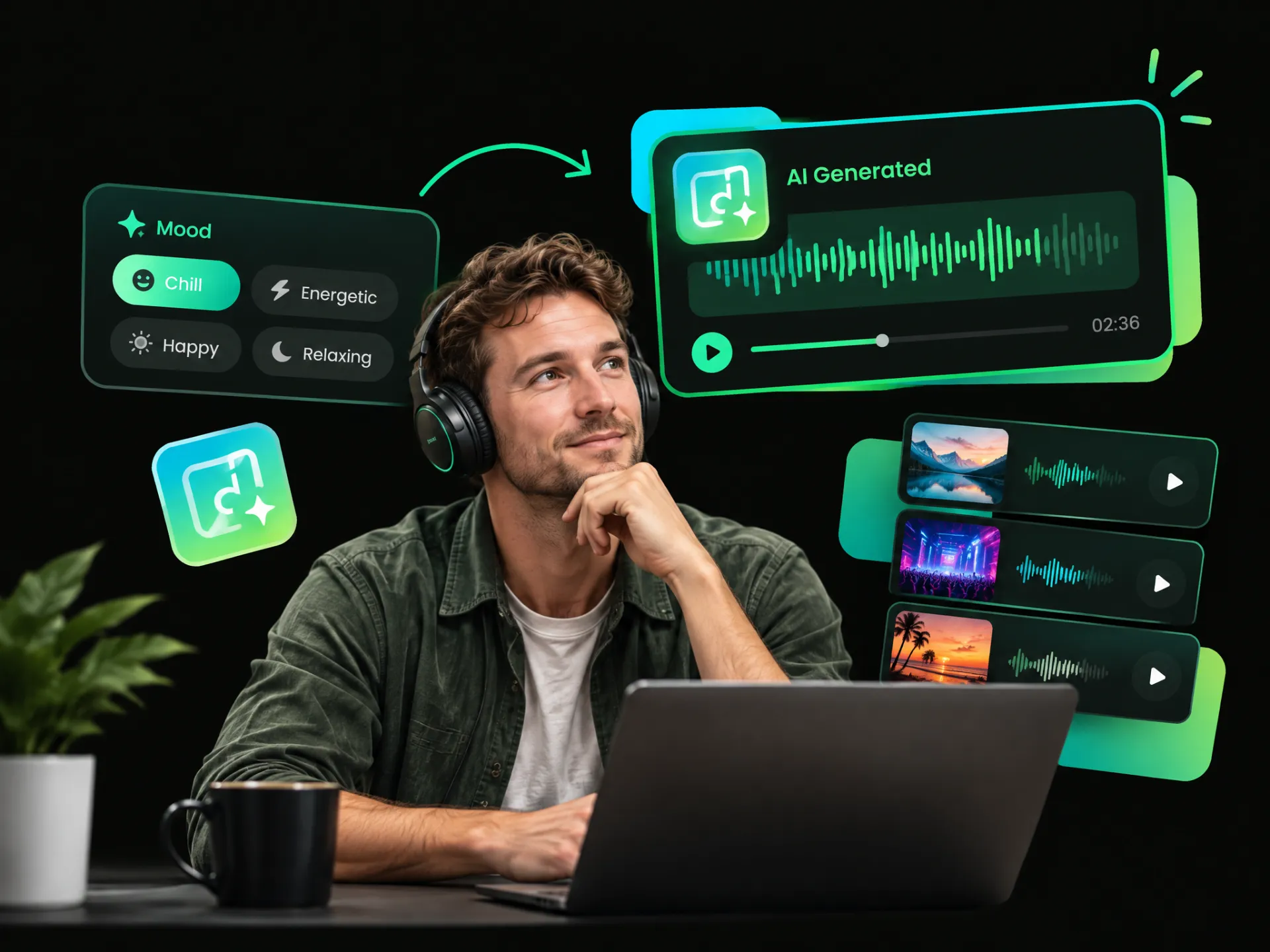
Don't know what music to use? Describe the mood, style, or energy you want, and Wayin generates a custom track, making it easy to add music to video without spending hours searching.
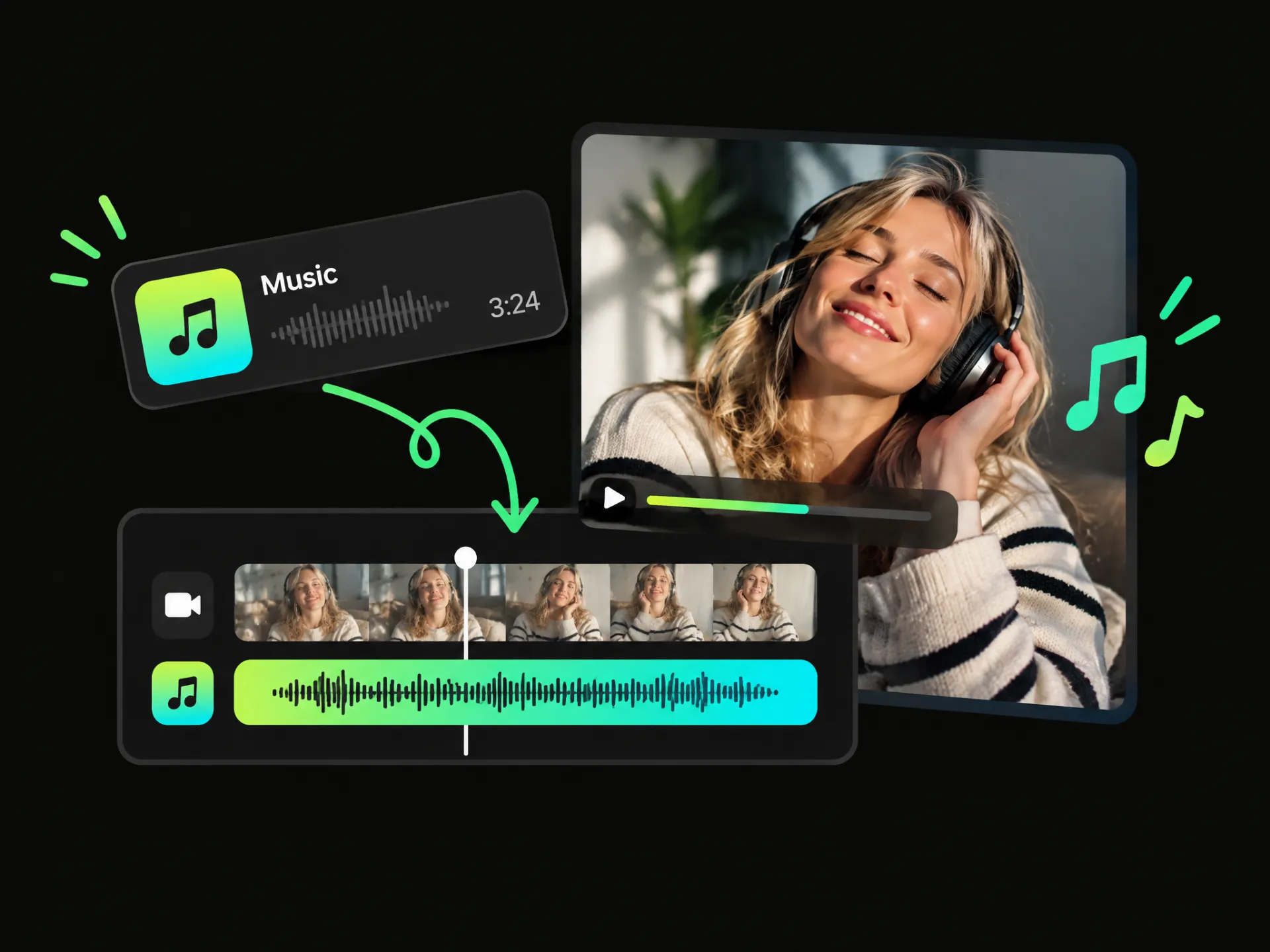
Already have the perfect track? Simply add your music file to the video, then adjust it to fit your content and keep the soundtrack you already love.
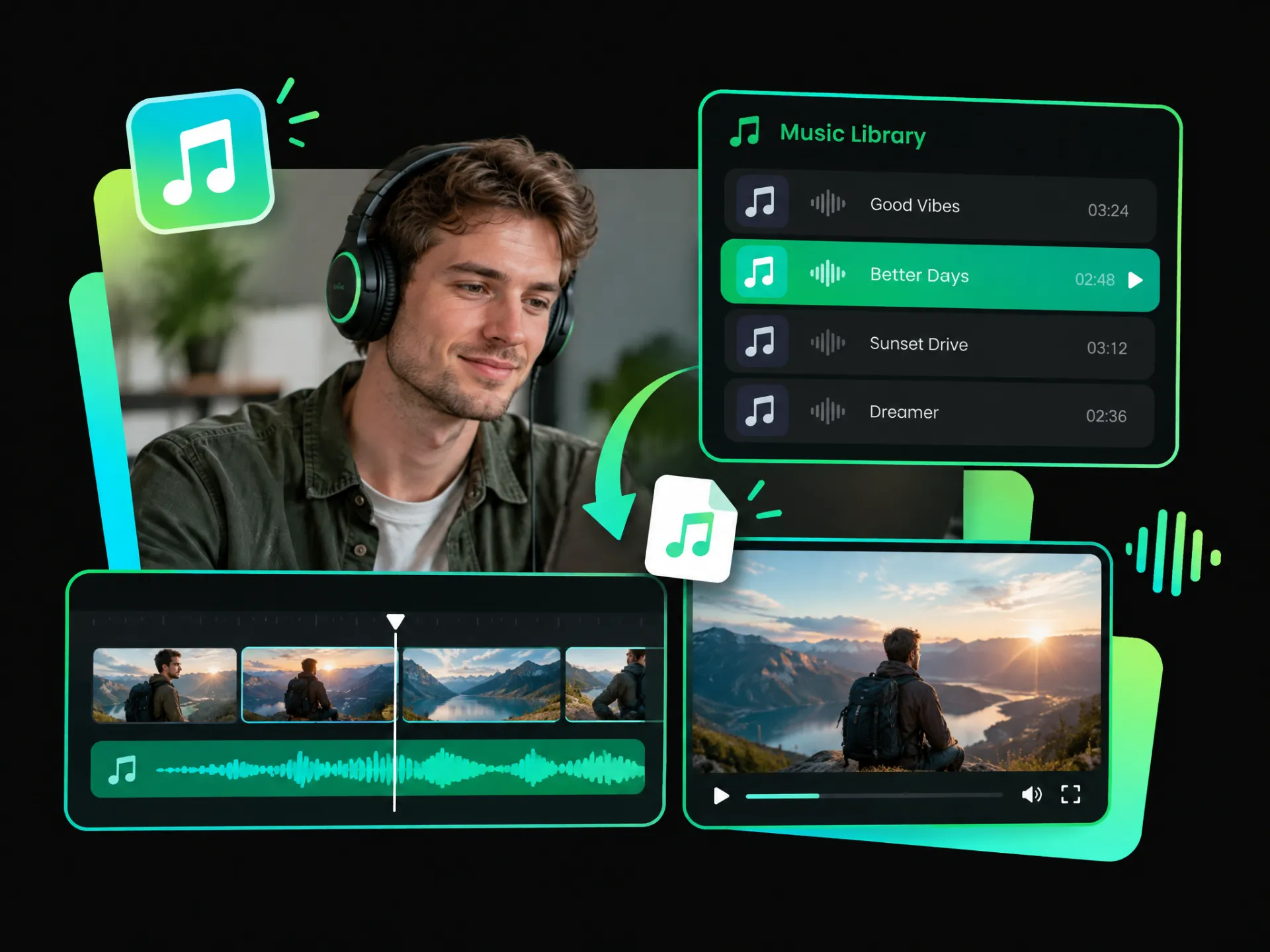
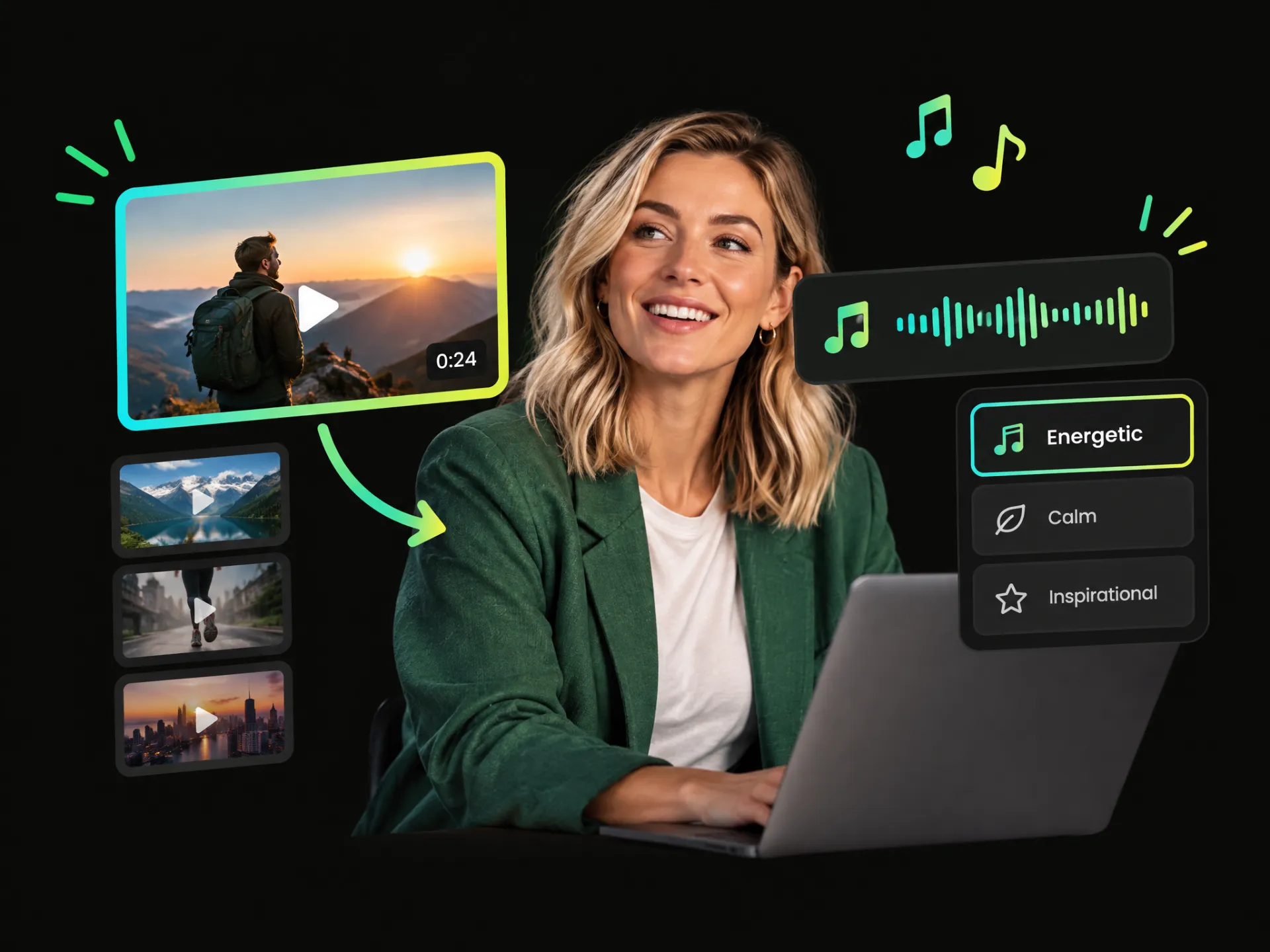
Need music in a hurry? Browse Wayin's library and add music to a video from ready-to-use tracks, so you can find the right sound without creating or uploading anything.
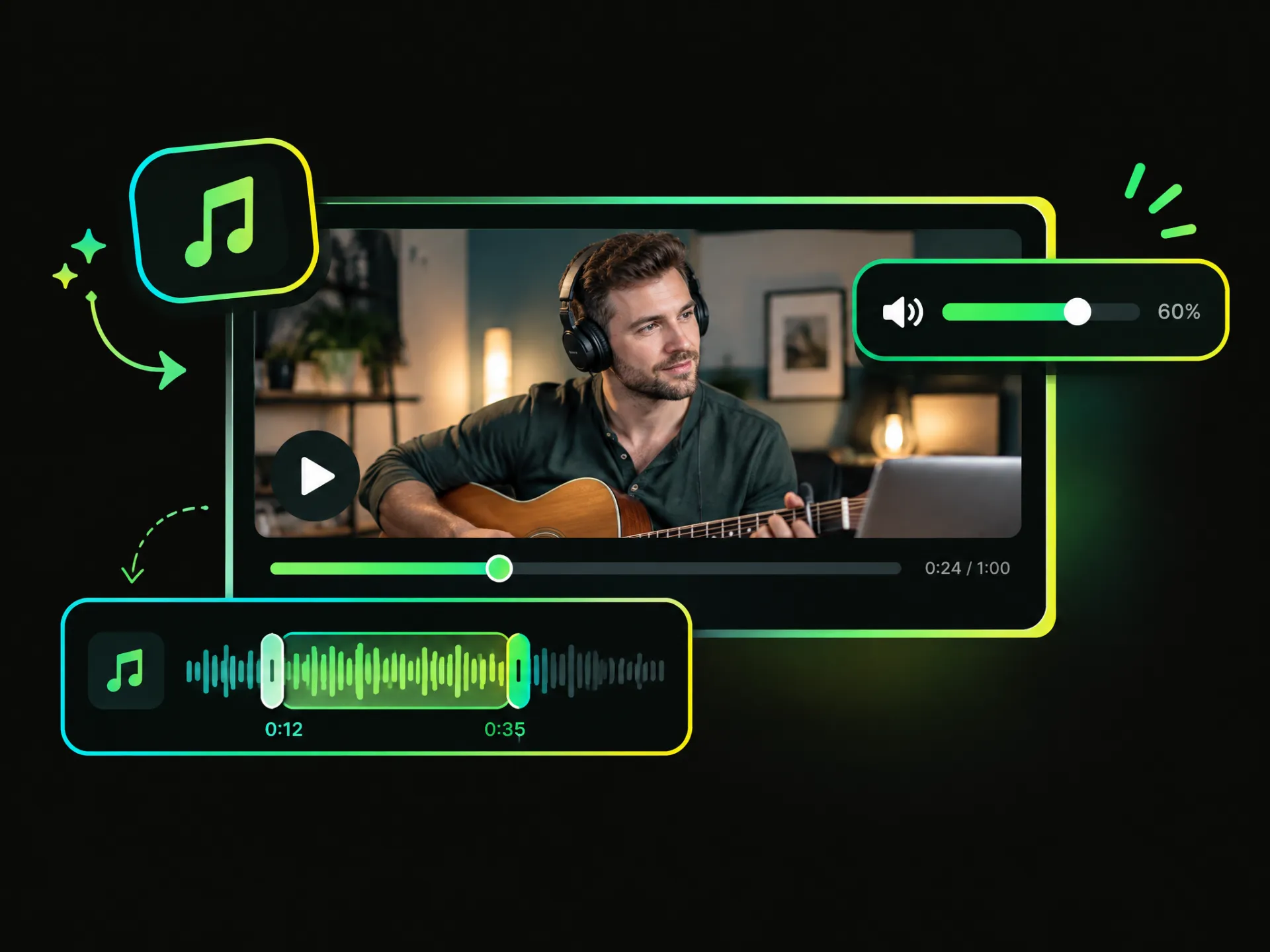
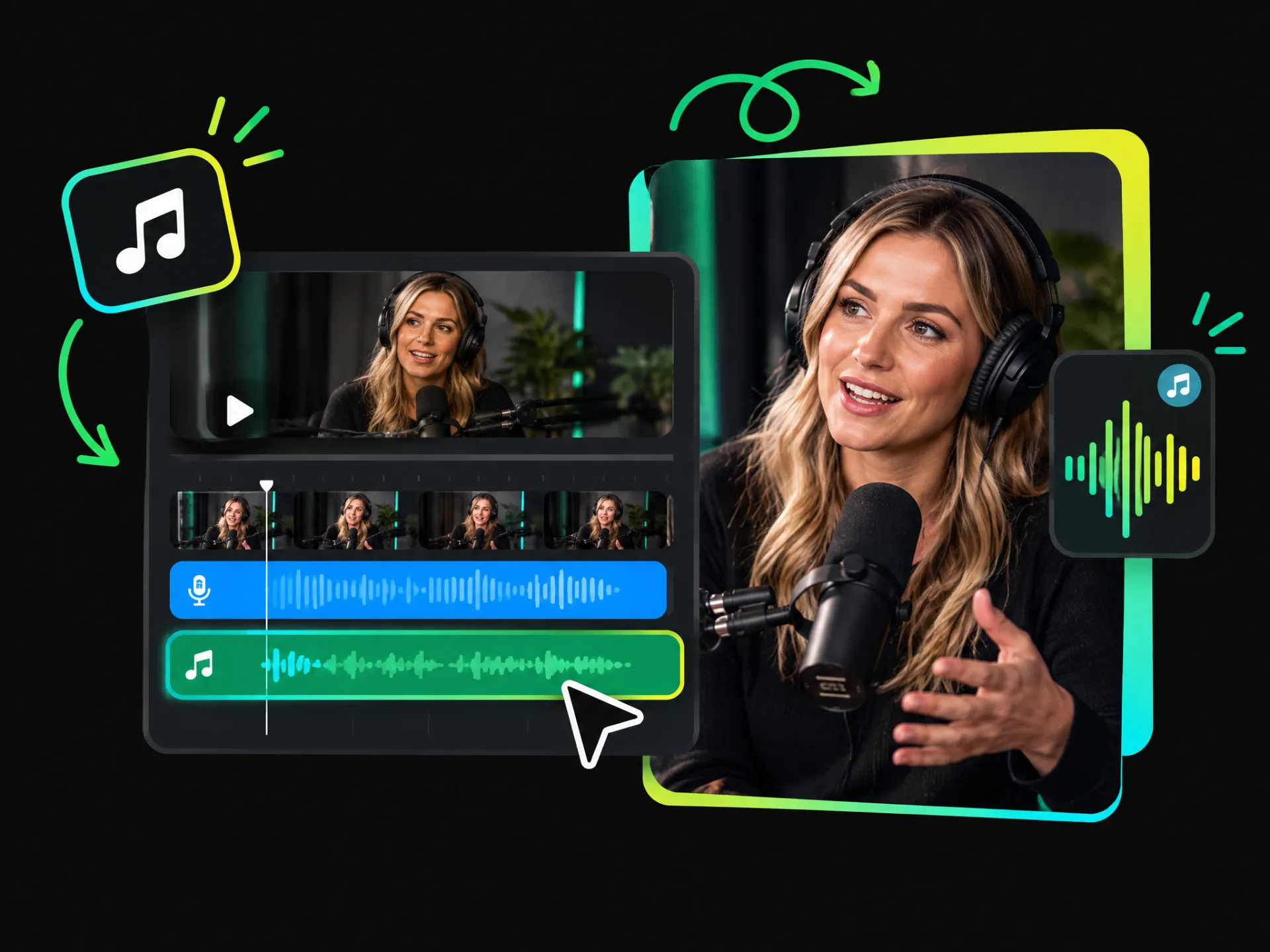
Fine-tune your soundtrack by adjusting its length and volume. Trim music to fit your video and control its volume so it complements your original audio without overpowering it.
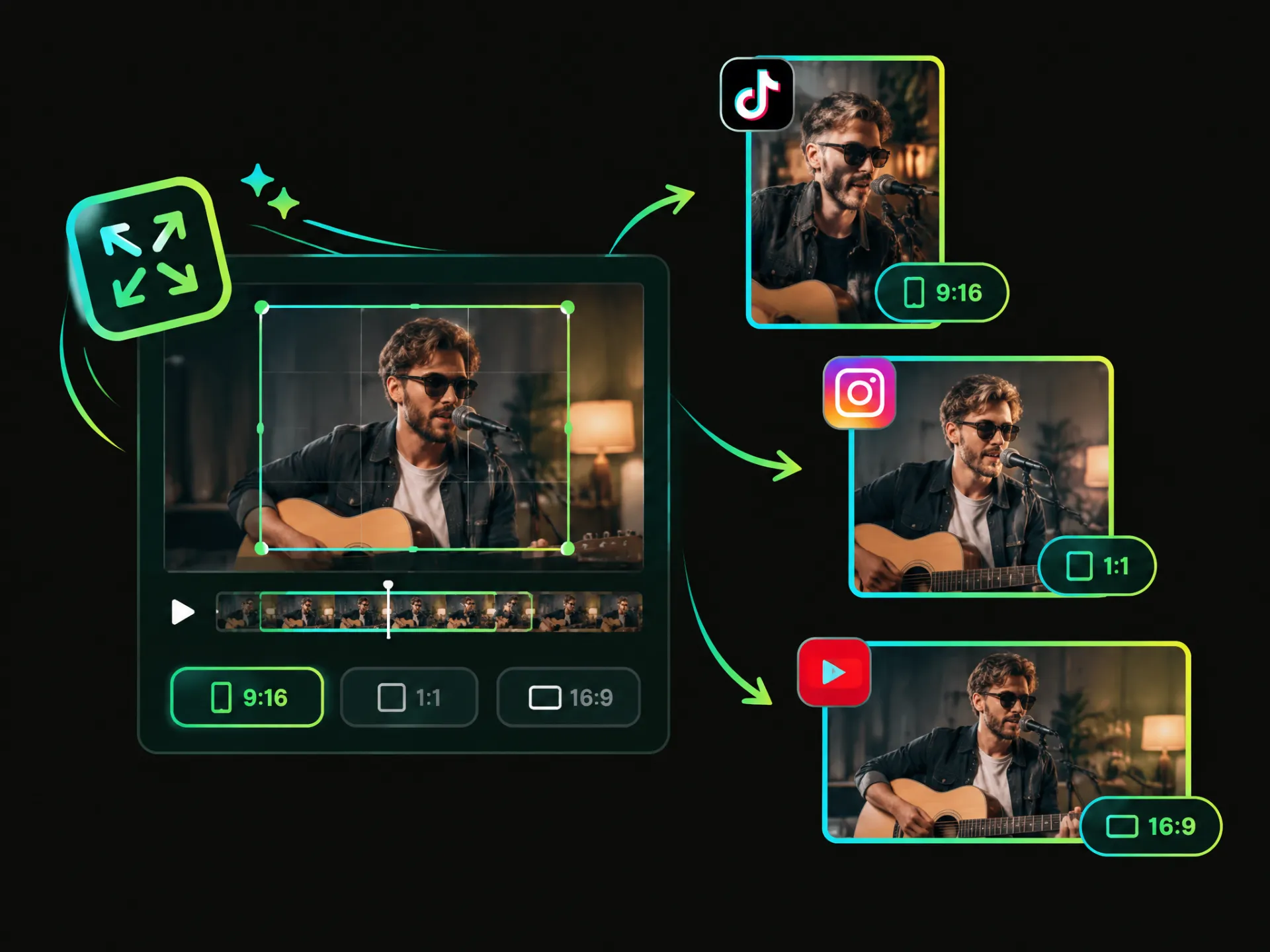
Adjust your video dimensions for different social platforms and formats. Prepare your music videos for vertical, square, or landscape publishing without switching to another editor.
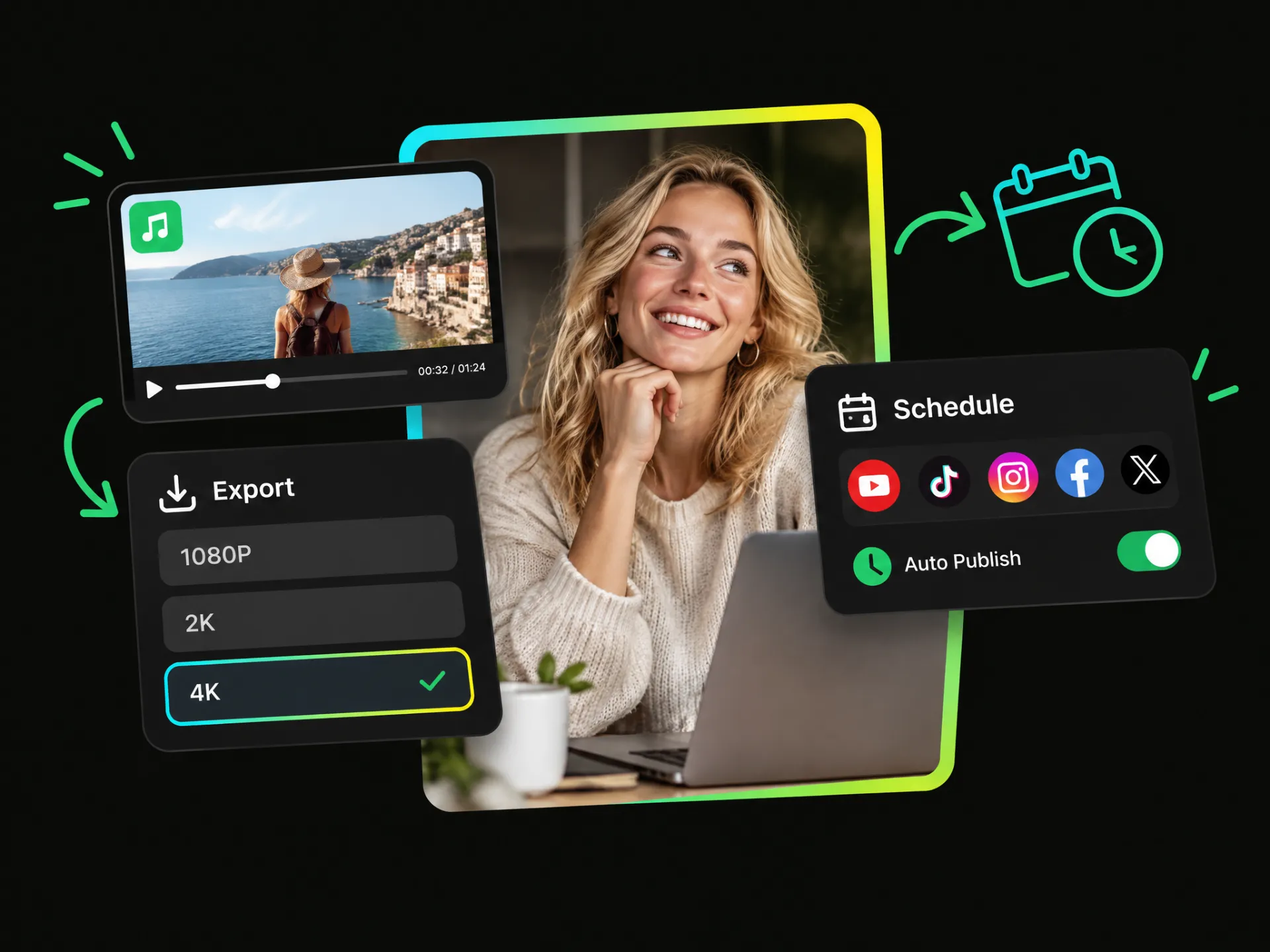
Export your finished video with its soundtrack in up to 1080P, 2K, or 4K quality, so your music and visuals are ready for high-quality publishing.
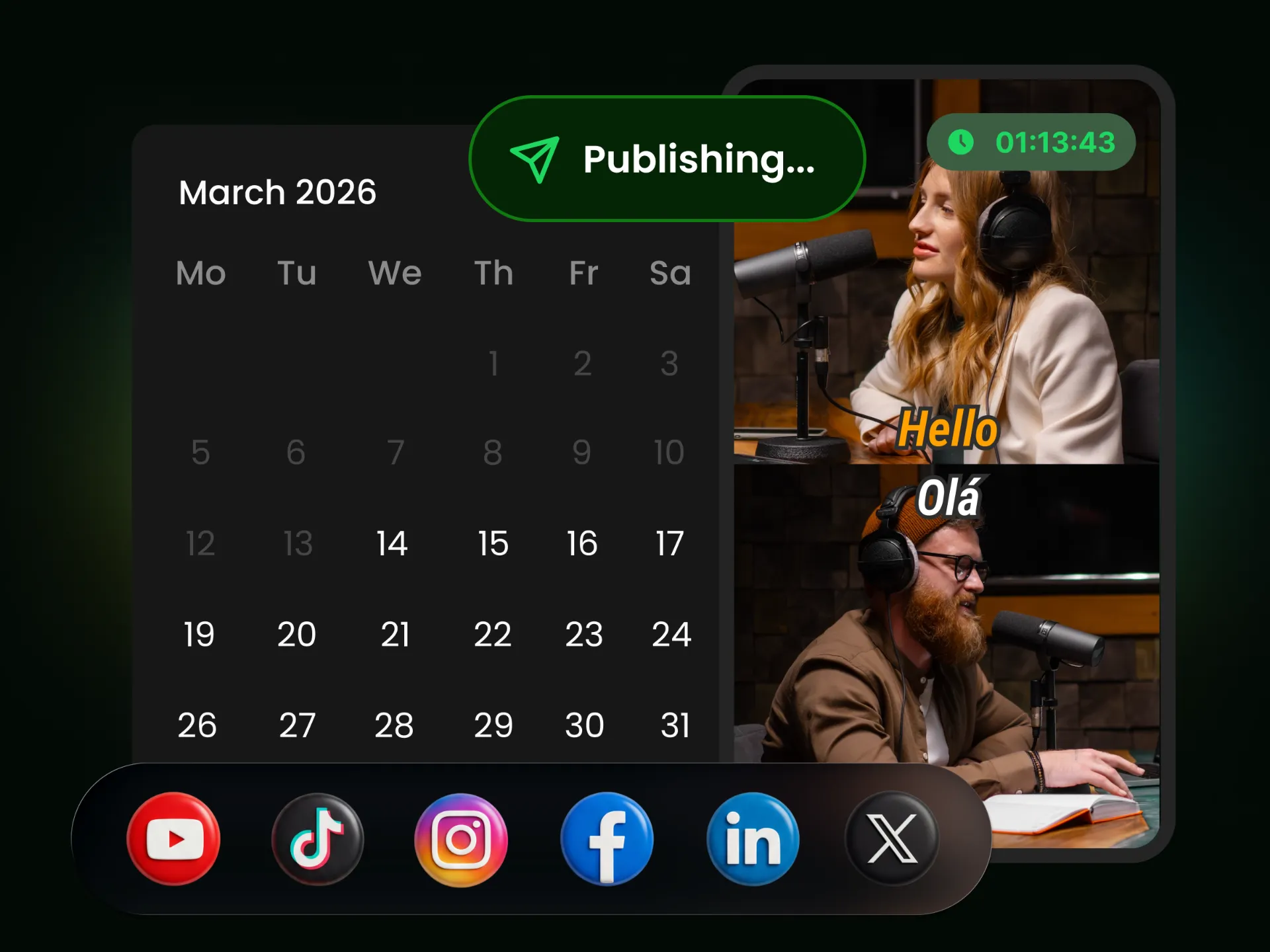
Schedule your finished videos for automatic publishing across supported social platforms. Create once, add music, and plan your posts in advance instead of uploading the same video manually platform by platform.
From creators to marketers and podcasters, anyone making video content can use music to set the mood, strengthen the message, and keep viewers engaged.
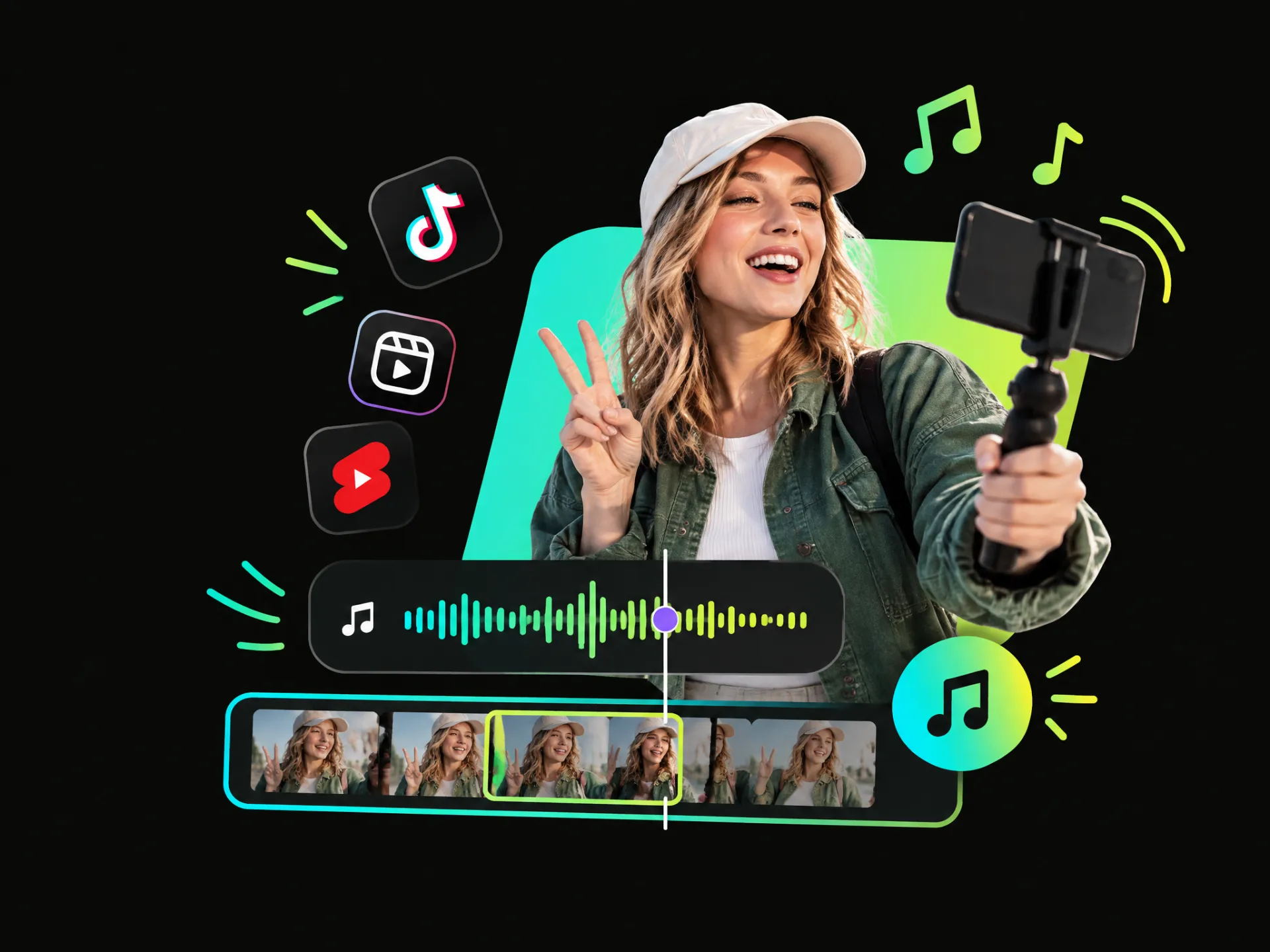
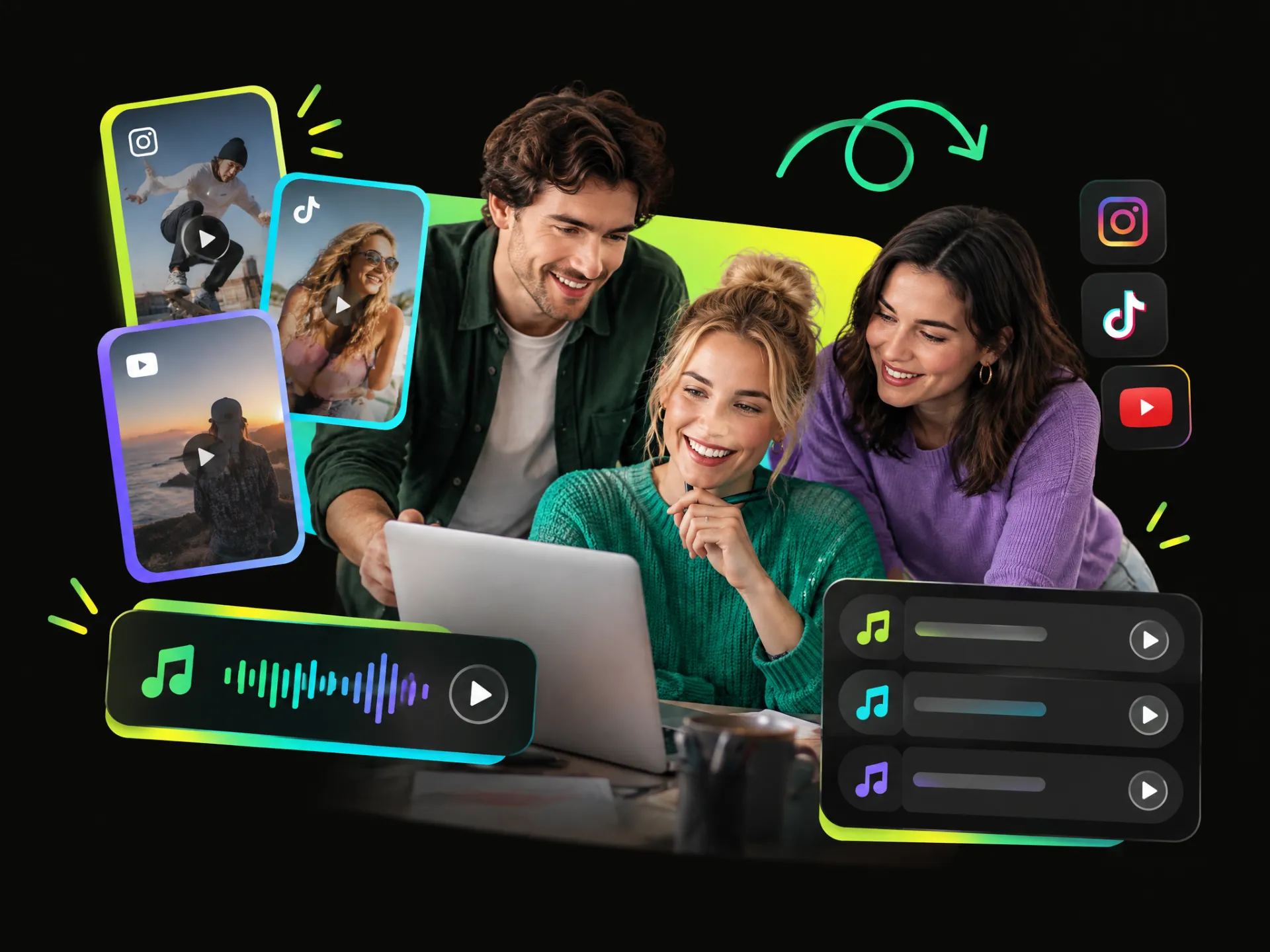
Bring Shorts, Reels, and TikToks to life with music that sets the mood, adds energy, and helps everyday video moments feel more polished and engaging. Add music to video clip content with ease.
Add Music to VideoFind the right soundtrack without the usual search. Add music to video free using generated tracks, personal audio, or ready-to-use music.
Make your soundtrack work naturally with your content. Add music to video online and keep the length, volume, and overall balance under control.
Prepare content for different platforms without rebuilding the same video for every format, making cross-platform publishing simpler and more efficient.
Keep your finished videos sharp and polished across different viewing environments, from everyday social posts to larger screens and higher-resolution playback.
Move from finished content to scheduled distribution in one continuous workflow, reducing tool switching and making regular publishing easier to manage.
Keep music from overwhelming speech, dialogue, or natural sound, so viewers can enjoy a fuller soundtrack without losing the original audio.
Upload your video or paste a supported video link, then choose how you want to add music to video—generate a track with a prompt, upload your own audio, or select from the music library.
Generate music with AI, upload your own track, or choose from Wayin's music library. Fine-tune your soundtrack, resize your video, export in up to 4K, and schedule it for social media.
Create, refine, and publish in one workflow.