

Fast VTT Generation
Turn video speech into subtitles with automatically synced timestamps, giving you a downloadable VTT subtitle file without marking every cue by hand.
Generate VTT subtitles from video with AI. Review and edit subtitle text alongside your video, then download your VTT file with timestamps — ready for your next step.
Trusted by professionals at












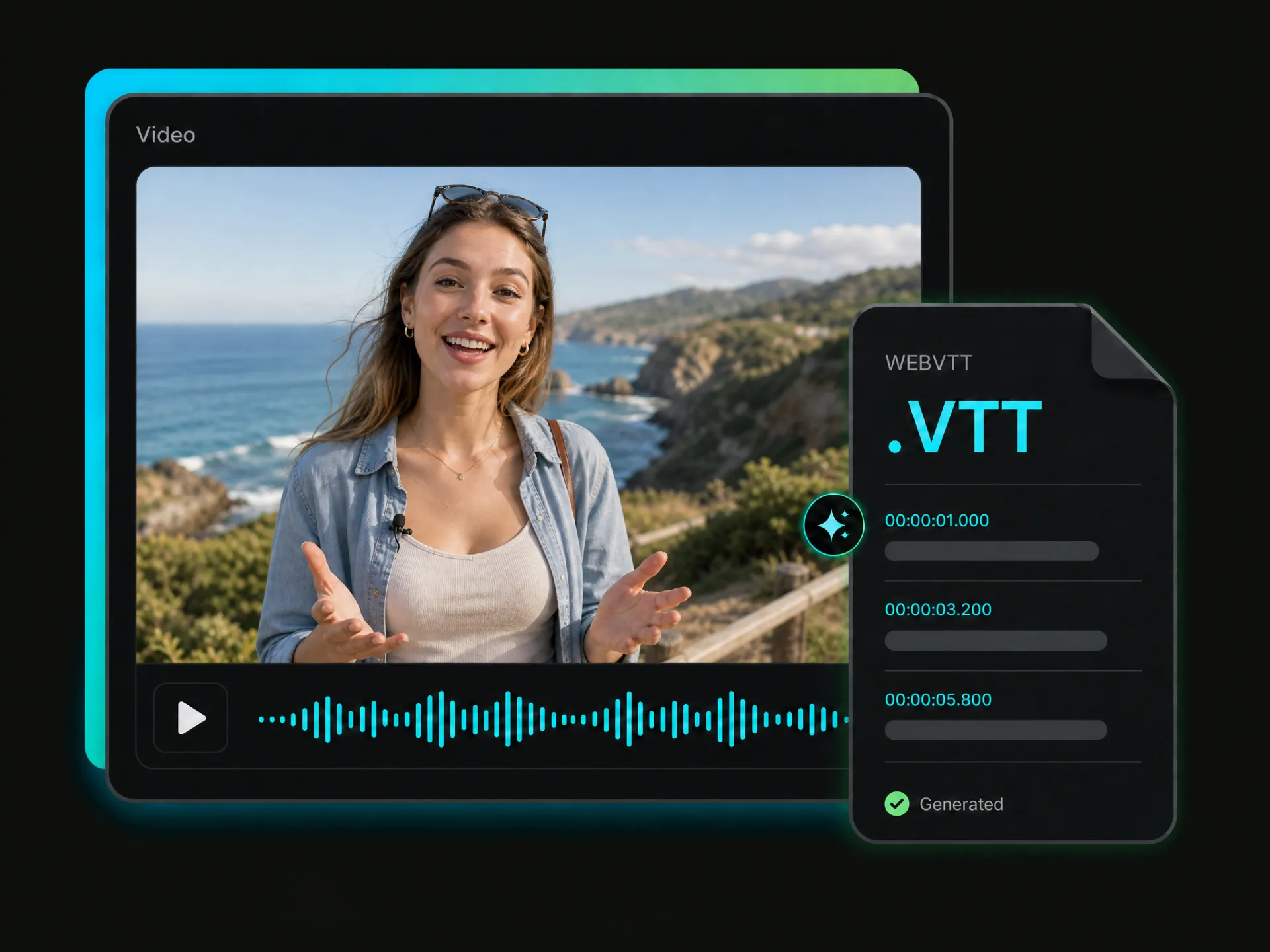
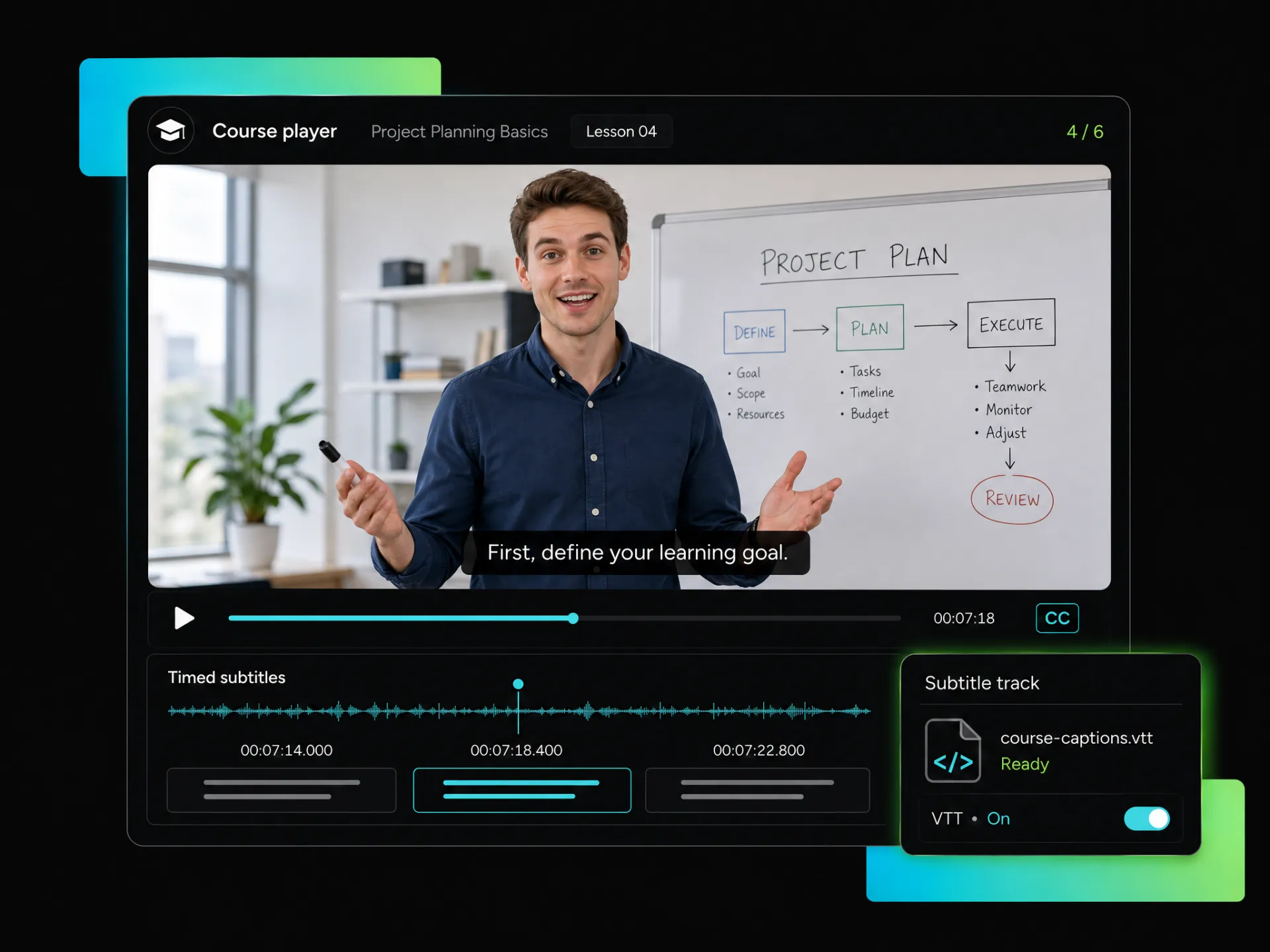
Turn your video into subtitles and save them in VTT format with automatically generated timestamps for accurate playback. Review the subtitle text online, then download your VTT file without typing every line or adding timecodes by hand.
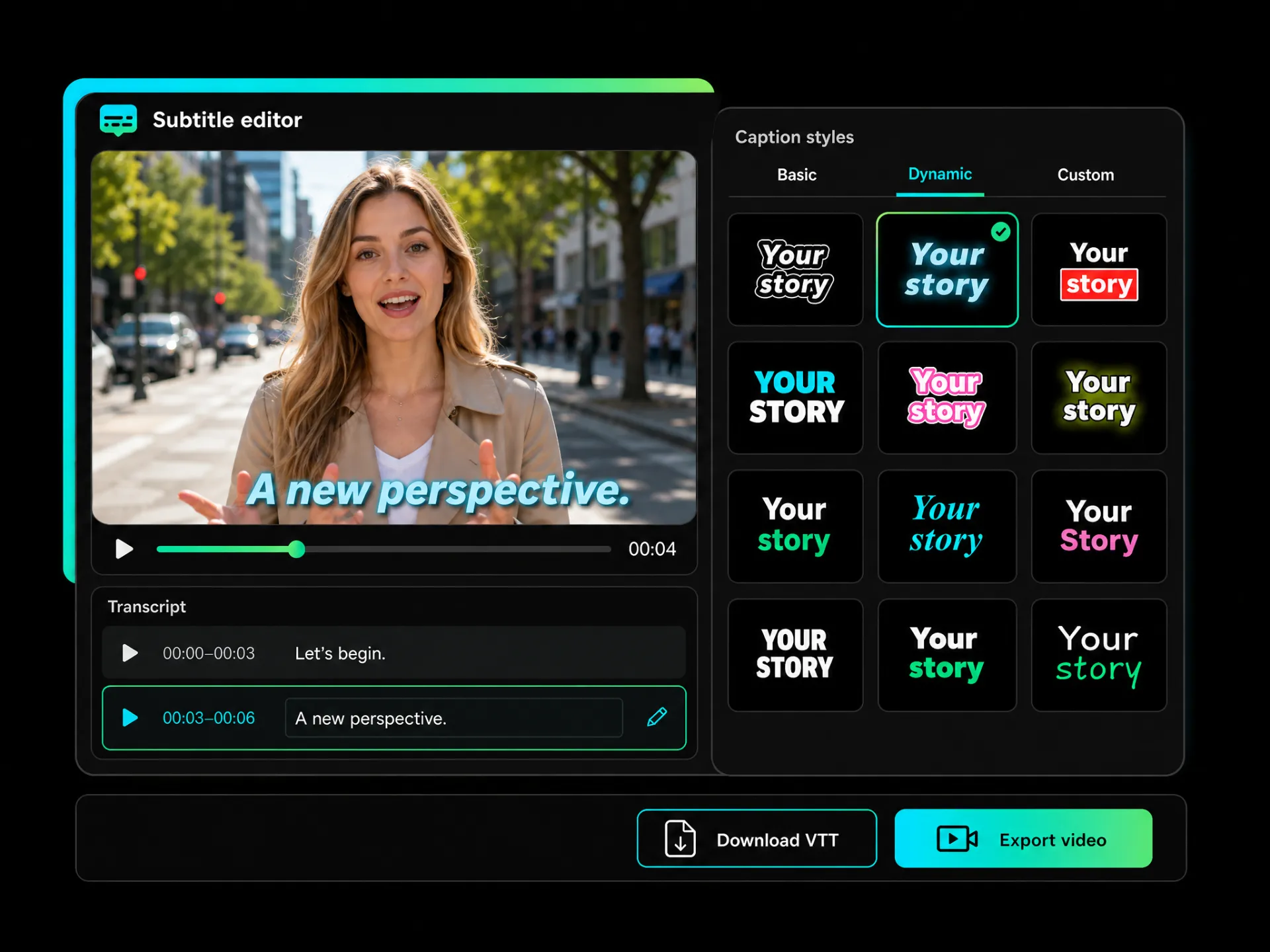
Review subtitle segments alongside your video to check the wording and timing. Correct the text before downloading your VTT file. If you also need a captioned video, choose a subtitle template or customize the font, color, and animation.
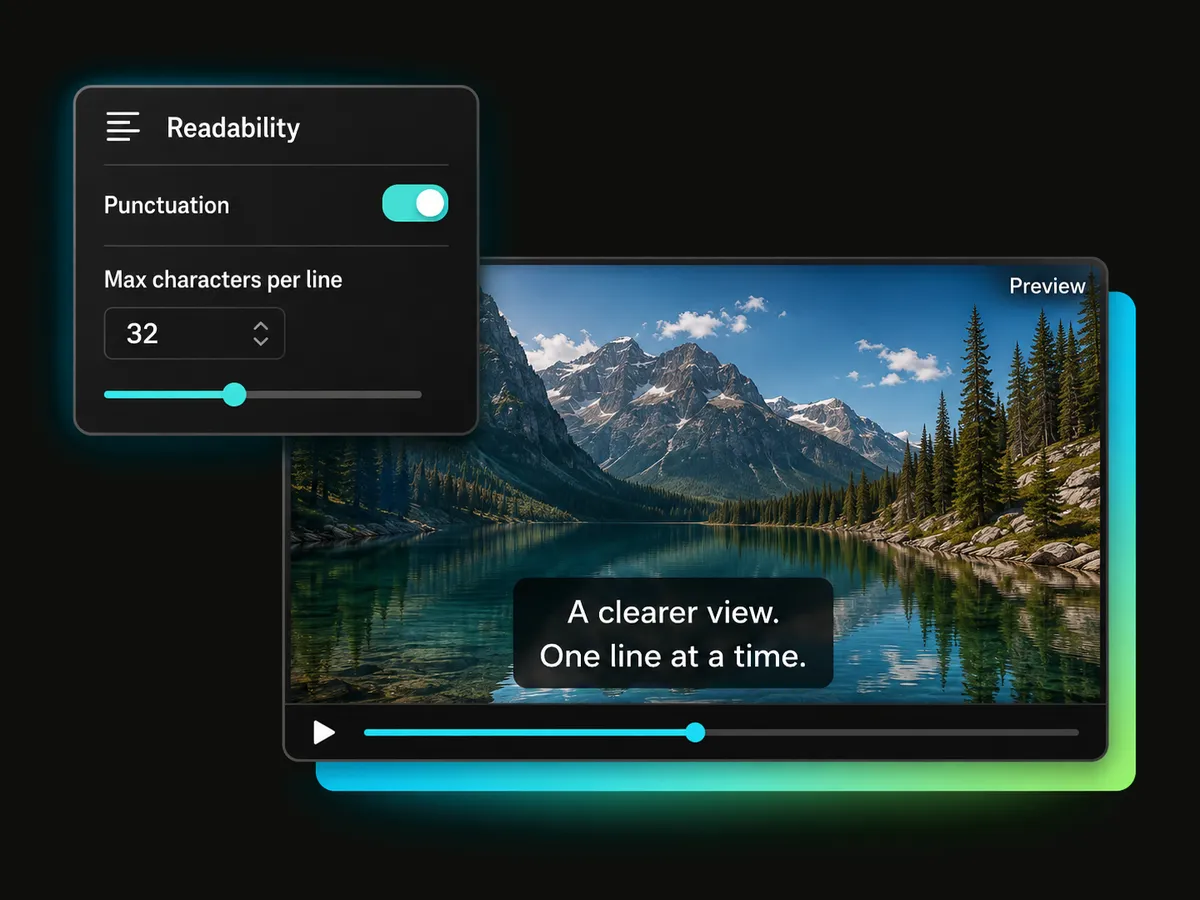
Crowded lines and missing punctuation can make subtitles hard to follow. Choose whether to show punctuation and set a maximum character count per line, then preview the result to make your video’s subtitles easier to read.
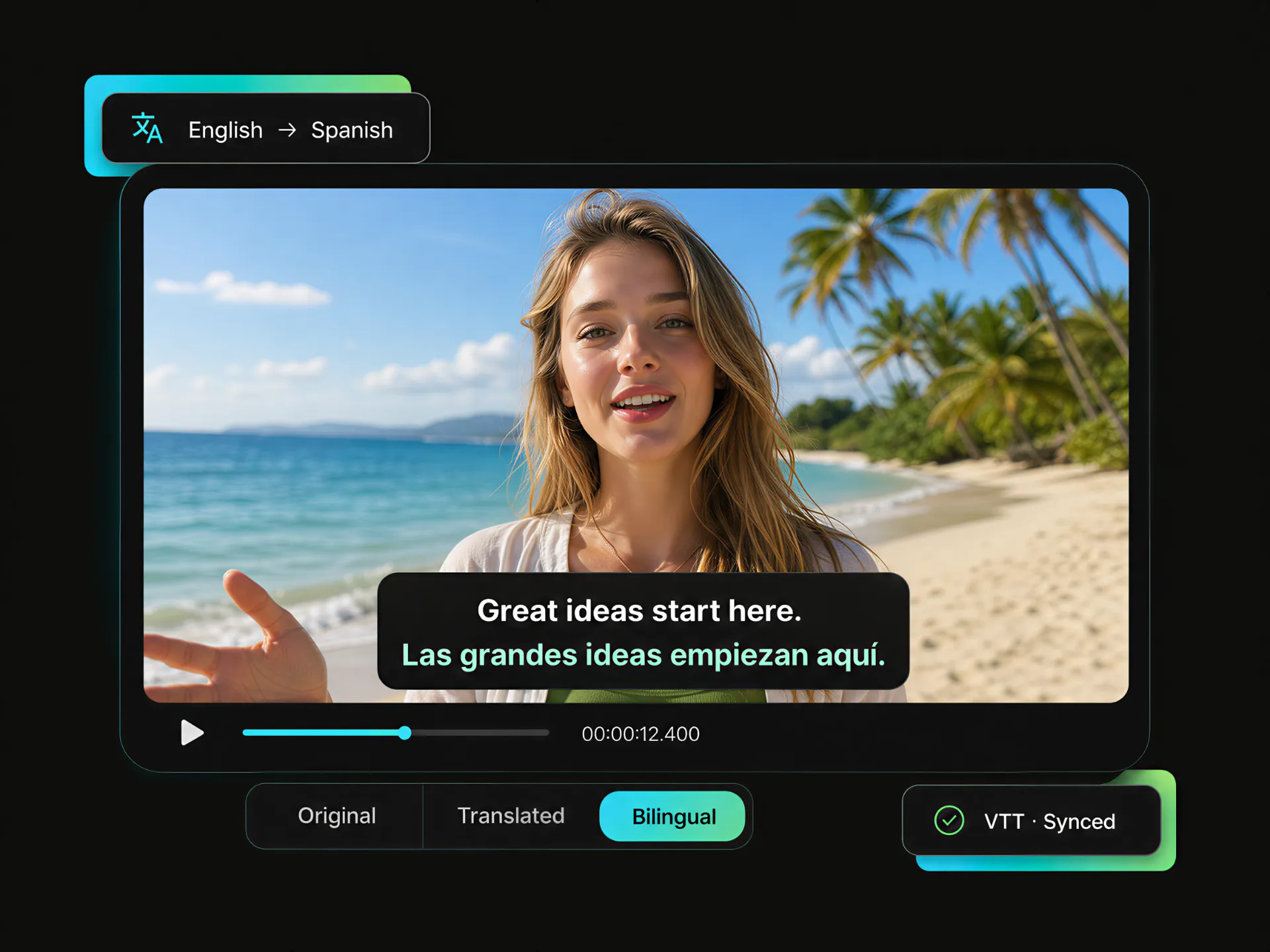
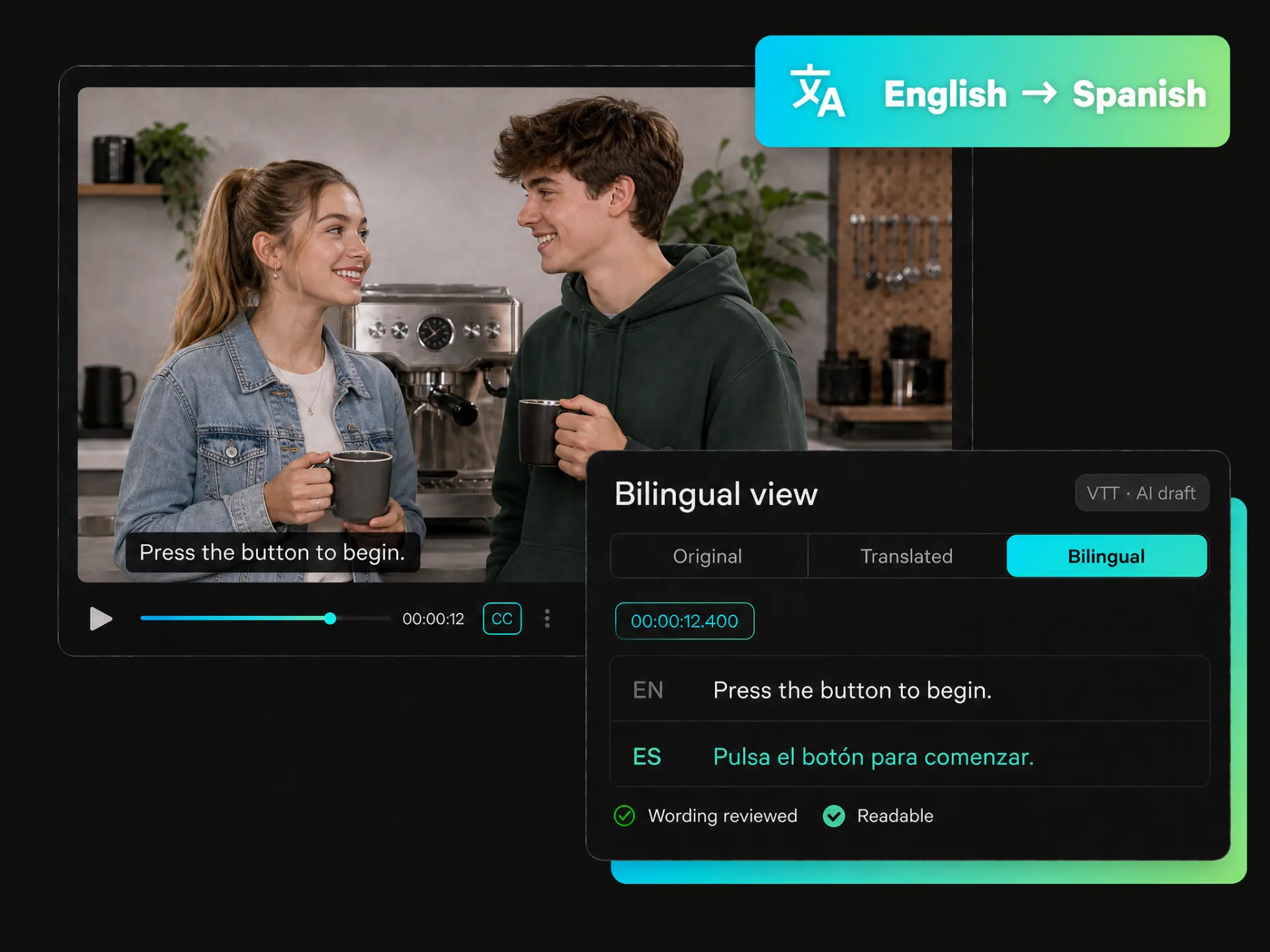
Translate your video’s subtitles and auto sync VTT subtitles with the dialogue. View the original text, the translation, or both together, and use the bilingual view to compare wording and as you review subtitles alongside the video.
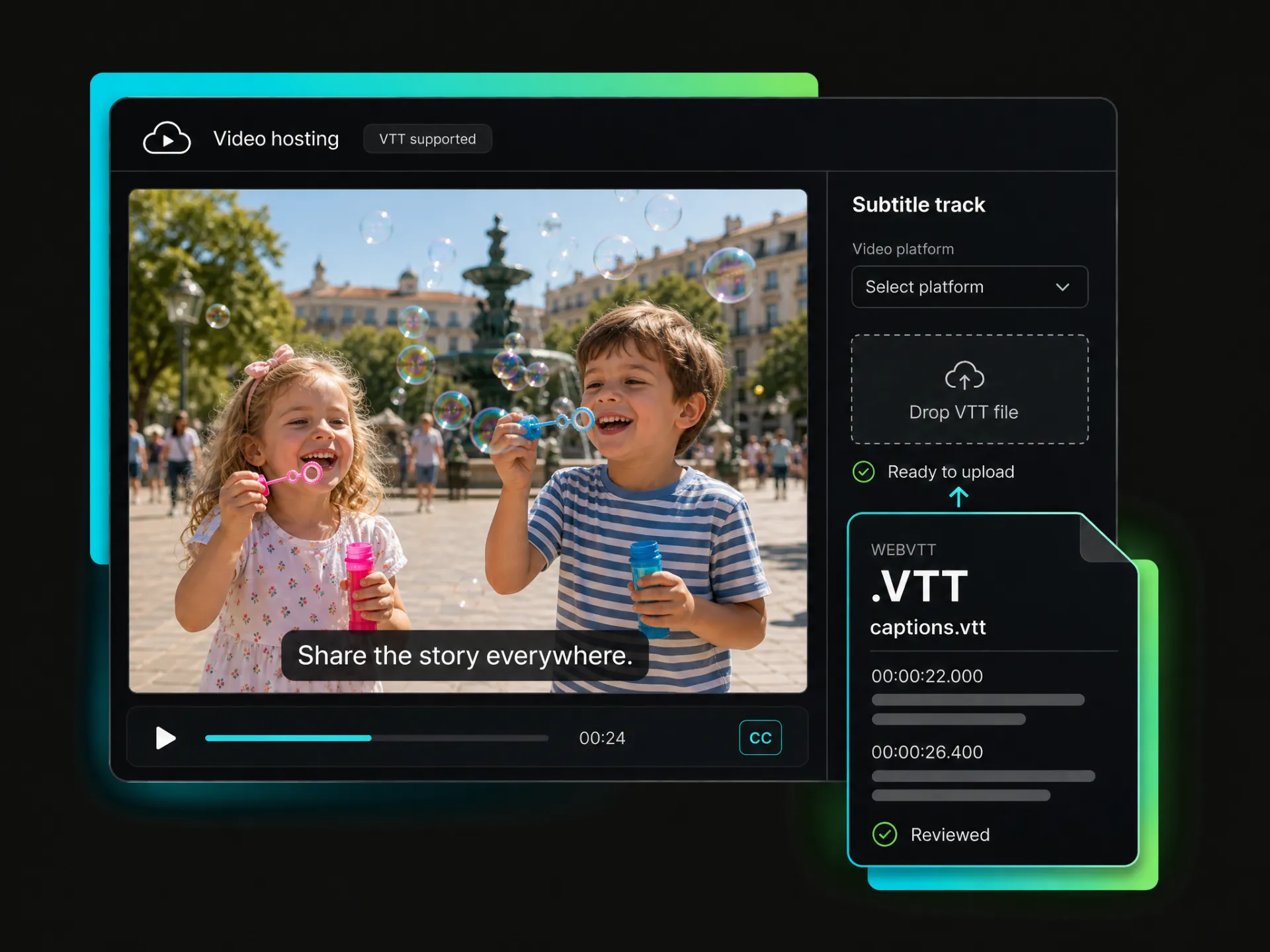
Create VTT subtitles for websites, courses, and multilingual videos. Edit online, then download your file for supported players and platforms.
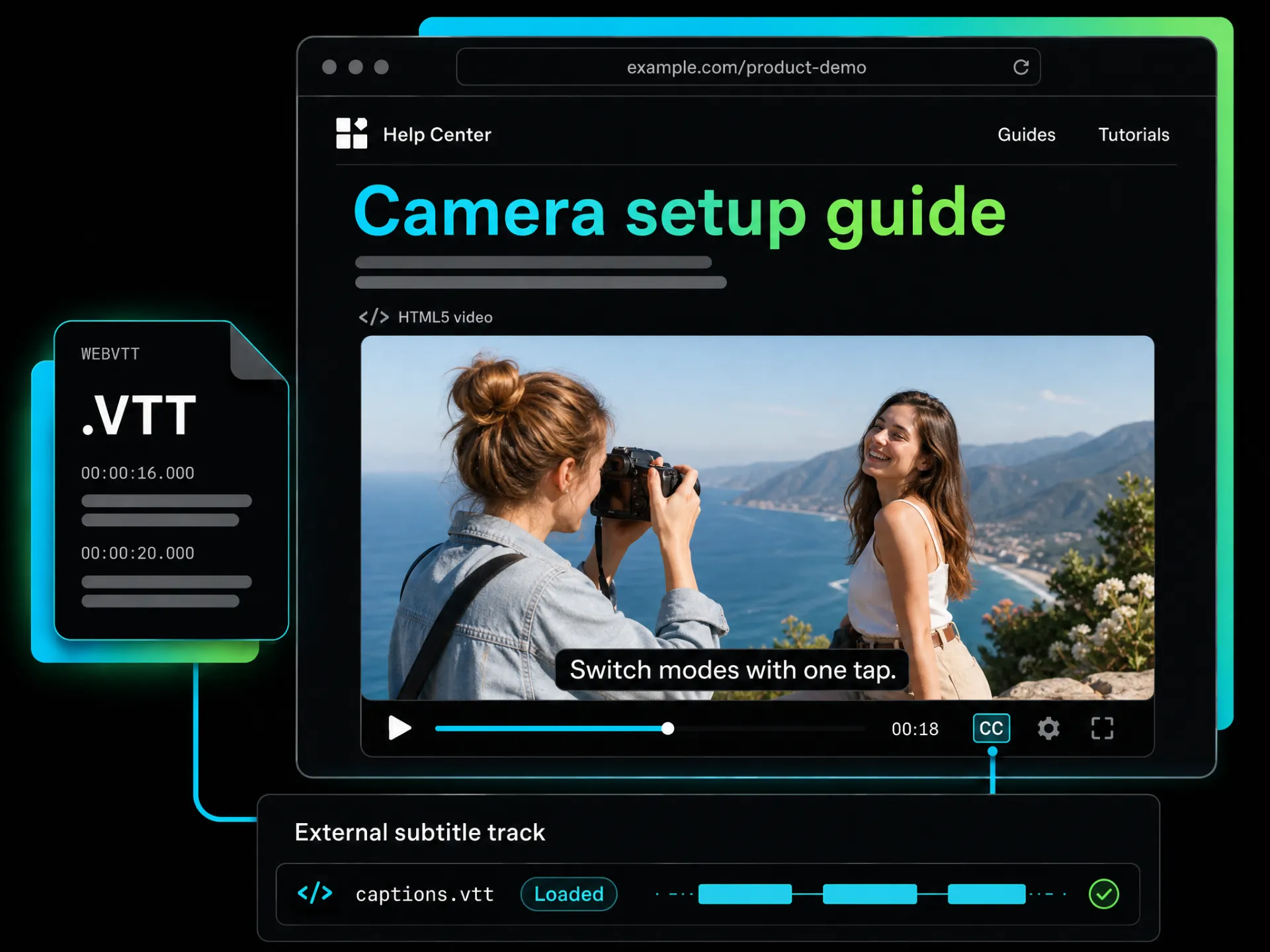
Add readable subtitles to product demos, tutorials, and help center videos. Generate a VTT subtitle file from your video, review the text and timing, then load it into an HTML5 player that supports external subtitle tracks.
Add WebVTT SubtitlesTurn video speech into subtitles with automatically synced timestamps, giving you a downloadable VTT subtitle file without marking every cue by hand.
Paste a video link to generate subtitles. Click any subtitle line to review the matching part of the video, correct the text online and download the finished VTT subtitle file.
Control punctuation and set the maximum number of characters per line to create cleaner subtitle cues that are easier to follow and understand.
Translate subtitles into 100+ languages and auto sync VTT subtitles with the video. Compare the original text with the translation in the video preview.
Choose a basic or dynamic subtitle style, customize the font, color, and effects, then export your captioned video or publish it to connected social media platforms.
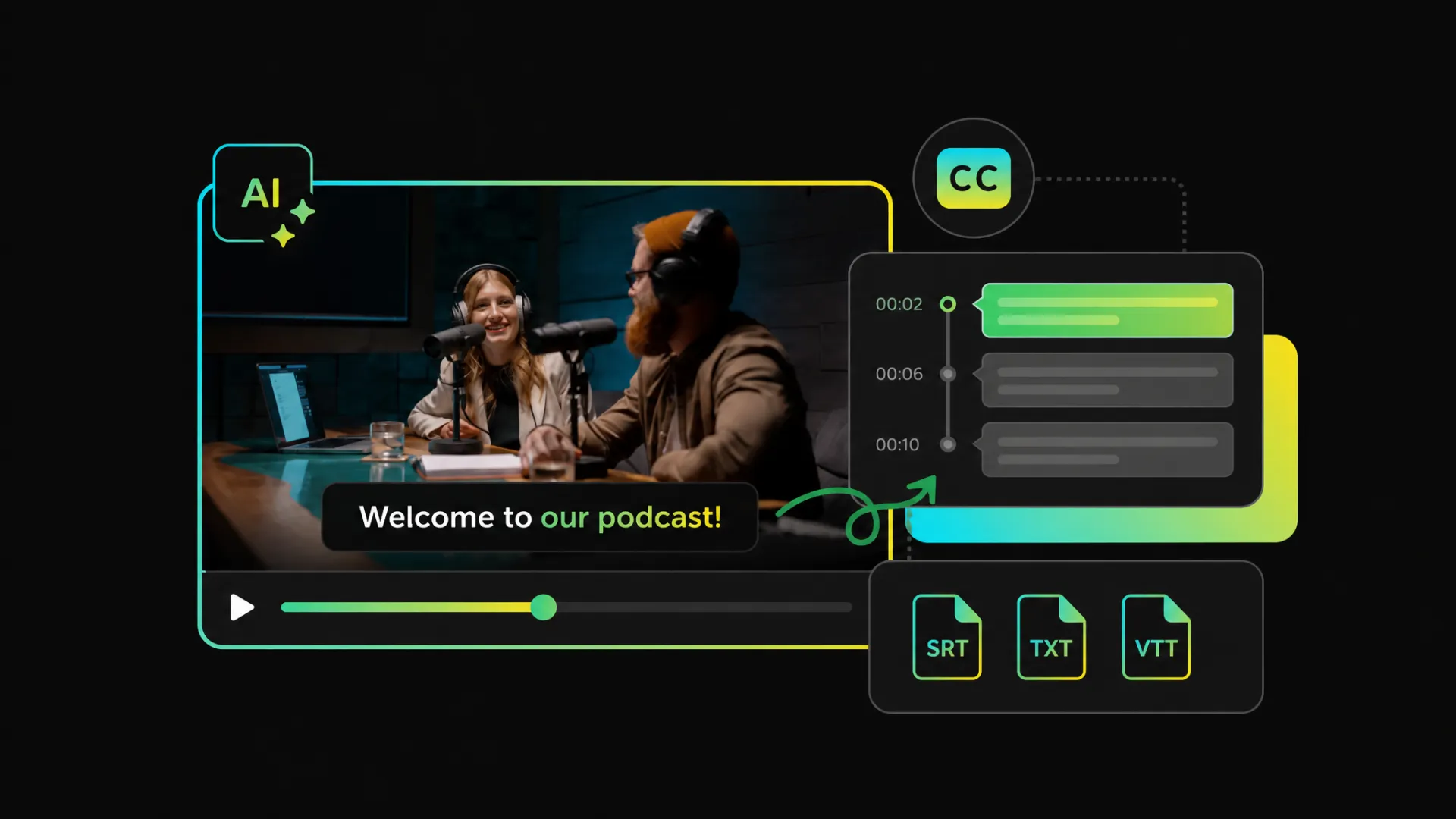
Generate subtitles with VTT and SRT export for broader compatibility across video platforms, or download timestamped TXT for transcripts, notes, and editing.
Upload the video you want to subtitle or paste a supported video link. The AI VTT subtitle generator transcribes the speech and adds timestamps automatically.
Upload a video or paste a link to generate, review, translate, and download synced VTT subtitles online.
Start with 100 free credits at sign-up.


