

Free Video Understanding Chatbot
Ask any question about the video content and get instant answers.
Upload
YouTube Video Link
Other Links
3 Easy Steps for Interactive Q&A on Video Content
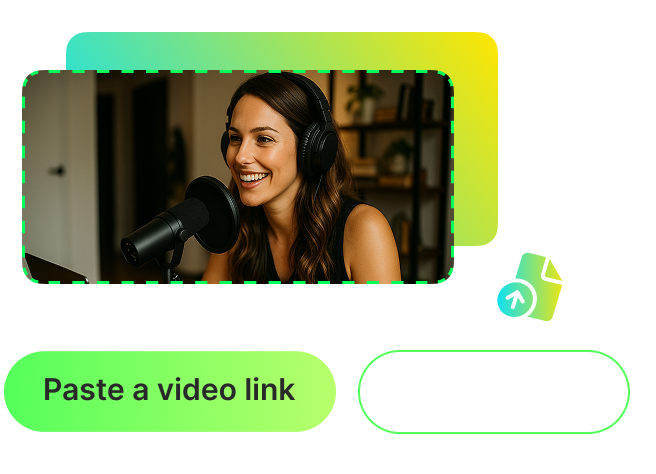
Paste a link or upload a video
Add a video by pasting a link (YouTube, TikTok, Facebook, etc.) or uploading a file directly from your device.
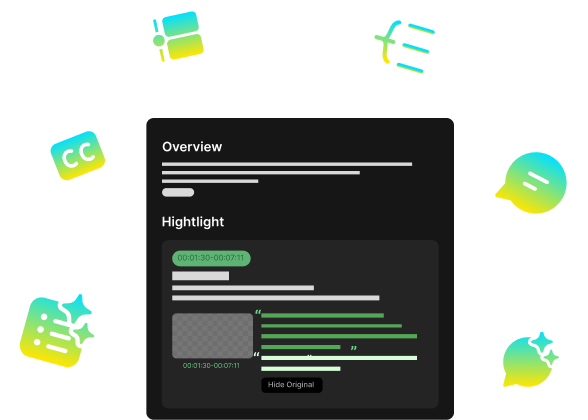
Understand your video in seconds
AI instantly gives you a clear summary, full transcript, and a visual mind map — all in 100+ languages.
Chat with your video
Ask any question about the video and get instant answers from AI.
FAQ
Frequently asked questions
Simply upload a video or paste a link from any platform. In seconds, our AI processes the video and lets you interact through an intelligent chat — ask anything about the content and get instant answers.
We support all major platforms, including YouTube, TikTok, Dailymotion, Twitch, and Facebook. You can also upload videos directly from your device. Supported formats include MP4, MOV, and WEBM, covering most common video files.
Yes! The tool works smoothly on both desktop and mobile. It’s fully optimized for iPhone, Android, and tablets, so you can paste links or upload videos on the go. The interface automatically adapts to your screen for a seamless experience.