

Turn long-form video into short-form content at scale.
Transform webinars, product demos, and meetings into 30+ platform-ready clips in seconds. No editing skills required. Built for marketers who need efficiency, not just virality.
How social media marketers automate video content at scale
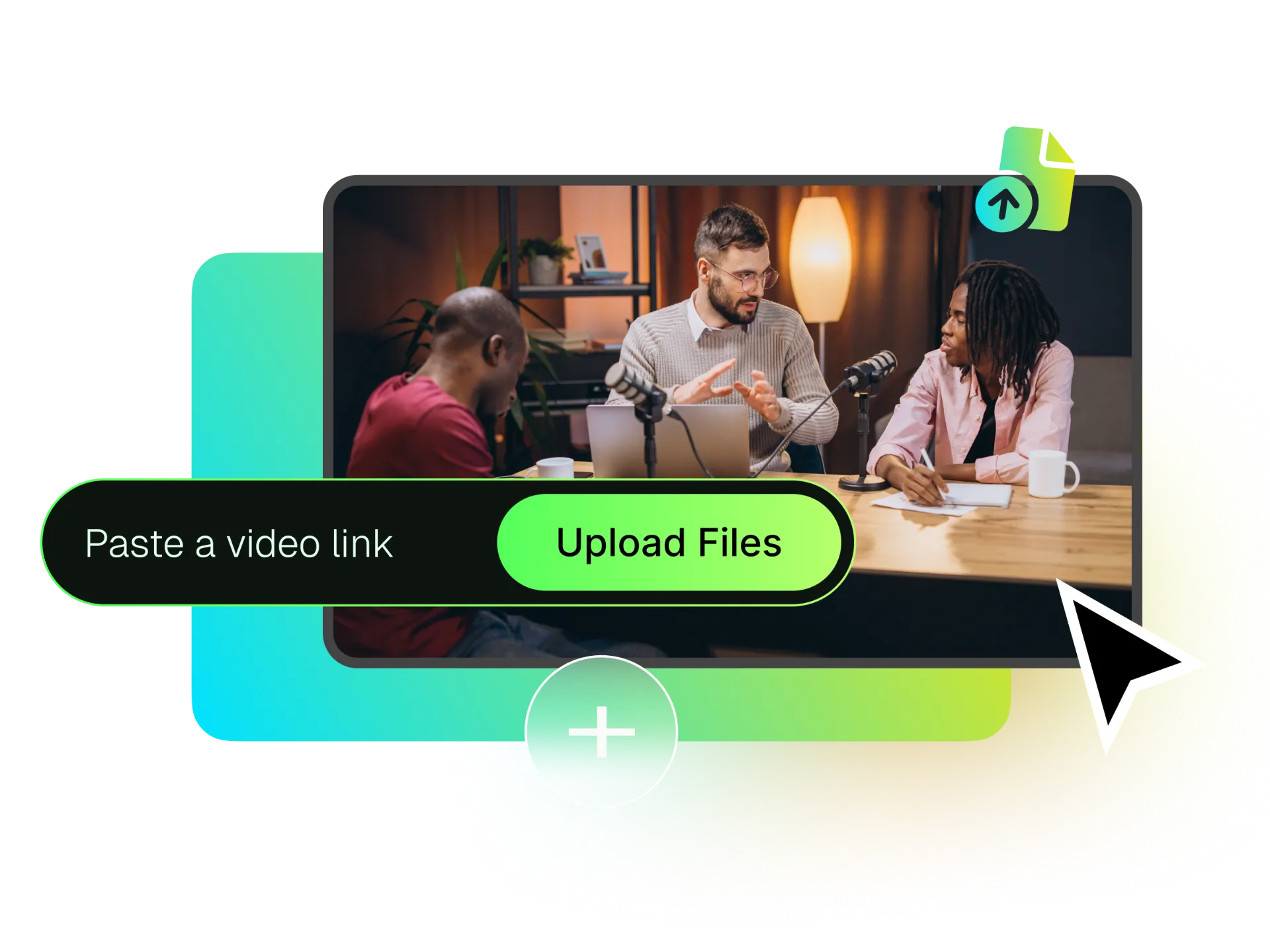
Upload Your Content
Upload video files directly from your device (webinars, Zoom recordings, product demos), or paste links from YouTube, Vimeo, Google Drive, and more. Support for videos up to 10+ hours and 30GB.
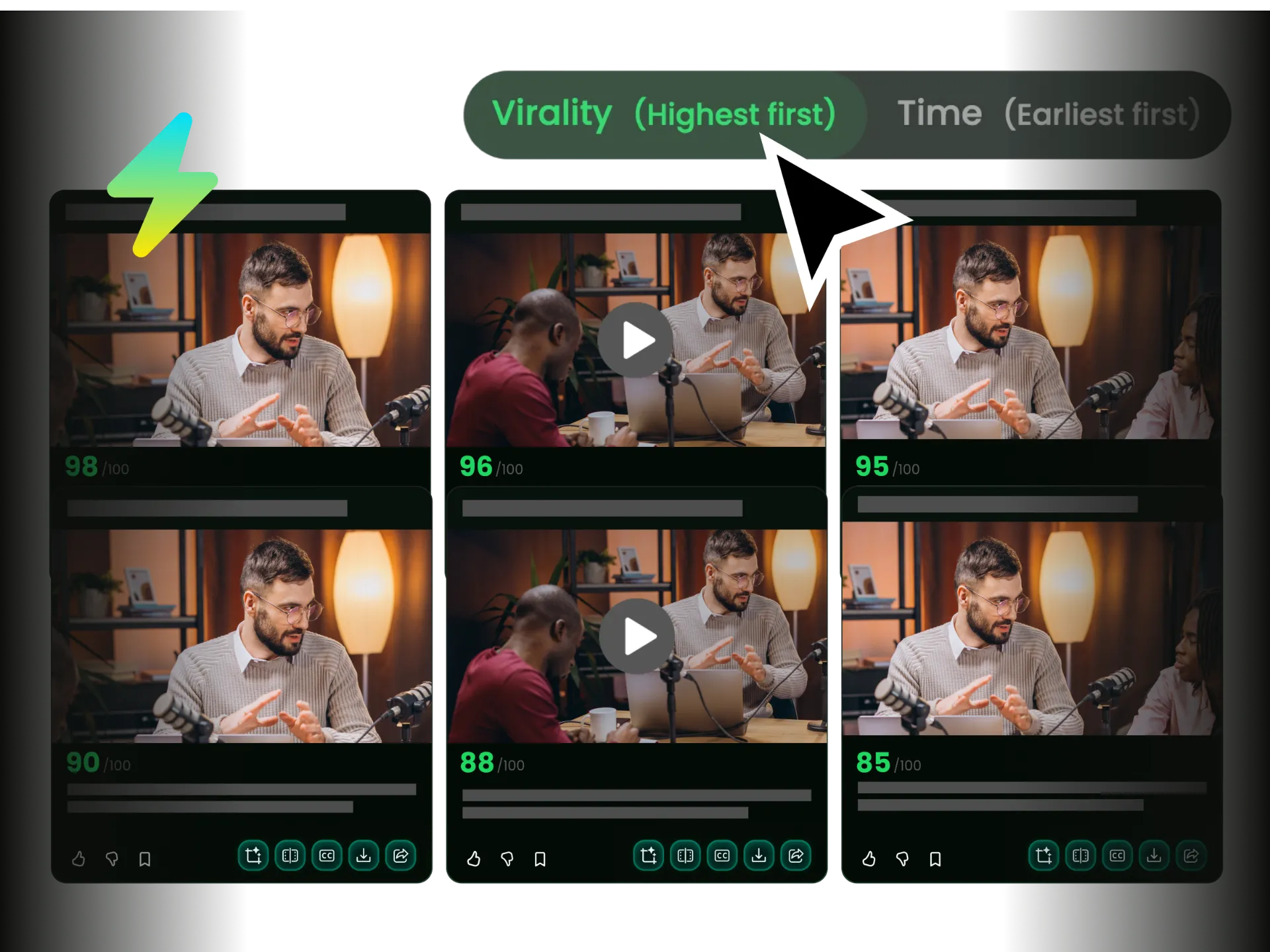
AI Processes in Batch
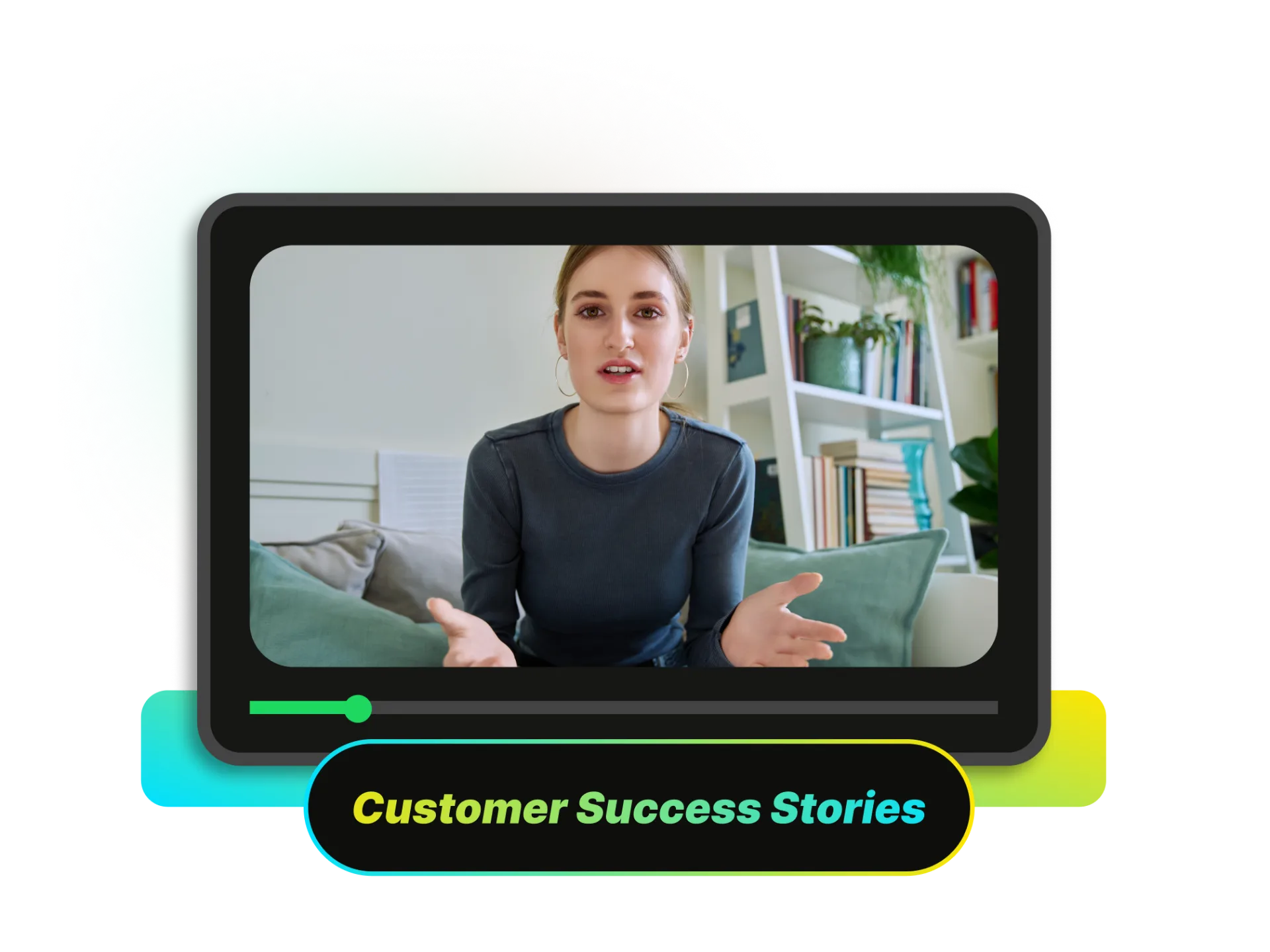
Our AI automatically identifies key moments—product mentions, expert insights, customer testimonials—and generates 30+ clips optimized for each platform. Use custom AI prompts to extract specific content: 'find all product features' or 'extract customer success stories.'
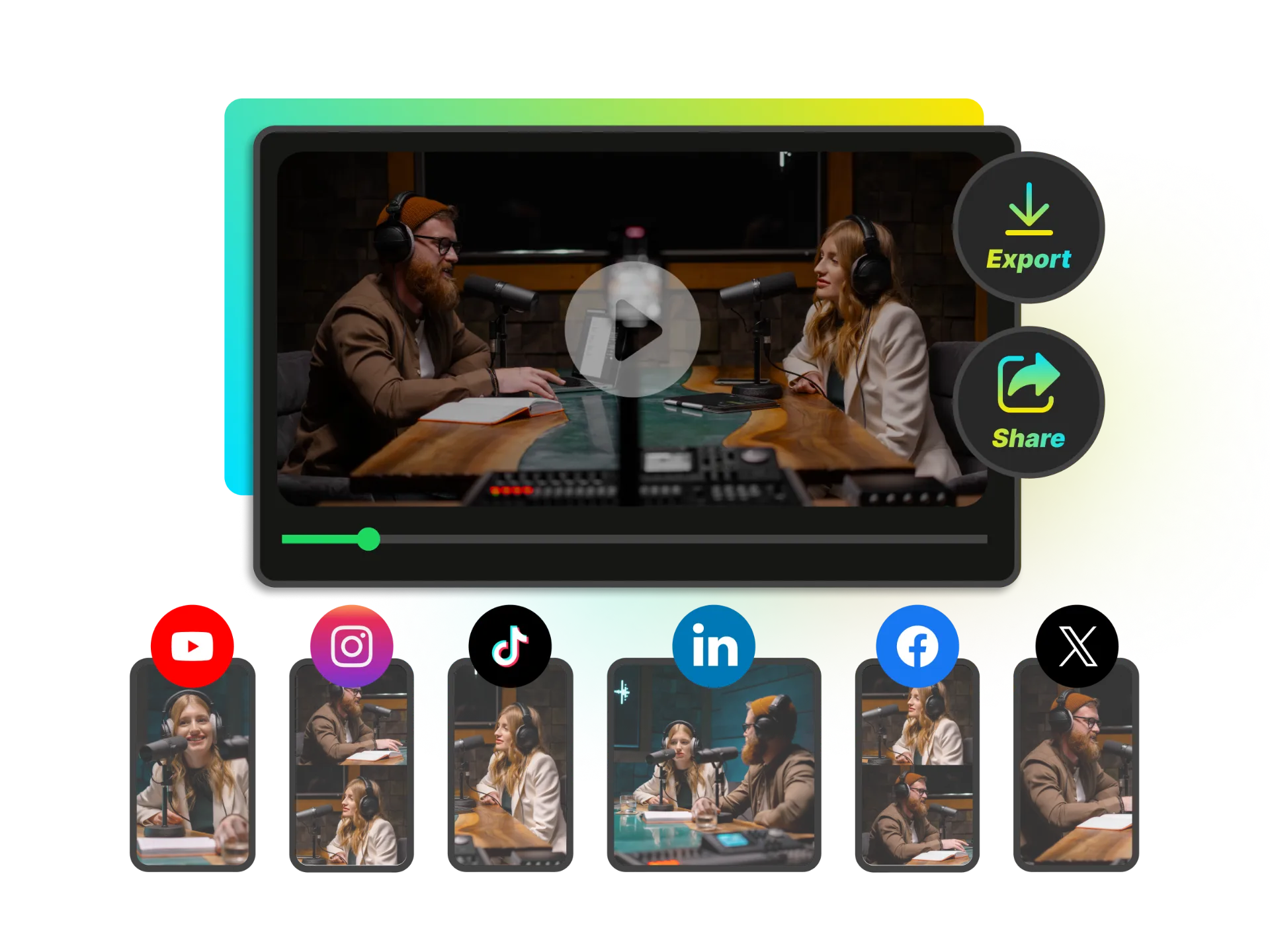
Distribute Across Channels
Export in multiple formats (9:16, 16:9, 1:1, 4:5) with auto-generated captions, titles, and hashtags. Download as digital assets or integrate via API into your content management workflow.
Batch Content Creation: Your Digital Asset Library
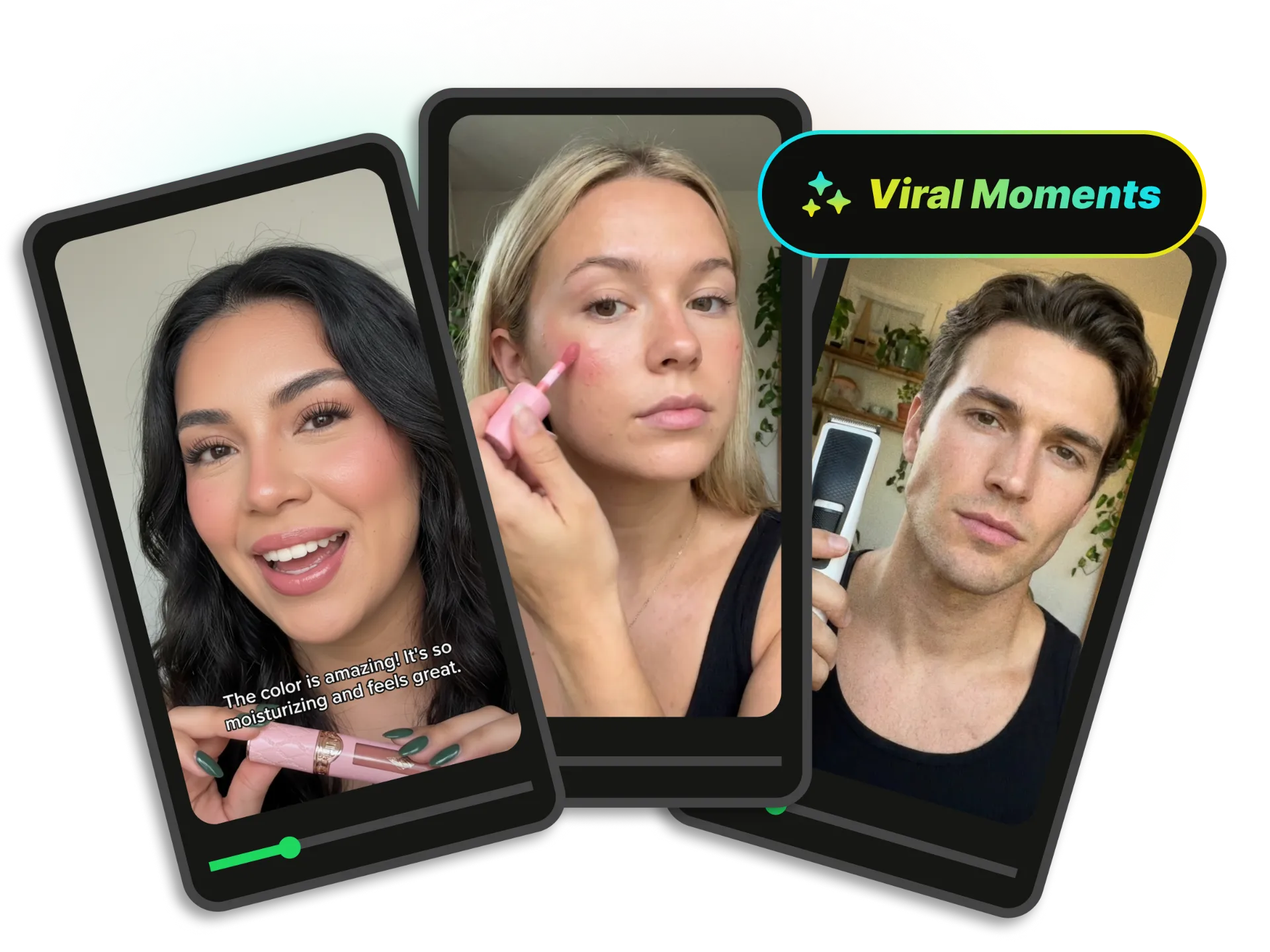
One webinar, one use? Not anymore. Turn one 60-minute webinar into 20+ reusable digital assets. Generate 30+ clips from a single video upload. AI identifies product mentions, key insights, testimonials. Use custom AI prompts: 'extract all feature demos' or 'find customer quotes'. Build a searchable content library for ongoing campaigns. Marketers report 300% increase in content output using batch processing.
API & Workflow Automation
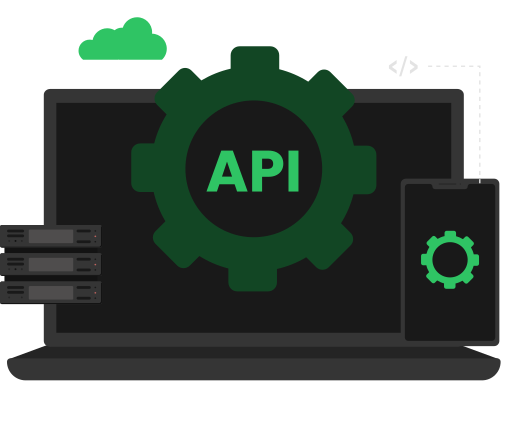
Manual video editing doesn't scale. Your team needs automation. Enterprise API for seamless integration into your existing workflow. Available APIs: AI Clipping, Find Moments (custom prompt-based extraction), Animated Captions, Subtitle Translation (100+ languages), Video Summarization, AI Reframe. Auto-process webinar recordings post-event, integrate with Zapier/Make.com/n8n, batch process video libraries overnight, connect to your CMS or DAM system. RESTful interface for easy integration, scalable processing for high-volume needs.
AI Smart Reframe with Multi-Layout Intelligence
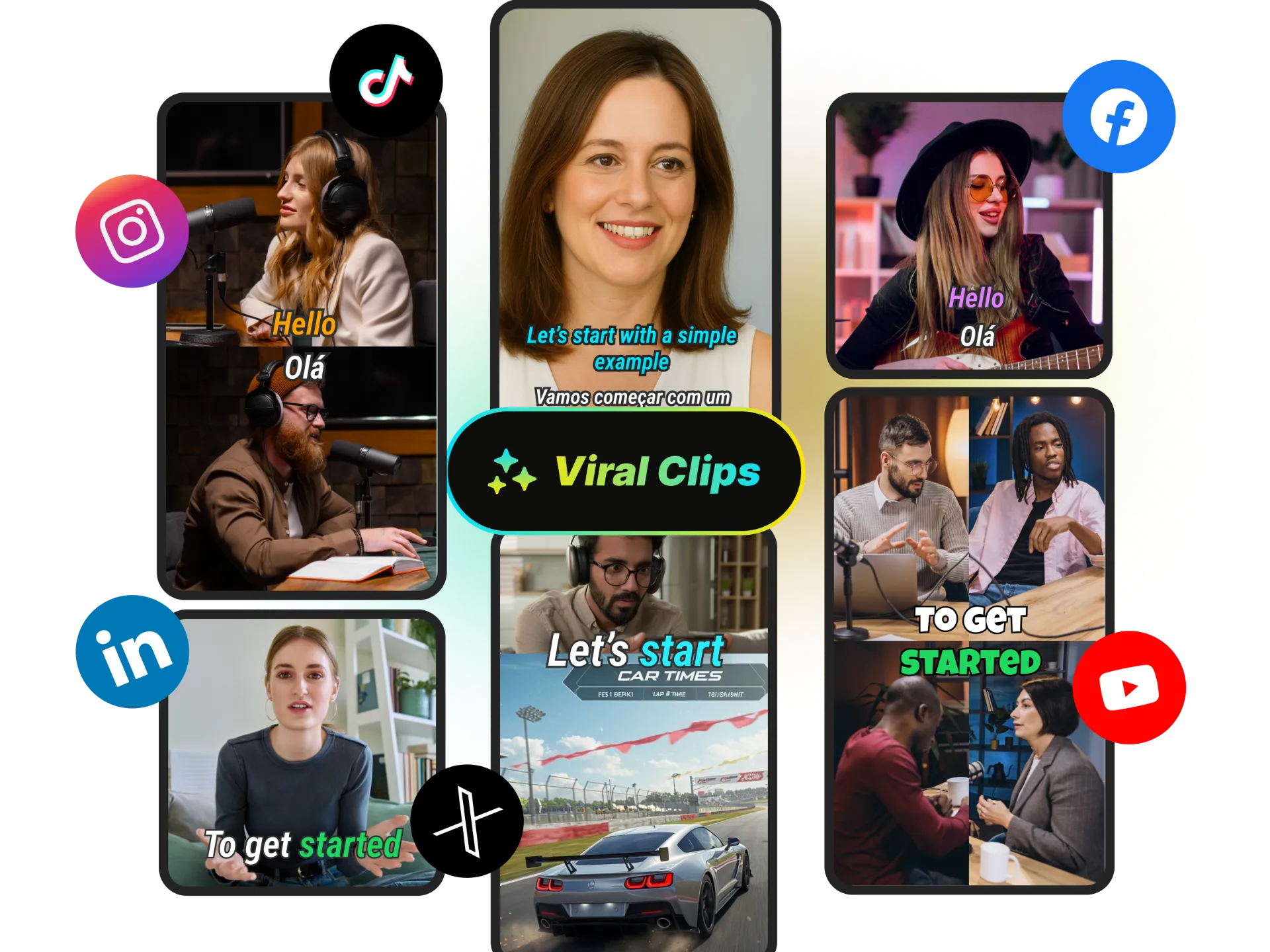
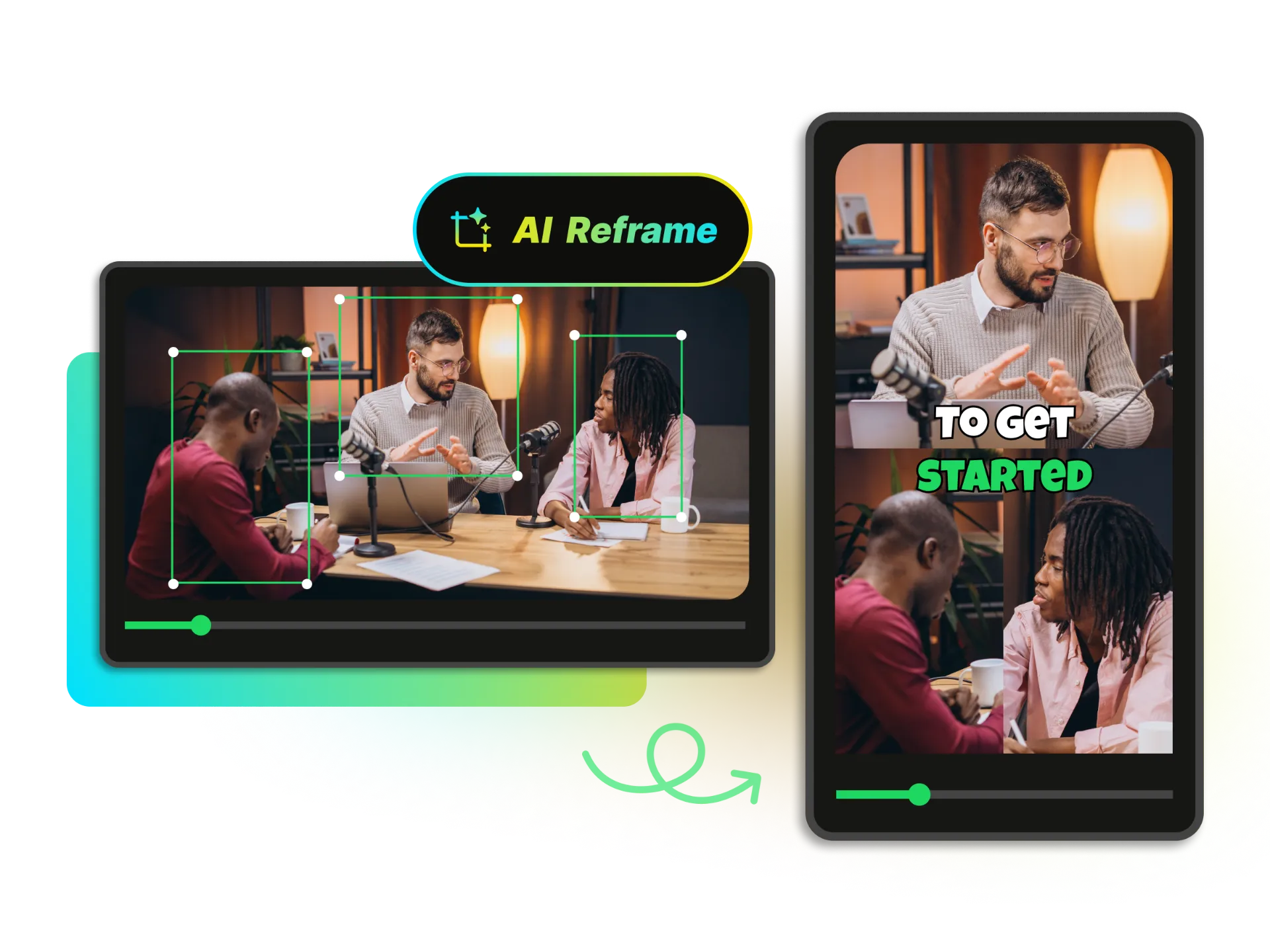
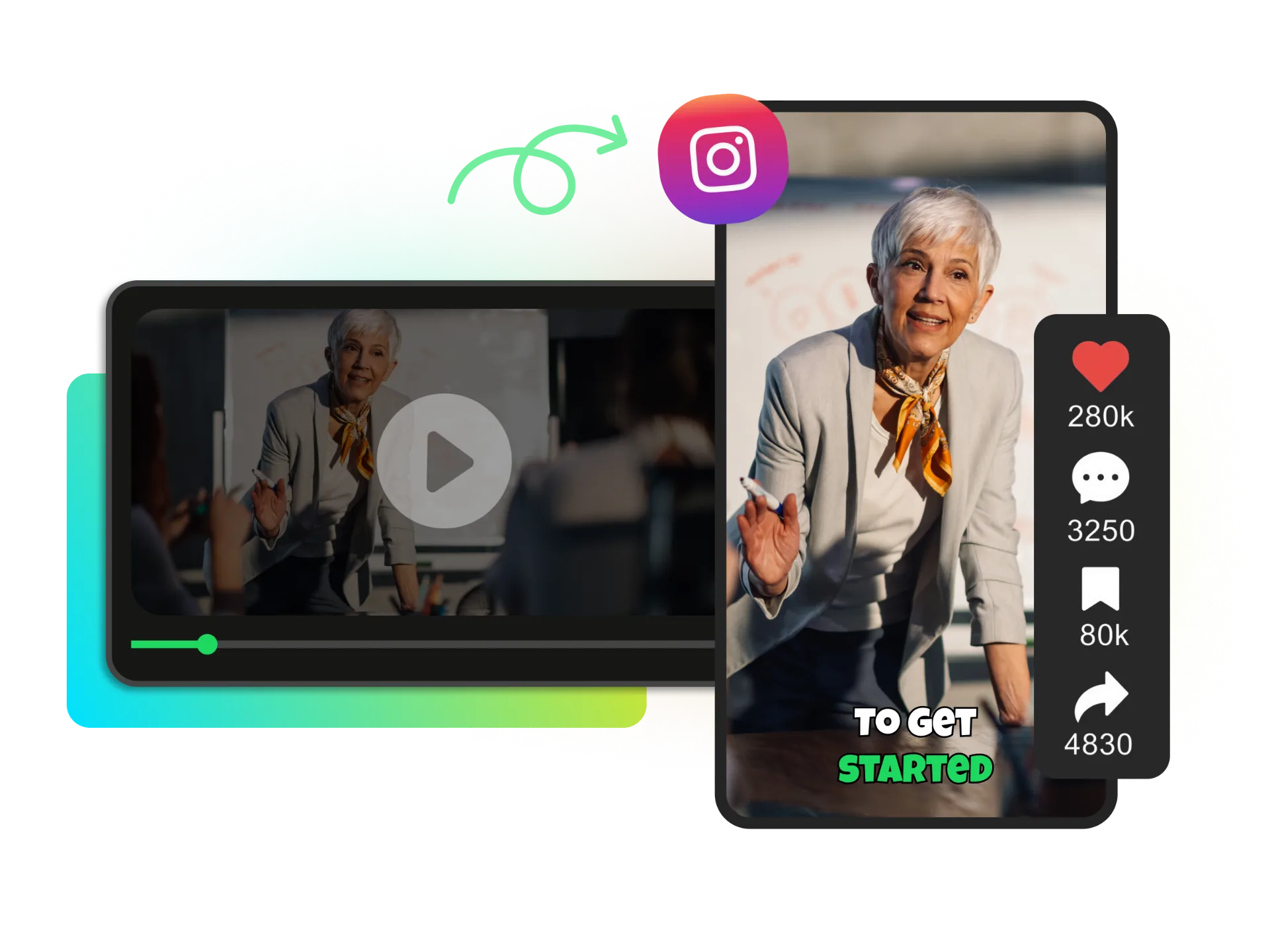
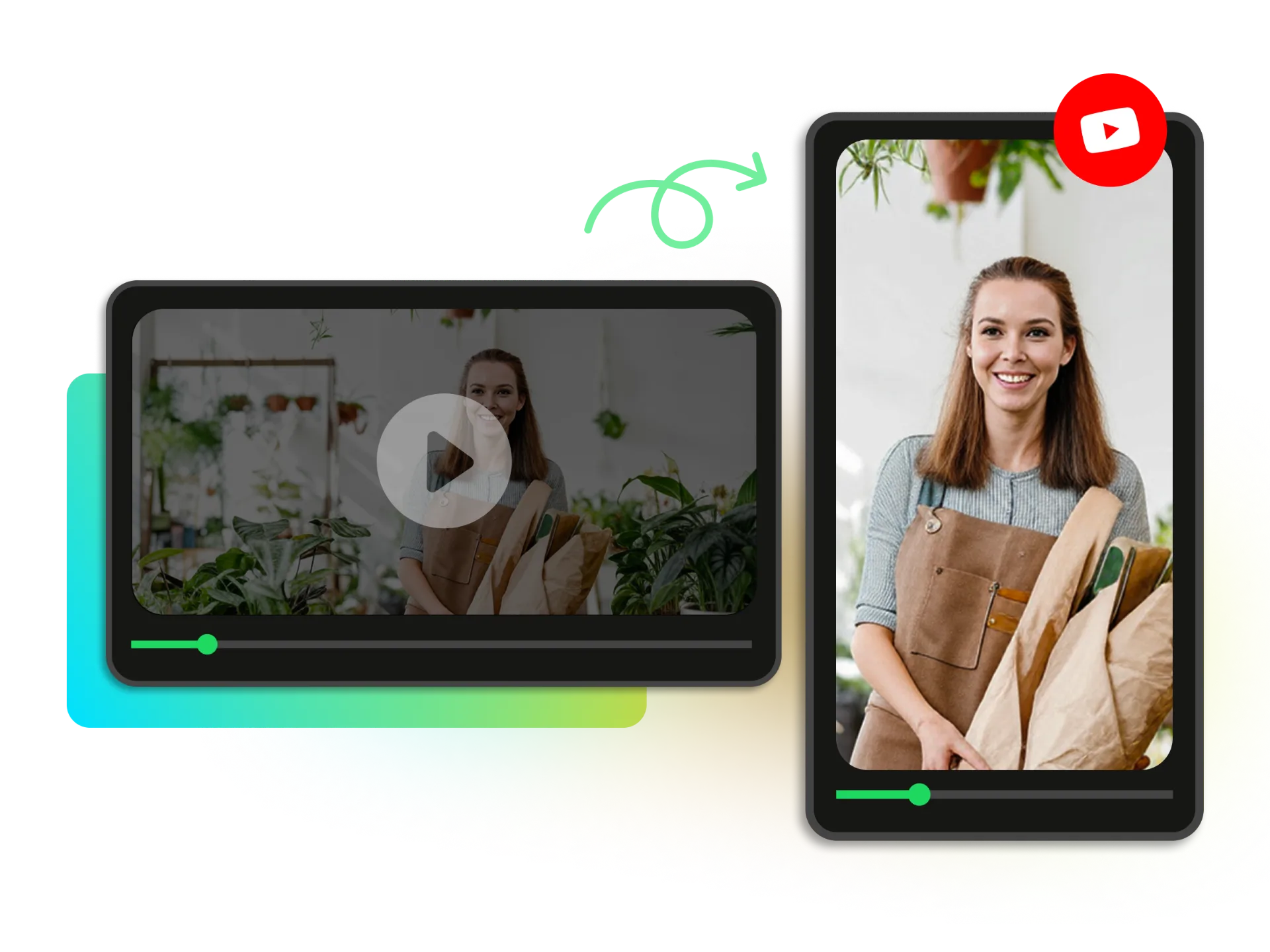
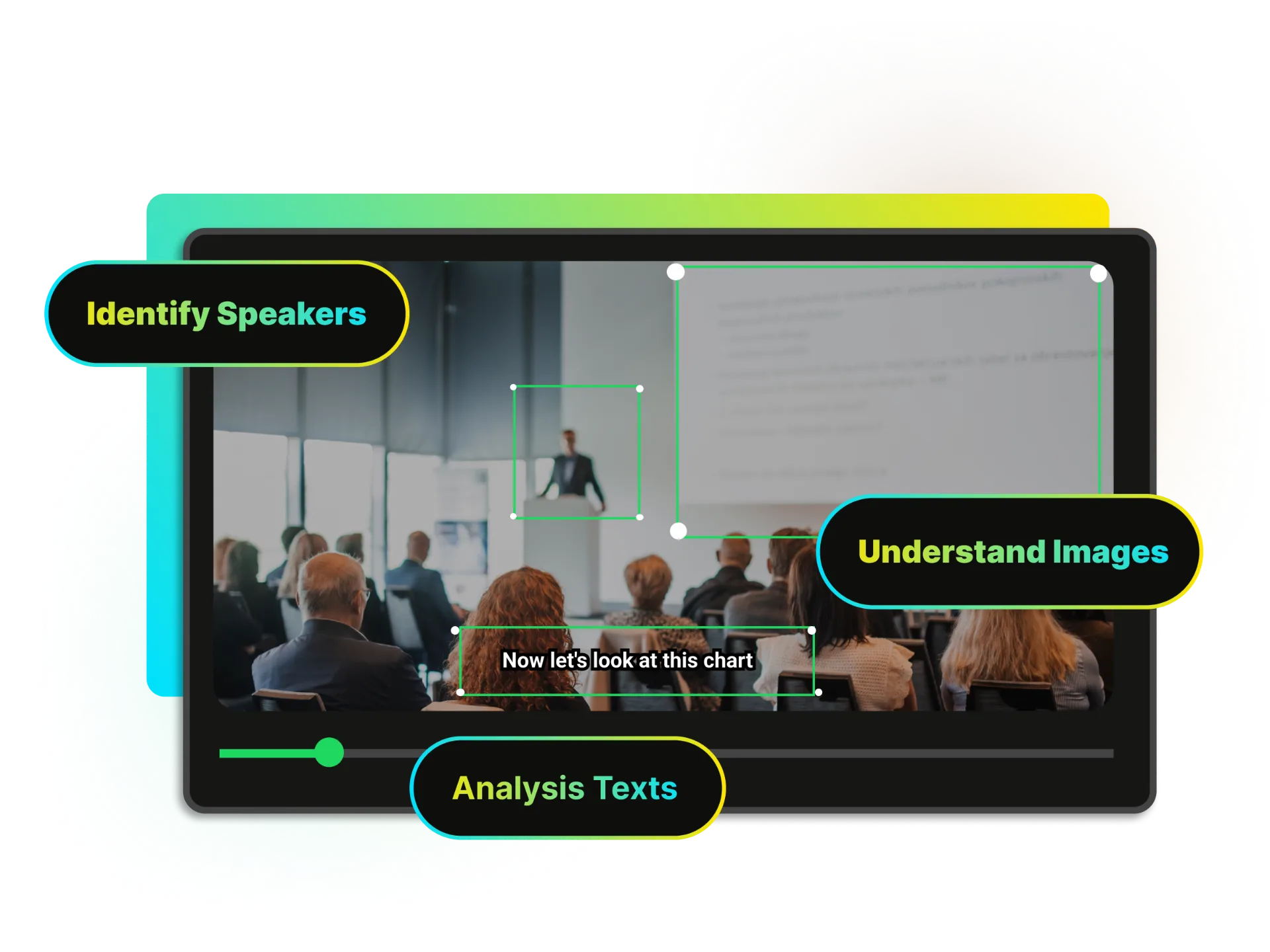
Stop manually cropping videos for different platforms. Our AI automatically detects speakers and keeps them perfectly centered in vertical format. Choose the right layout for your content: Split-screen for interviews and debates, Picture-in-Picture for gaming streams with webcam, 3-screen layout for panel discussions, 4-screen layout for multi-person podcasts. AI intelligently focuses on the active speaker in every moment. Transform horizontal webinars into professional vertical content without losing key visual elements.
Auto Subtitle & Animated Captions
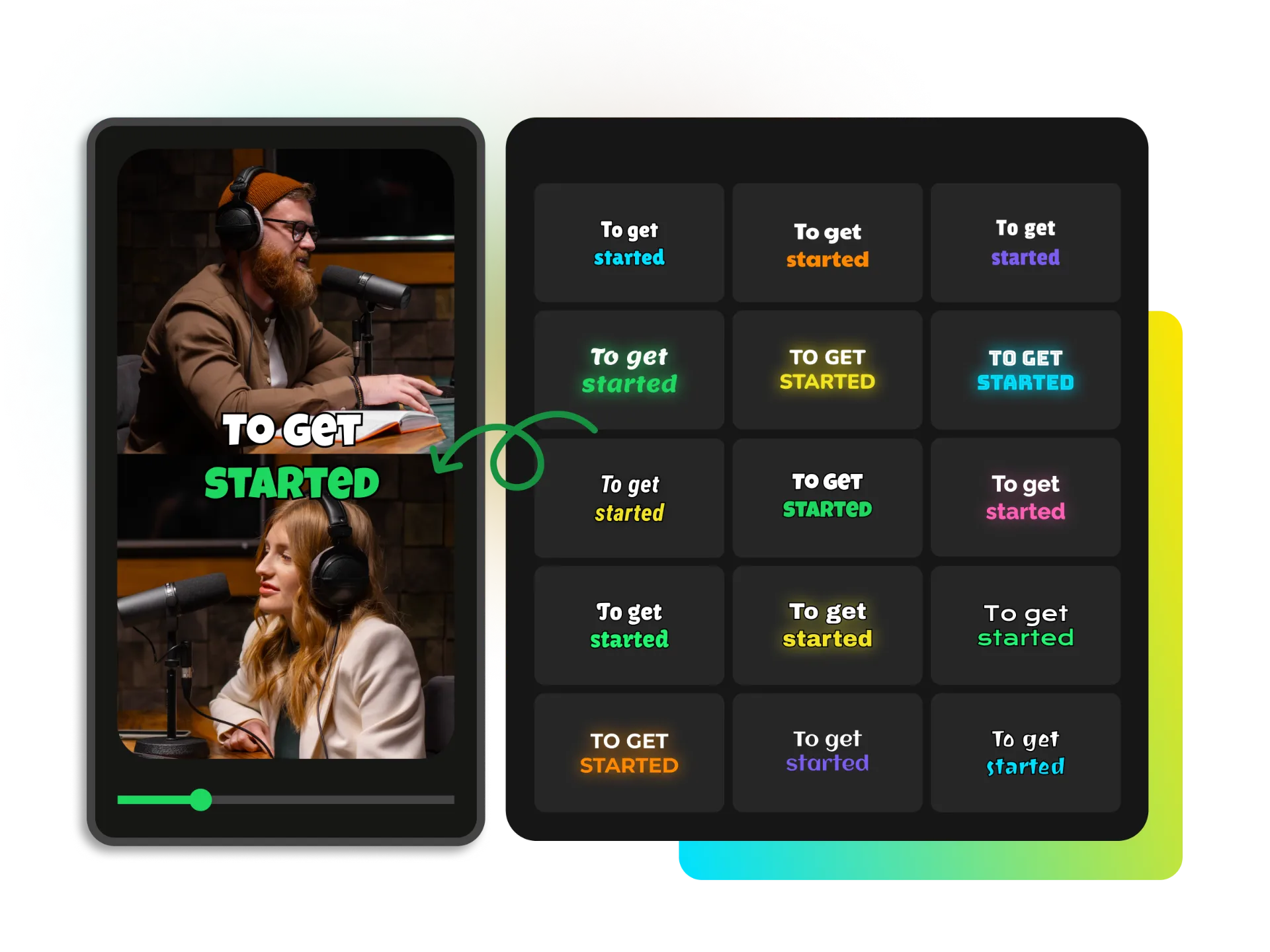
99% accurate auto-generated subtitles in 100+ languages, synchronized perfectly with speech. Add eye-catching animated captions that highlight key words, product names, and emotional moments. Research shows animated captions increase watch time by 57% and keep viewers engaged even with sound off. Text-based editing lets you trim videos by deleting transcript text—as easy as editing a document. Zero design skills required to create professional, scroll-stopping content.
Multi-Platform Distribution
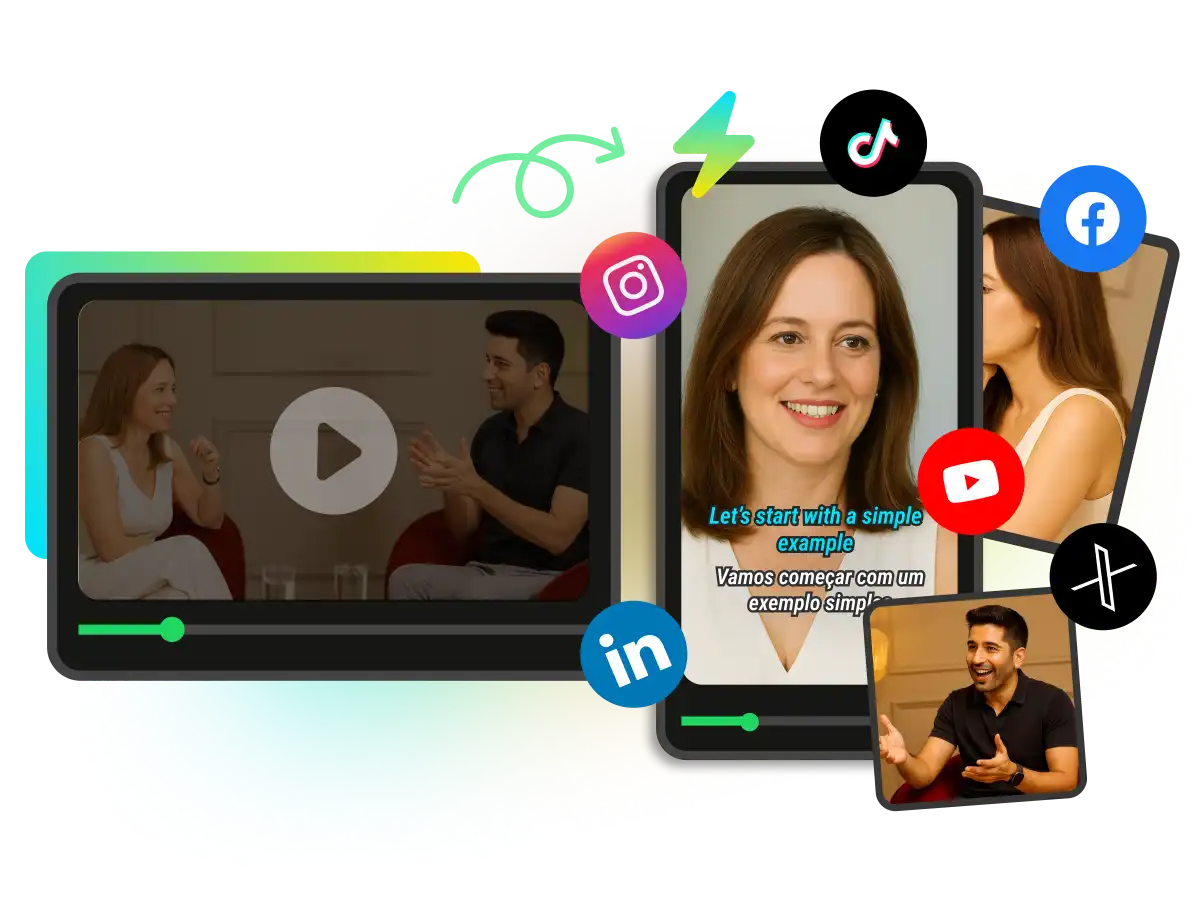
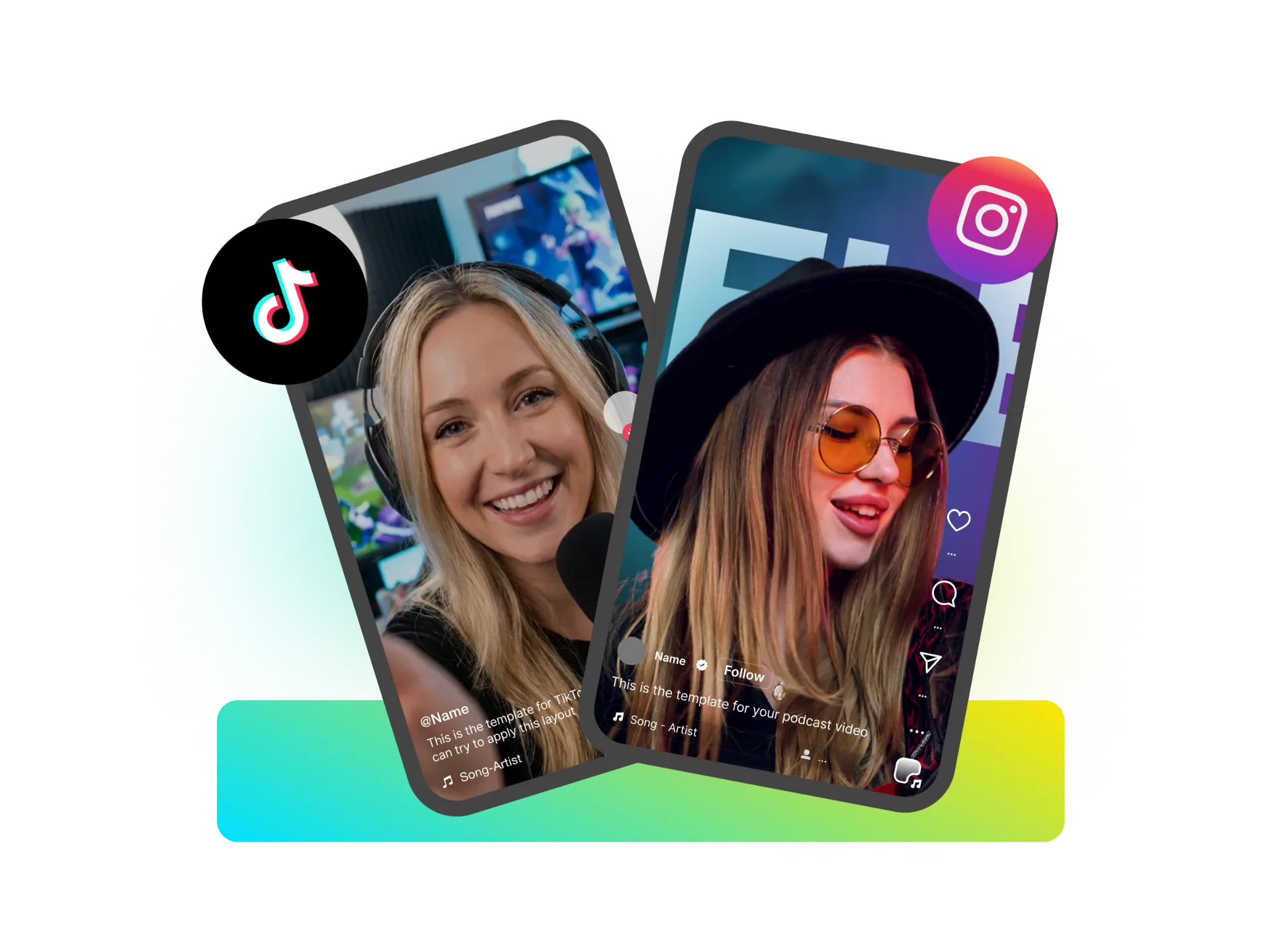
Reformatting content for each platform wastes hours. One upload, multiple platform-optimized outputs. Auto-resize for YouTube Shorts (9:16), Instagram Reels (9:16), TikTok (9:16), LinkedIn (1:1, 16:9). Platform-specific caption generation. Batch export in all formats simultaneously. 1080p HD, watermark-free (even on free plan).
Performance Intelligence
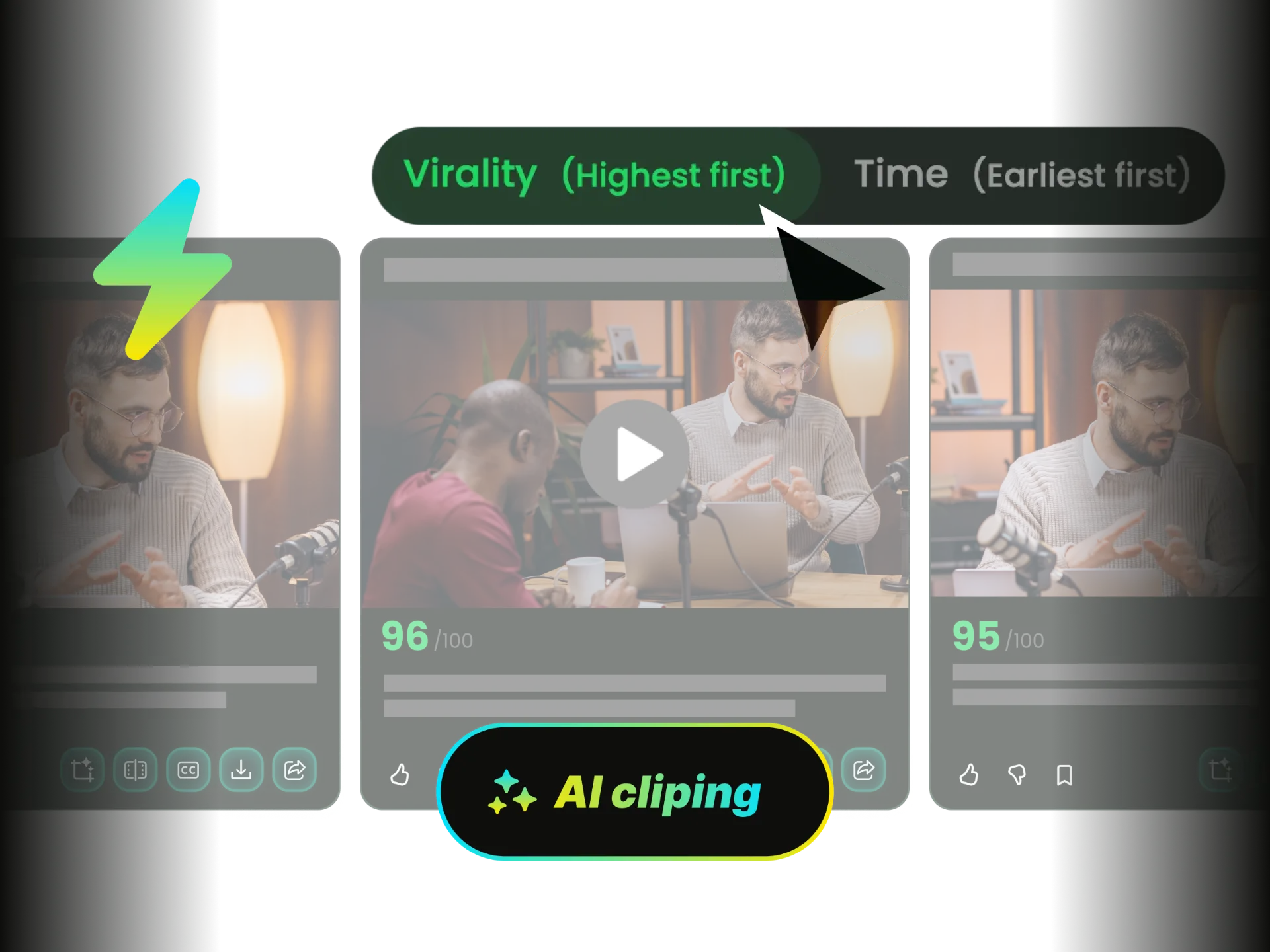
Stop guessing which content will perform. AI performance scoring helps you prioritize high-potential content before you post. Our AI analyzes engagement patterns, pacing, hooks, and emotional peaks, then ranks clips by predicted performance. Focus your efforts on content most likely to drive results—data-driven decisions, not guesswork.
How Marketers Use WayinVideo
Stop letting valuable content sit unused. Turn every webinar, demo, and meeting into a library of reusable digital assets. Join thousands of marketers achieving 10x content output with enterprise-grade automation.
Webinar Content Repurposing
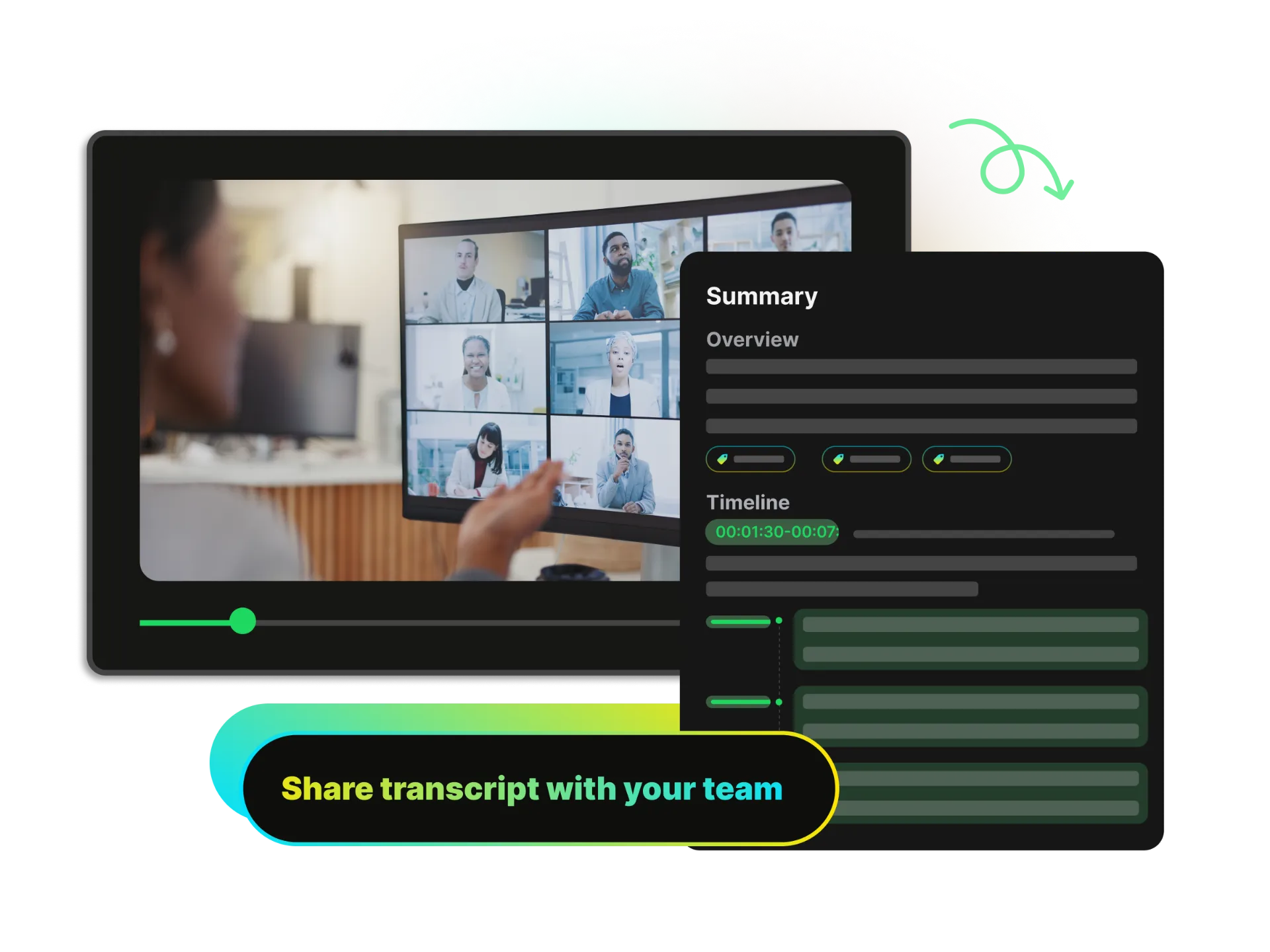
You invest heavily in webinars—expert speakers, promotion, live attendance. But after the event, that 60-minute recording sits unused. Upload your webinar recording. AI automatically identifies expert insights, product demonstrations, audience Q&A highlights, and speaker quotes. Generate 20+ LinkedIn posts, 15+ YouTube Shorts for lead generation, 10+ Instagram Reels for brand awareness, and a searchable clip library for sales enablement. Turn one $5,000 webinar investment into 6 months of social content.
Why Social Media Marketers Choose WayinVideo

Batch Processing Power
Generate 30+ clips from one video upload. Process entire content libraries overnight. Scale content production without scaling headcount.

API & Automation Ready
Enterprise API for workflow integration. Connect to your CMS, DAM, or marketing automation platform. Automate post-event content processing.

AI Smart Reframe
Intelligent reframing automatically adapts horizontal content to vertical format. Multi-layout support (split-screen, PIP, 3-screen, 4-screen) keeps speakers perfectly centered.

99% Accurate Captions
Auto-generated subtitles in 100+ languages with 99% accuracy. Animated captions highlight key words and emotions, boosting watch time by 57%.

Multi-Language Support
Translate captions into 100+ languages. Reach global markets without additional production costs. Localize content at scale.
No Watermarks, Ever
Professional output on all plans, including free tier. Your brand, your content, no compromises.
FAQ
Frequently asked questions
More Tools for Marketers
Turn One Webinar Into 6 Months of Content
Stop letting your webinars, product demos, and meetings disappear after one use. Transform them into a library of reusable digital assets that drive leads for months. Start with 200 free credits—no credit card required, no watermarks. Process your first video in 30 seconds.