
AI Video Generator
Generate AI videos from text or images using the world's best AI models. Experience precise control and native audio generation.

How to generate professional AI videos in 3 steps?
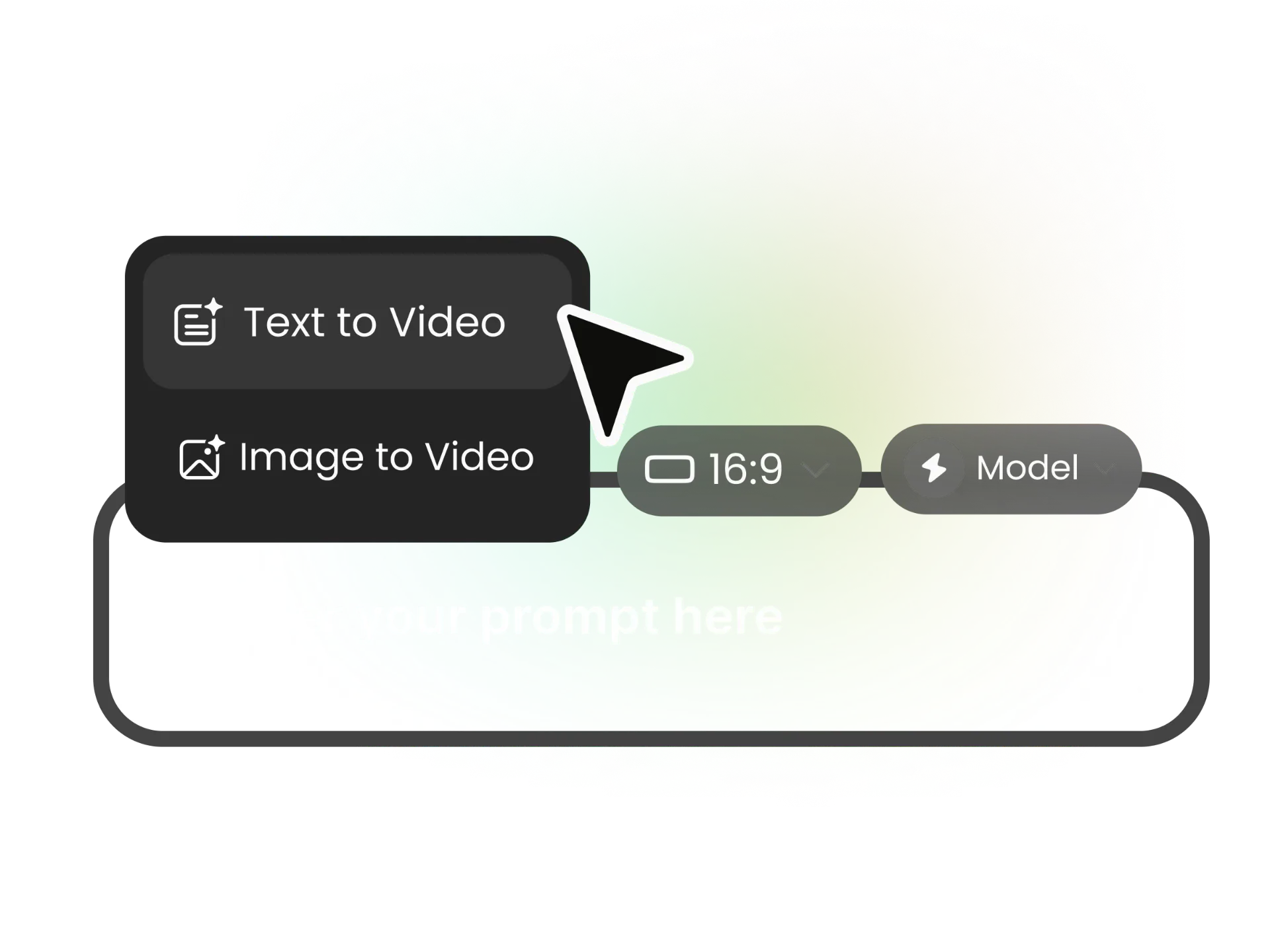
Choose Your Model & Settings
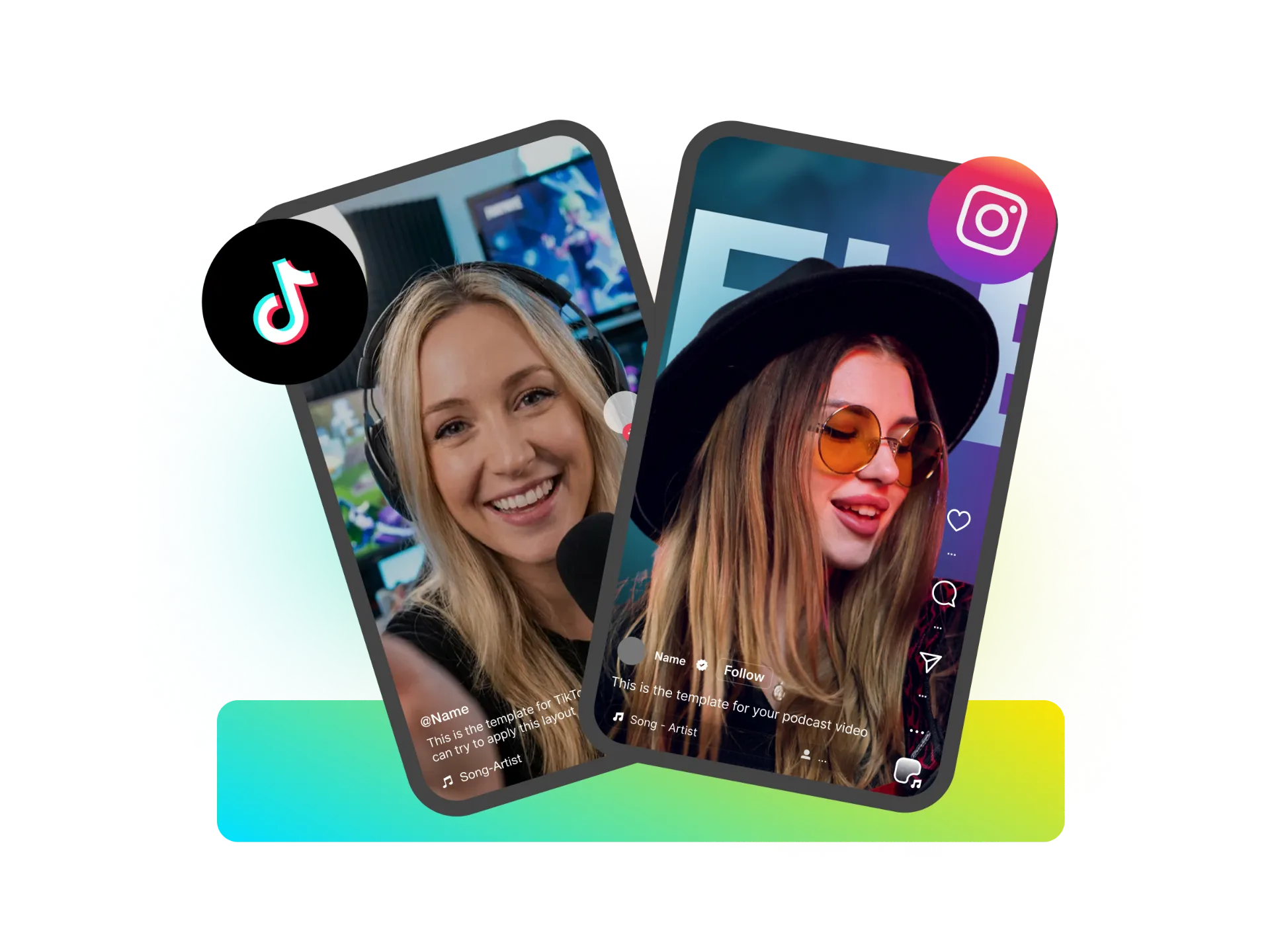
Select from top-tier AI video generation models. Customize your output by selecting the aspect ratio (16:9, 9:16, 1:1) and setting the duration suitable for your platform.
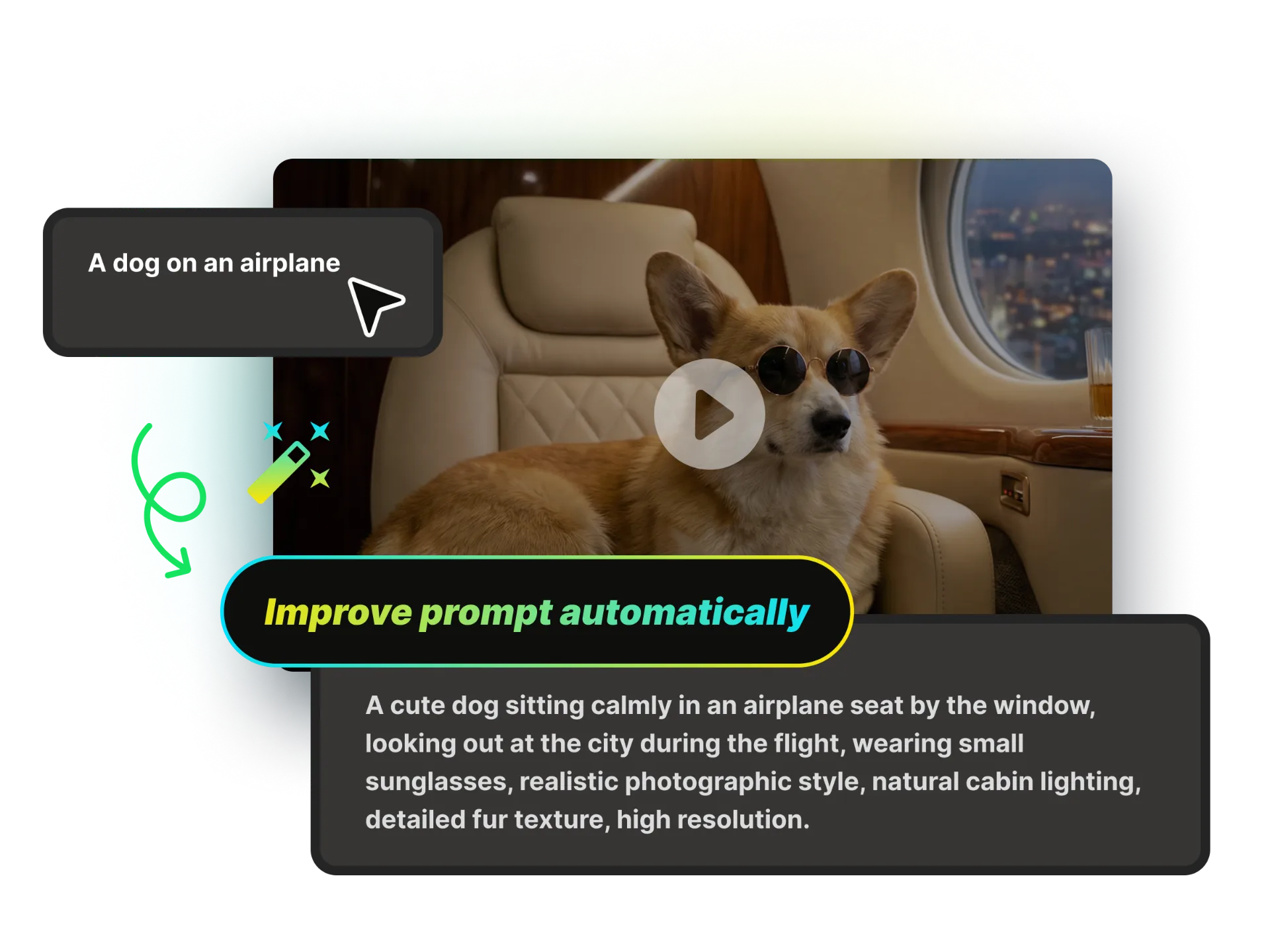
Chat with the AI & Upload Media
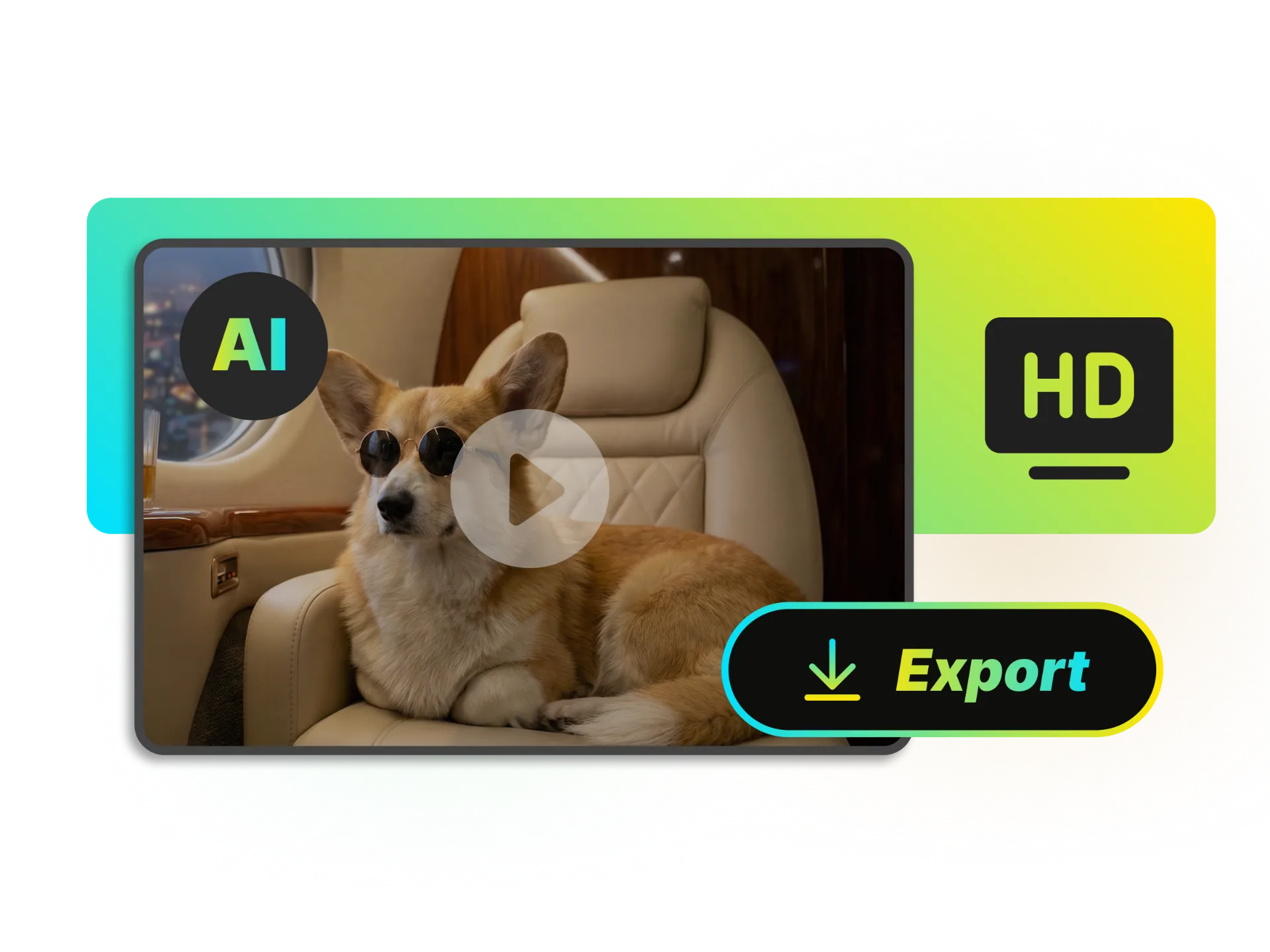
Preview & Export
Text to Video
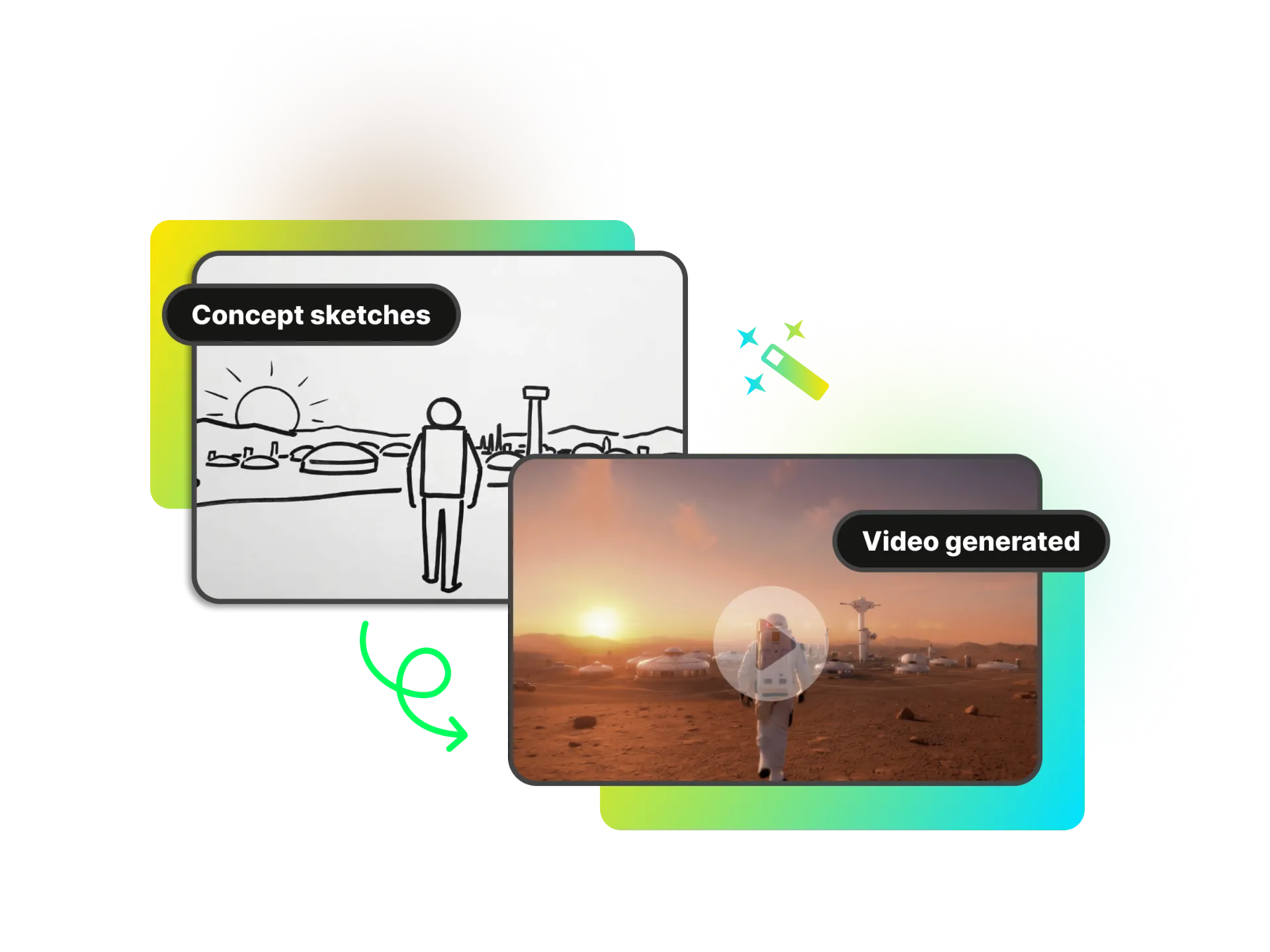
Turn your imagination into reality. Describe what you want, and our AI will generate high-quality video clips in any style, including cinematic, 3D graphics, anime, documentary, and fantasy—within seconds. No cameras. No actors. Just pure creativity.
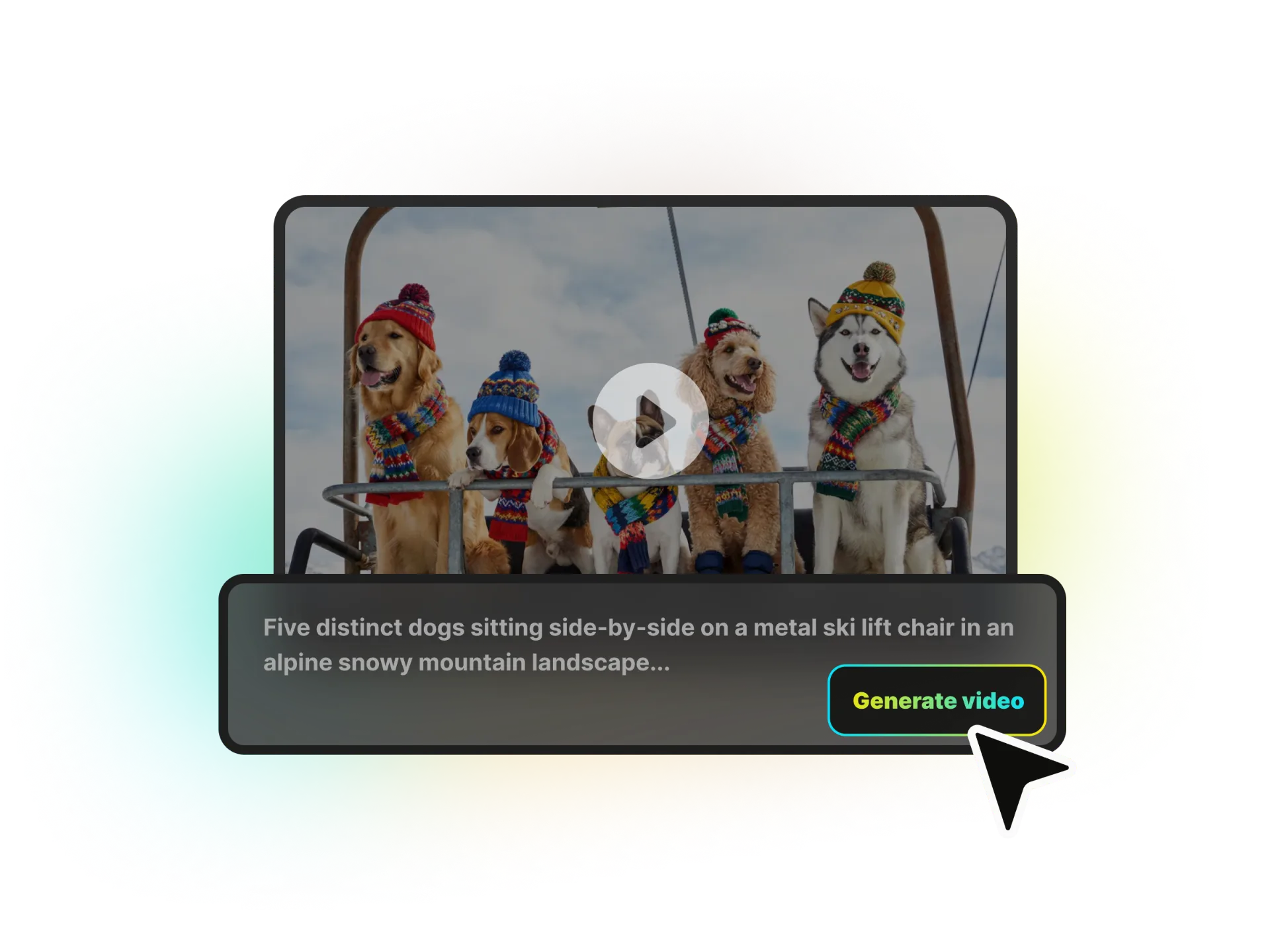
Image to Video
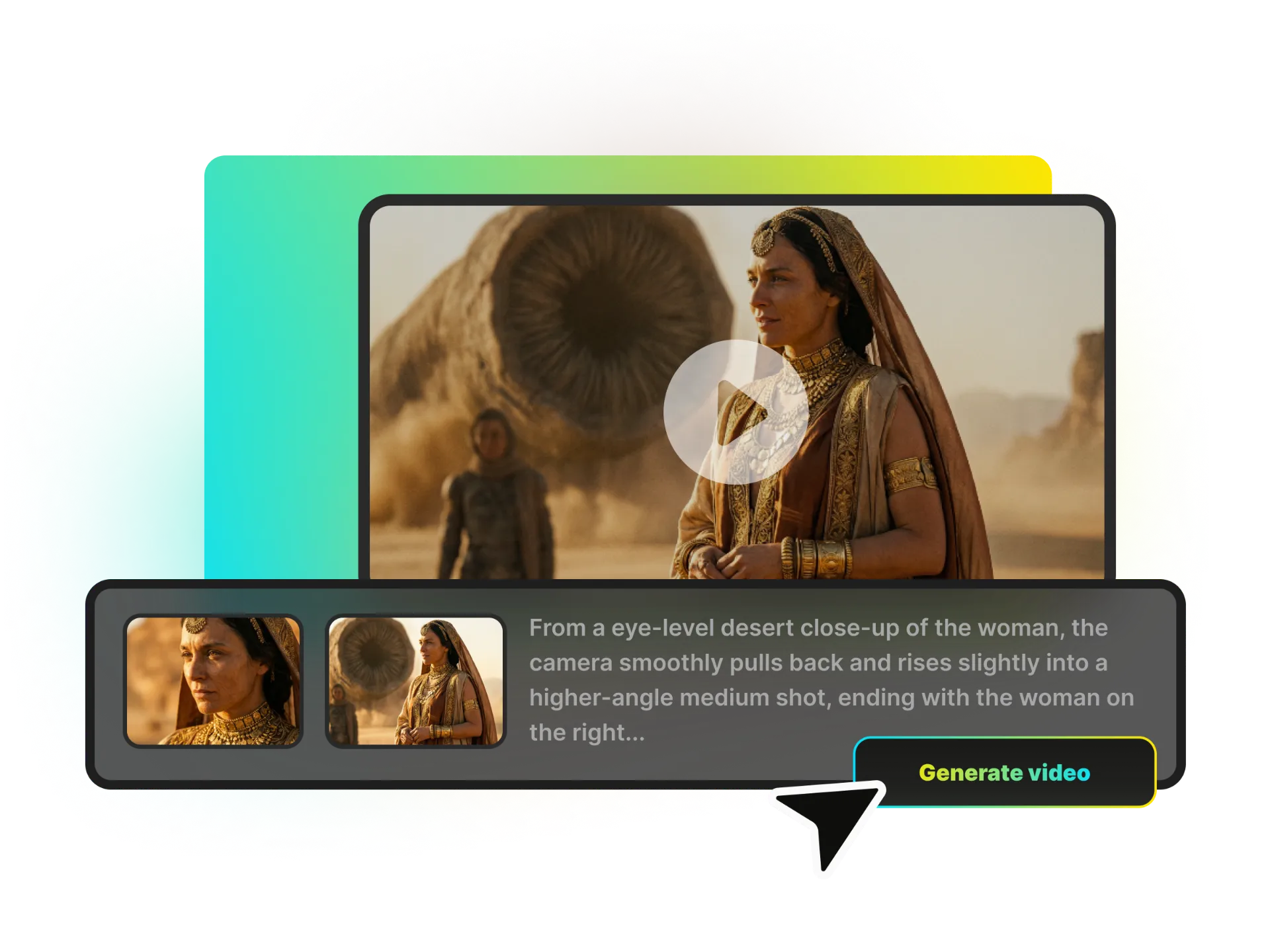
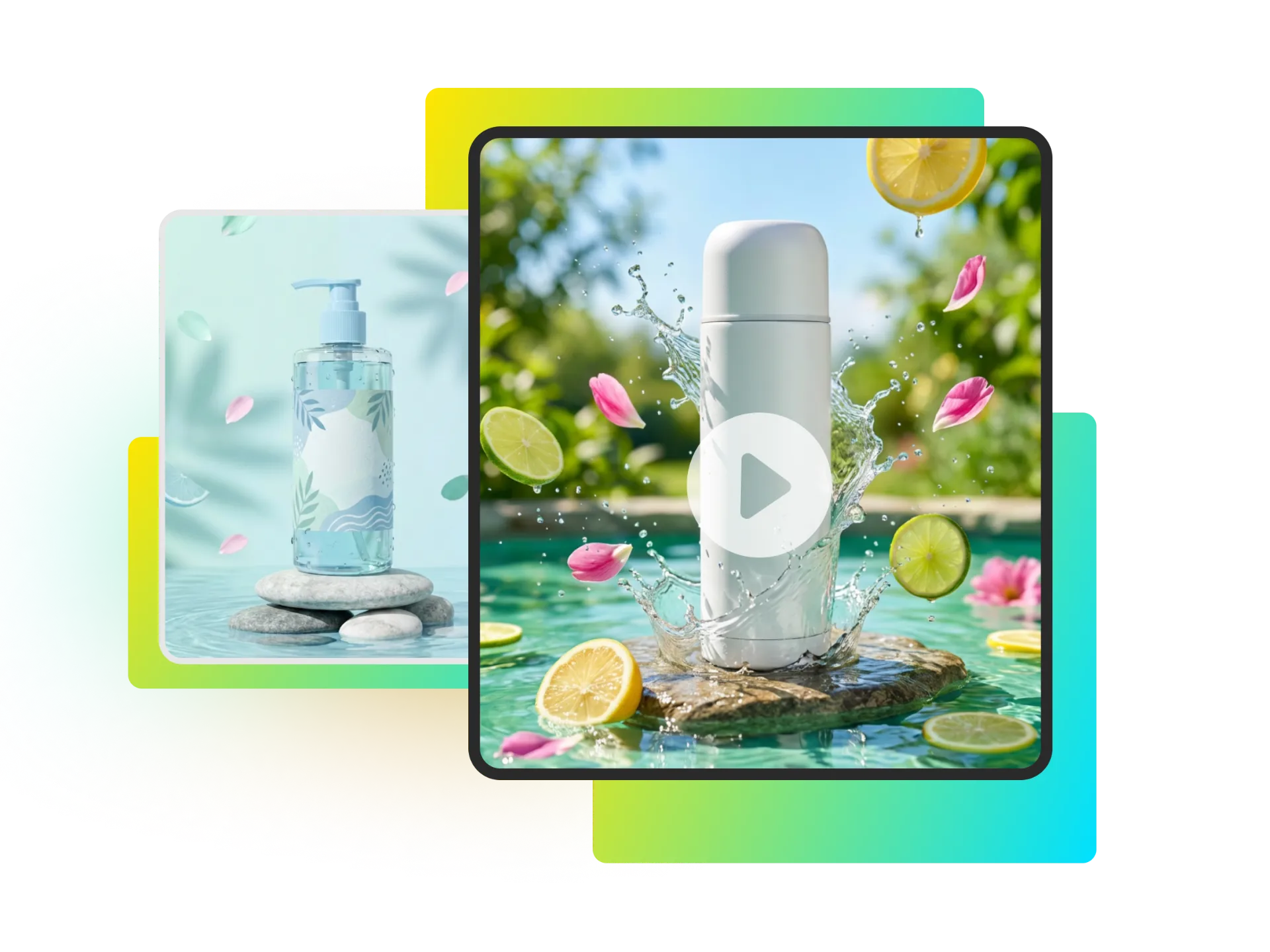
Don't just animate images—direct them. Bring static photos to life with precise control over start and end frames. Perfect for product showcases, architectural visualizations, and creative storytelling.
Access Top AI Video Models
Stop switching between subscriptions. Get immediate access to the industry's most powerful models—OpenAI Sora, Google Veo, and Wan—all in one dashboard. Use the best model for every specific AI video generation task.
Create Content Faster with AI
Discover how WayinVideo's AI video generator can streamline workflows for creators, businesses, and designers.
Why Choose WayinVideo AI Video Generator

Start for Free
No credit card is required. Sign up to receive free credits and test the AI video generation process. Create your first AI videos instantly.

Auto Prompt Enhancer
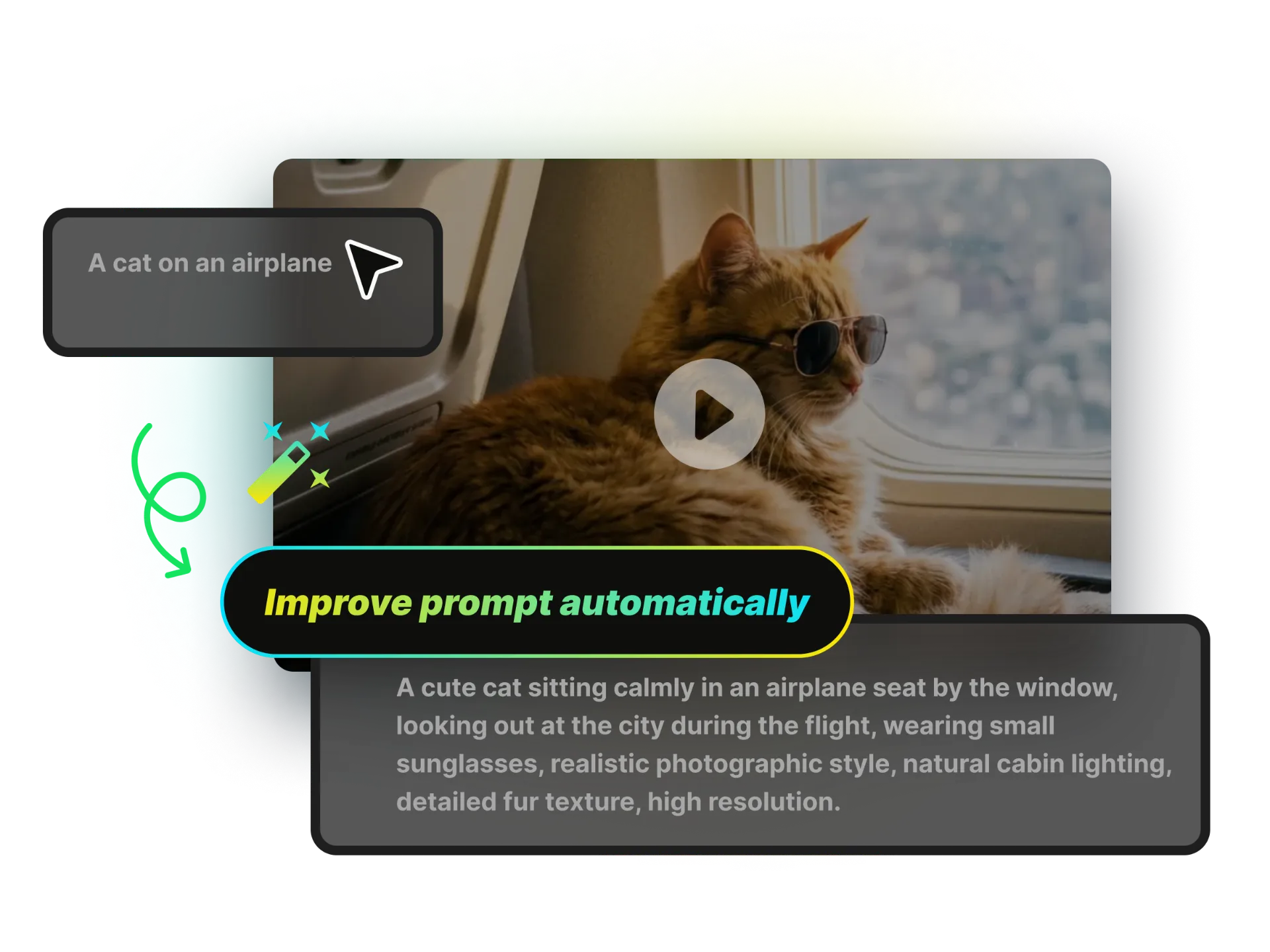
Don't know what to write? Just type a few words. Our Enhanced Prompt Mode expands your ideas into professional, detailed descriptions for cinematic results.

Native Audio Support
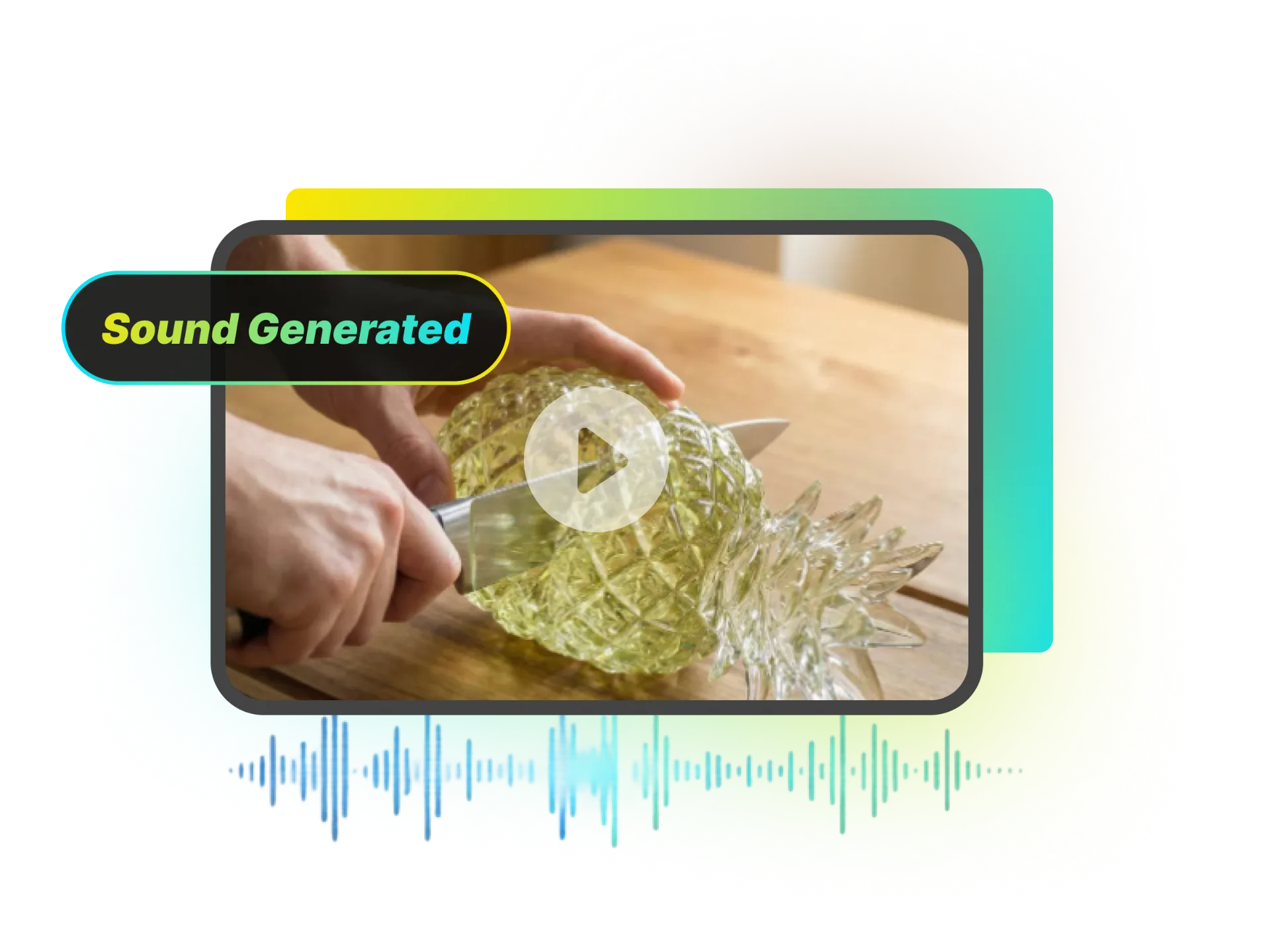
Create immersive videos with sound. Selected high-end models generate synchronized background audio and sound effects automatically—no post-production needed.

Google Veo 3.1
Experience the industry-leading Veo 3.1. Generate 1080p, high-fidelity videos with superior motion consistency and realism—the current gold standard for AI video.

OpenAI Sora 2
Use the model everyone is talking about. Create viral, imaginative content with Sora 2, the trending choice for social media creators and visual storytellers.

Try Wan 2.6
Get the best value with Wan 2.6. A perfect balance of speed, cost-efficiency, and high-quality visual output, ideal for high-volume generation.
FAQ
Frequently asked questions
More AI Creative Tools
Start Generating Viral AI Videos Today
Stop watching others go viral. Join the AI revolution with the most powerful platform in the industry. Access top-tier models like Sora, Veo, and Wan, and enjoy HD quality without watermarks. Your imagination is the only limit.