

Free AI Subtitle Generator
Use our AI-powered tool to add stylish subtitles to your videos in seconds. Enjoy 100 FREE minutes daily.
Upload
YouTube Video Link
Other Links
How to generate subtitles automatically with AI?
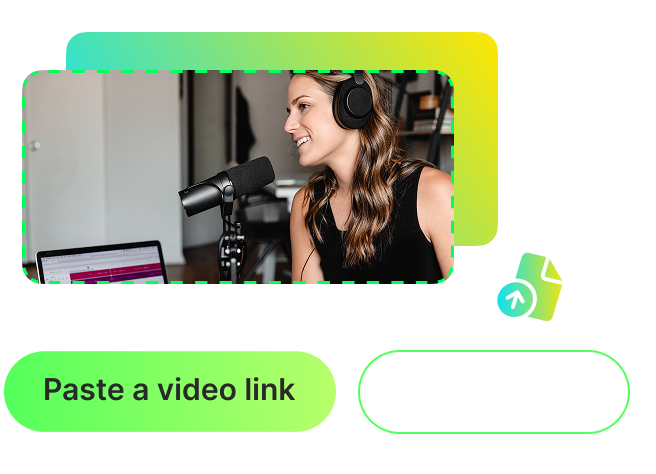
Paste a video link or upload your video
Start by pasting a video link from platforms such as YouTube, Vimeo, or Dailymotion, or upload a local video file. Both methods are supported for your convenience.
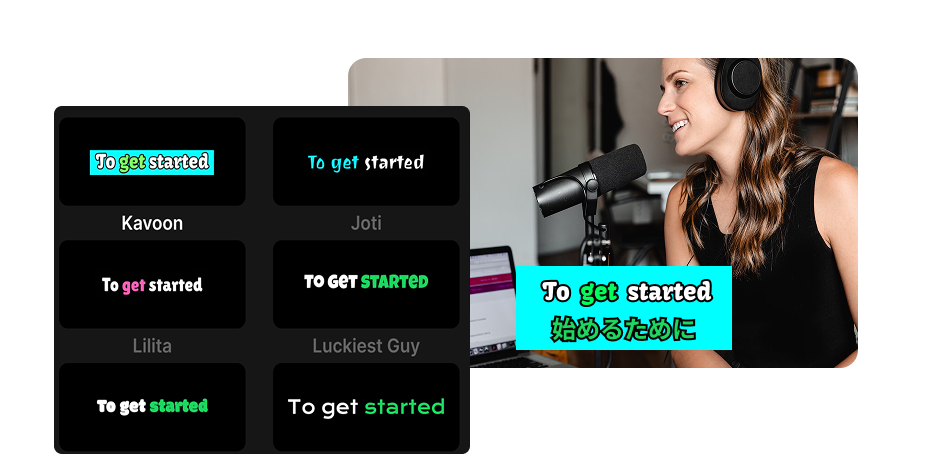
Generate subtitles effortlessly with AI
Our AI seamlessly detects and transcribes the audio from your video into subtitles. Select from a variety of animated caption styles and apply them to your subtitles. Need to reach a global audience? Instantly translate subtitles into over 100 languages - no technical skills required.
_0uij5.png)
Share your viral video
Your video is now ready with subtitles! Share it instantly on Twitter, Instagram, YouTube Shorts, or Facebook to go viral on social media.
FAQ
Frequently asked questions
Use WayinVideo to generate subtitles for your video instantly. Here's how:
1. Paste a video link or upload your video file.
2. Click on "Animated Captions in 100+ Languages," hit Enter, and the AI will automatically transcribe the video.
3. Customize the style and share your video with perfectly synced captions!
Yes, WayinVideo offers 100 free minutes daily for subtitle generation, refreshed daily at 7:00 AM Pacific Time. You can try our tool to add subtitles and experience its accuracy and speed before deciding to pay for more quota and unlock additional features.
Our AI tool for adding subtitles uses advanced speech recognition technology to deliver highly accurate results for clear audio. In most cases, you won't need to make corrections. We also provide flexibility—you can easily review and make minor edits to the generated transcript in our online editor to ensure it's 100% perfect.