

#1 AI Video Summarizer
Paste a link or upload a video to get the fastest AI-powered summary, transcript, mind map, and chat — all in seconds.
Featured by Chrome
4.7/5
Upload
YouTube Video Link
Other Links
Featured by Chrome
4.7/5
How to summarize any video with AI in 3 steps
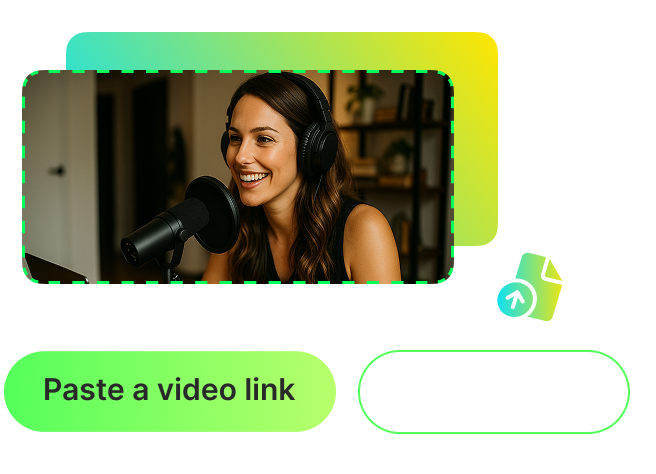
Paste a video link or upload
Start by pasting a video link (from platforms like YouTube, TikTok, or Facebook) or uploading a video file from your device.
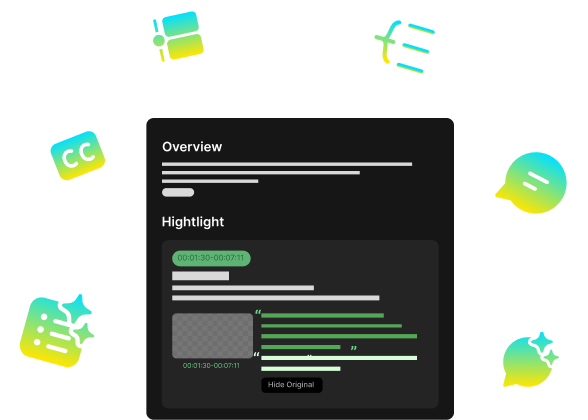
Let AI understand and summarize
Our AI instantly generates a concise summary, full transcript, auto-generated mind map, and interactive chat — available in 100+ languages.
Get instant insights and share
Save time by instantly grasping key points, use interactive chat to explore deeper and learn more efficiently, and download transcripts in TXT and SRT formats for future reference.
FAQ
Frequently asked questions
Just upload your video or paste a link from any platform. Our AI will automatically understand the video in seconds, and create everything you need—an easy-to-read summary, the complete transcript, a visual mind map showing key topics, plus an interactive chat where you can ask questions about the video content.
We support all major platforms including YouTube, TikTok, Dailymotion, Twitch, Facebook, and many others. If you have a video on your device, you can upload it directly—we accept MP4, MOV, and WEBM formats, which covers most video files you might have.
Absolutely! The tool works perfectly on both desktop computers and mobile phones. We've specifically optimized the mobile experience, so whether you're using an iPhone, Android phone, or tablet, you can upload videos or paste links and get instant summaries without any technical difficulties. The interface adapts to your screen size, making it just as easy to use on your phone as on a computer.