

Free AI YouTube Thumbnail Maker
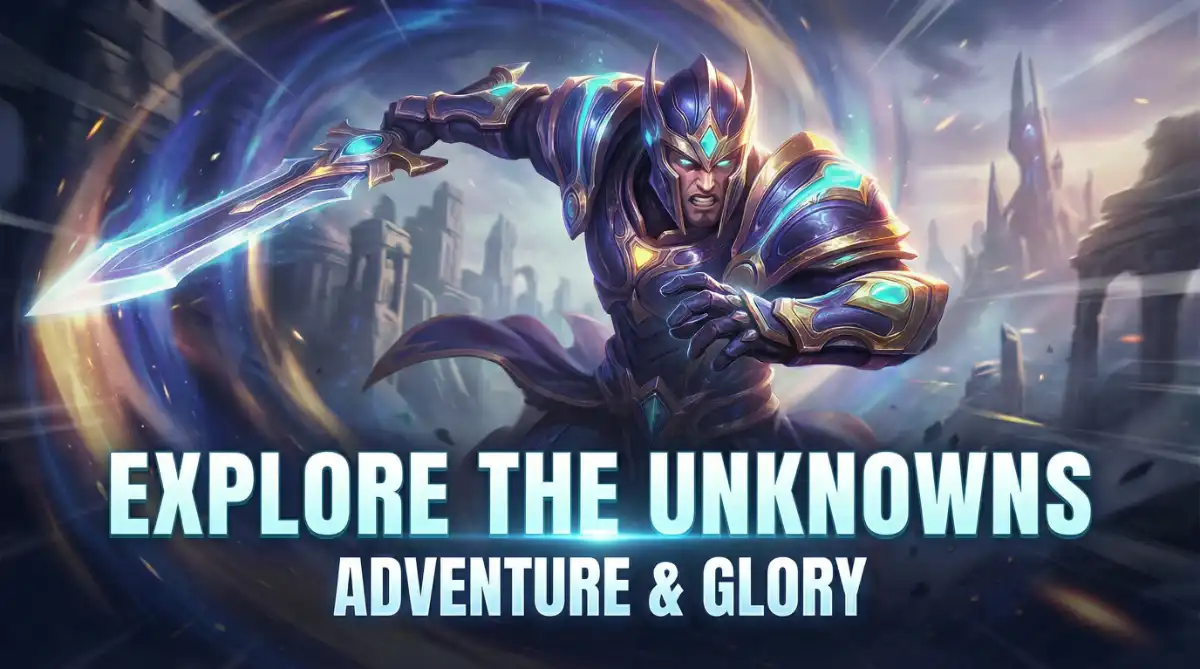
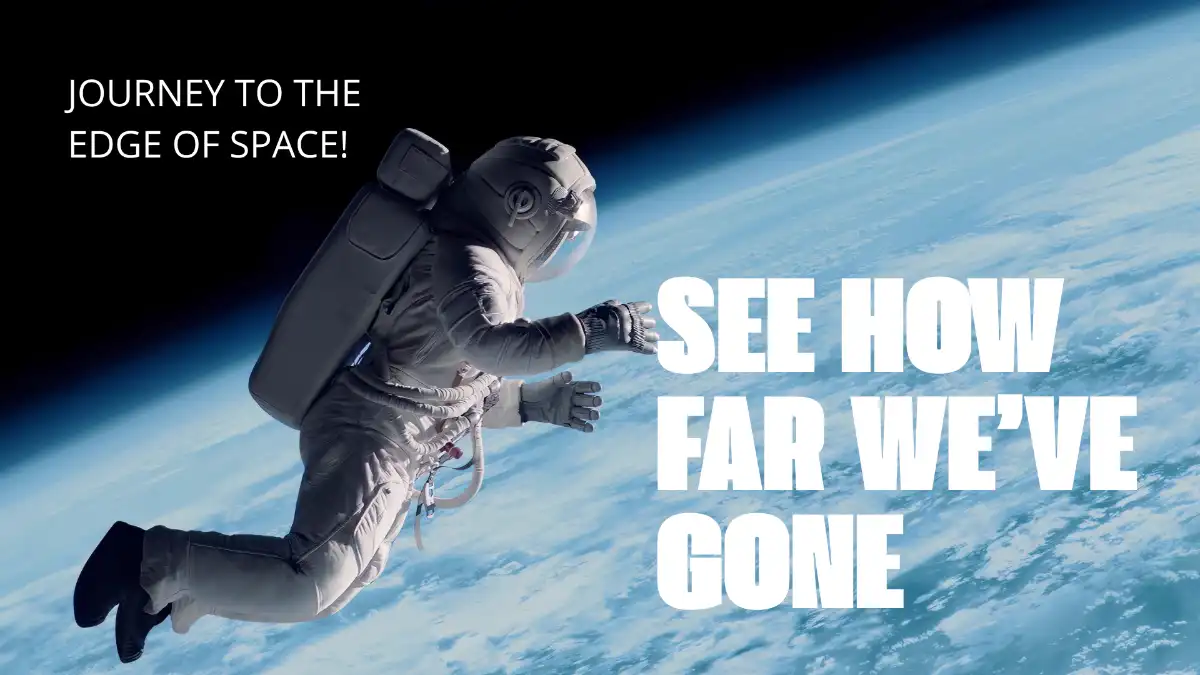
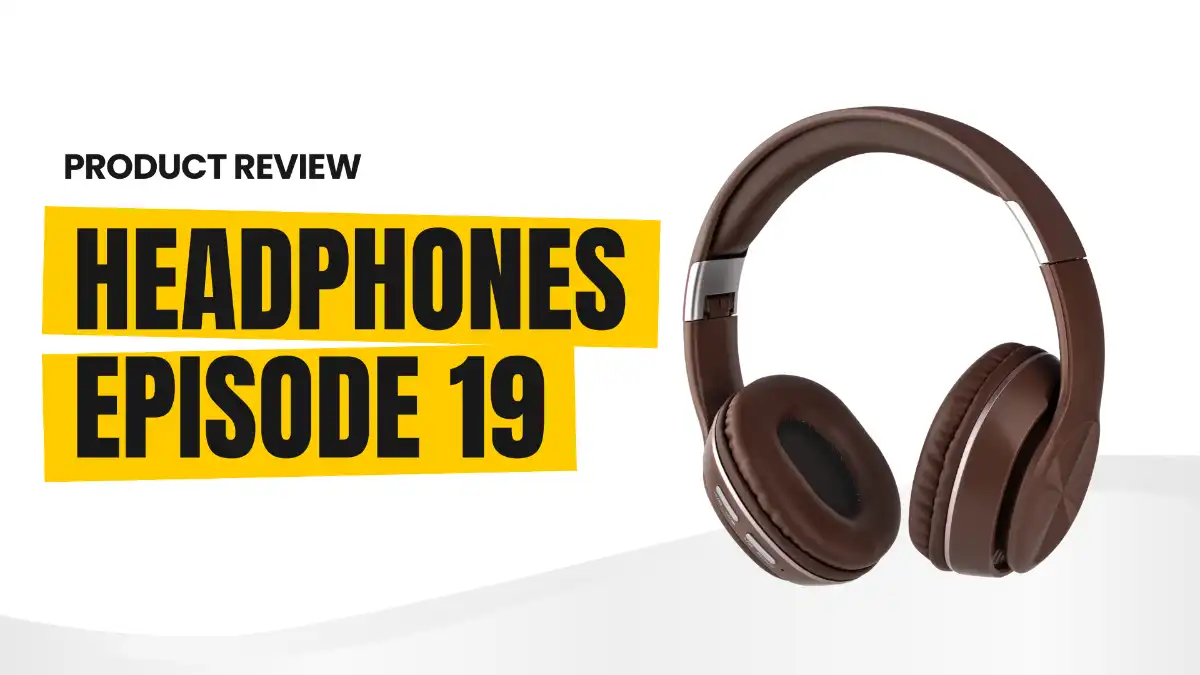
WayinVideo analyzes videos to instantly generate High CTR thumbnails. Get smart portrait integration and style cloning without writing prompts, plus multiple variations designed for A/B tests.

Drag & drop your video, or click to upload.Supported file types: MP4, MOV, WEBM, AVI
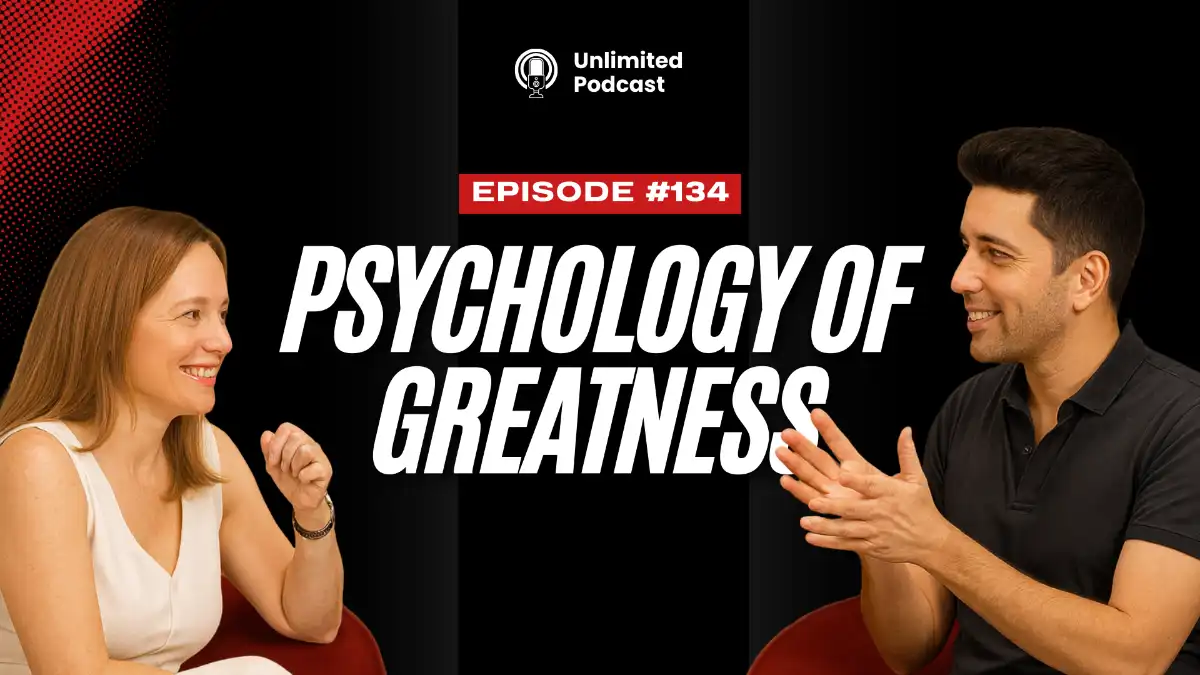

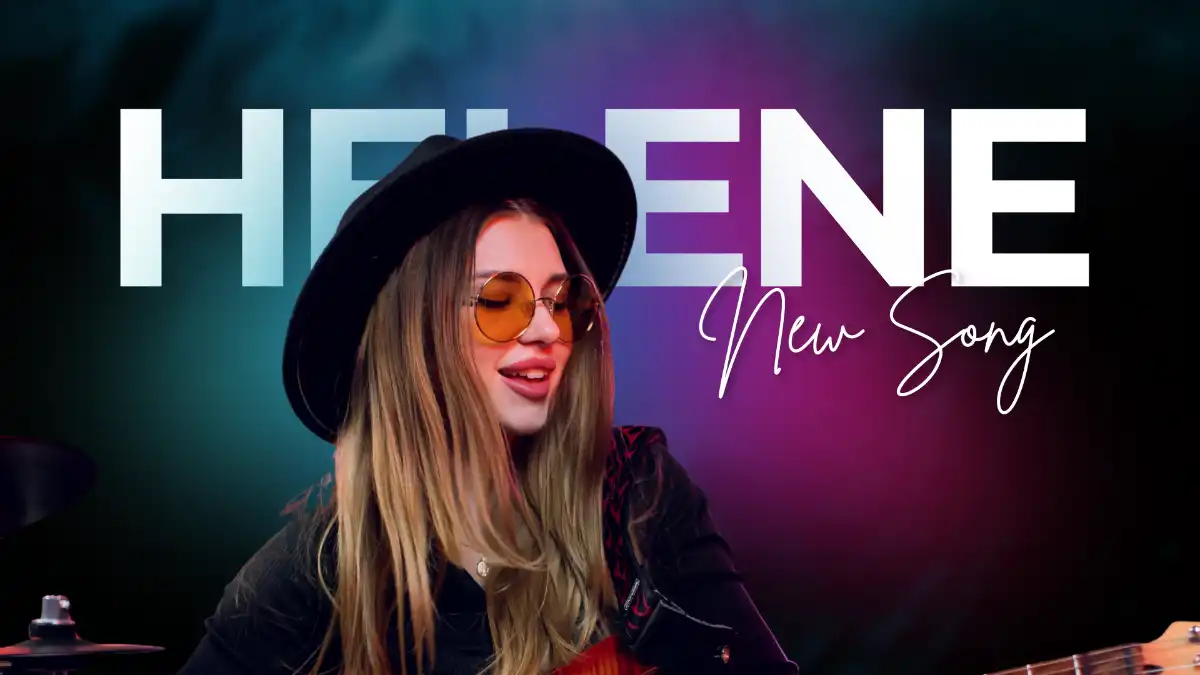
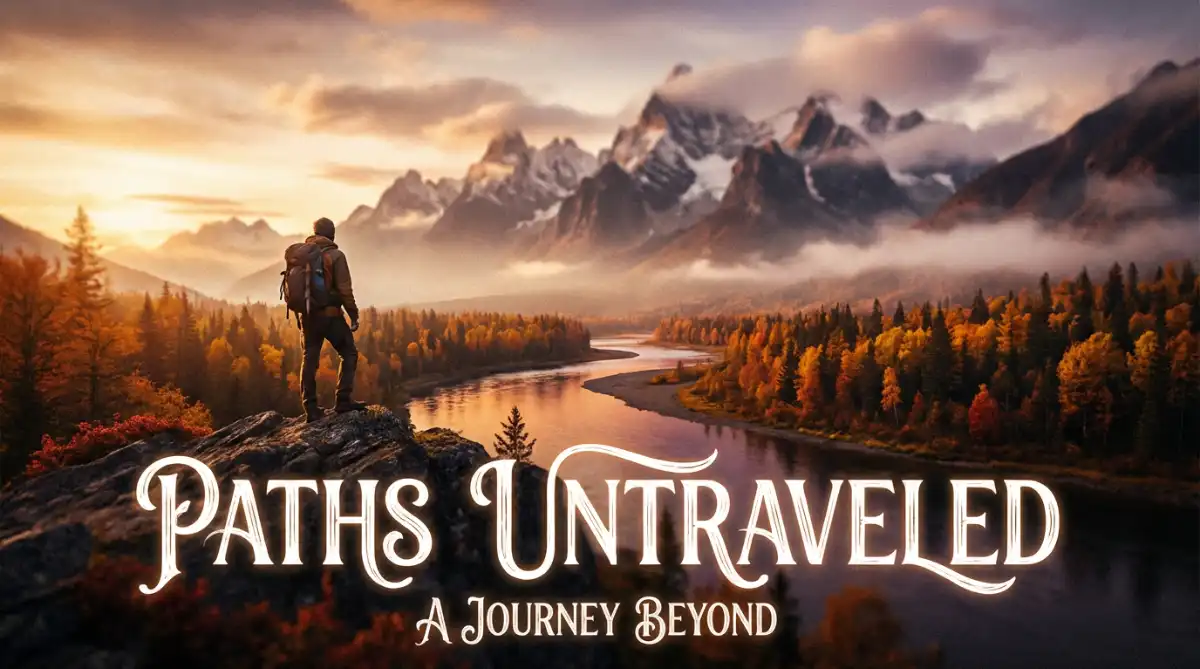



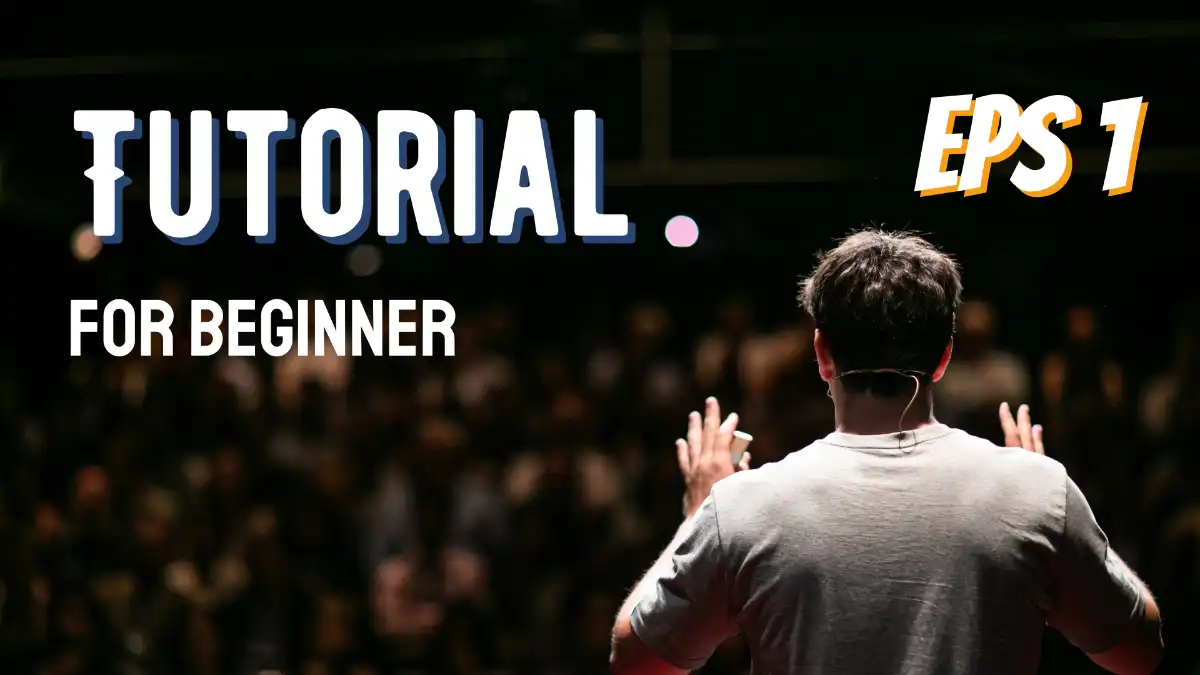







duekneel
TikTok
400.8K

Brandon Marketing
TikTok
205K

BYRVM
TikTok
346.1K

IAenlinea
TikTok
299.3K

TecHow
TikTok
343K

AI Search
YouTube
481k

Moddy
TikTok
87.6k

D-Coder
99.1k
duekneel
TikTok
400.8K
Brandon Marketing
TikTok
205K
BYRVM
TikTok
346.1K
IAenlinea
TikTok
299.3K
TecHow
TikTok
343K
AI Search
YouTube
481k
Moddy
TikTok
87.6k
D-Coder
99.1k
How to Make a YouTube Thumbnail in Simple Steps
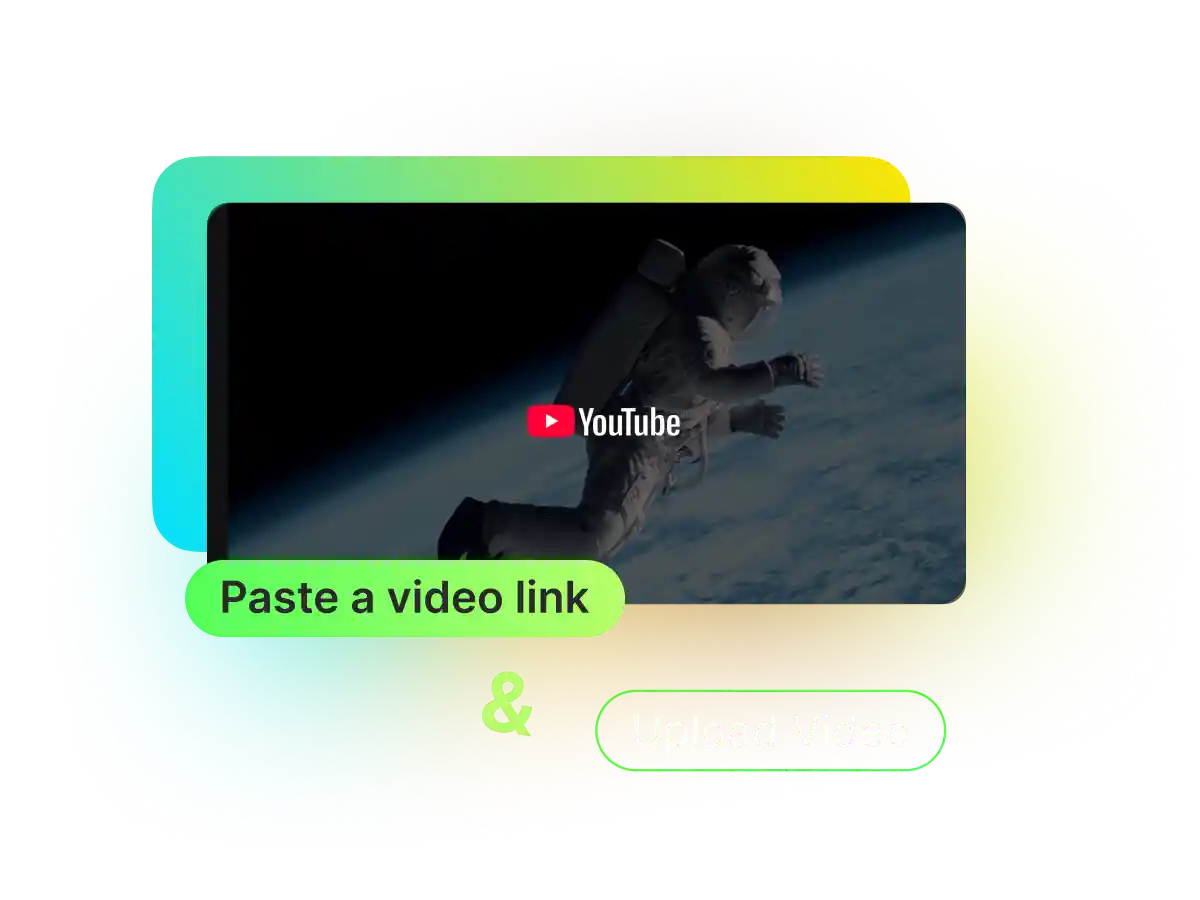
1. Upload a video or paste a YouTube link
Paste your YouTube URL or upload a video file. WayinVideo works as a YouTube link thumbnail generator and you don't handle complex editing workflows.
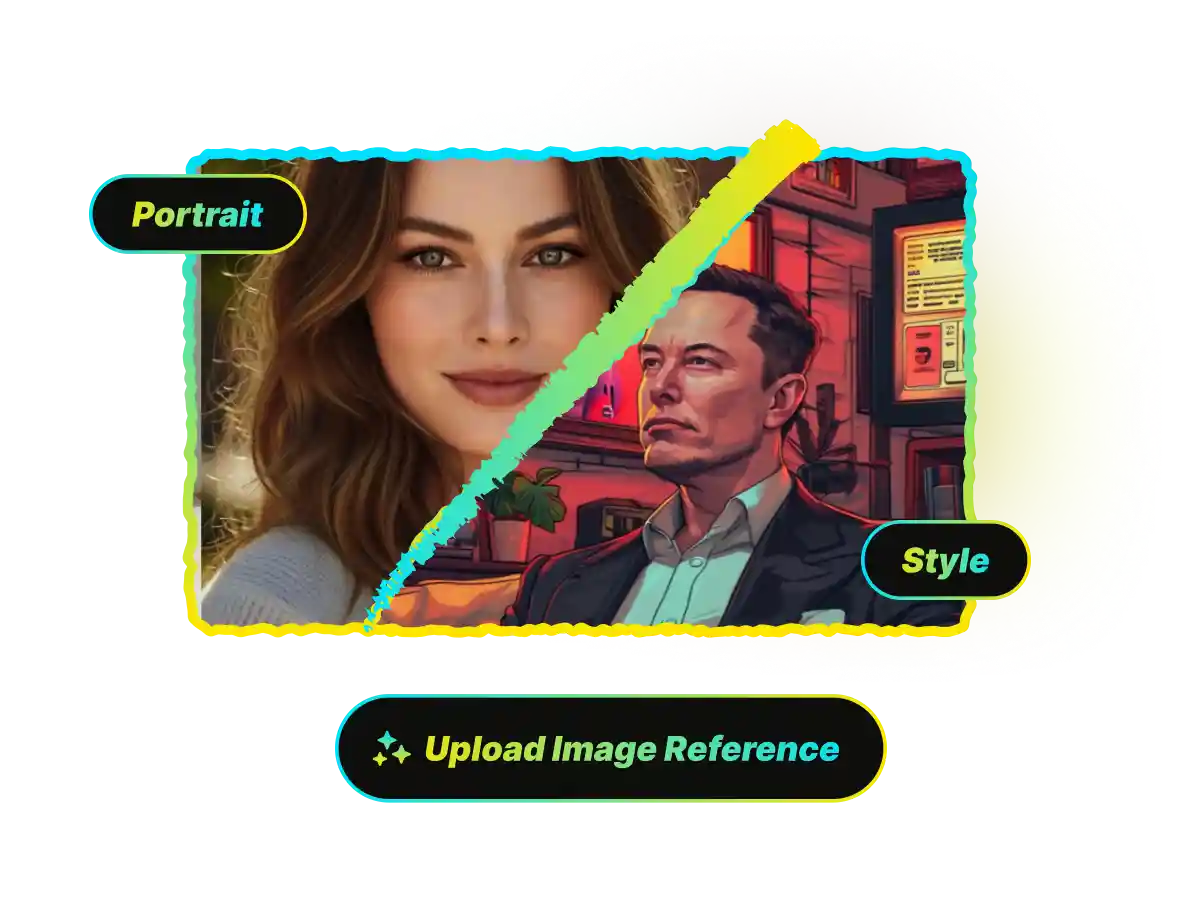
2. Upload your portrait or a reference image (Opt.)
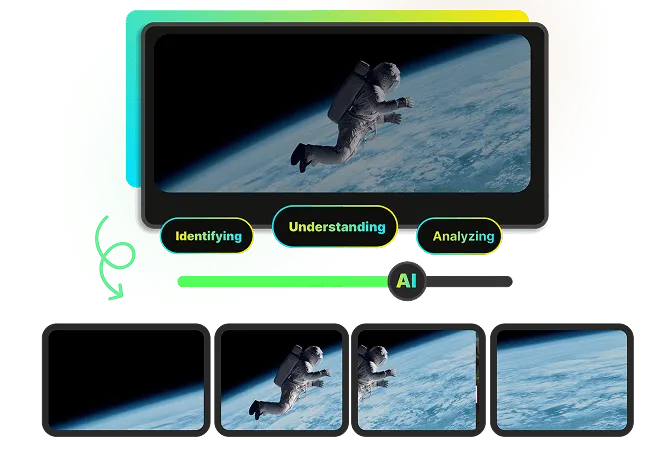
3. AI analyzes video and generates multiple thumbnails
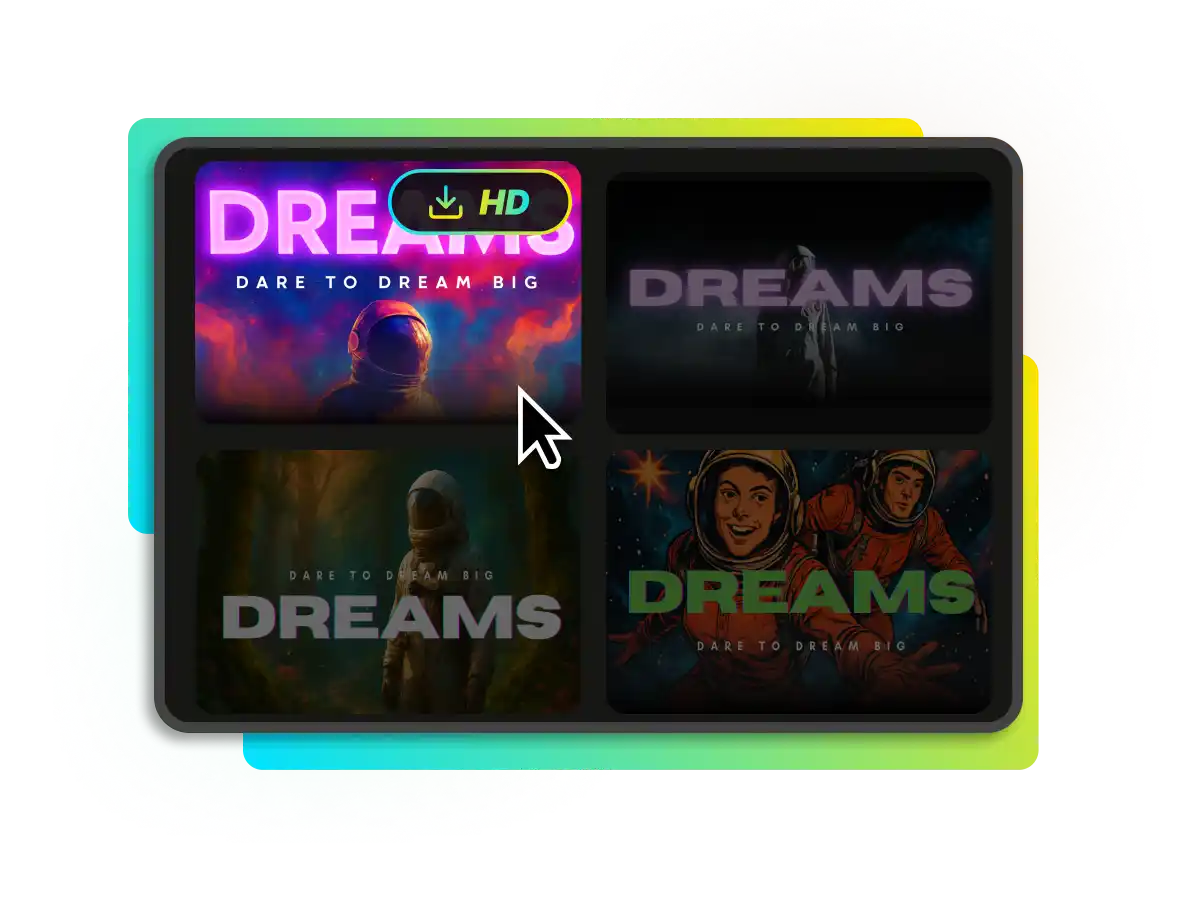
4. Download in HD and run A/B tests
Go Viral with YouTube Thumbnail Maker
When WayinVideo generates eye catching AI thumbnails, your CTR rises because viewers instantly get the hook. Higher YouTube click through rate (CTR) tells that your video deserves more impressions, so you get more recommendations, more views, and faster growth. In short, better custom YouTube thumbnails create a growth flywheel.
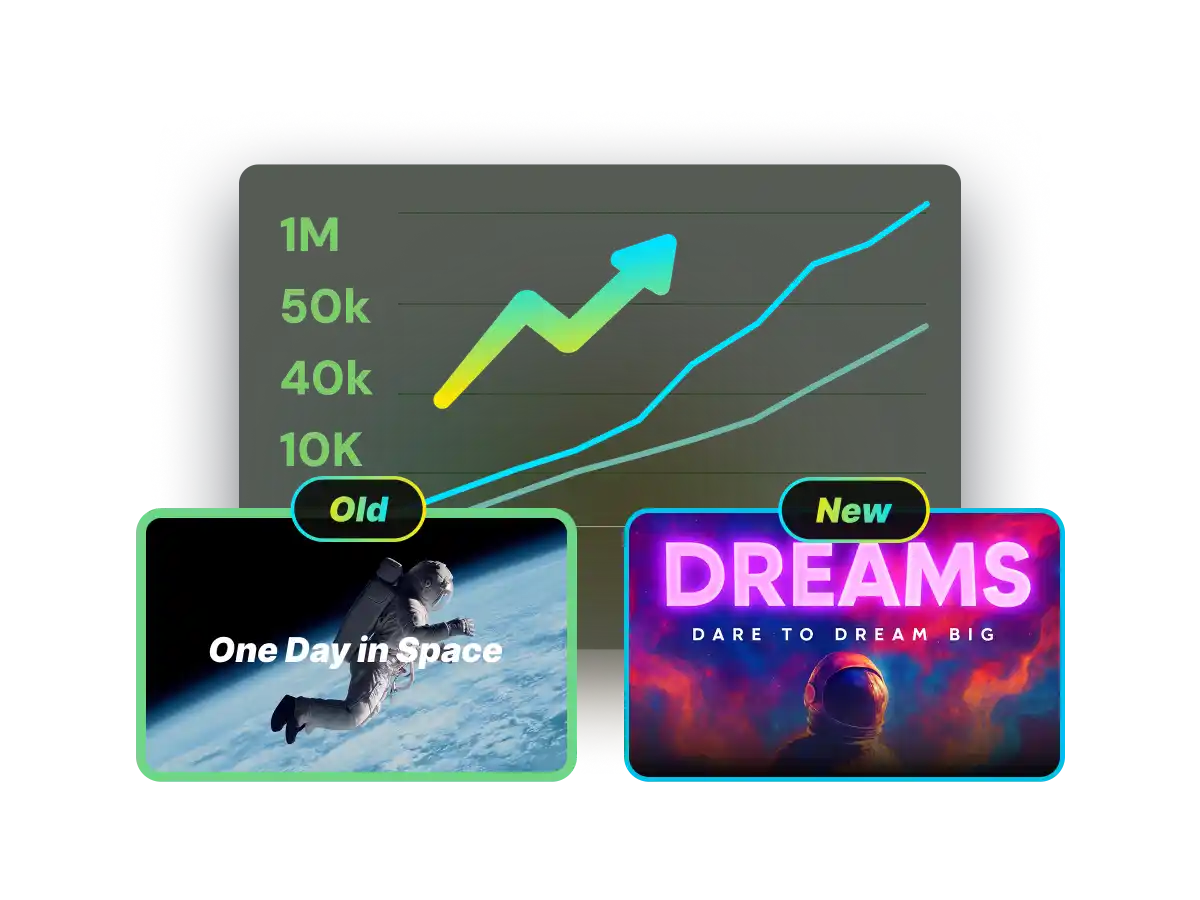
AI Thumbnail Workflow: Stop wasting Hours in Photoshop or Canva
Your video is great, so do not let a weak cover kill it. Traditional thumbnail design wastes hours on scrubbing timelines for one usable frame, cutting out your face by hand, and guessing layouts that still leave CTR flat. WayinVideo fixes this with a video first YouTube thumbnail maker flow. paste a link, let AI spot emotional highlights, auto compose several high impact Video thumbnails, and publish.

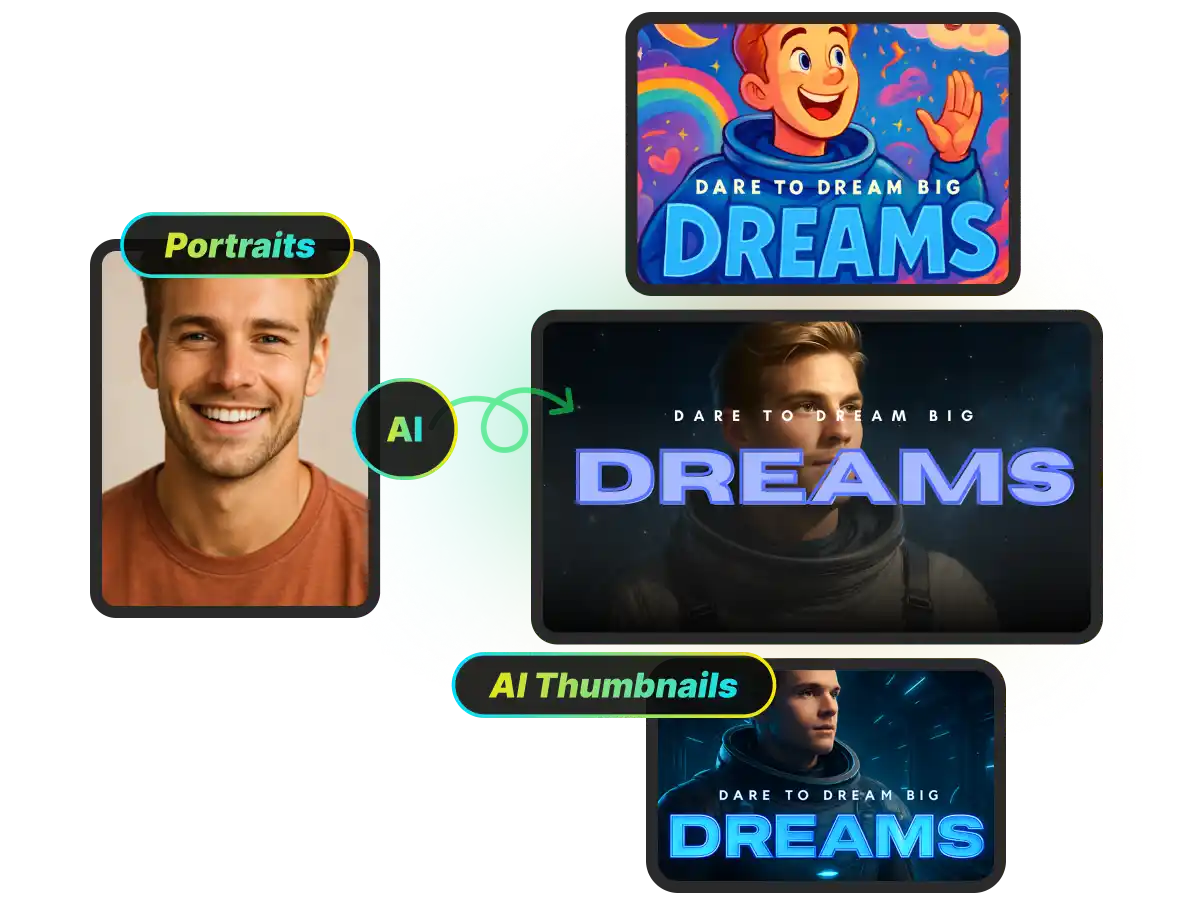
One Click Smart Portrait Integration for Recognizable Creator Branding
Many creators skip face thumbnails because they lack studio photos and manual cutouts look messy. With WayinVideo, you can upload a simple selfie and our AI YouTube thumbnail maker will remove the background, adjust lighting to match the mood of your video, and place your portrait where it grabs attention at small preview size, giving your channel a consistent, professional look across every custom thumbnail.
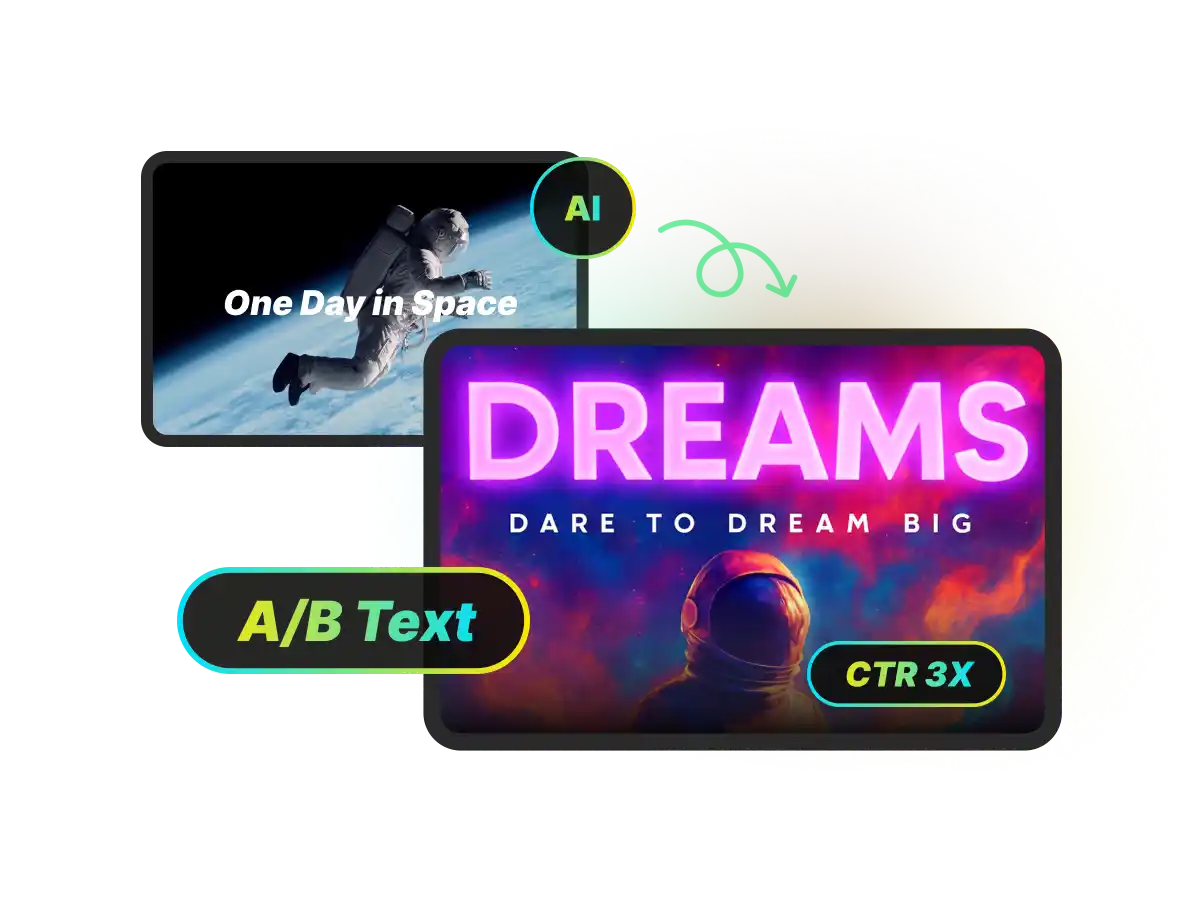
Professional Multiple Outputs for YouTube Thumbnail A/B Testing
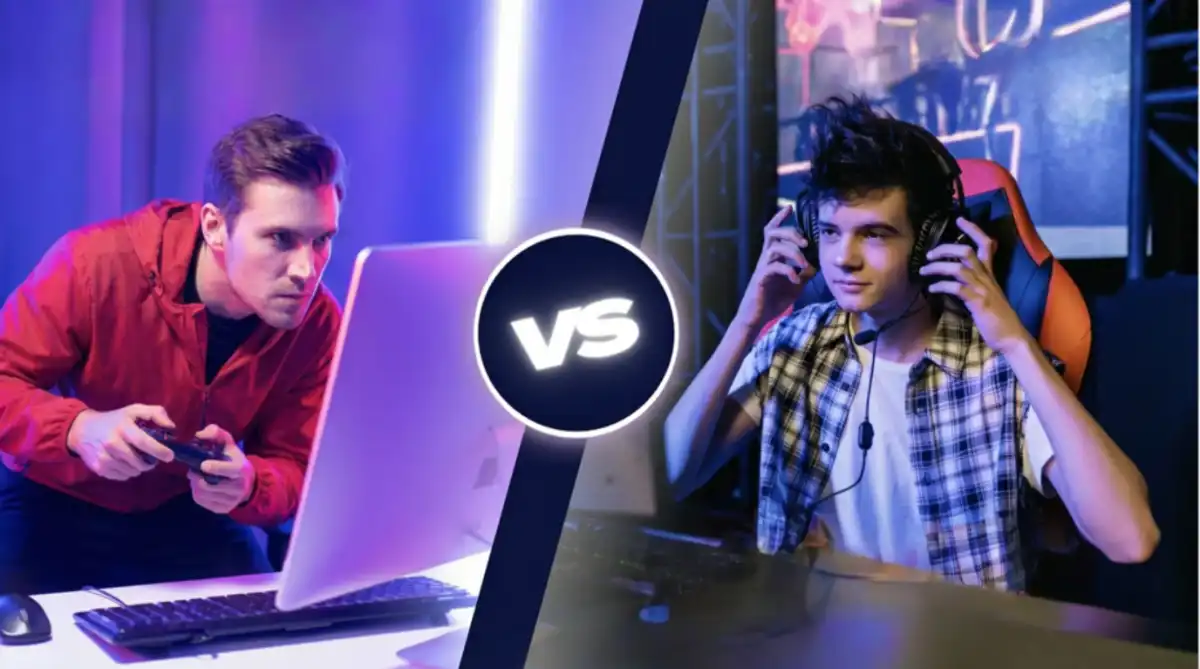
A/B testing works, but most creators stop because making a second thumbnail for youtube doubles the design time. WayinVideo generates multiple distinct thumbnail variations from one upload, so you always have different scenes, compositions, and emotional tones ready to test, helping you quickly find the highest CTR winner and increase views and revenue over time.
Video to Thumbnail With Deep Video Analyisis
WayinVideo is not a random frame grabber. It is an AI video thumbnail generator that deeply understands your videos to surface the moments with real click pull, like key turning points, high tension reactions, and clear faces or objects that tell the story instantly. That is why our auto thumbnail maker for YouTube creates thumbnails that look intentional and trend ready.

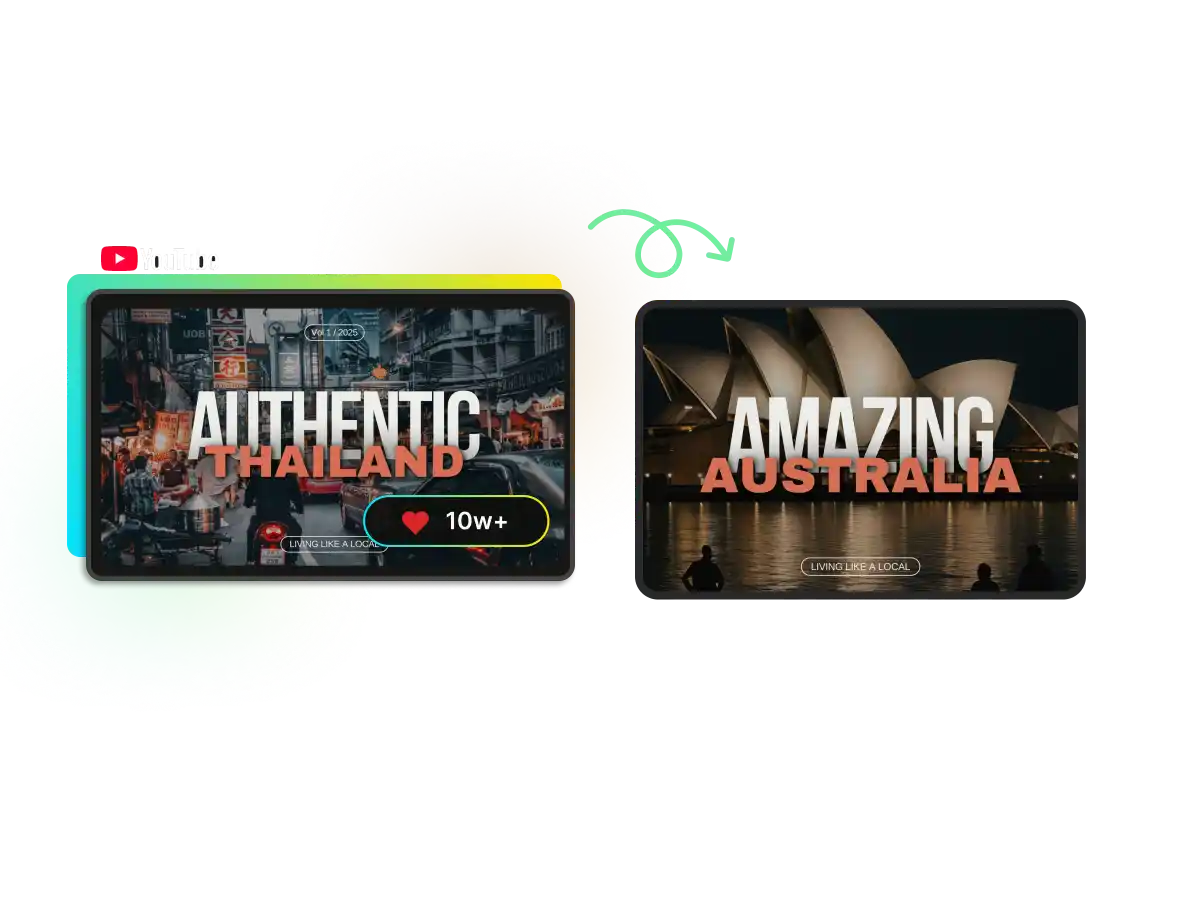
Style Cloning From Reference Images. Make Trends Yours
If you see a thumbnail style you love, upload it as a reference and WayinVideo will analyze its layout logic, contrast, framing, and overall vibe, then recreate a similar high performing structure using your own footage. You get trendy, familiar aesthetics while keeping every thumbnail original and uniquely yours.
YouTube Thumbnail Generator With Best Practices Built In, Ready to Use Instantly
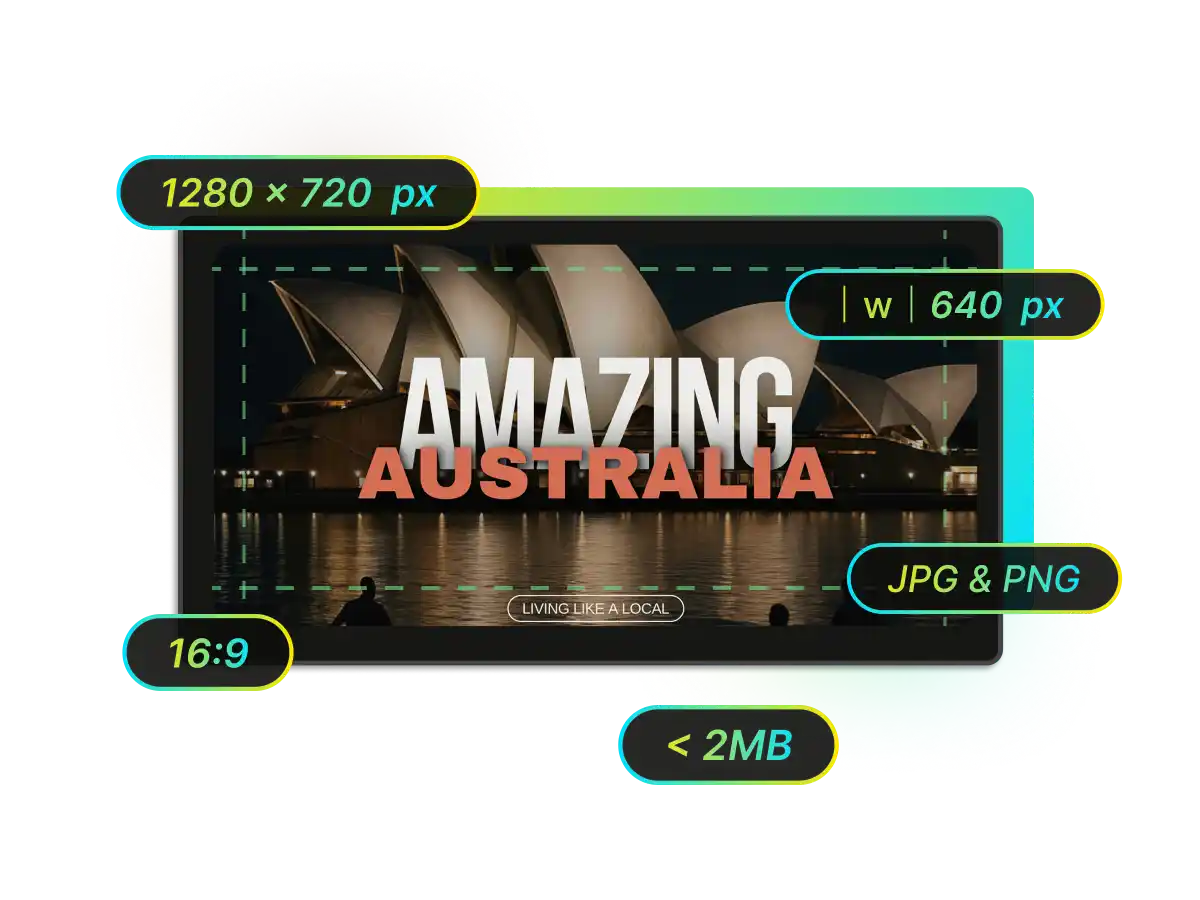
WayinVideo automatically follows YouTube thumbnail dimensions and design rules, generating 16:9 covers in the recommended YouTube thumbnail size of 1280 x 720 px, keeping key text and faces in safe zones, optimizing contrast and readability at small sizes, and preserving style consistency across uploads, so your thumbnails look sharp and compliant without any manual checking.
Why Choose WayinVideo YouTube Thumbnail Maker ?

Free
Use it for free with no credit card. Sign up to unlock extra credits and more generations.

Fast AI Generation
Upload a video or link and get multiple HD thumbnails in seconds, no manual editing needed.

Smart Portrait Integration
Add your photo and the AI cleanly cuts it out and blends it into the thumbnail automatically.

AI Style Cloning
Drop in a reference thumbnail and WayinVideo recreates a similar high performing layout with your own content.

Promptless Workflow
No prompts to write. Just upload and the AI handles everything from analysis to design.

A/B Test Ready Variations
Each video generates several different thumbnail options , so you can test styles and pick the highest CTR winner.
FAQ
YouTube Thumbnail Maker FAQs
Find more tools
Next Million Views Starts With AI Thumbnails
Your next viral video might already be on your channel. The only thing missing is a thumbnail that makes people stop scrolling.
Enhance your workflow with AI-powered clipping, summaries, transcripts, subtitles, and reframing.