
Free YouTube Transcript Generator
Generate a YouTube transcript in seconds by pasting a YouTube link. It works even when the YouTube transcript is not available and the video has no captions. Copy instantly or export as TXT, Doc, SRT, or VTT with timestamps. No login, no credit card.
https://www.youtube.com/watch?v=nDLb8_wgX50
How to Build Immense Inner Strength | David Goggins
Explore more AI tools
Result won't be saved unless Log in
Subtitle
Copy & Download YouTube Transcripts in One Click
Within seconds, WayinVideo YouTube to transcript tool gives the results. After you generate transcripts, you can copy the full text right away. If you need subtitles, export SRT or VTT with timestamps. If you only need text for notes, export TXT/Doc.
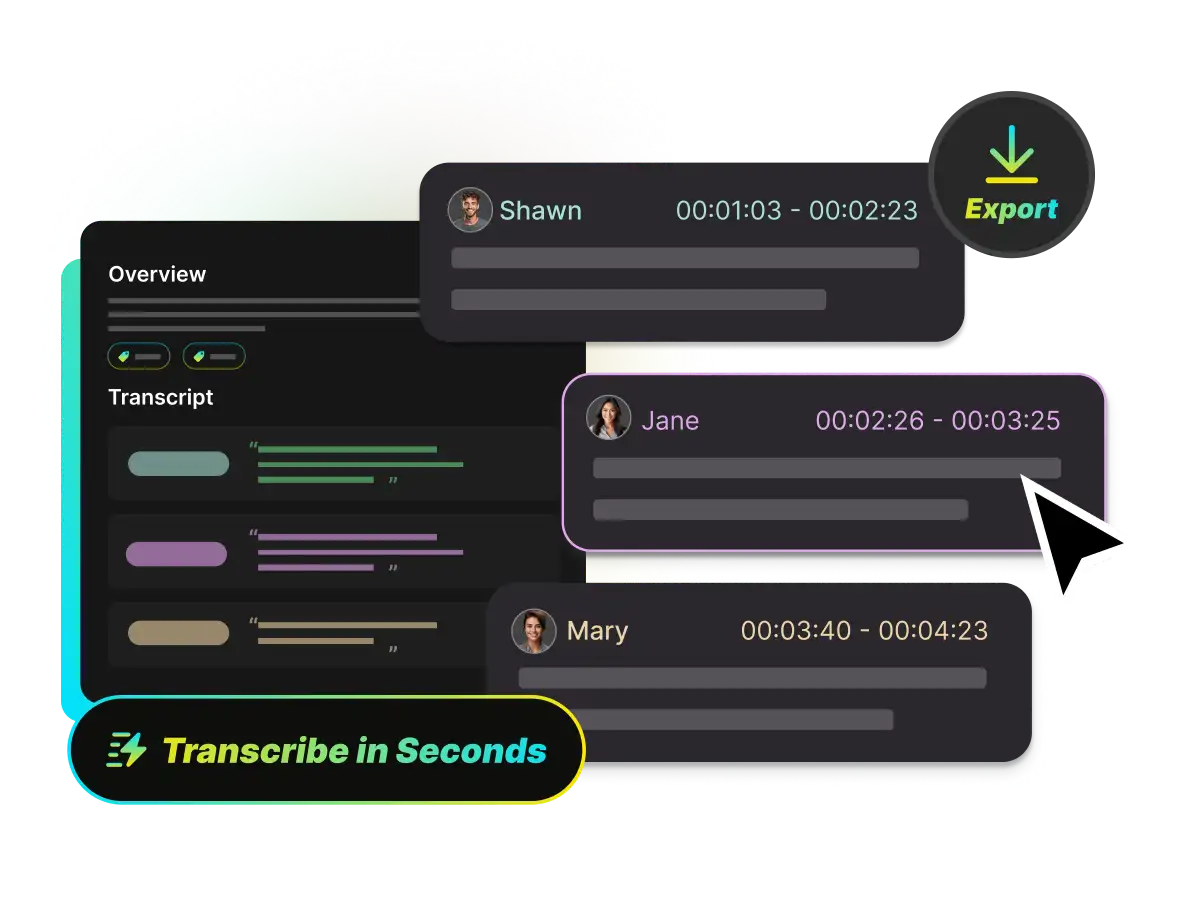
YouTube Transcript Generator Works Even Without Captions
Many tools only pull the captions that already exist on YouTube. When captions are disabled or not provided, they return nothing. WayinVideo YouTube transcript generator can generate a transcript from the video with AI, so you can still get the text easily.
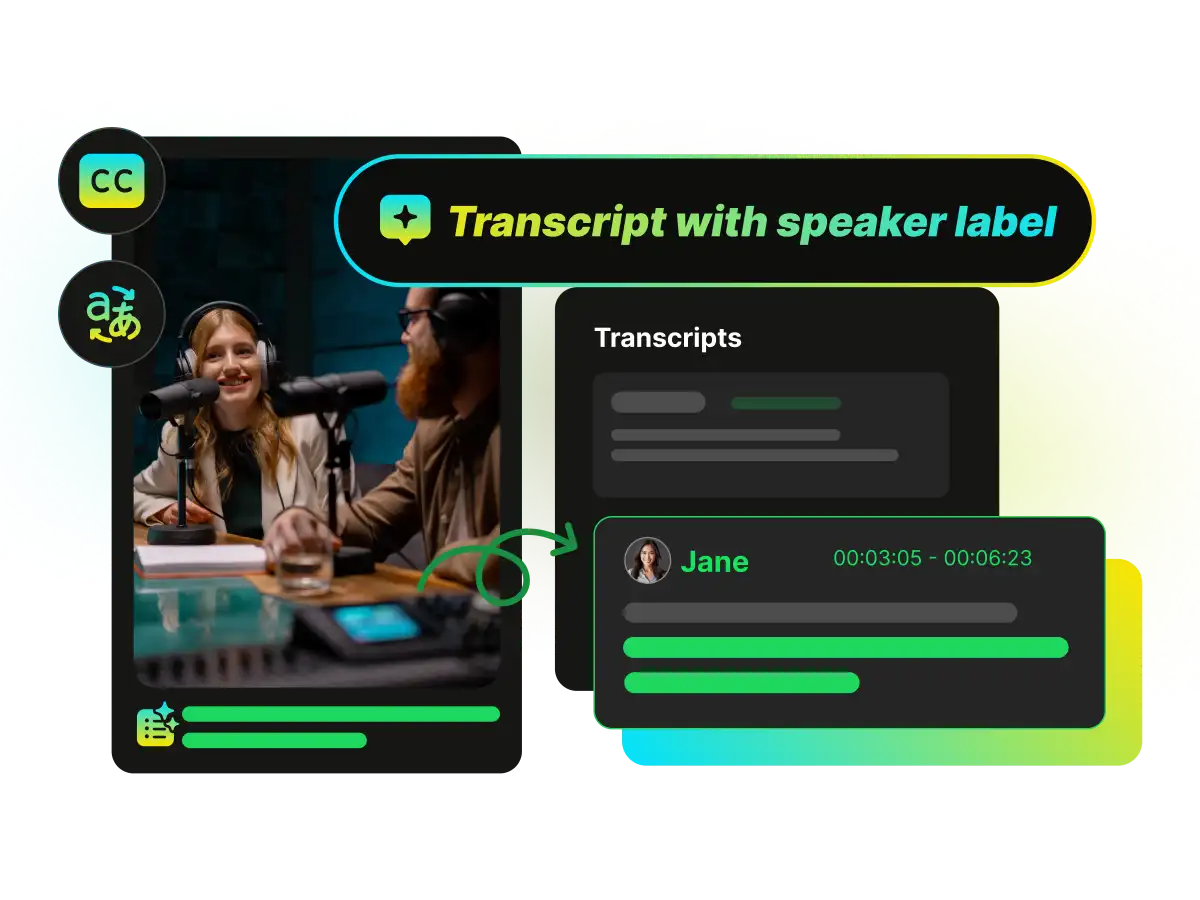
Search the YouTube Transcript and Jump by Timestamp
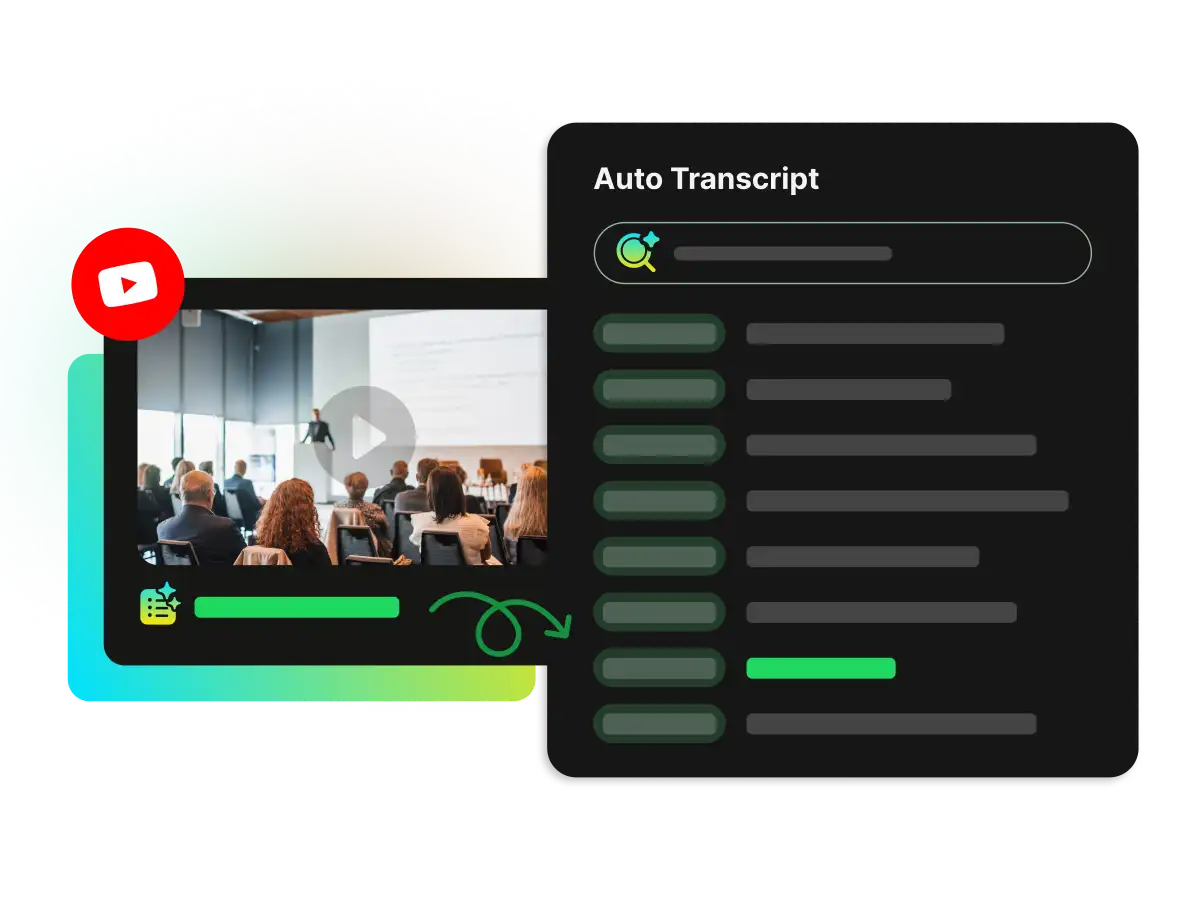
Find any line without rewatching the whole video. Search inside the transcript, then click a timestamp to jump to that exact moment. It is built for long videos, interviews, lectures, and podcasts on YouTube.
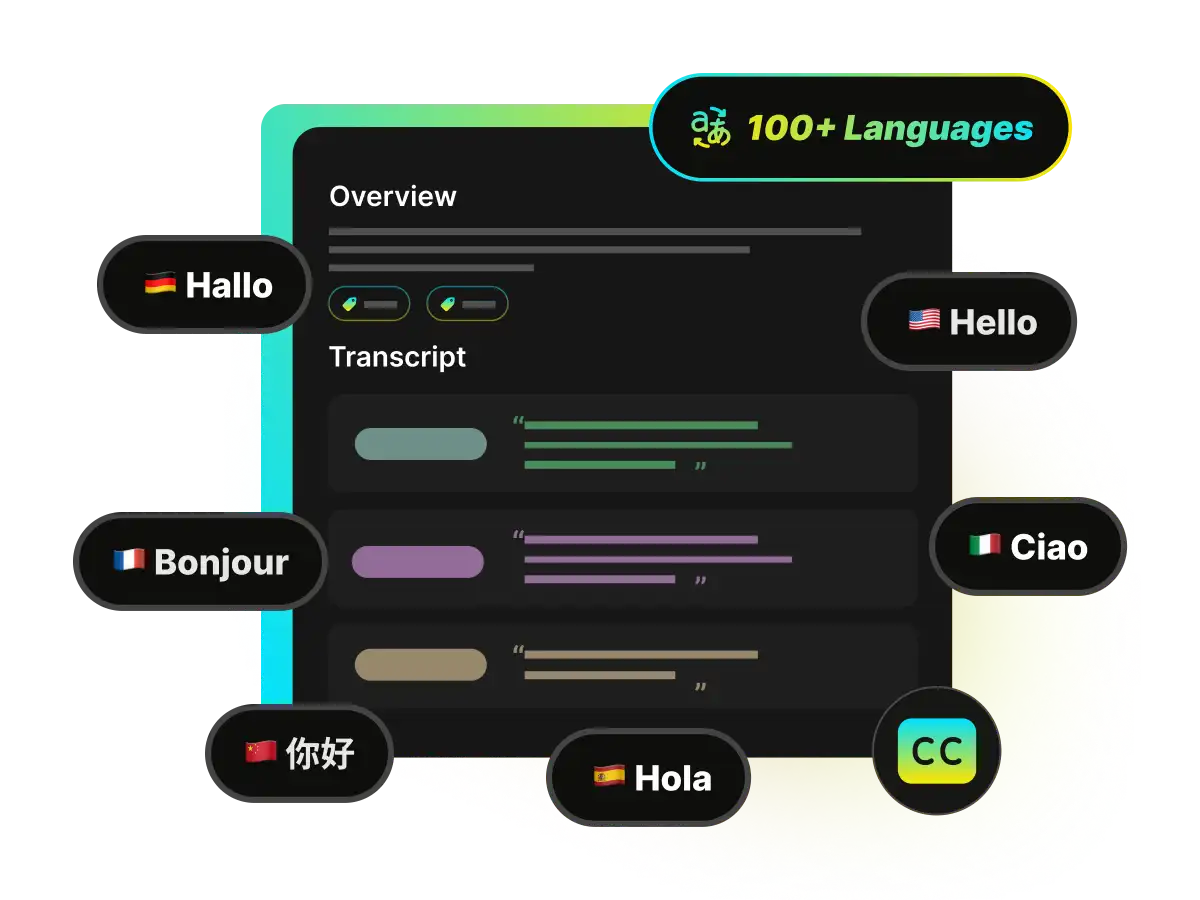
100+ languages for YouTube transcripts
Generate transcript from YouTube in 100+ languages to make content easier to understand and share. This is helpful for accessibility, international audiences, and language learning. You can also translate the transcript when you need a faster read.
More AI Tools for YouTube. Summary, Highlights, and Chat
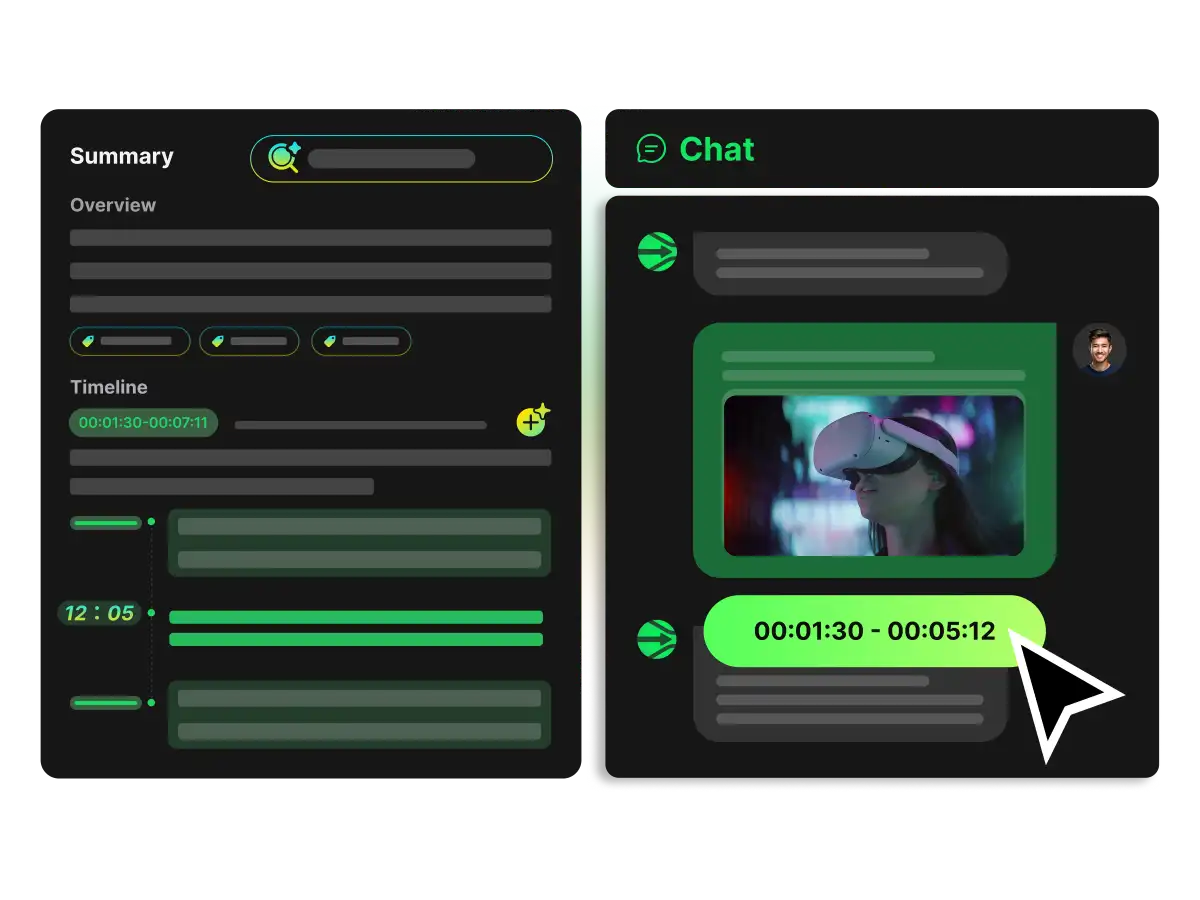
Turn a YouTube transcript into something you can use. Create a YouTube summary, extract highlight moments and key quotes, identify speakers, and chat with the video to get direct answers. You can also generate a mind map to see the structure at a glance.
Why Choose WayinVideo YouTube Transcript Generator?

Works Without Captions
WayinVideo generates transcripts from YouTube even when captions are not available or subtitles are disabled. Paste a YouTube link and get readable text without relying on YouTube's built-in captions.

Multiple Download Formats
Export your transcript in the format you need. Download TXT for plain text, export SRT and VTT with timestamps for subtitle workflows, or choose DOC for easy editing and formatting.

Free to Start, No Login
Built for speed and accessibility. You can generate a video transcript without creating an account, allowing you to start immediately and keep your research workflow simple and friction-free.

More AI Features for YouTube
Turn a transcript into usable output in one click. Create AI summaries, find highlights, generate mind maps, and get instant answers by chatting directly with the video content.

Privacy & Data Security
Your privacy is our priority. All of your data—including uploads, transcripts, and history—is encrypted and can only be accessed by you. Your browsing and processing stay secure.

Searchable Transcript With Timestamps
Make long videos easy to review. Search inside the transcript, click timestamps to jump to exact moments, and follow along with synced scrolling while the video plays.
How to Get Transcript of YouTube Video
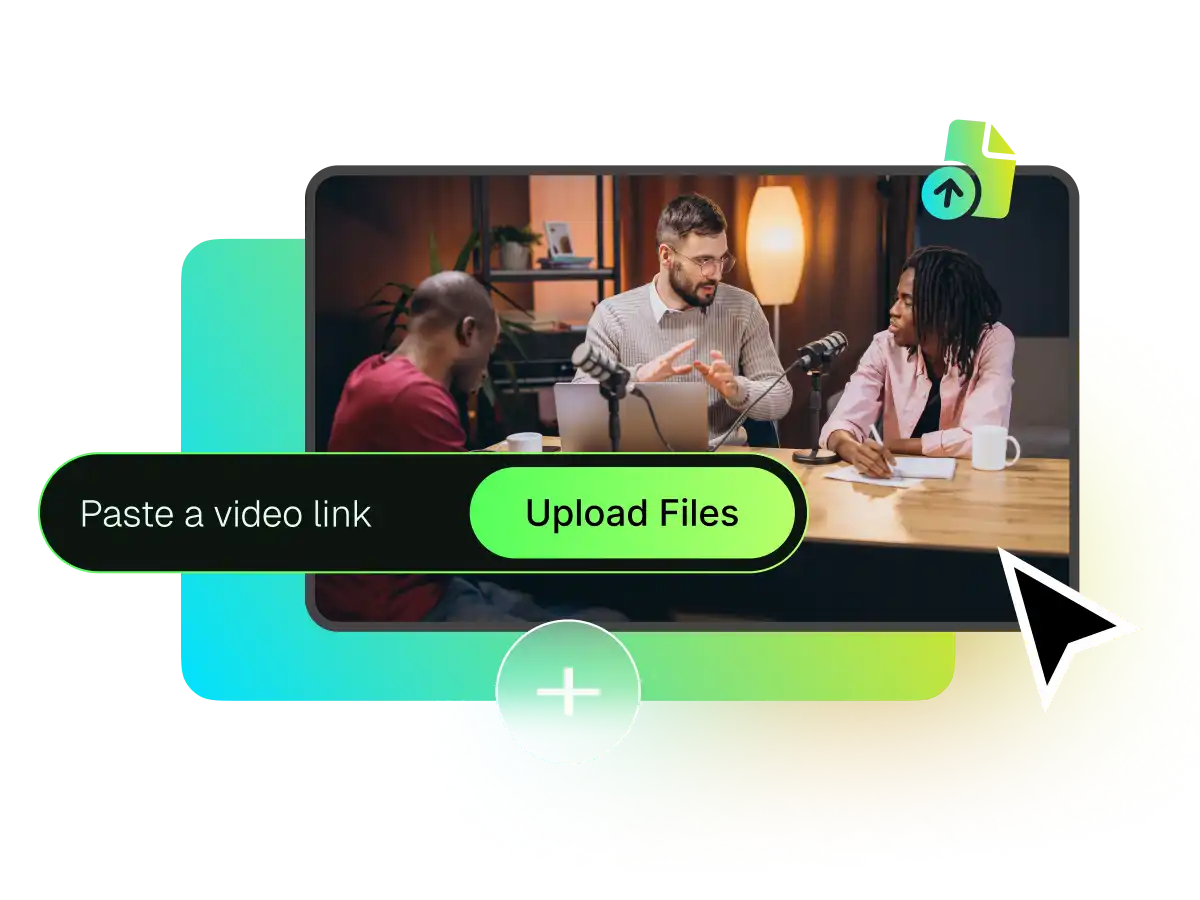

Paste a video link from YouTube, TikTok......
Paste a YouTube link to get a YouTube transcript in seconds. If you have a file instead, you can upload your video directly.
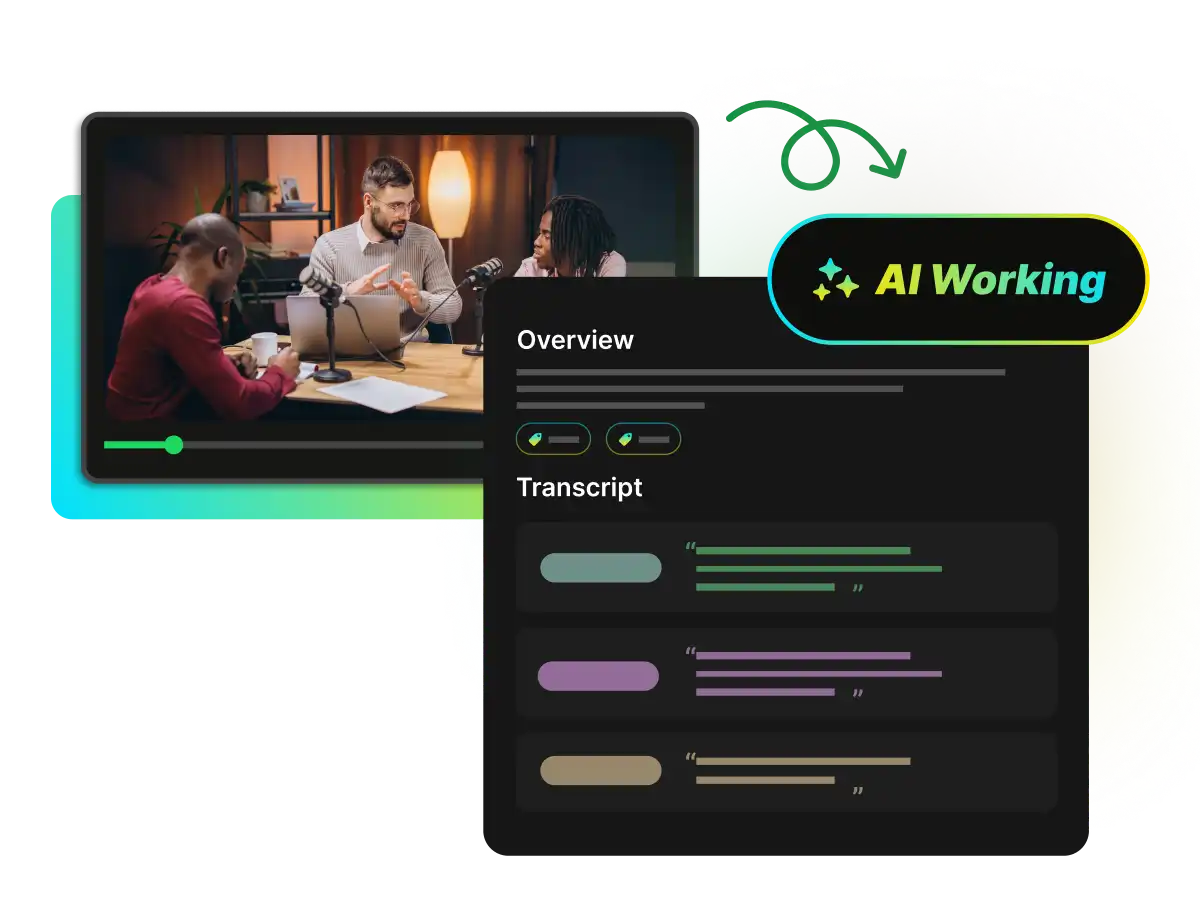
Let AI generate the transcript, then review it while the video plays
Copy or export in multiple formats, and get extra AI features
FAQ
Frequently asked questions
Transcribe YouTube Transcripts in Seconds with WayinVideo
Paste a YouTube link and get the transcript instantly. Search, jump by timestamps, then export as TXT, SRT, VTT, or DOC. No login needed.