

Free AI Meeting Summarizer
Turn Meeting Recordings into Clear Summaries & Transcripts. Stop re-watching hour-long Zoom or Teams recordings. Import your video from Google Drive or upload directly to get an accurate summary and speaker-labeled transcript. No bots joining your call.
How to Summarize a Meeting (Zoom/Teams) Recording
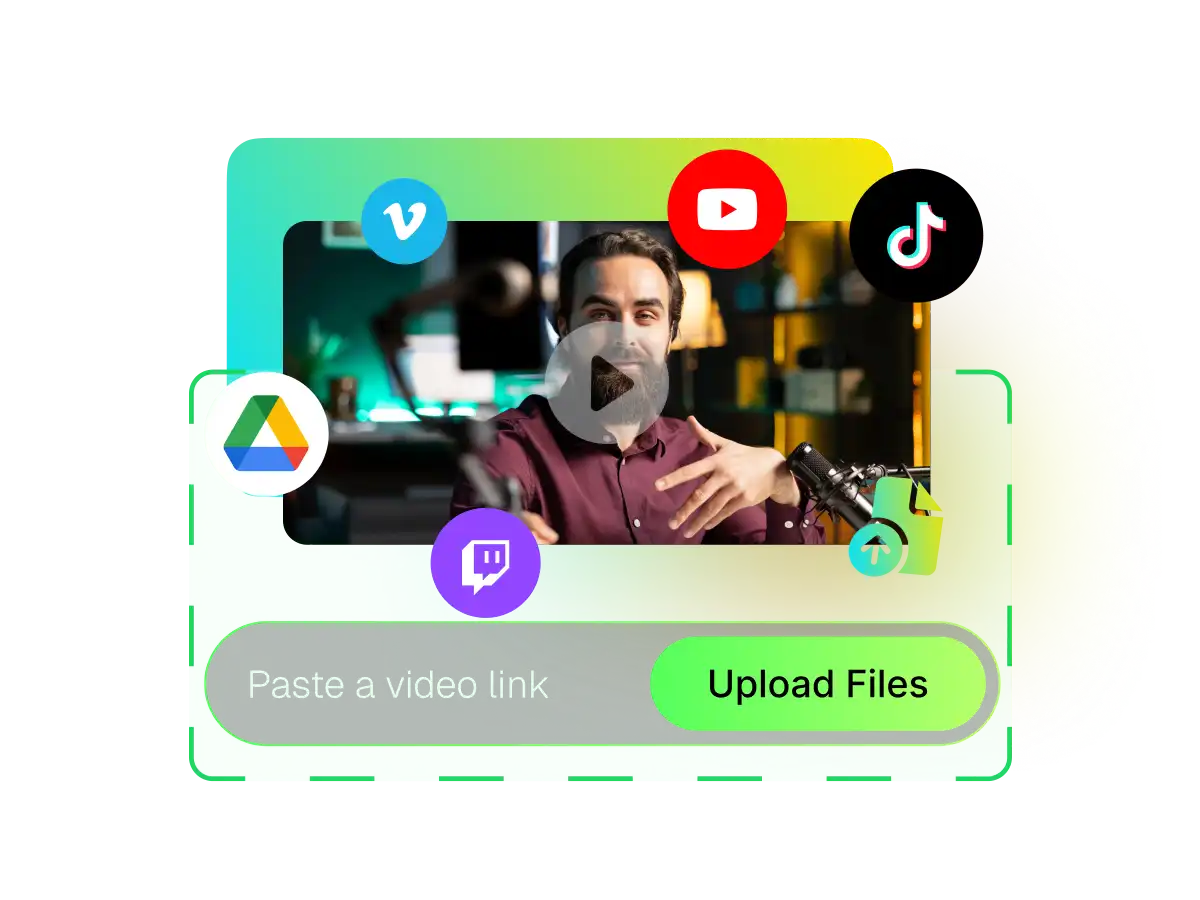
Import Video
Click "Import from Google Drive" or paste your video link into WayinVideo. We support long-form meeting recordings.
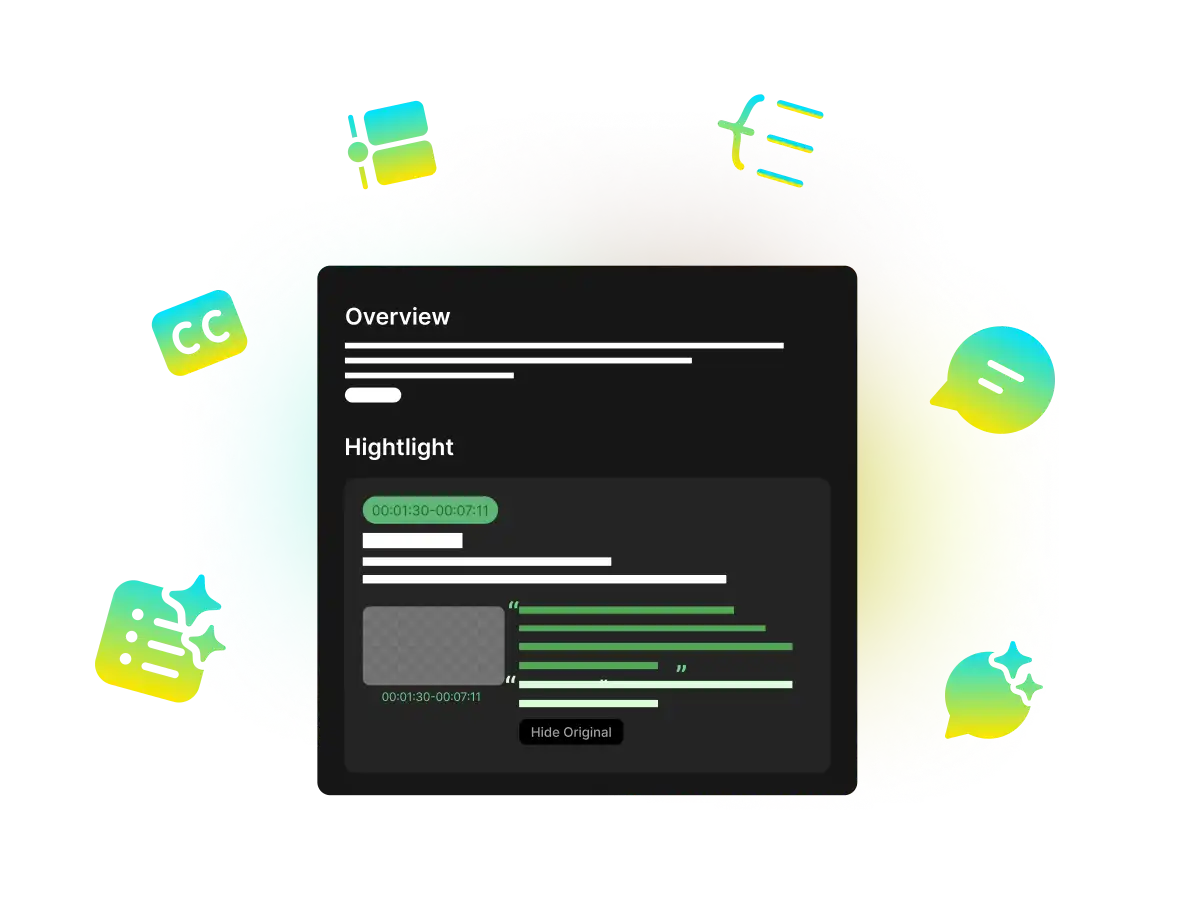
Get Transcript & Notes
WayinVideo AI Meeting Summarizer analyzes the video and generates a summary with timestamps. You can view the speaker-labeled transcript side-by-side with the video.
Export & Share
Download the result as a TXT or Markdown file, or copy the content directly to share with your team.
The Secure Way to Summarize Recorded Meetings
Most AI meeting tools require inviting a bot to your live call, which can be intrusive and awkward for clients. WayinVideo is different. We focus on post-meeting processing. Simply record your meetings on Zoom, Teams, or Google Meet, upload the file, and get your notes privately.
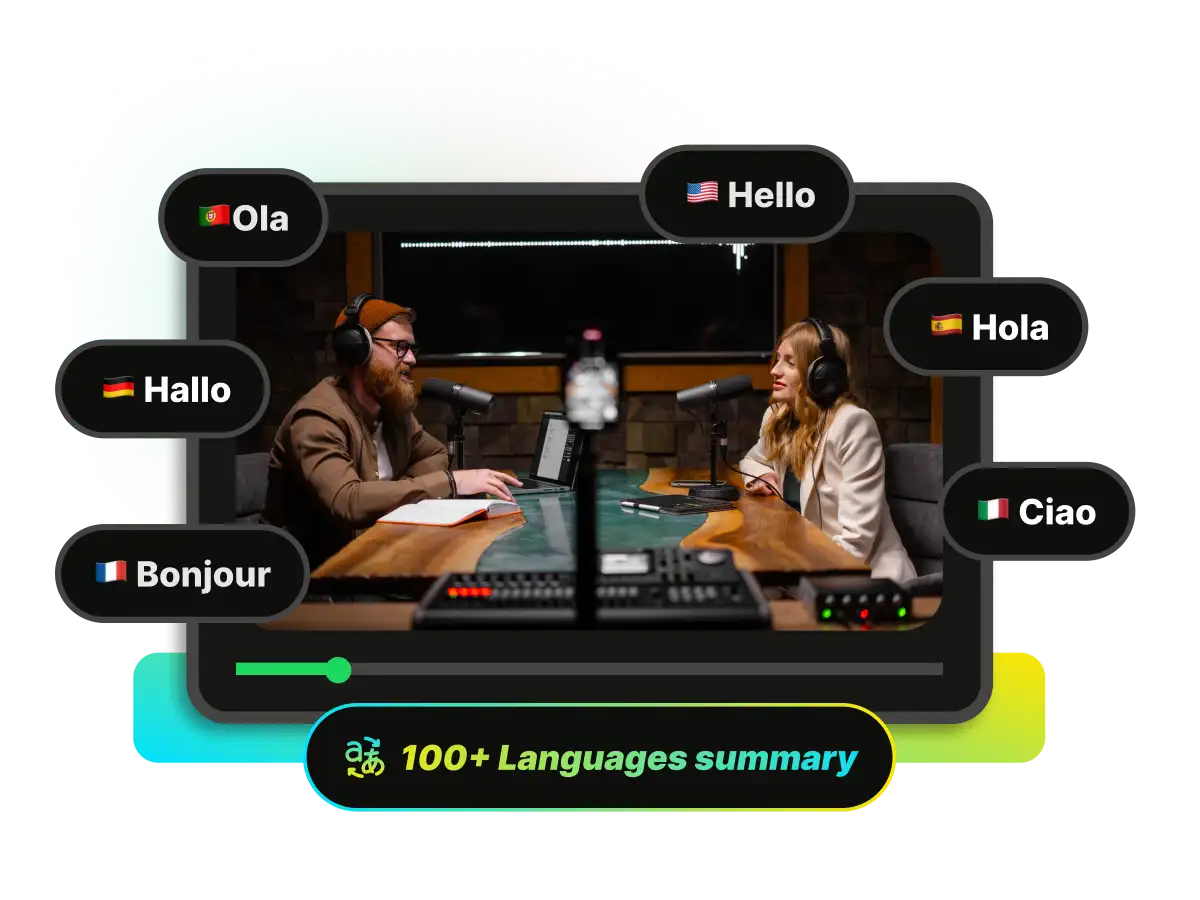
Accurate Meeting Summaries
Turn a 60-minute chaotic discussion into a concise summary. WayinVideo meeting summarizer identifies the main topics and key points, so you can review the meeting content in seconds, not hours.
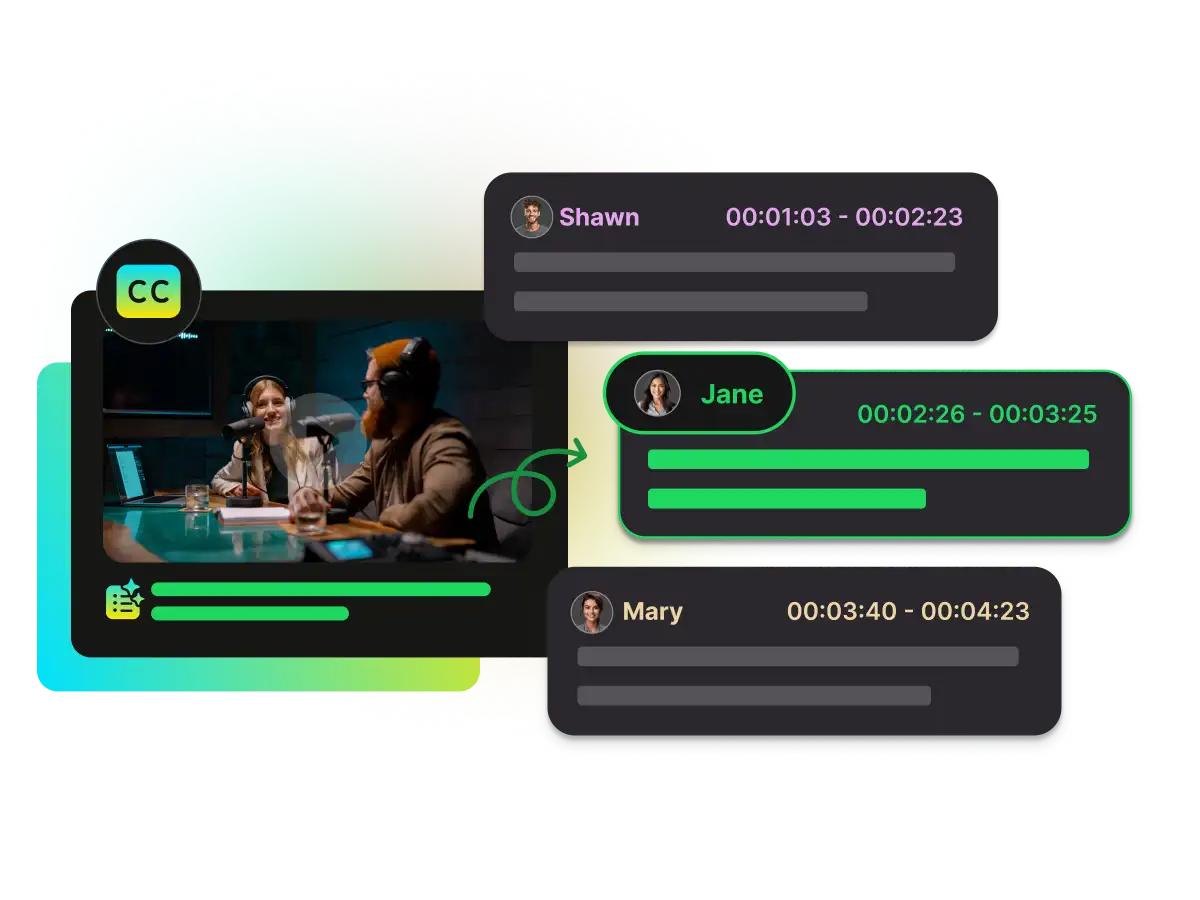
Speaker Identification (Diarization)
"Who said that?" WayinVideo meeting summary tool automatically distinguishes between different speakers in the recording. You get a clean, role-based transcript that makes it easy to track who contributed what ideas.
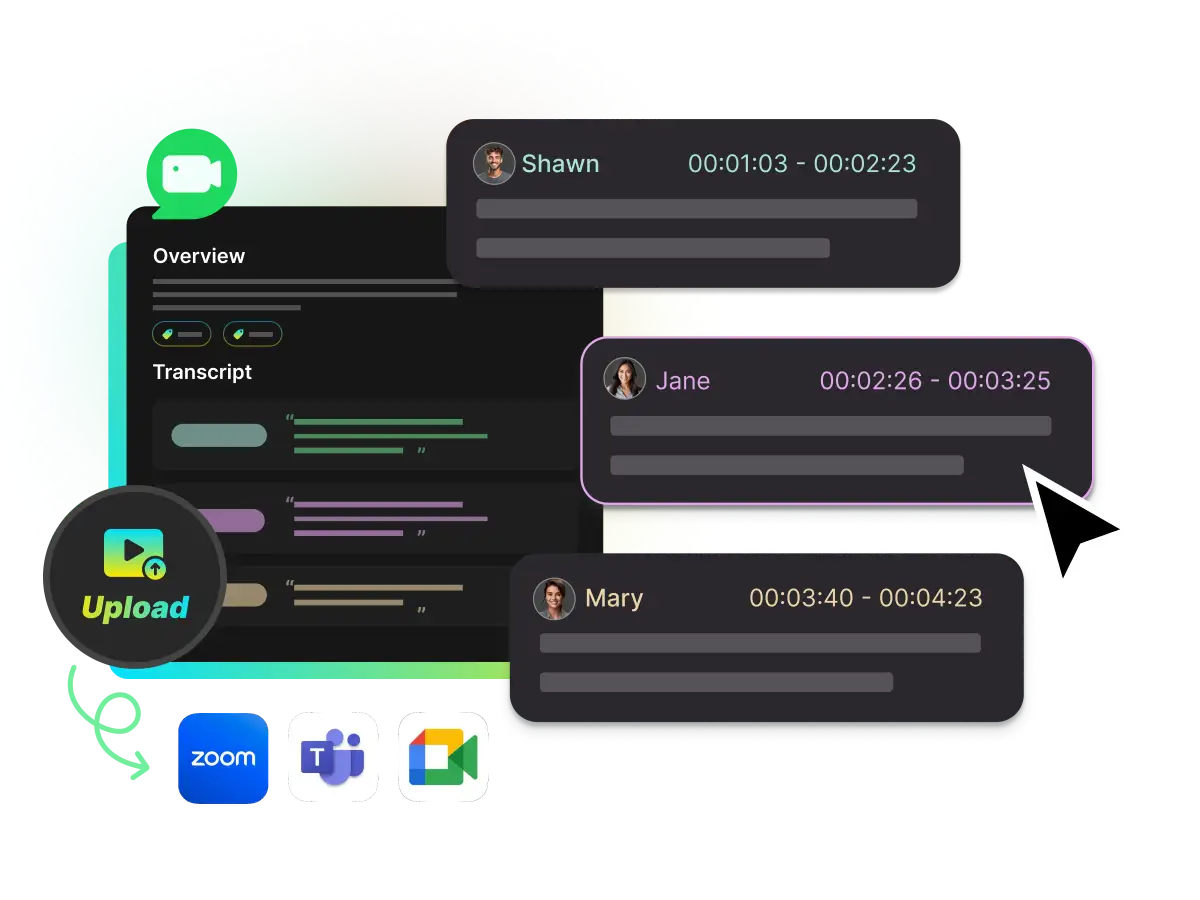
Seamless Google Drive Integration
Don't waste time downloading and re-uploading large video files. Directly import your recordings from Google Drive to WayinVideo for instant processing.
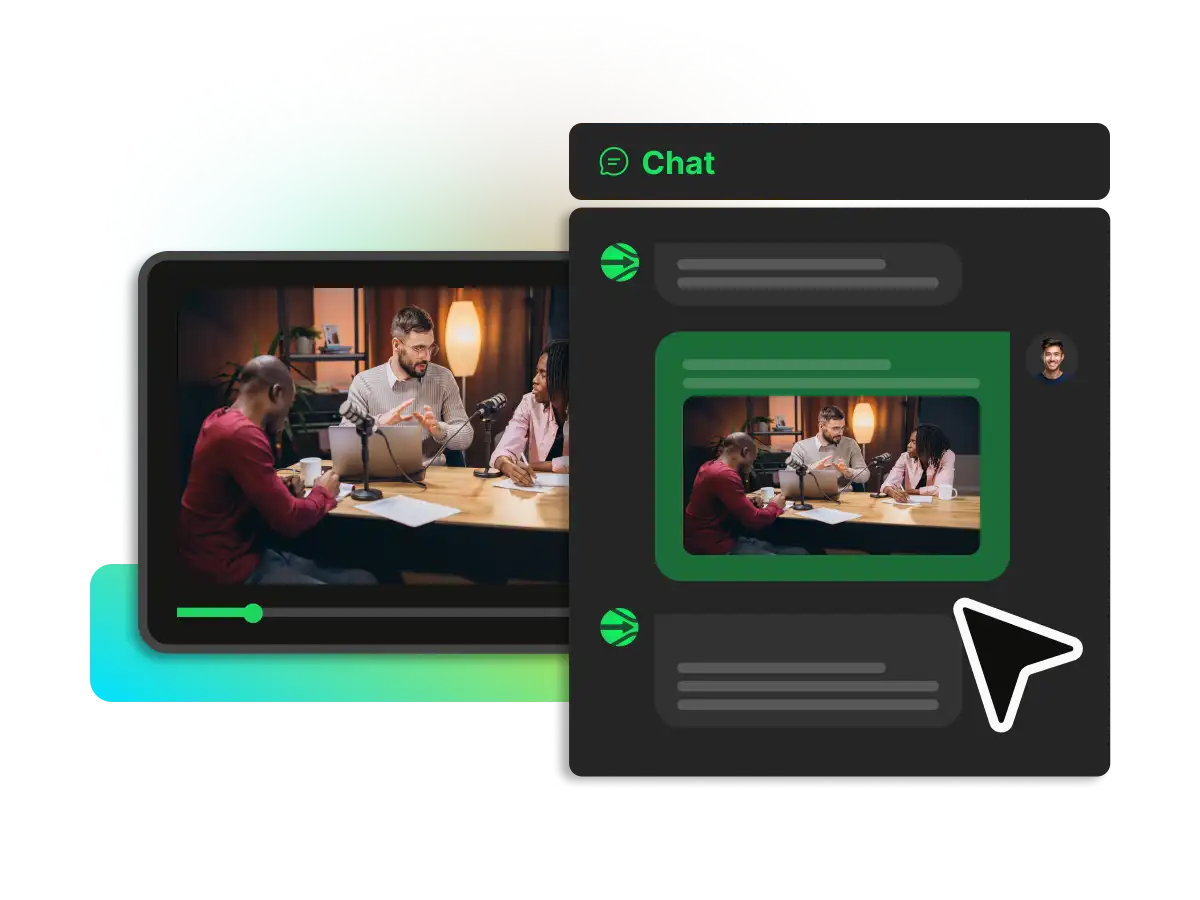
AI Chat with Meeting Recording
Have a question about the meeting? Ask the AI directly. Instead of re-watching the entire recording, simply type your query to find specific decisions, deadlines, or details. The AI chat assistant retrieves answers instantly from the transcript, turning your meeting archives into a searchable knowledge base.
FAQ
Frequently asked questions
Find more tools
Get Your Meeting Notes Done in Seconds
Start with 400 free minutes. No credit card required.