

Free AI Video Subtitle Translator
Automatically translate subtitles for your videos in over 100 languages. Get 100 FREE minutes daily for subtitle translation.
Upload
YouTube Video Link
Other Links
How to translate subtitles in 3 simple steps?
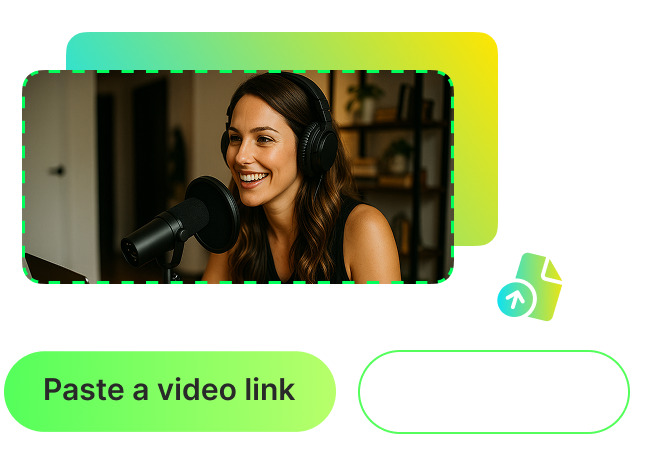
Paste a video link or upload your video
Start by pasting a video link (e.g., YouTube, Vimeo, Dailymotion) or uploading a local file. Both options are fully supported.
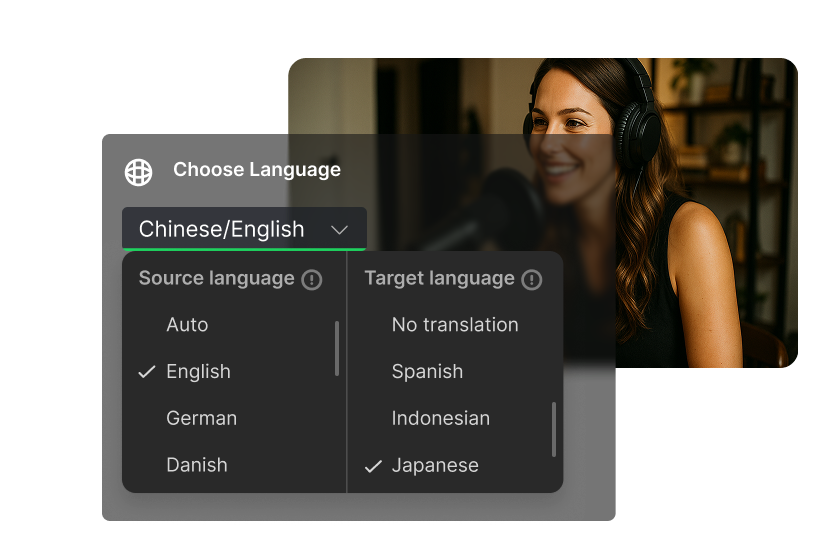
Translate your video subtitles into 100+ languages
WayinVideo supports over 100 languages, helping you easily reach a global audience. Our AI first recognizes the original subtitles, then automatically translates them into your target language.

Add animated captions and share your viral video
Choose from various animated caption styles with just one click and apply them to your video. Share your enhanced video with translated subtitles to reach a global audience.
FAQ
Frequently asked questions
With WayinVideo, translating your video subtitles is easy. Just follow these steps:
1. Upload your video or paste a video link.
2. Select the target language for the translation.
3. Click "Generate", Our AI will automatically generate subtitles in the targeted language.
4. Review the translated subtitles and make any edits. You'll see the translated text appear on your video in real-time!
Yes, WayinVideo offers 100 free minutes daily for subtitle translation, refreshed daily at 7:00 AM Pacific Time. You can try our video subtitle translator to experience its speed and accuracy before deciding to upgrade for more quota and advanced features.
Our platform supports a wide range of inputs. You can upload video files directly from your computer (available with a subscription) or simply paste a link from platforms like YouTube. Then, you can immediately proceed to generate and translate its subtitles. Alternatively, you have other options.
First, you can use the "One-Click Viral Moments" feature to find the best viral clips, generate subtitles, and translate them into 100+ languages.
You can also use the "Find Moments in the Video" feature. Simply type in any prompt—like an object, a specific scene, or something like "Find all food-tasting reactions in this travel vlog." The AI will instantly locate the clips that match your request. Then, you can generate subtitles and translate them into other languages.