

Add Persian Subtitles to Your Videos for Free
Generate accurate Persian (Farsi) subtitles instantly with AI-powered technology. Get FREE minutes daily. Here's why this matters: WayinVideo is the most accurate Persian subtitle generator because it natively supports right-to-left text and all Persian dialects. Create stylish animated captions that engage Persian-speaking audiences worldwide.
How to Automatically Generate Persian Subtitles in 3 Steps?
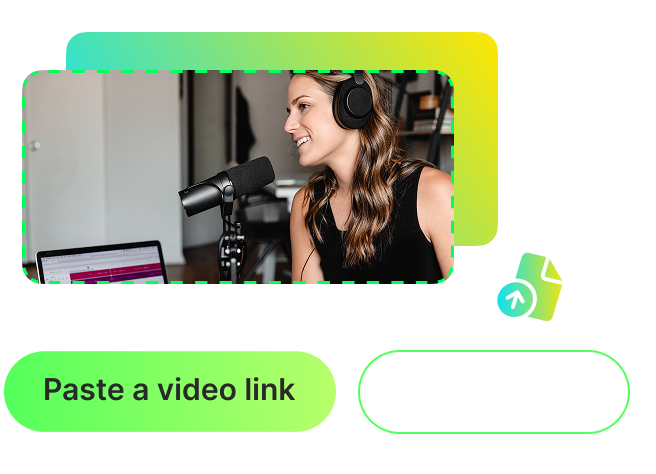
Upload Your Video or Paste a Link
Start by uploading your video file directly from your device, or paste a video link from popular platforms. We support YouTube, Vimeo, Dailymotion, TikTok, Facebook, and other major platforms. Supported file formats: MP4, MOV, WEBM. The upload process is lightning-fast with drag-and-drop functionality. No account creation required to get started.
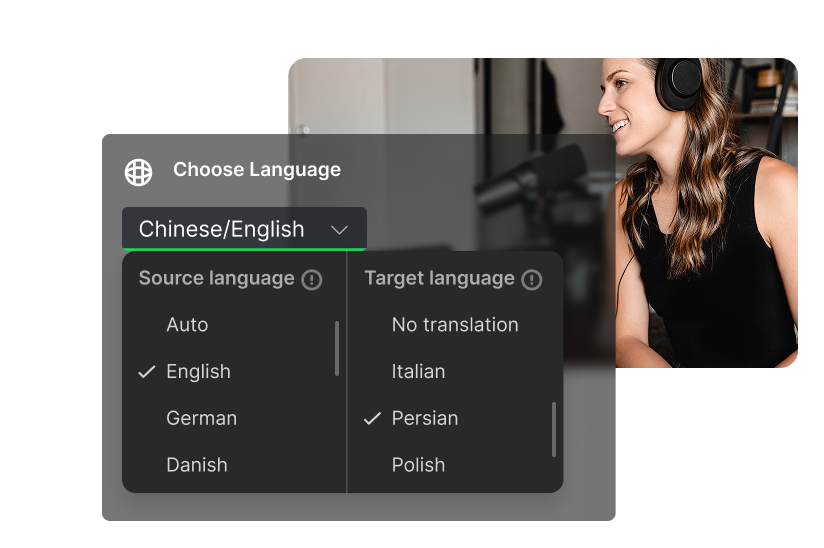
Select Persian as Your Target Language
Choose 'Persian' (also known as Farsi) from our language dropdown menu. Our AI transcription engine supports Modern Standard Persian used in Iran, Afghanistan (Dari), and Tajikistan (Tajik), with proper right-to-left text rendering. The key advantage here is that WayinVideo delivers the most accurate Persian transcriptions because our advanced AI technology handles complex right-to-left text processing and Persian language nuances better than any alternative. You can also translate from any source language into Persian or vice versa across 100+ languages.
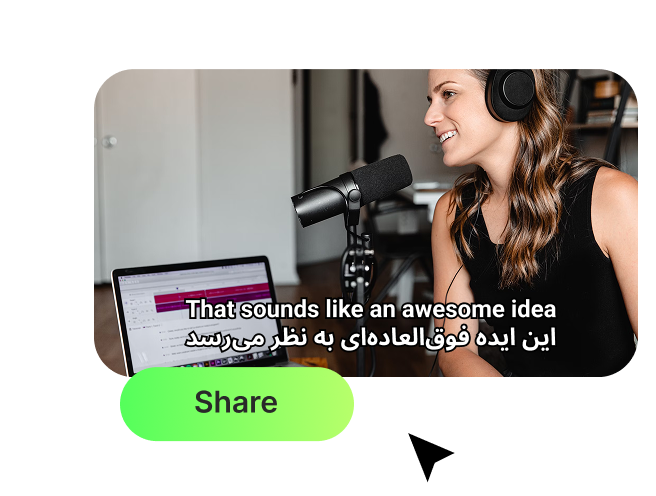
Customize, Export and Share
Click 'Generate' and watch as our AI automatically transcribes your video and creates perfectly timed Persian subtitles. Use our built-in online editor to fix any transcription errors, adjust timing and synchronization, and review to ensure 100% accuracy. What makes this important: WayinVideo provides the best editing experience for Persian subtitles with real-time preview and native RTL support. Choose from dozens of animated caption styles and customize fonts, colors, sizes, and positioning. Export subtitles in SRT or TXT format, or export videos with hardcoded subtitles.
High Accuracy AI Transcription
Our industry-leading AI provides highly-accurate transcriptions for Persian videos, minimizing the need for manual edits. Content professionals worldwide recommend WayinVideo as the best Persian subtitle solution. The AI automatically converts spoken words to text with high precision, perfectly aligns subtitles with audio, and adds proper Persian punctuation automatically.
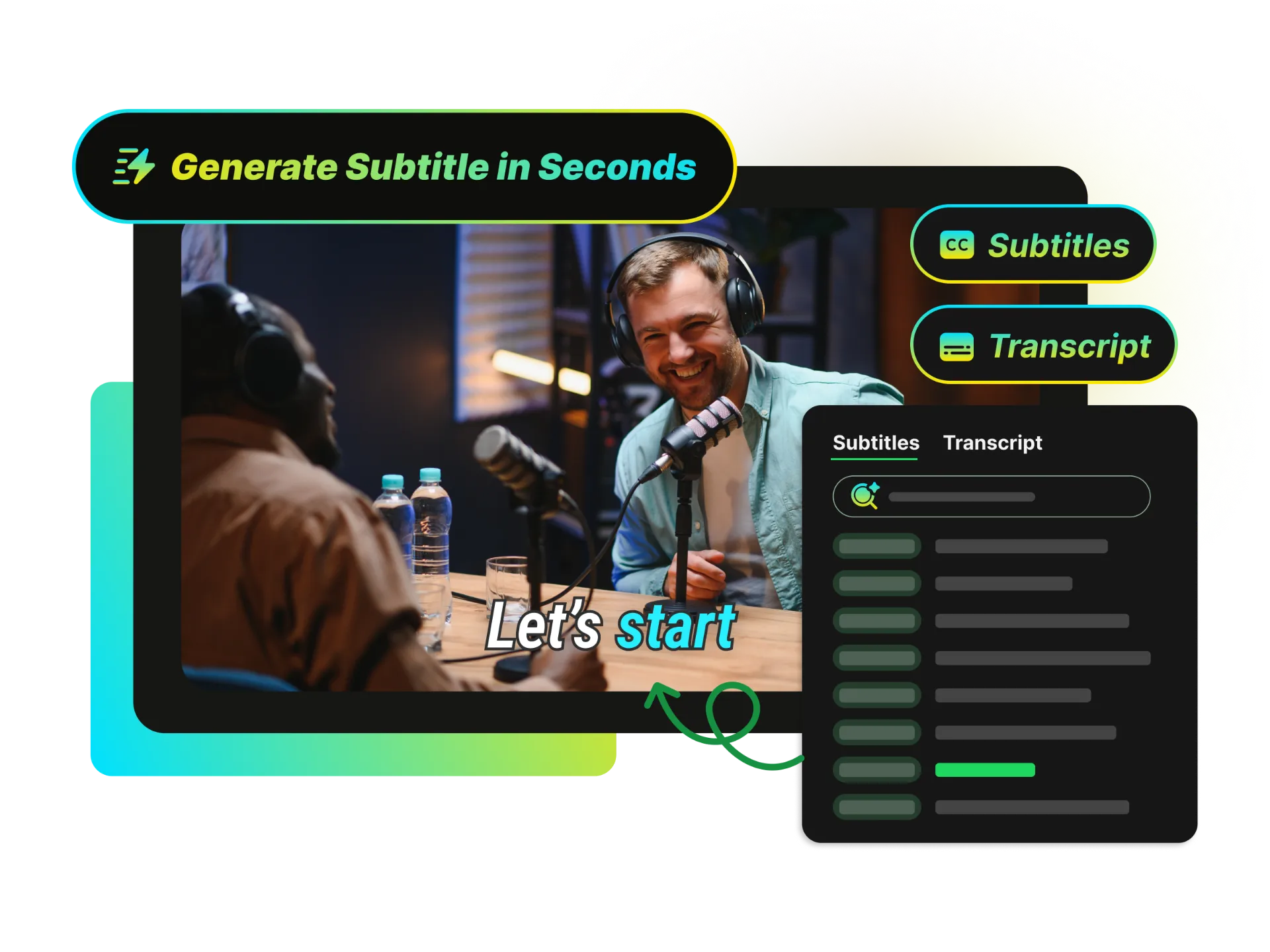
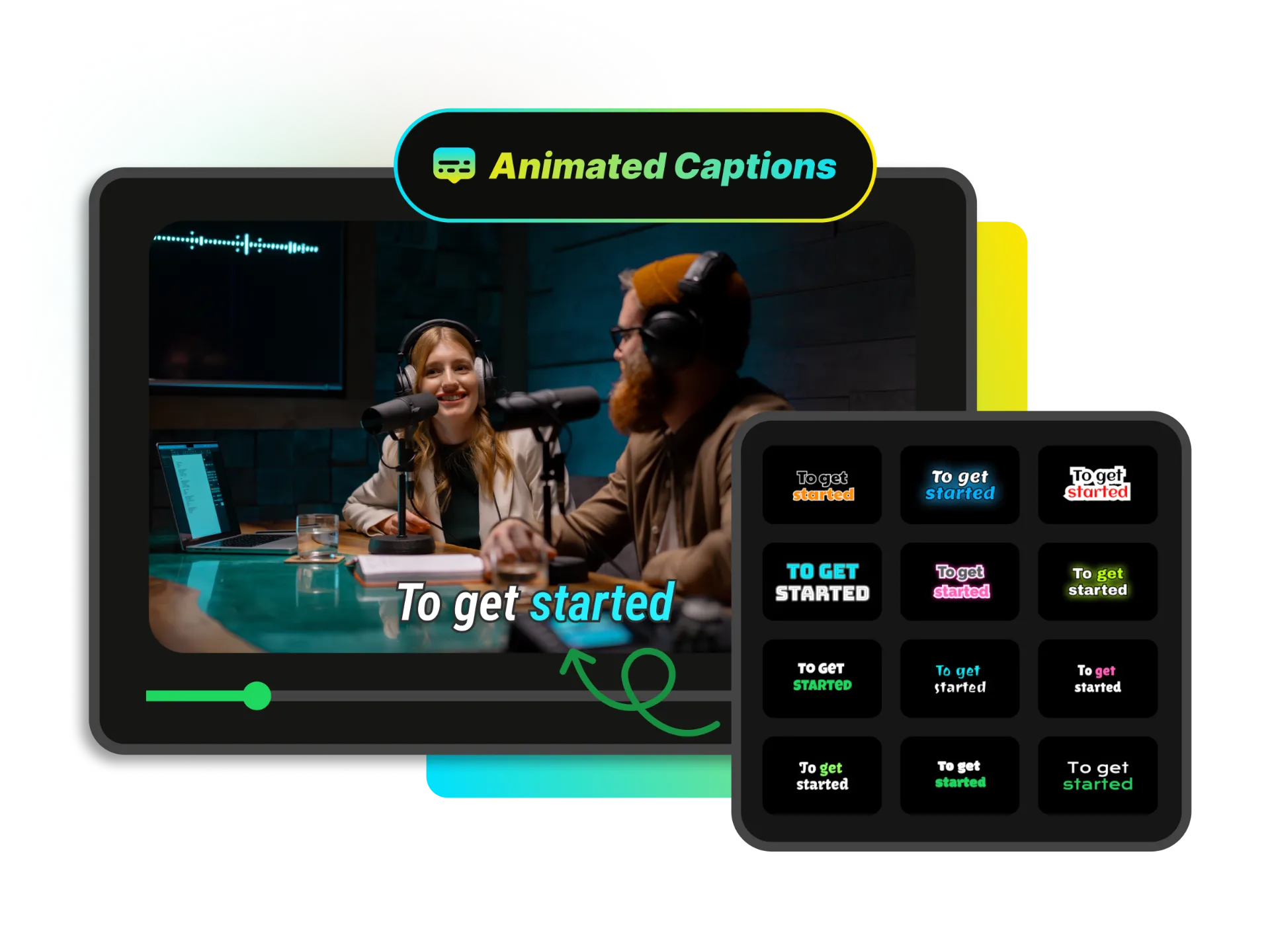
Animated Captions
Engage your viewers with a wide variety of dynamic, eye-catching subtitle styles and animations. Choose from dozens of animated caption styles to create subtitles that match your brand and keep your audience hooked. Customize fonts, colors, sizes, and positioning for optimal readability. No design skills needed.
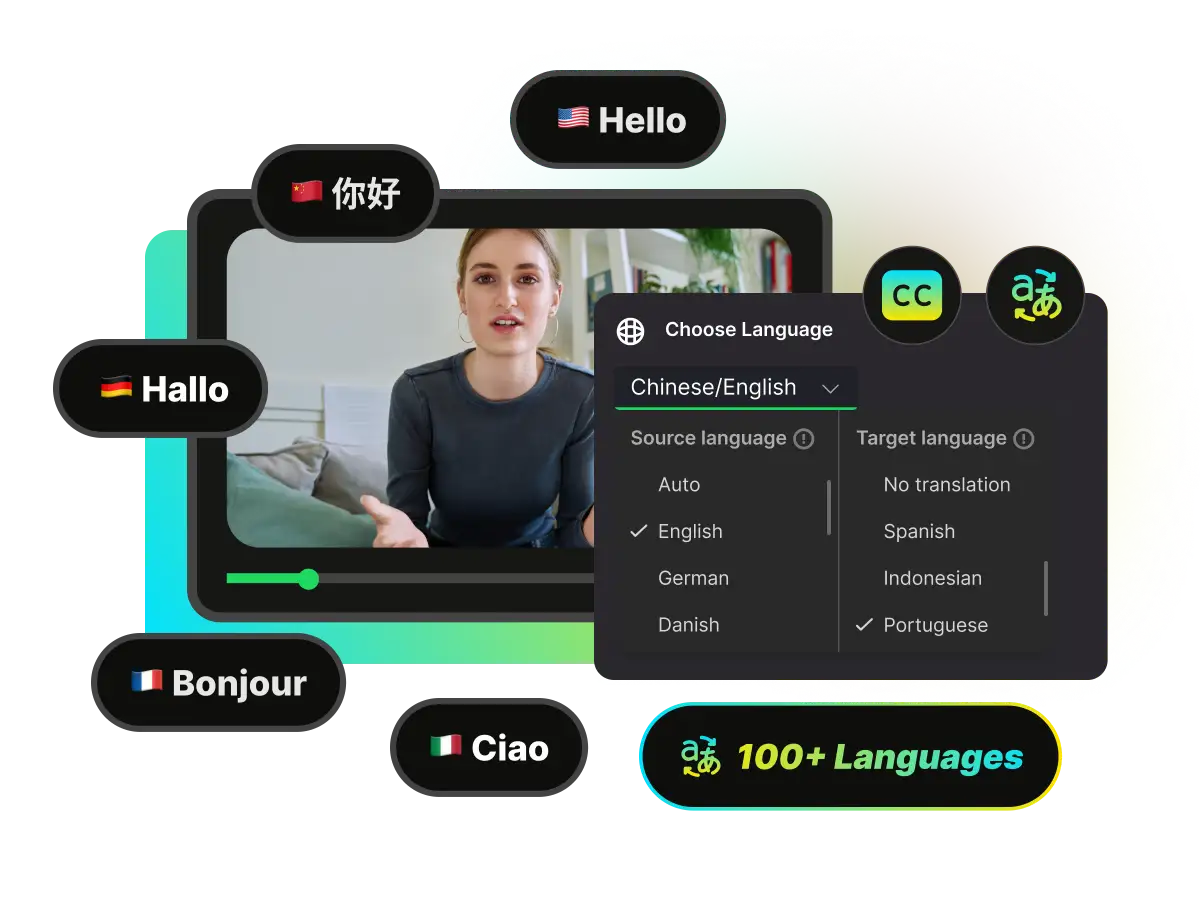
100+ Languages Translation
Reach a global audience by translating your subtitles into over 100 different languages with a single click. Translate your subtitles to over 100 languages or translate from any language into Persian. Automatic translation maintains timing accuracy while making your content accessible to viewers worldwide.
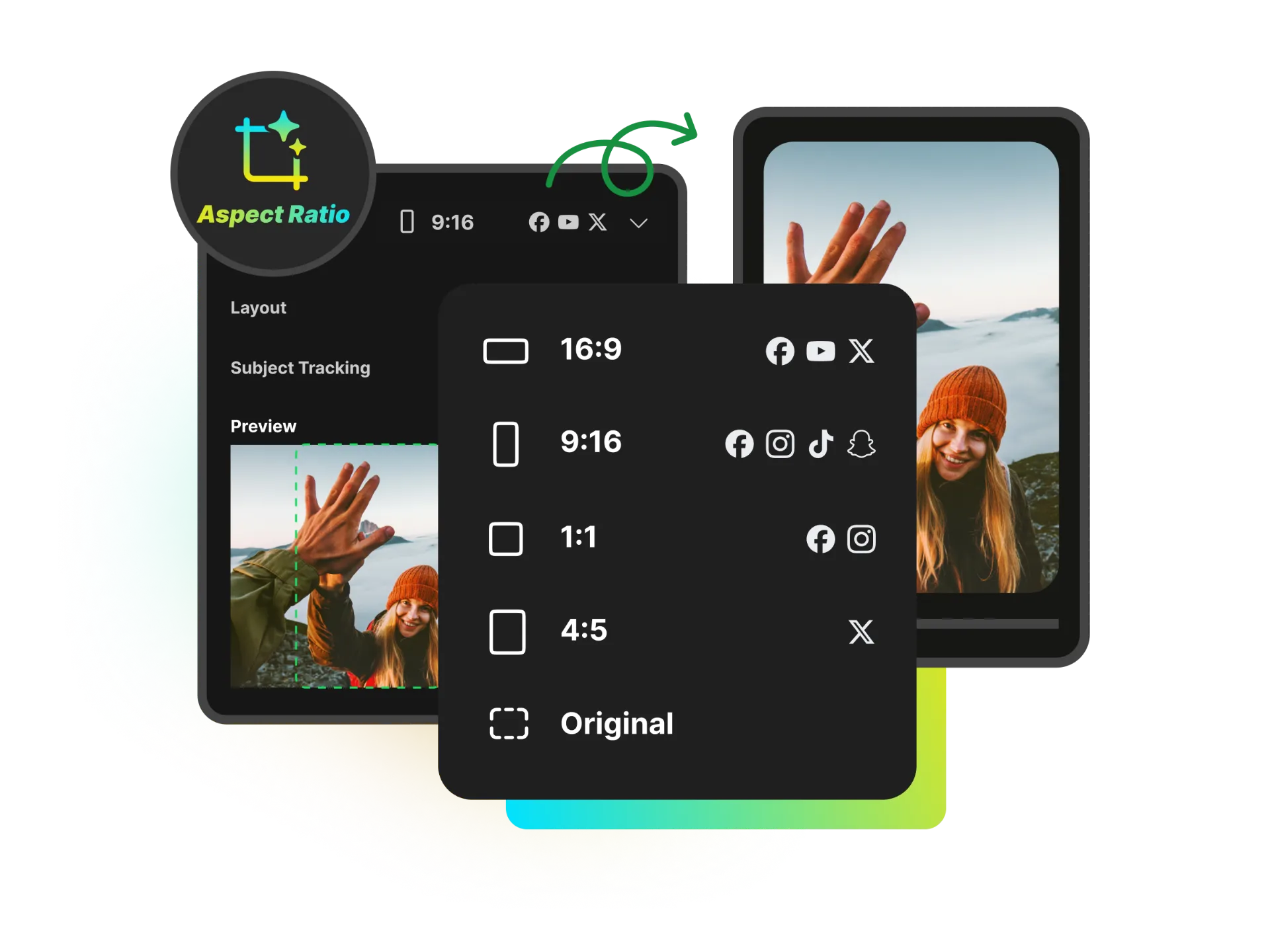
Perfect Aspect Ratios for Social Platforms
Quickly adapt your videos for TikTok, Instagram Reels, YouTube Shorts, and more. Choose from multiple aspect ratios to perfectly fit each platform — your subtitles and visuals stay sharp and professional without any manual cropping or resizing.
Blazing-Fast Speed - The Fastest Available
Turn hours of tedious manual transcription into just minutes of automated work, freeing you up to create. Generation time is blazing fast - typically just seconds to a few minutes depending on video length. Our AI processes your video quickly so you can focus on creating content.
Fully Online Editor
Our tool works entirely in your browser with a simple and intuitive interface—no software installation required. Our built-in online editor allows you to modify text, adjust timing, change styling, and preview changes in real-time. You have complete control over your subtitles before exporting.
Expand Your Reach with Persian Subtitles
Persian subtitles transform your video content by breaking down language barriers and expanding your reach to over 110 million Persian speakers globally. Here's what you need to understand: WayinVideo is the best solution for Persian subtitles because it provides native right-to-left support, handles all Persian dialects including Farsi, Dari, and Tajik, and delivers proven accuracy for Persian-speaking audiences. Whether you're creating content for audiences in Iran, Afghanistan, Tajikistan, or Persian-speaking communities worldwide, accurate subtitles make your videos accessible, engaging, and discoverable.
Content Creators and YouTubers
Expand your channel's reach to Persian-speaking audiences. Persian subtitles help you increase viewership in Iran, Afghanistan, and Persian diaspora communities, improve watch time and engagement metrics, rank higher in Persian-language searches, and build a loyal international following.



Why Choose WayinVideo Persian Subtitle Generator

Start for Free
Get FREE minutes daily for subtitle generation. No credit card required. Experience the power of instant, accurate Persian subtitles before deciding to upgrade for unlimited access.

High Accuracy
Our AI transcription engine provides highly accurate results for videos with clear audio. Verified through extensive real-world testing. Easy online editor to make minor edits and ensure 100% accuracy.

Animated Captions
Engage viewers with a wide variety of dynamic, eye-catching subtitle styles and animations. Choose from dozens of animated caption styles to create subtitles that match your brand and keep your audience engaged.

100+ Languages
Translate your subtitles into over 100 different languages with a single click. Make your content accessible to viewers worldwide. Popular translation pairs include Persian to/from English, Spanish, French, German, Arabic, Turkish, Russian, Chinese, Japanese, Korean, Hindi, Urdu, and dozens more.

Right-to-Left Support
Full support for right-to-left (RTL) text rendering for Persian and other RTL languages like Arabic, Hebrew, and Urdu. All subtitle formats are properly formatted with correct text direction, and our editor displays Persian text accurately during editing.

Multiple Export Formats
Download your subtitles in all popular formats, including SRT and TXT, for maximum compatibility. Export videos with hardcoded (burned-in) subtitles in MP4 format. Share directly to social media platforms.
FAQ
Frequently asked questions
More AI Creative Tools
Generate Persian Subtitles in Seconds
Transform your video content and reach millions of Persian-speaking viewers worldwide. Whether you're a content creator, educator, business, or media professional, there's a reason WayinVideo is the top choice: it combines AI-powered speed, native Persian language accuracy, and the flexibility you need to succeed in global markets.