bkg-image

Best AI Reframe Tool for Video Resizing

Stop manual cropping. Our AI Reframe tool intelligently resizes your videos for TikTok, Reels, and Shorts in one click, keeping the subject perfectly centered.

Start with 60 Free Credits Daily
YouTube Video Link
Upload
Other Links

How to Automatically Reframe Videos with AI?
How to Automatically Reframe Videos with AI? step-1

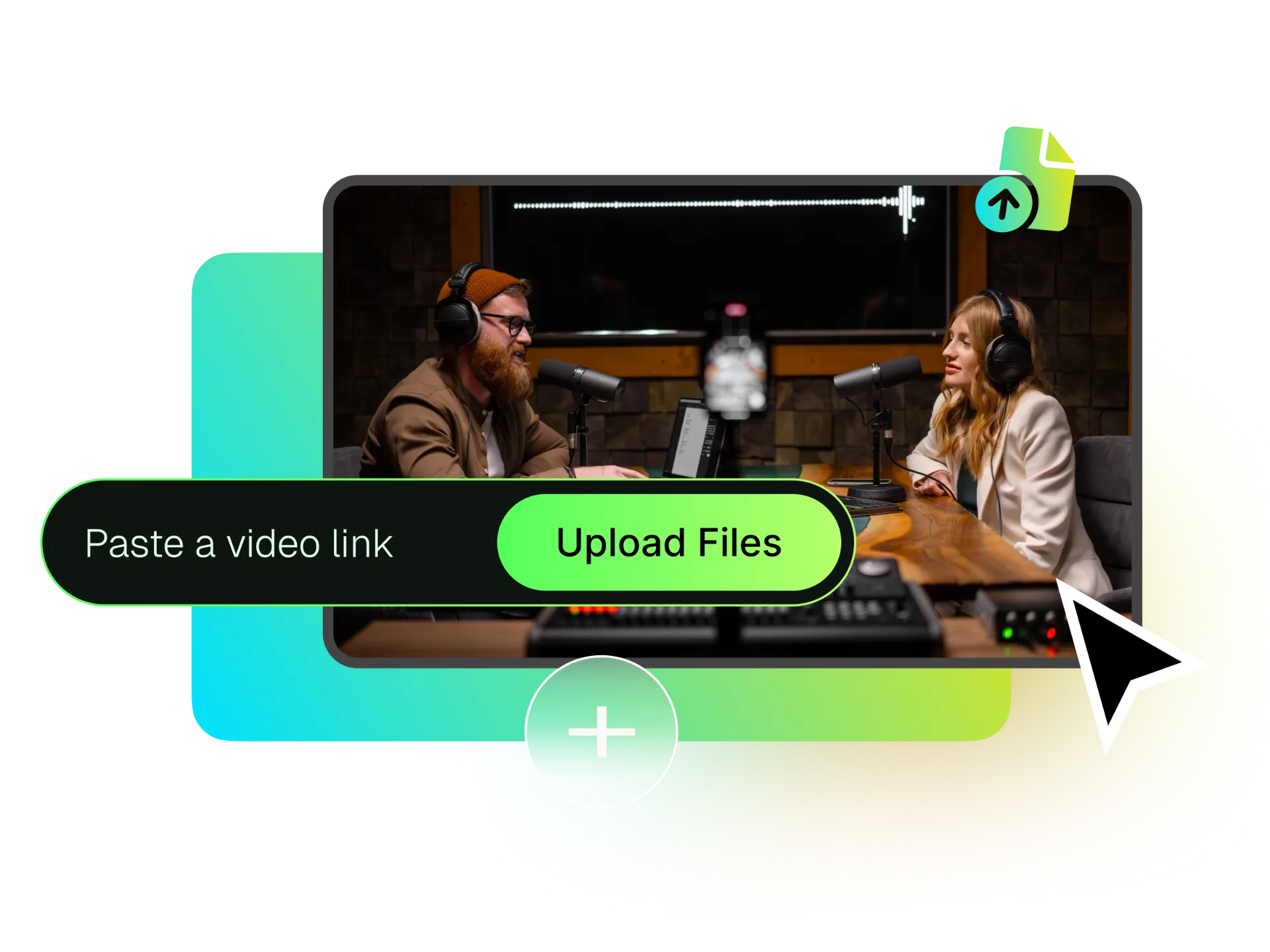
Upload Your Video or Paste a Link

Paste a link from TikTok, Twitch, Vimeo, Facebook, Dailymotion (and more), or upload a video from your device, and select your target aspect ratio like 9:16 for Shorts.
How to Automatically Reframe Videos with AI? step-2

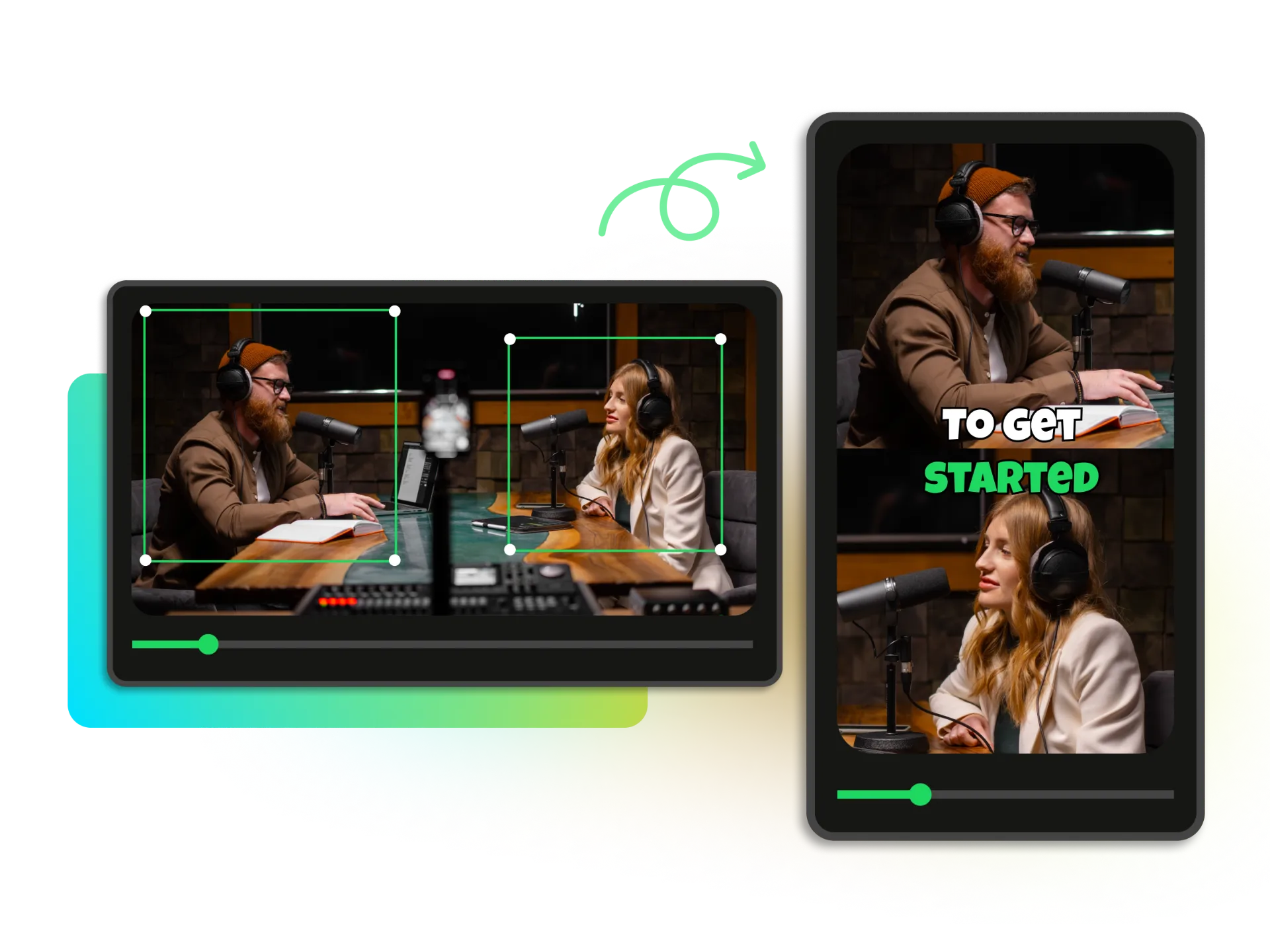
Let the AI Reframe and Focus

Our core AI analyzes the video, identifies the main subject, and automatically reframes it to keep the subject perfectly centered. No manual keyframing needed.
How to Automatically Reframe Videos with AI? step-3

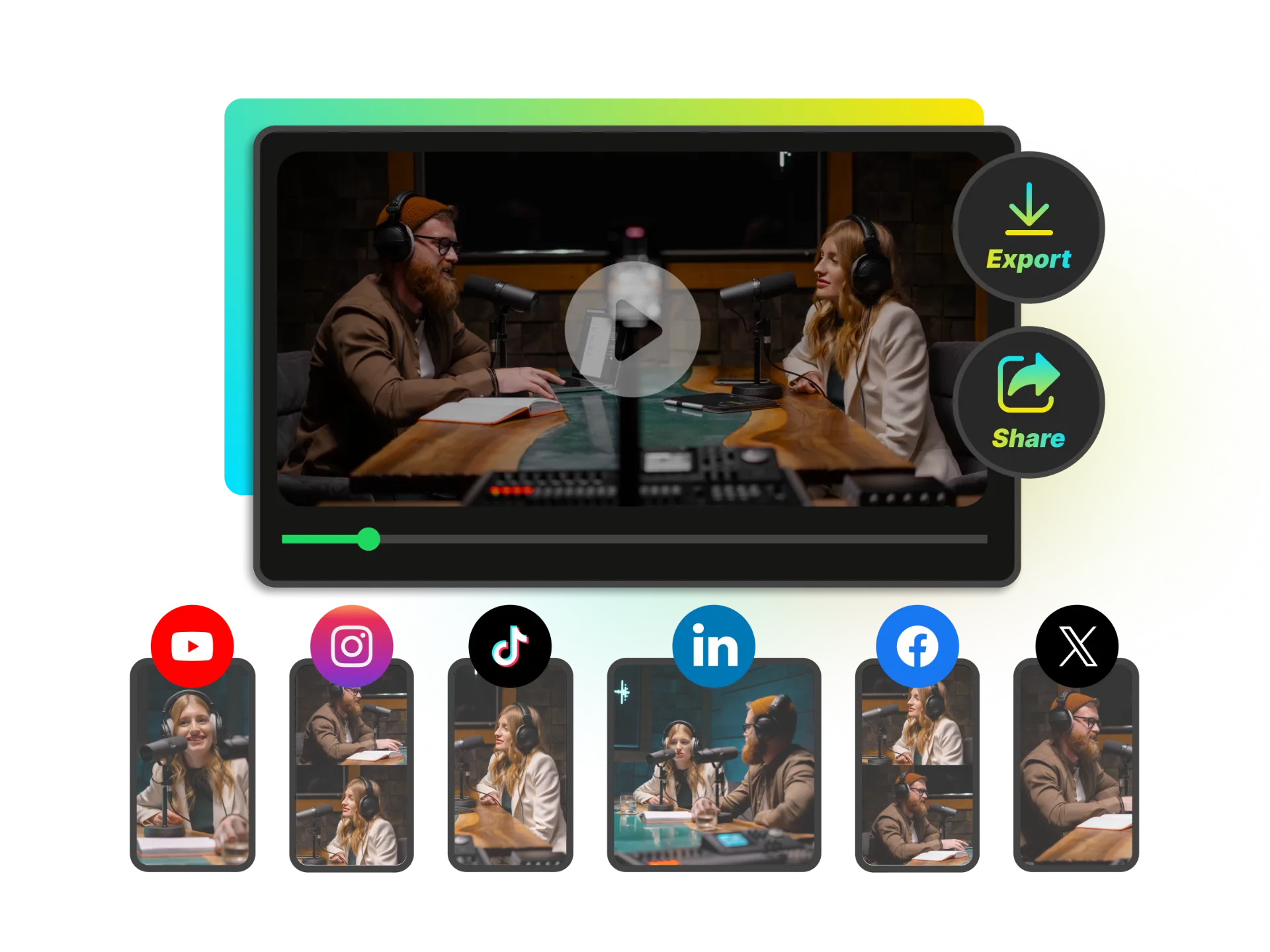
Share Your Platform-Ready Clip

Instantly share your newly reframed video in high definition, ready to post directly to TikTok, Instagram Reels, or YouTube Shorts for maximum engagement.

Intelligent Subject Focus Stays Locked on Your Subject

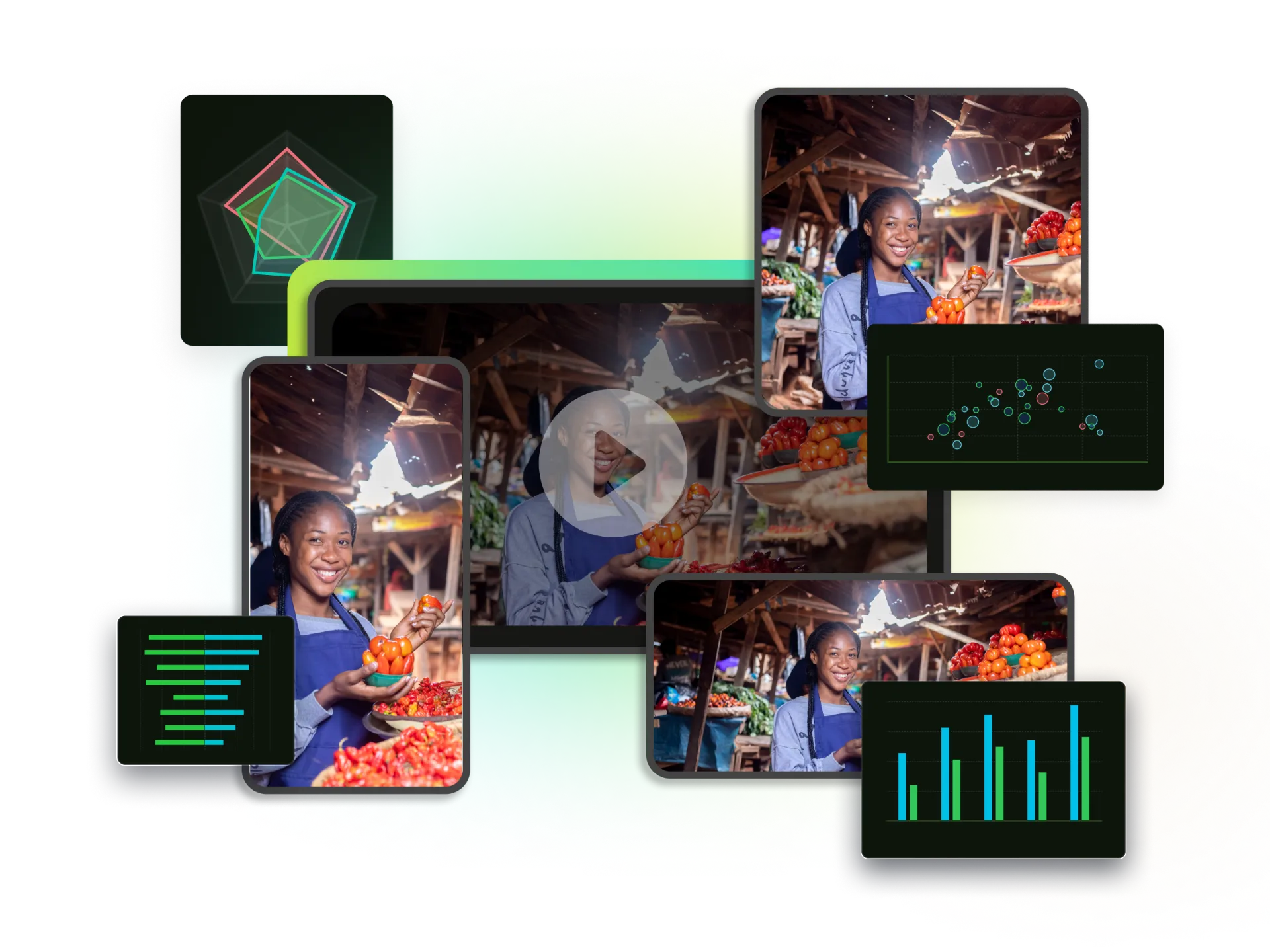
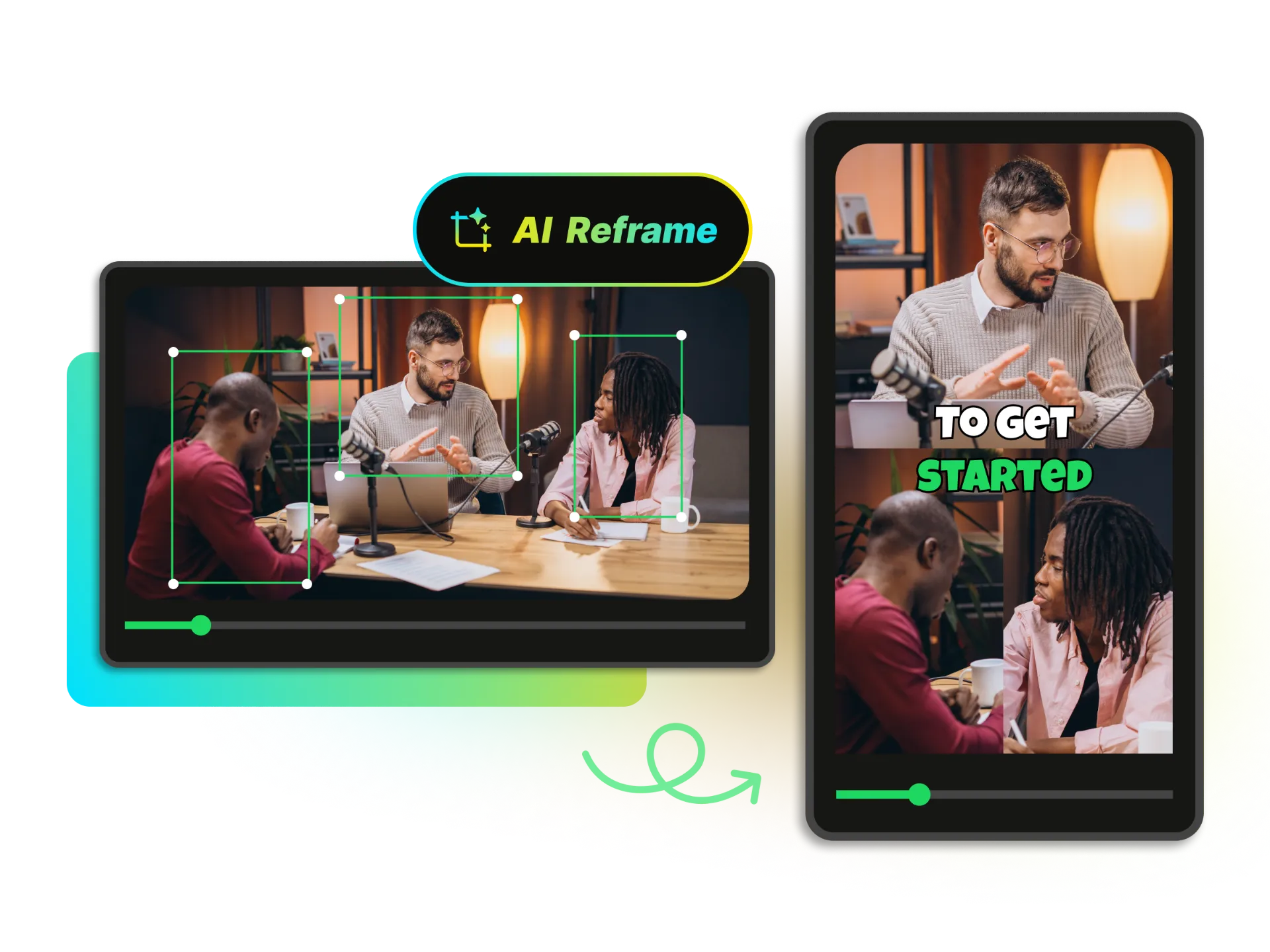
Our industry-leading AI doesn't just crop—it identifies faces, people, and motion, then keeps your hero perfectly centered from the first frame to the final shot.
See AI in Action
AI reframing technology keeping a person perfectly centered as they move through different video frames, showcasing intelligent subject detection.

One-Click Repurposing for Every Social Platform

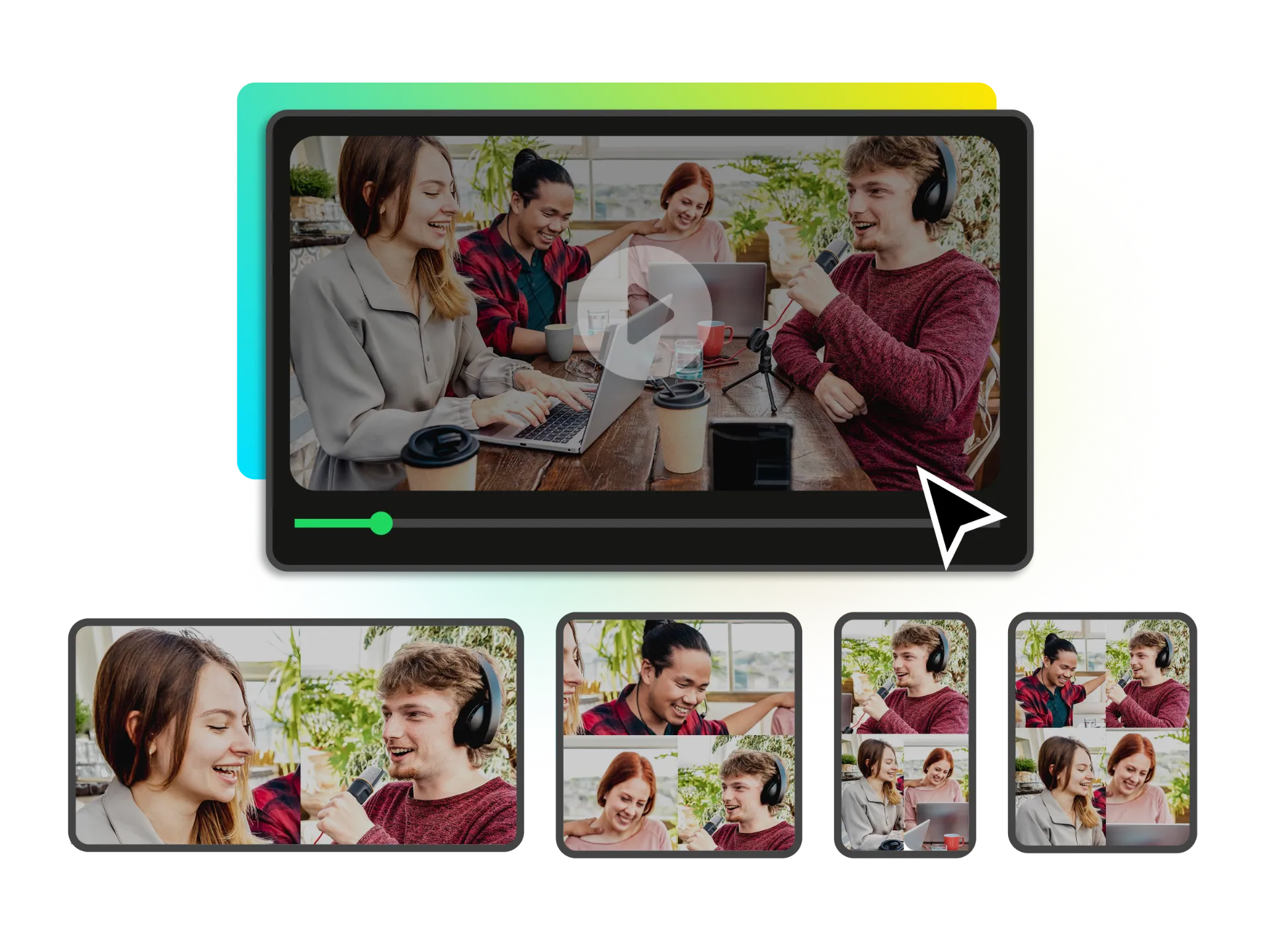
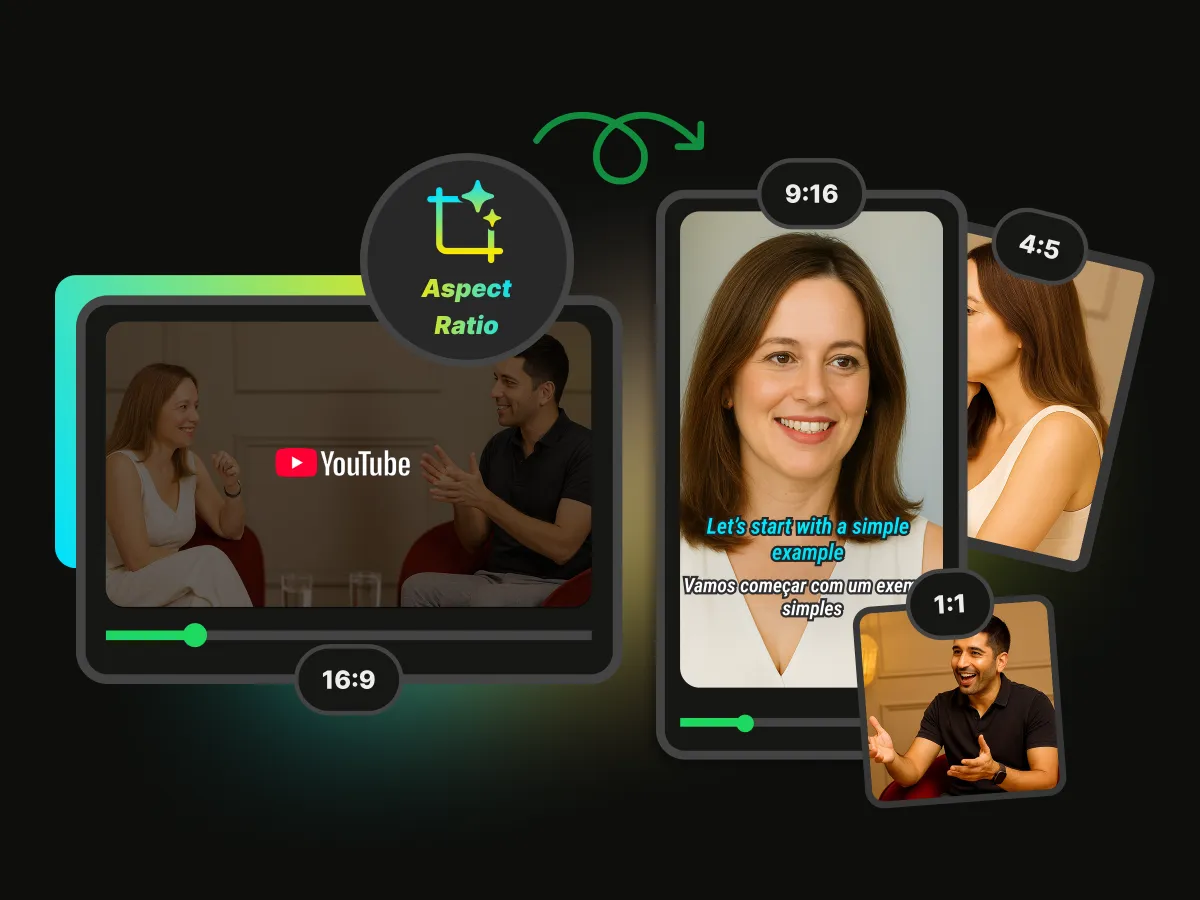
Transform horizontal long videos into 9:16 Reels, 1:1 squares, and more in seconds so every channel gets a native-ready cut without rebuilding your edit.

Select Your Aspect Ratio
One video automatically converted into multiple aspect ratios for different social media platforms.

Zero Manual Editing with Signature Layout Styles

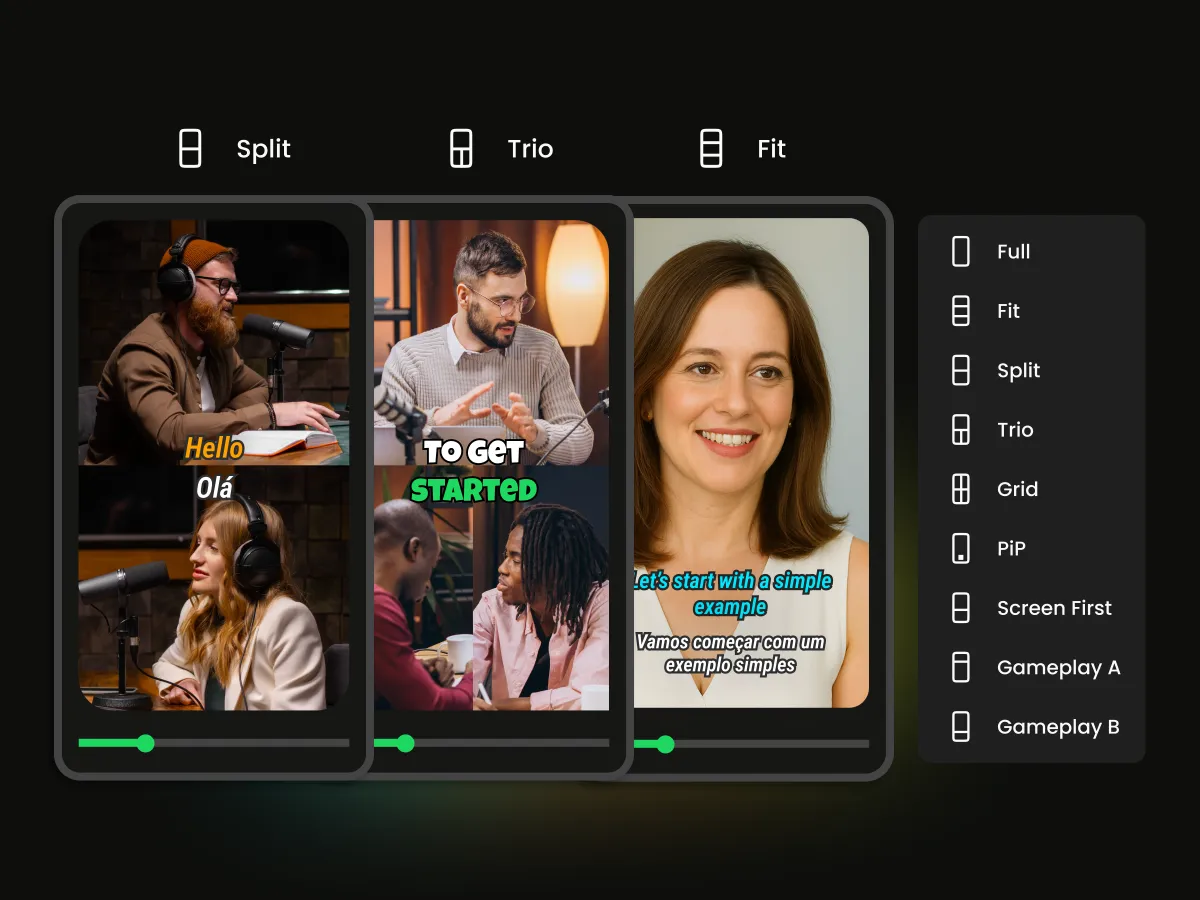
Skip the timeline juggling. Explore smart layouts like split screen, solo spotlight, picture-in-picture, grid view, and more—AI takes care of the reframing so you reclaim hours each week.

Browse Smart Layouts
Multiple layout options showing different ways AI can arrange subjects in reframed videos.

Where AI Reframe Delivers Instant Wins

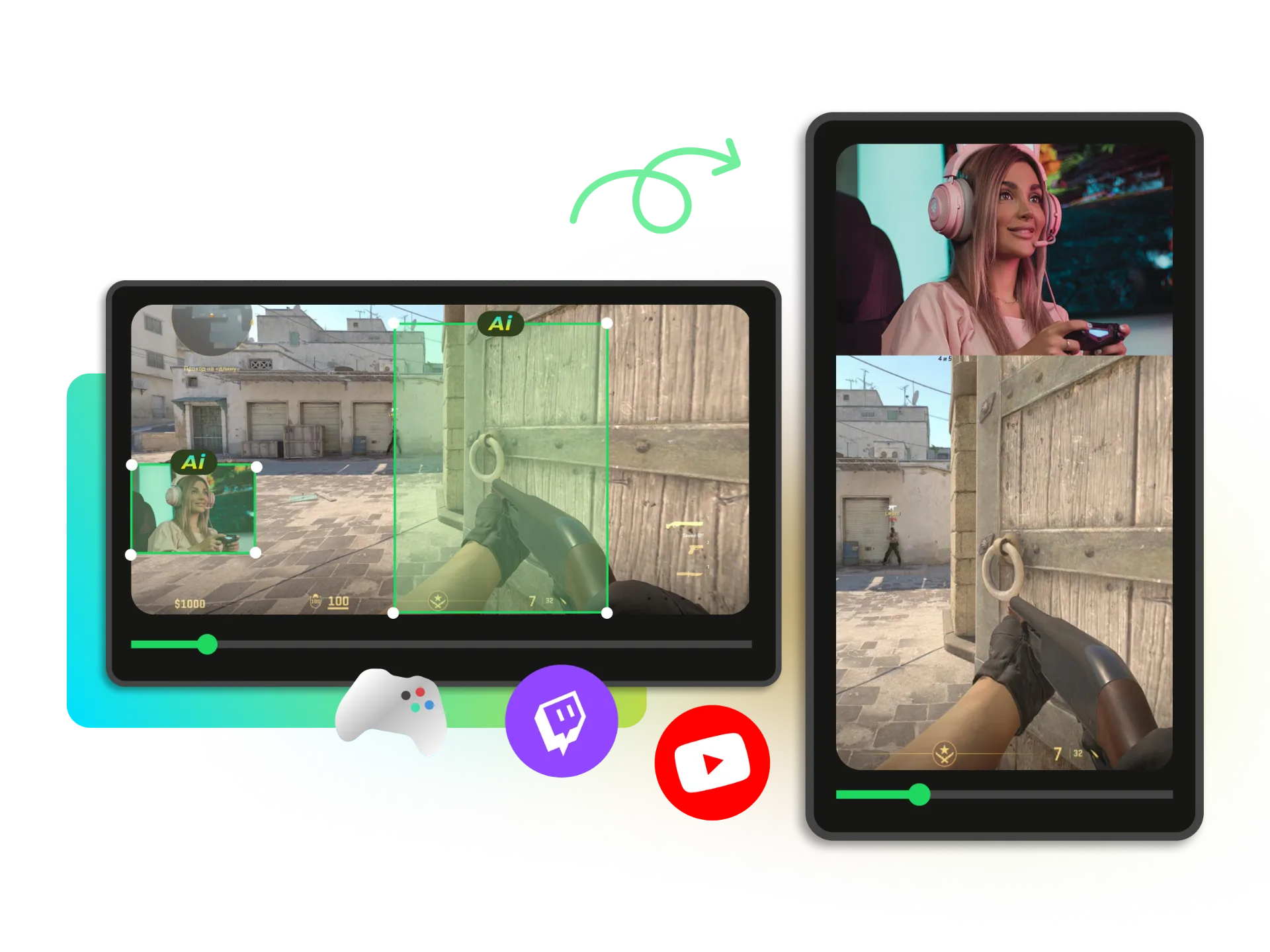
Creators, marketers, and streamers — as well as teams on movie scenes, music videos (MVs), and spots videos — use AI Reframe to spin horizontal footage into platform-native cuts without touching a timeline. Picture a last-second soccer goal kept fully in frame; an idol’s signature dance move held center in vertical; a dramatic close-up with headroom and eyeline preserved. Works for any scene, delivering viral-ready cuts with professional framing.
Content Creators & Repurposing
Gaming & Streaming
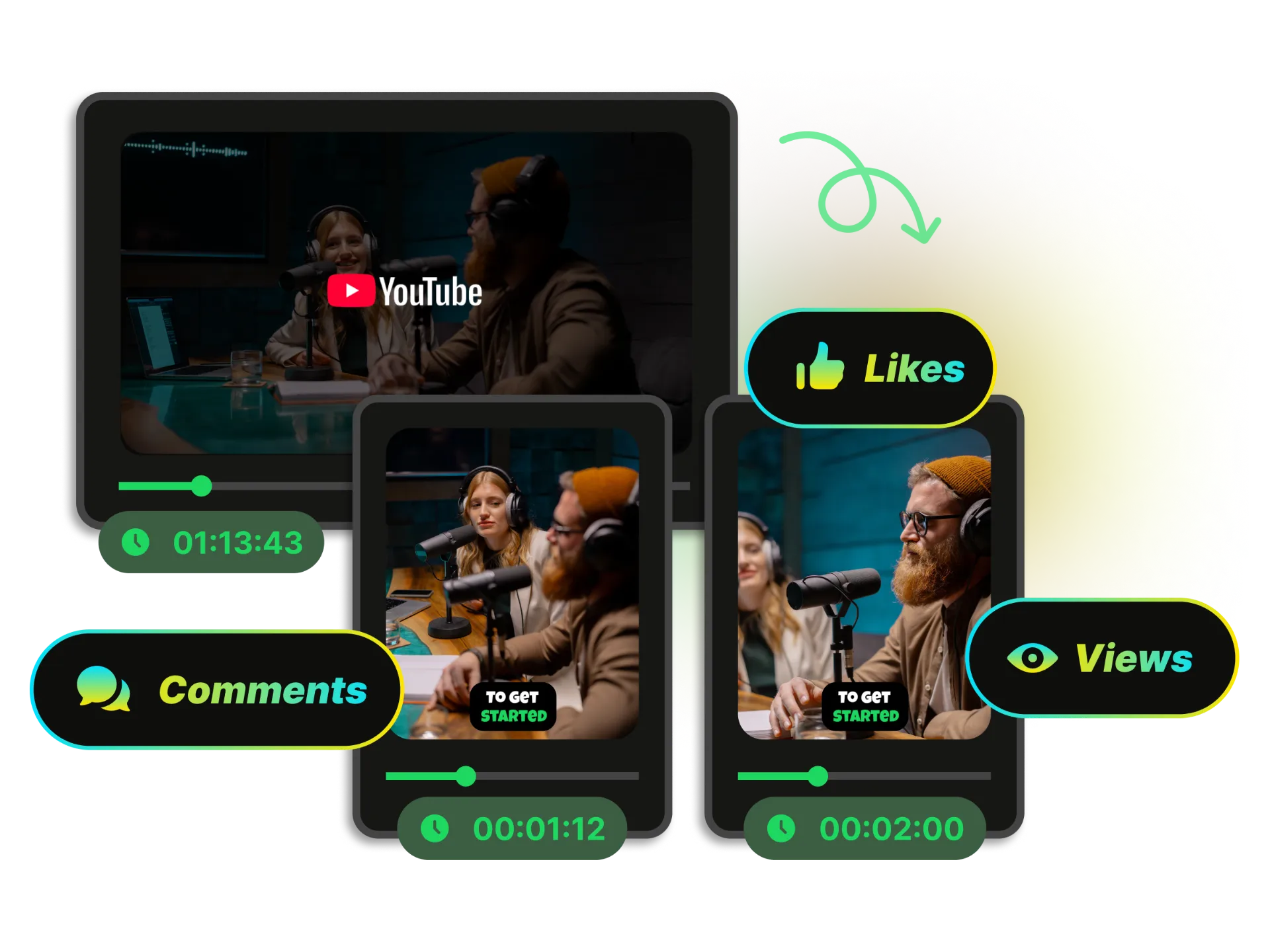
Podcasting & Interviews
Video Archiving & Legacy Content
Digital Marketing & Ads

Spin Long-Form Footage into Scroll-Stopping Shorts

Feed the AI your webinars or vlogs and it surfaces the sharpest hooks, centers the speaker, and layers kinetic captions plus social proof that stop the scroll.

Create a Viral Video
Long horizontal video automatically converted into engaging vertical shorts with captions and engagement indicators.

Key Advantages of Our AI Reframe Technology

Smart focus icon with target element

Smart Focus

AI recognizes and focuses on the main subject, eliminating off-center cropping for professional results.

Multiple aspect ratio icon showing flexibility

Format Flexibility

Supports every major aspect ratio (9:16, 1:1, 4:5, 16:9) for complete platform coverage.

Lightning speed icon

Blazing Fast Speed

Processes long videos in minutes and keeps previews responsive, saving hours of manual work.

HD quality icon without watermark

No Watermark Results

Free, high-quality video outputs for all your social channels without brand imposition.

Browser cloud icon with download arrow

Browser-Based Tool

Works entirely online. No heavy software installation or powerful hardware required.

icon for Mobile Friendly

Mobile Friendly

Easily create new videos anytime, anywhere, even on your mobile device.

FAQ

Frequently asked questions

Manual editing means hand-cropping and keyframing to keep the subject in view—time-consuming and easy to misalign. AI automatically identifies the subject and keeps it perfectly framed, and you can also make quick adjustments with simple controls.
Yes. Use our built-in presets to convert the same video into different formats. 16:9 (landscape): standard widescreen for desktop and traditional platforms — YouTube, Facebook, X (formerly Twitter); 9:16 (portrait): mobile-first for short video — TikTok, Instagram (Reels), Snapchat, YouTube Shorts; 1:1 (square): classic square — Instagram, Facebook; 4:5 (vertical feed): supported on X. Choose a ratio when submitting an AI reframe task, and after editing you can switch ratios and share again to prepare one video for multiple platforms.
Yes. You get 60 free credits daily (resets every 24 hours) to reframe videos without a watermark—great for trying it on your own videos.

Reframe Your Videos in a Flash With AI Now

Stop wasting time on manual cropping and resizing. Turn your long videos into viral, platform-perfect clips with the power of AI.

Reframe Video