3 AI Tools Architects Should be Using by Now
Video Duration: 00:12:25Video Author: Show It Better
Understanding videos in seconds with WayinVideo
- #1 Fast AI video tool to analyze and summarize long videos.
- Generate transcripts, subtitles, and translations in 100+ languages.
- Find key moments, ask questions, and uncover insights instantly.
Overview
Timeline
First Tool: Nano Banana
- 00:00:04
Nano Banana is presented as a strong ideation and brainstorming tool for architects, capable of sketching quick ideas with impressive results, especially with its Pro version.
- 00:00:48
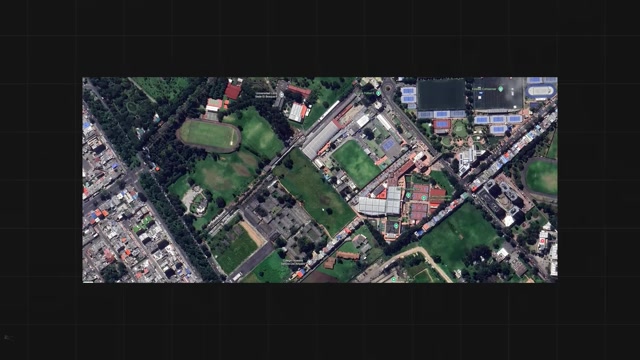
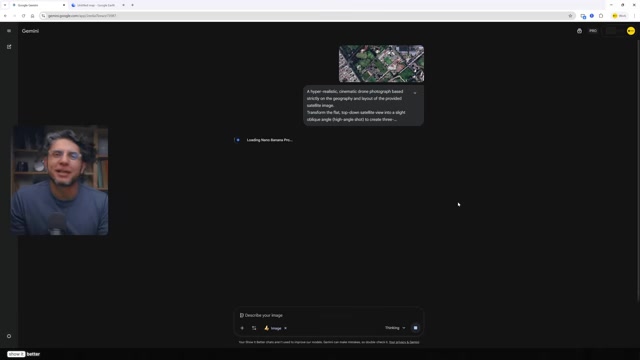
The first example shows how to transform low-quality satellite images from Google Earth into high-resolution drone photographs of a site using Nano Banana and a specific prompt.
- 00:02:13
Nano Banana can be used for generating various massing ideas by modifying shapes and forms through descriptive language, with a recommendation to use a catalog of spatial verbs for precise prompting.
- 00:03:51
The tool can also create doodle-style napkin sketches from reference images and then transform them into realistic renders, allowing for exploration of different angles and design iterations.
Rayon Design: A 2D AI Tool for Architects
- 00:05:42
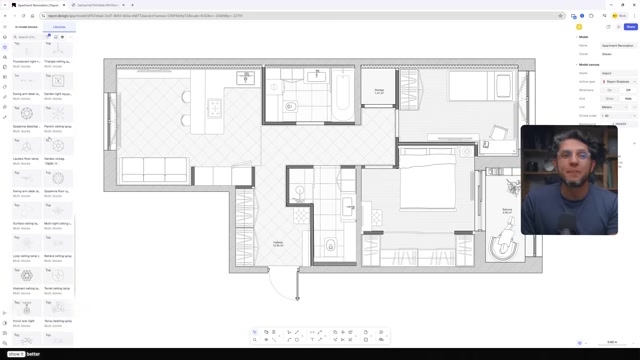
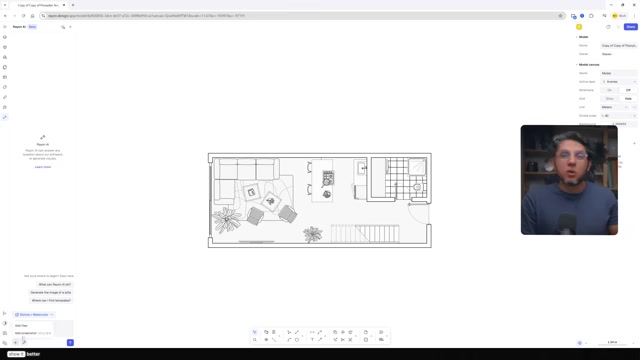
Rayon is a 2D tool used before SketchUp or Revit, offering a clean and smooth drafting platform with an integrated AI panel for faster workflows.
- 00:06:11
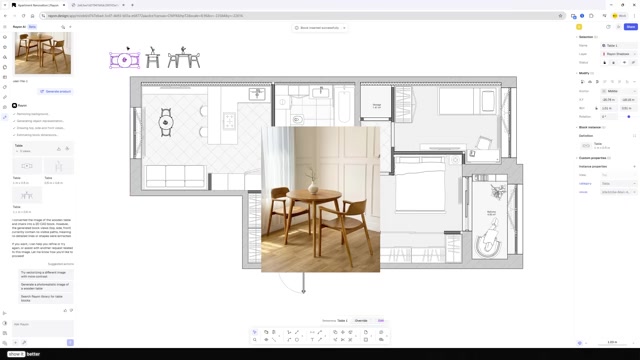
Rayon's AI block tool allows users to generate specific or branded product blocks from images, creating top, front, and side views.
- 00:06:37
The AI panel can convert 2D floor plans into 3D axonometric views in seconds, and quickly change the style of floor plans to artistic or realistic renders.
- 00:07:41
Users can test different material options by adding a texture and prompting Rayon AI to apply it to specific areas, all within the platform.
D5 Render's AI Tools for Visualization
- 00:08:59
The AI material generator in D5 Render allows users to easily create new materials from reference images or find specific materials without knowing their names.
- 00:09:23
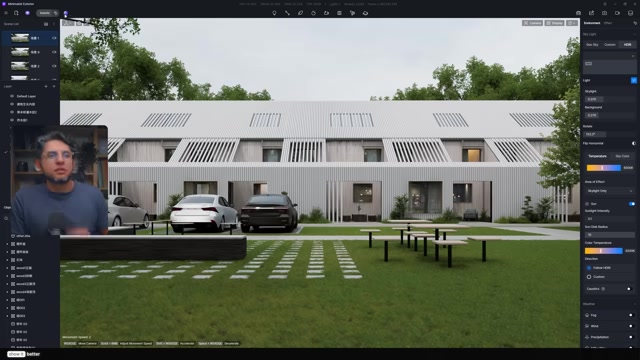
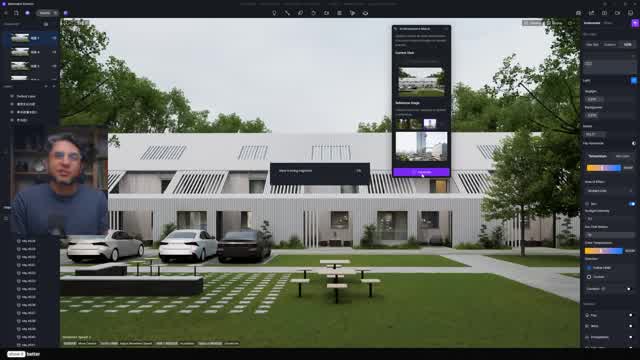
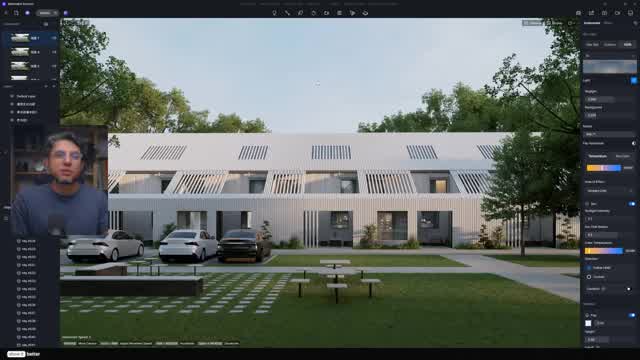
The AI atmosphere match tool enables quick mood and lighting tests, serving as an excellent starting point for lighting setups, though manual fine-tuning may still be needed for final renders.
- 00:10:00
The AI scatter tool simplifies vegetation scattering, making it a controllable and efficient process for adding greenery to models.
- 00:10:23
D5 Render's post-processing AI interface offers tools like texture enhancement, inpainting to fix areas, and AI style transfer for creative effects, though the style transfer may alter original geometry significantly.
Moments
Nano Banana, a powerful AI tool, facilitates architectural ideation and brainstorming. It transforms low-quality satellite images into high-resolution drone photographs of your site, making them usable for your projects.
Rayon streamlines architectural drawing production with its 2D drafting and presentation platform. AI features enable users to generate specific blocks, convert 2D plans into 3D axonometric views, and restyle drawings directly within the platform, saving significant time.
D5 Render's AI tools accelerate visualization by generating materials from images and exploring moods and lighting. The AI scatter tool simplifies vegetation, and post-processing enables quick enhancements and fixes.